This tag collects articles about working with the plastic feedstock used in fused-deposition 3D printers. It is written for hobbyists and home users who own or are considering a consumer printer, and who need practical guidance on handling filament, the spooled material that melts and layers into finished objects. The focus is on everyday maintenance and material changes, not on printer construction or advanced tuning.
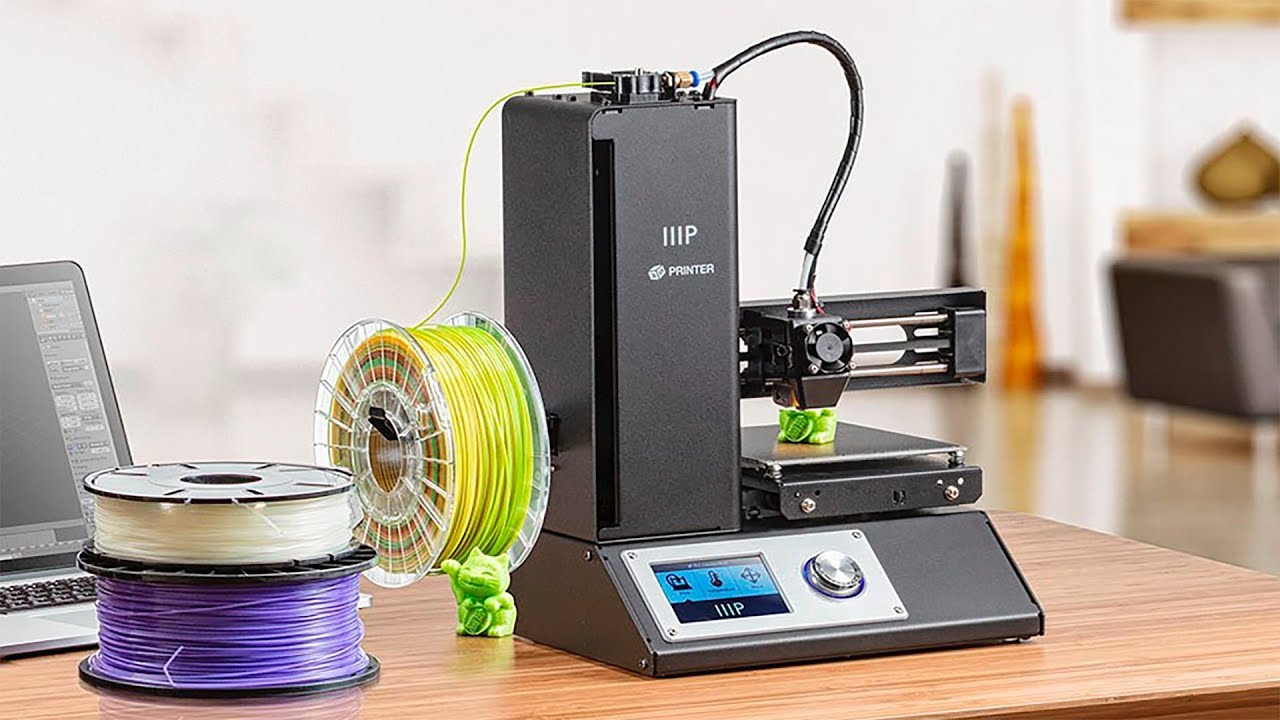
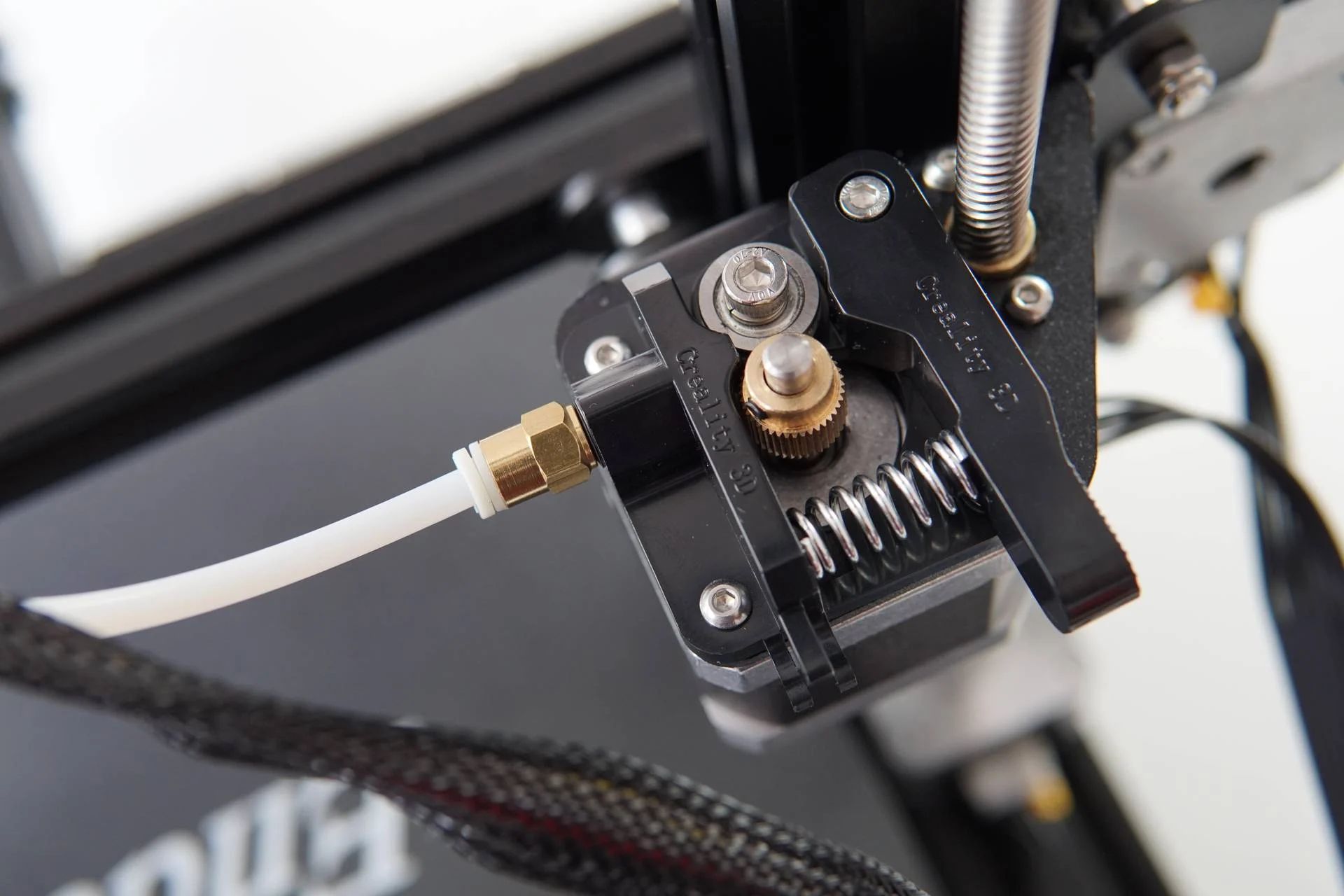
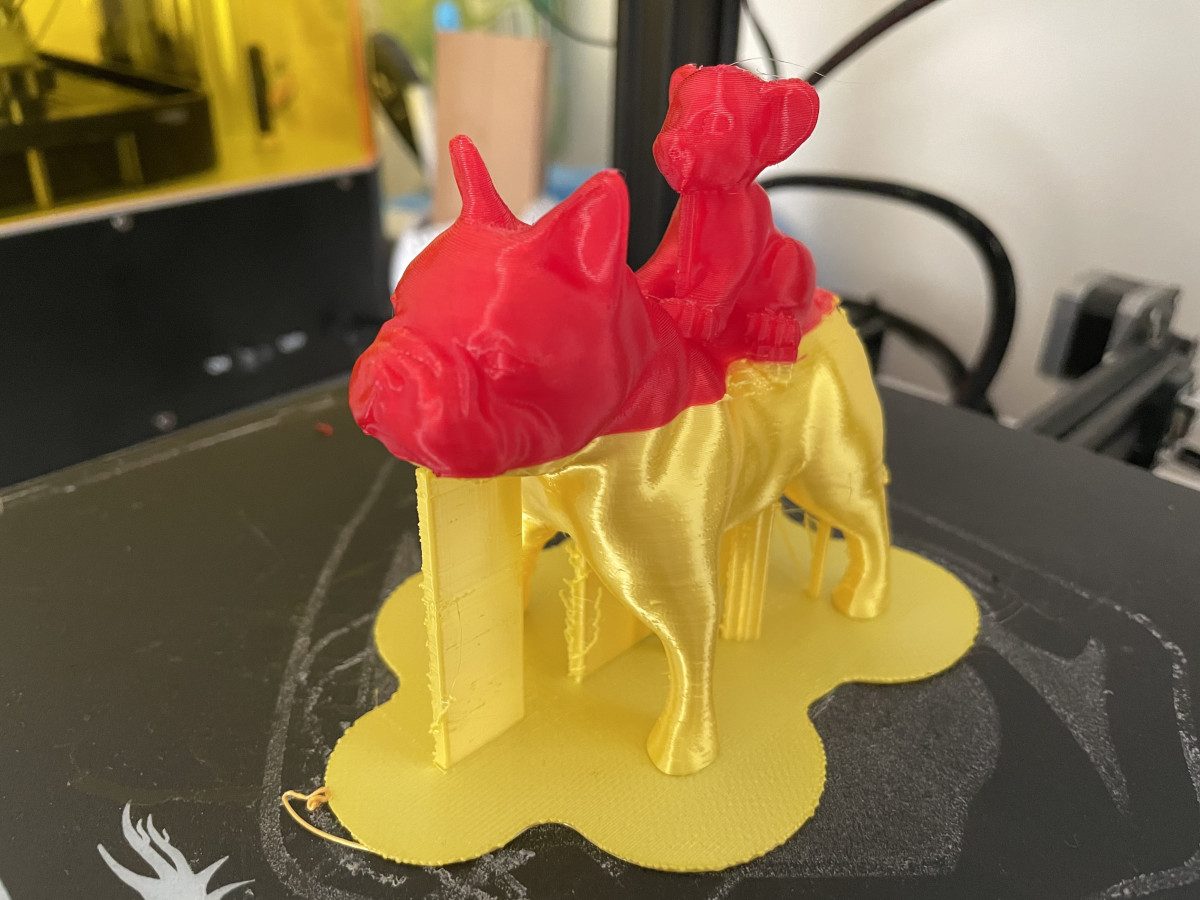
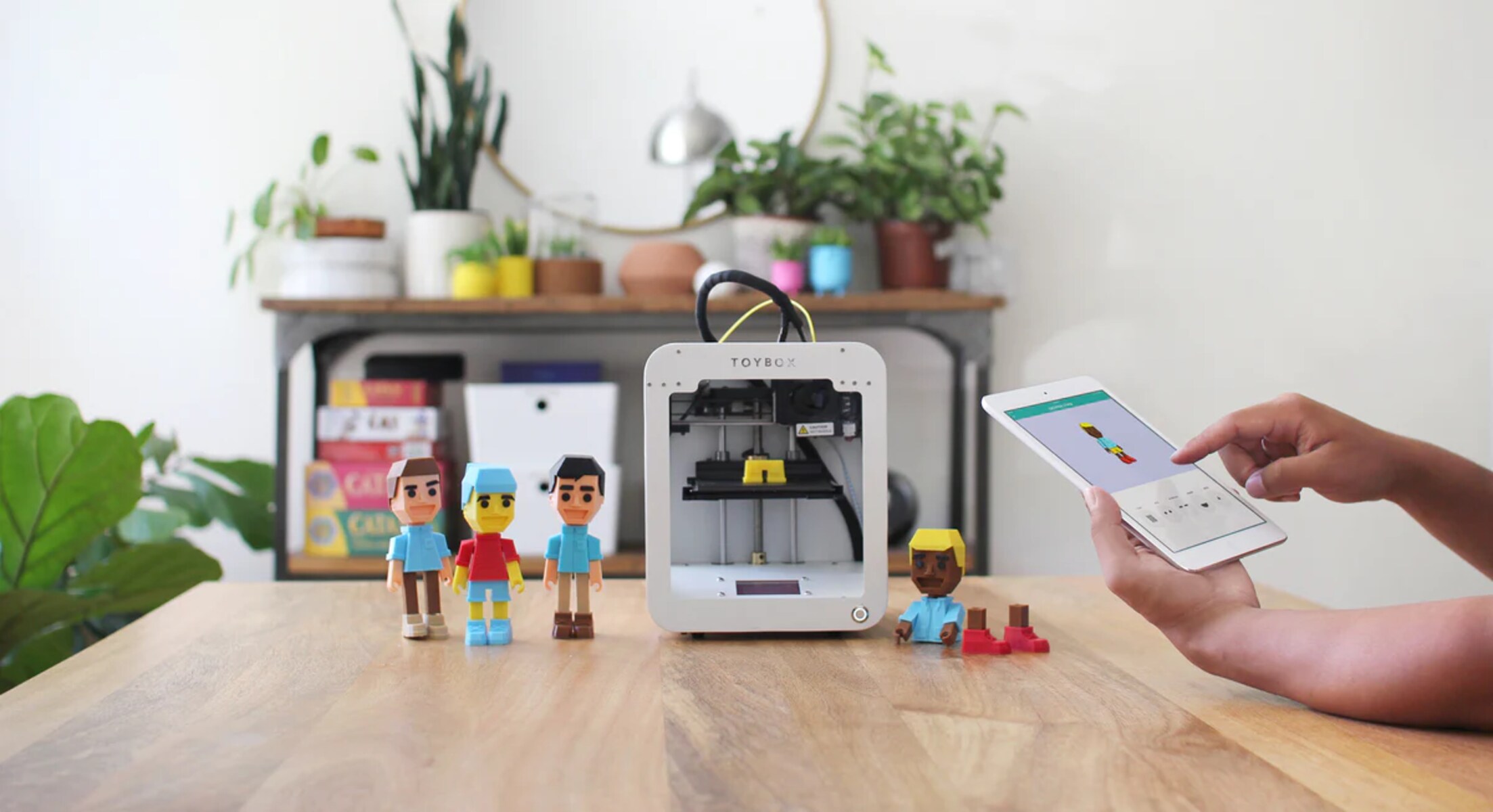
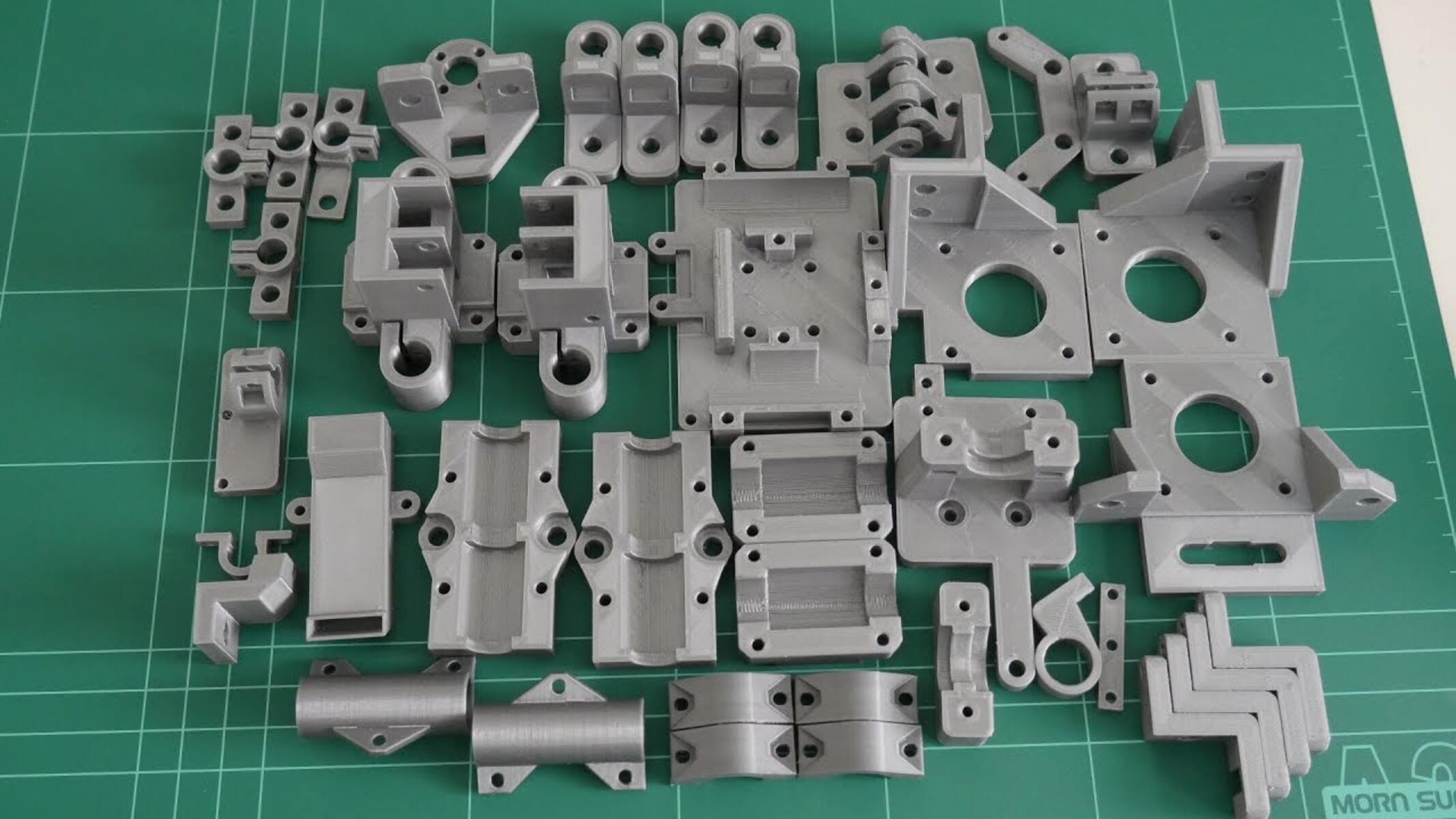
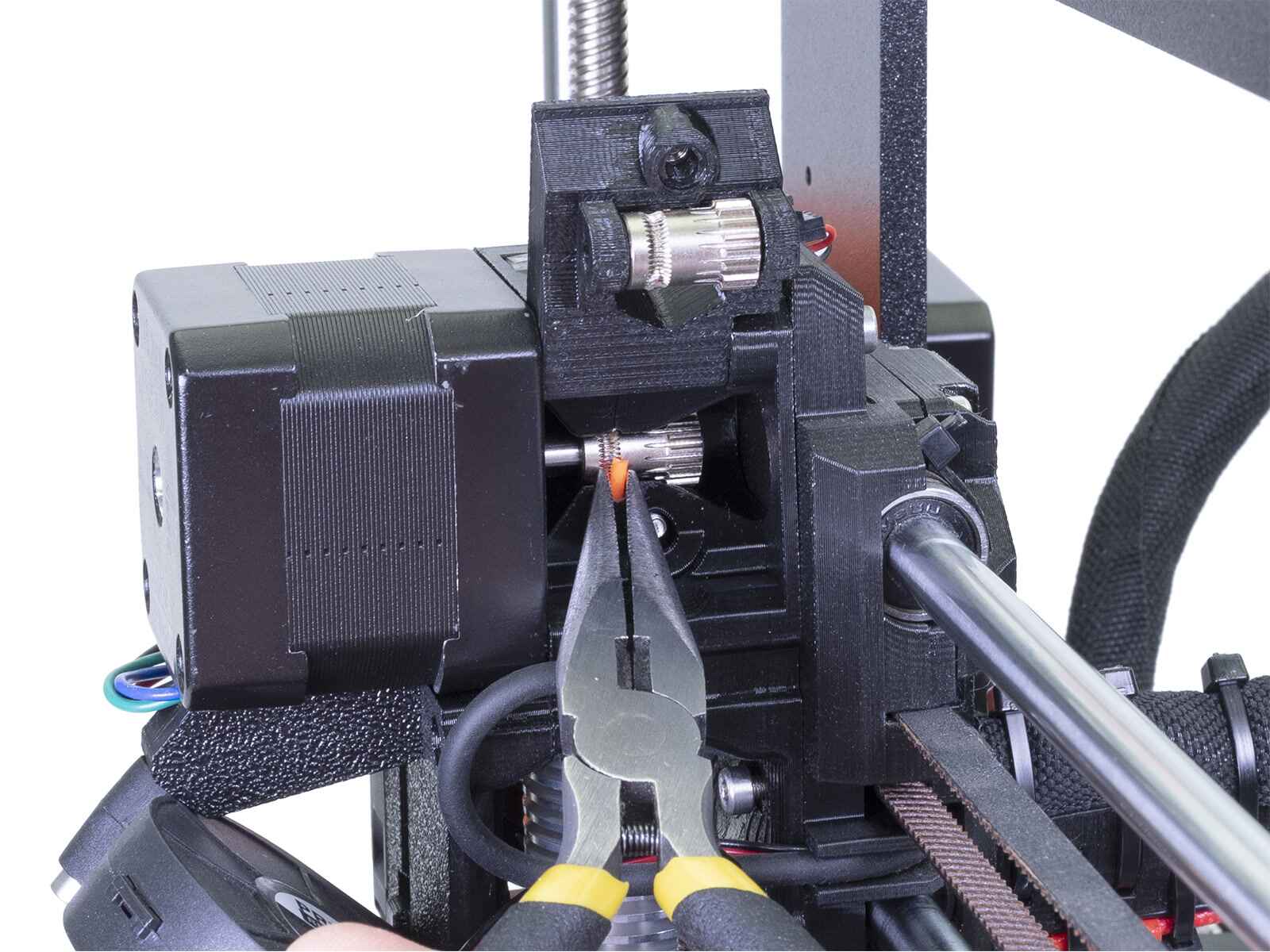
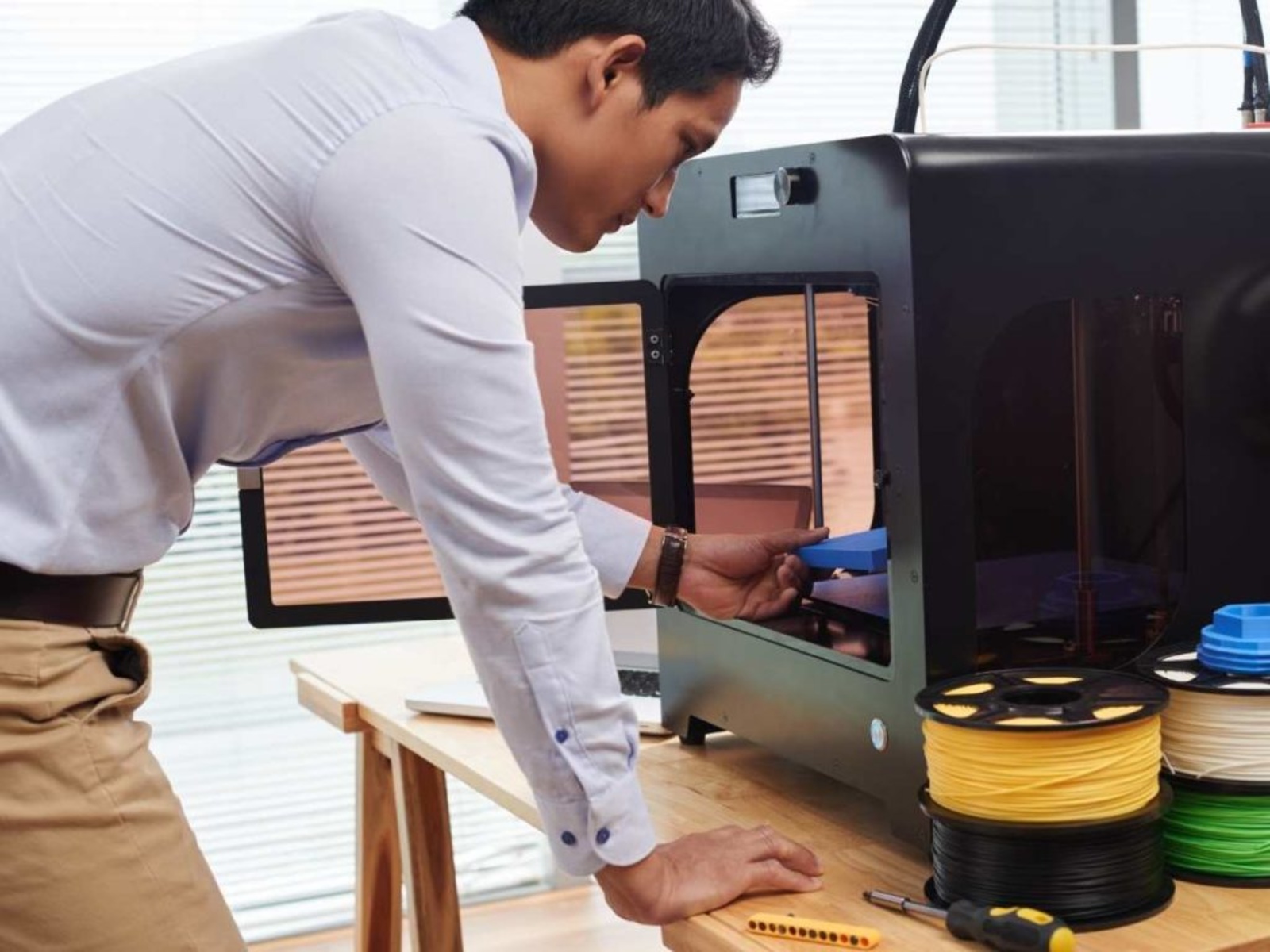
The articles solve two main kinds of problems. The first is switching materials and colors cleanly. For example, “How To Change Filament During 3D Printing” and “How To Remove Filament From A 3D Printer” walk through the physical steps of unloading an old spool and loading a new one without jams or partial prints, while “How To Change Color On A 3D Printer” addresses the specific trick of purging the nozzle so the new shade comes out true. The second theme is understanding different machines. “How To Use An IIIP 3D Printer” and “How To Use Toybox 3D Printer” are aimed at beginners with those specific brands, explaining their unique loading mechanisms, settings, and safety quirks. Finally, “How To Replicate A Plastic Part With A 3D Printer” takes a legal, practical angle: it shows how to measure an existing broken item, model a replacement, and print it, so you can repair rather than buy new. None of these pieces cover bypassing protections or pirating designs; they stick to safe, legitimate use of your own equipment.