This tag collects guides for getting your own data out of the services and apps you use every day. It is written for regular consumers, people who want to keep a personal copy of their photos, messages, or browsing information without relying on a cloud service forever. If you have ever worried about losing access to an account, wanted to free up storage, or needed to move files to a backup drive, these articles are for you.
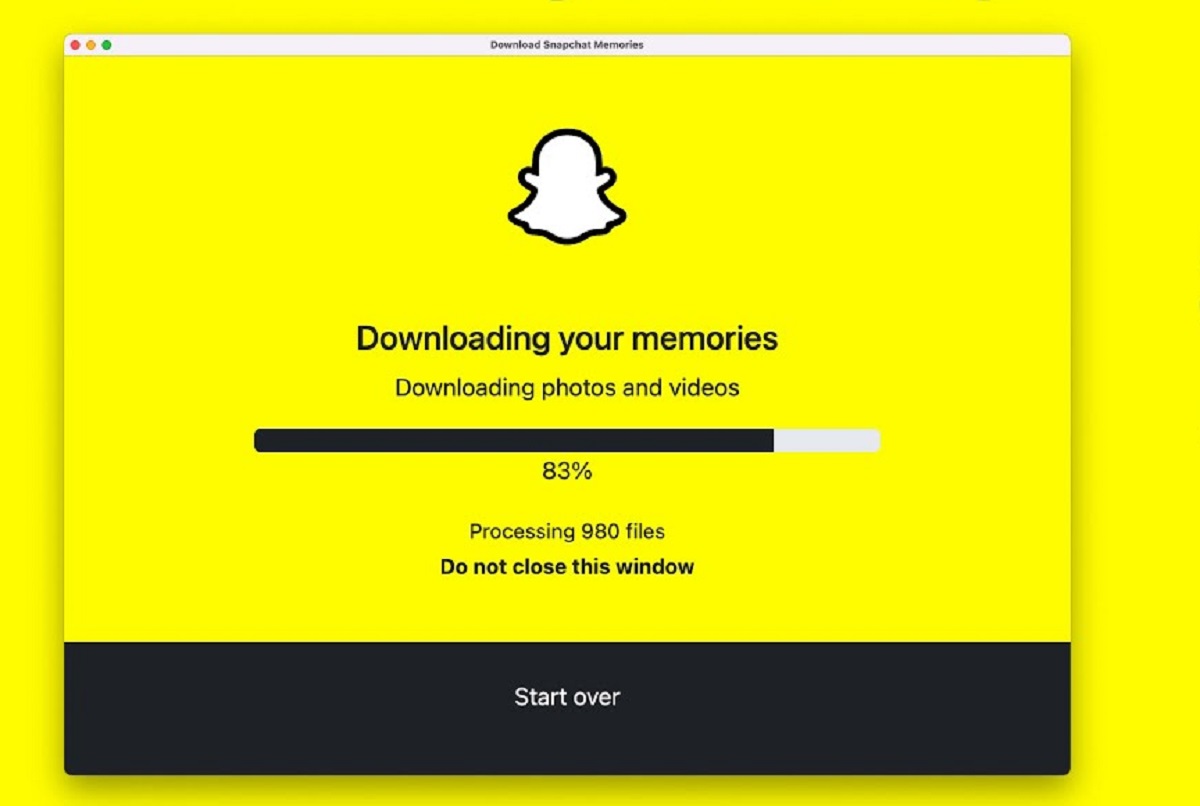
The problems covered here fall into a few clear themes. One is photo and social media archiving: you can learn how to download all your Google Photos to a PC, pull every Snapchat Memory to a computer, or grab your entire Instagram photo library in one go. Another theme is email and browser data preservation, with guides on copying all Outlook emails to an external hard drive, saving emails to a portable drive, and exporting Firefox cookies for safekeeping or transfer. A third, smaller theme involves format compatibility, as seen in the piece about which conditional formatting rules break when you download a Google Sheet into Excel.
Rather than showing any risky or unauthorized methods, these articles help you use the official export tools and standard file-transfer steps that services already provide. They focus on safe, legal ways to back up your own content, whether that means moving years of photos off a social platform or keeping a local copy of your inbox. The goal is simple: give you control over your data, so you can switch services, declutter, or rest easy knowing you have a backup.