This tag collects articles about the physical components inside and attached to your computer, the parts you can touch, upgrade, or troubleshoot. It’s written for everyday users who want to understand their hardware better, whether they’re replacing a drive, figuring out what a keyboard key does, or just curious about how memory and the processor cooperate. No prior technical knowledge is assumed, and the focus is on practical, safe, and legal guidance.
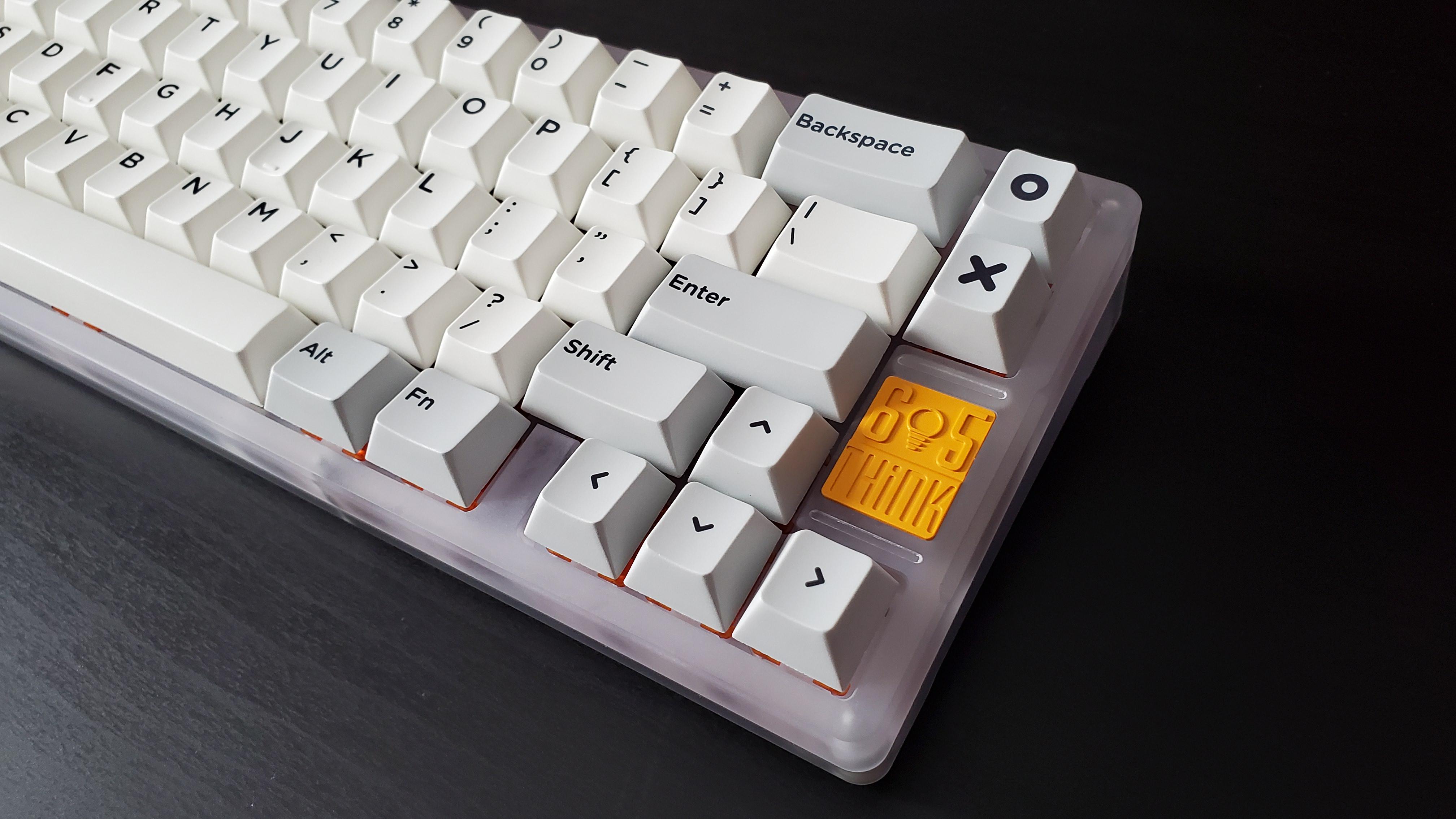
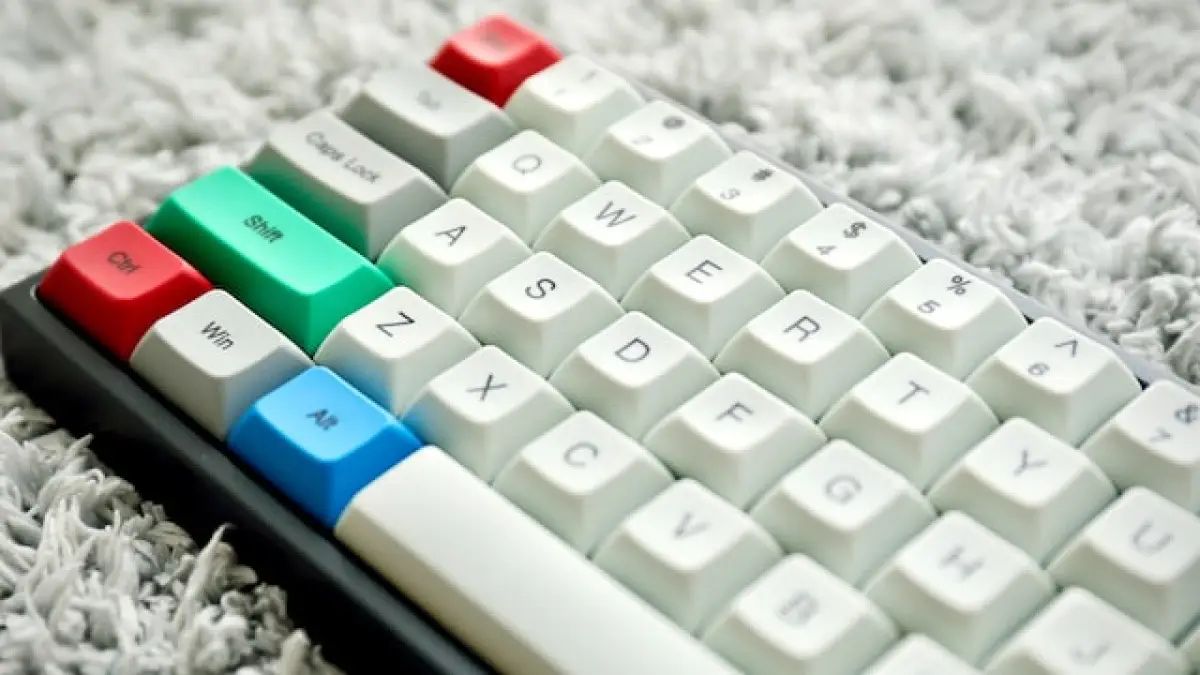
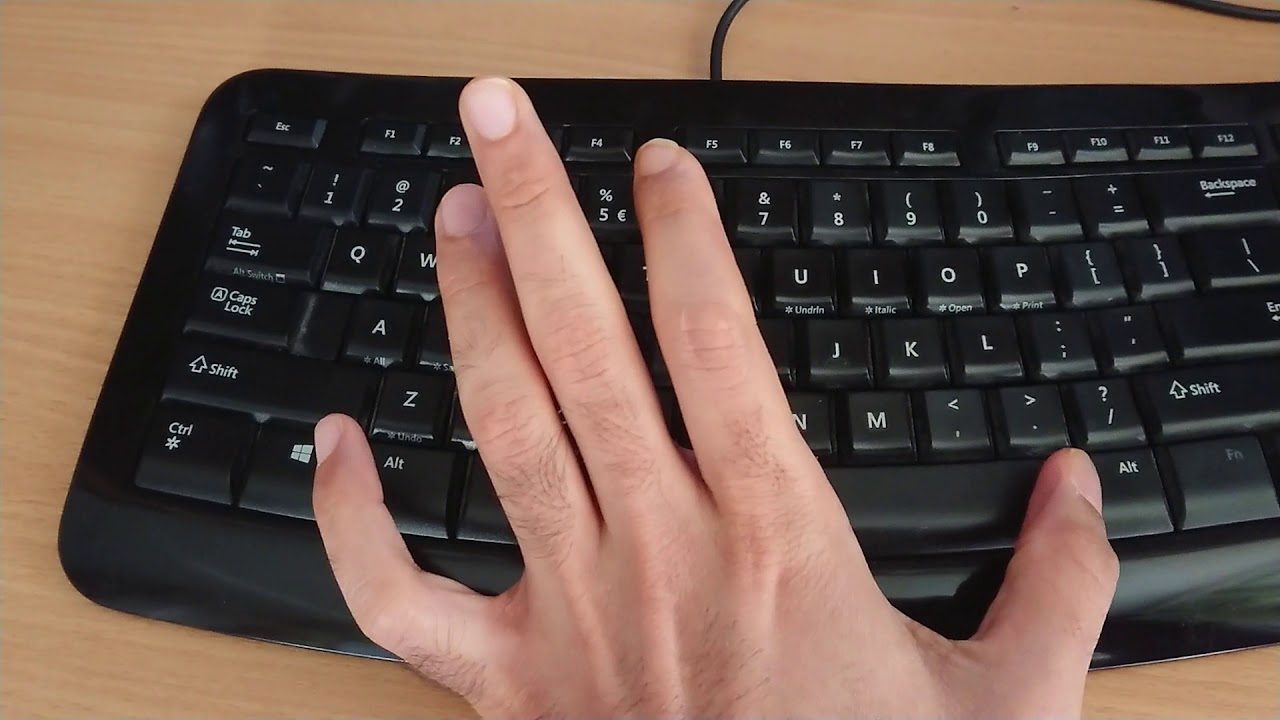
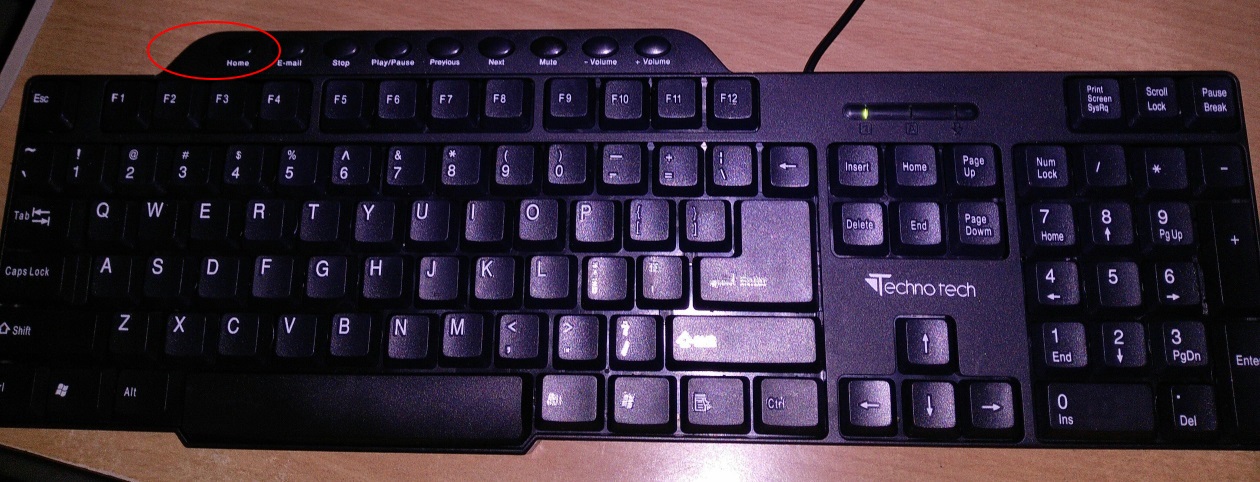
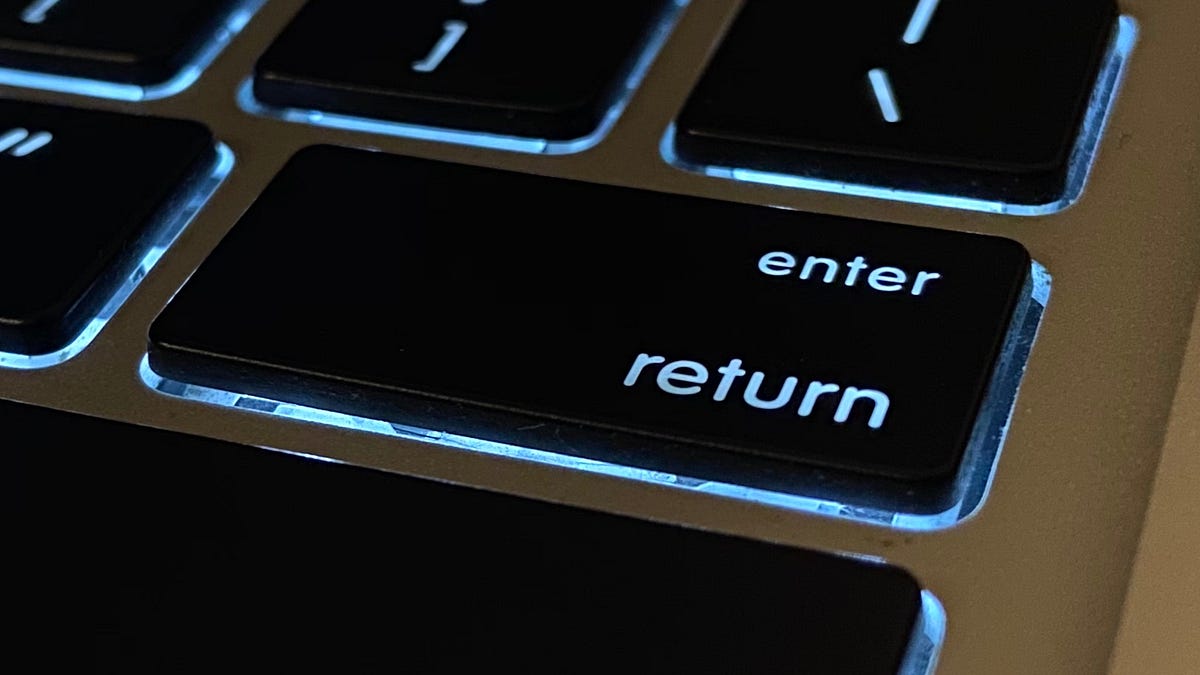
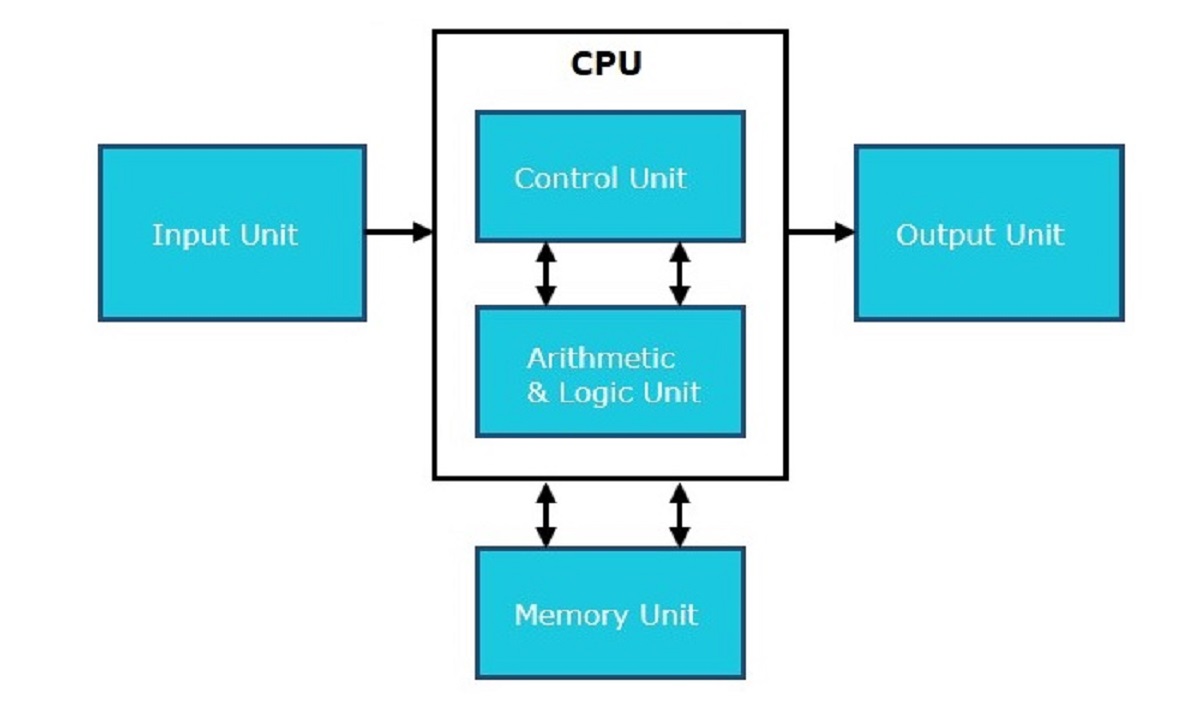
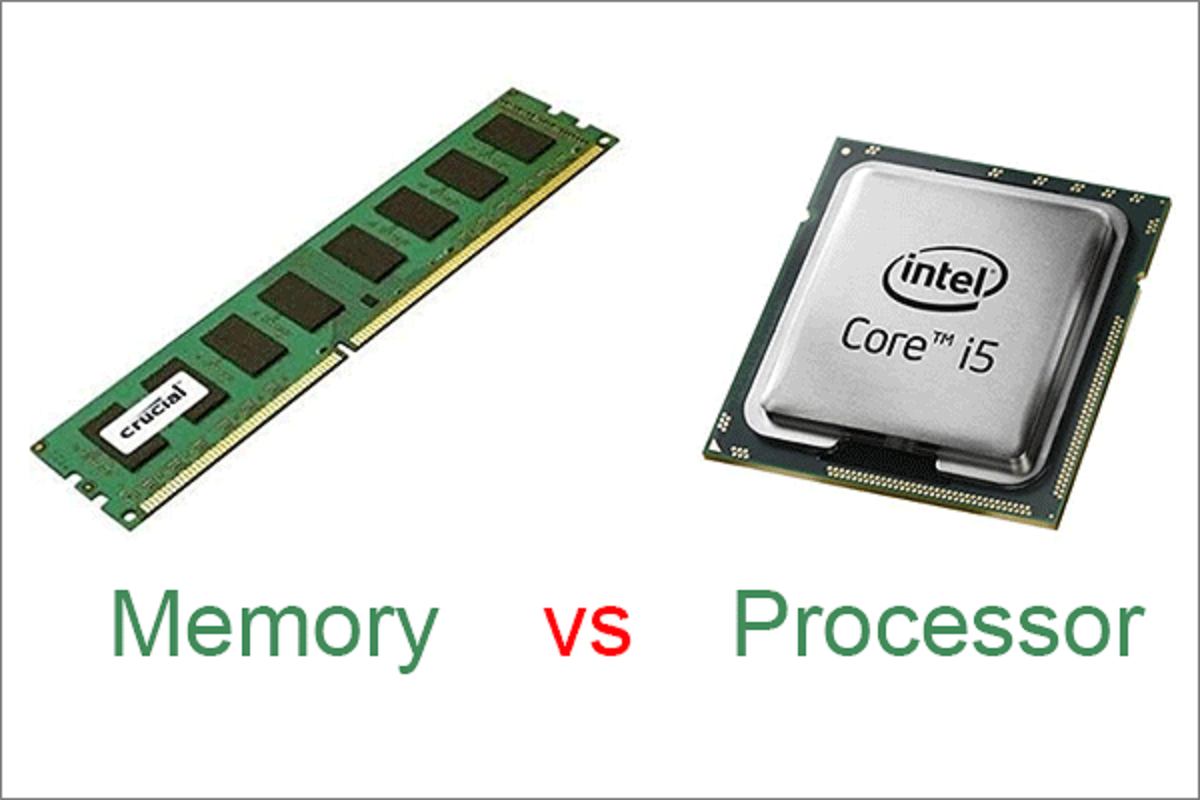
The articles fall into a few clear themes. One is basic education: pieces like “How Do CPU And RAM Work Together,” “What Is 1TB SSD Mean,” and “What Is The Function Of A Hard Disk Drive” explain what components do and how they interact, helping you make informed buying or upgrade decisions. Another theme is hands-on maintenance and repair, for example, “How To Remove A Hard Drive From A Dell Desktop,” “How To Turn On A Dell Monitor,” and “How To Reinstall A Tempered Glass Side Panel Without Shattering It” walk you through physical tasks step by step, with an emphasis on doing them safely. A third group covers everyday usability and keyboard layout, such as “Where Is Backslash On Keyboard,” “Keyboard Keys Explained,” and “Why Is The Keyboard Not In Alphabetical Order,” which solve small but frustrating mysteries about input devices.
Some topics approach risky or questionable actions from a responsible angle. For instance, “How To Download More RAM For Free” is not about pirating or cheating, it explains why that’s a myth and what actually happens when you run low on memory. Similarly, “What Happens To Anything In RAM When You Power Off Your Computer?” clarifies data volatility, and “How To Connect DVD Player To Computer With HDMI” covers legitimate cabling options. These pieces help you understand limits and alternatives, not bypass them. Overall, the tag equips you to identify, maintain, and safely modify the hardware you already own.