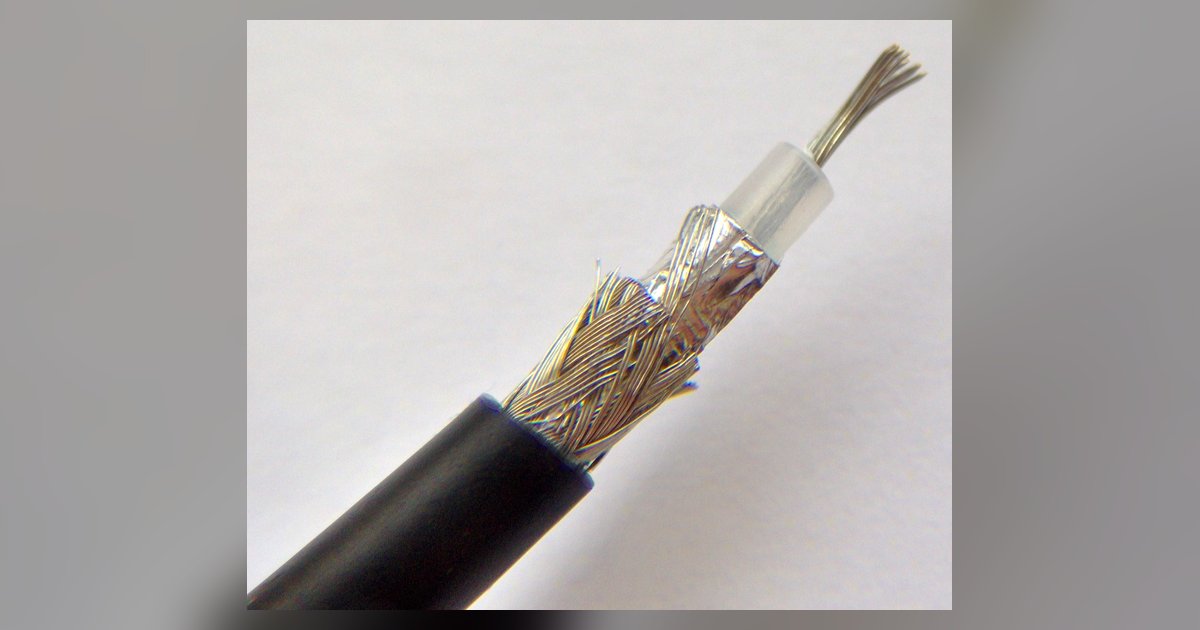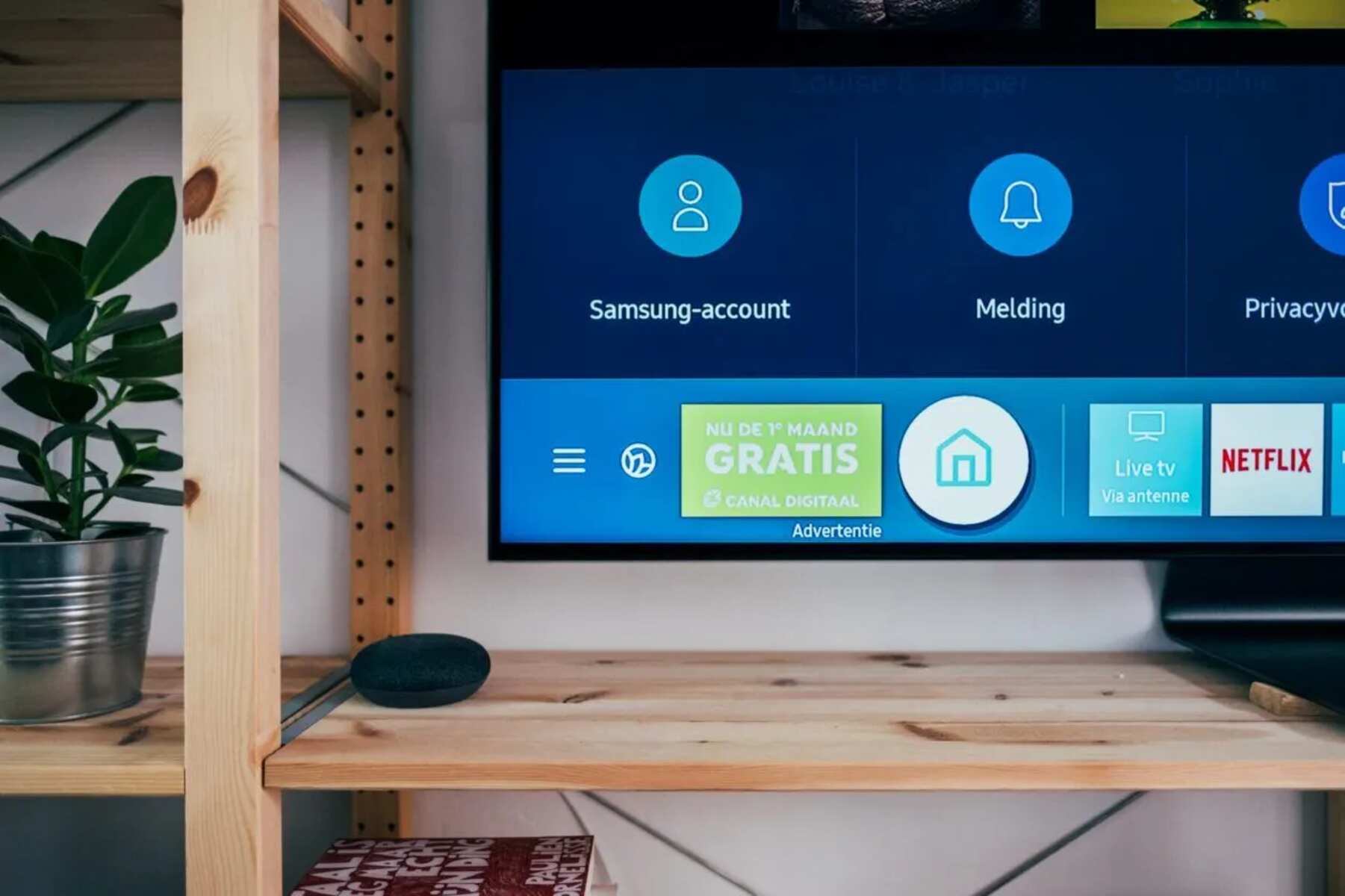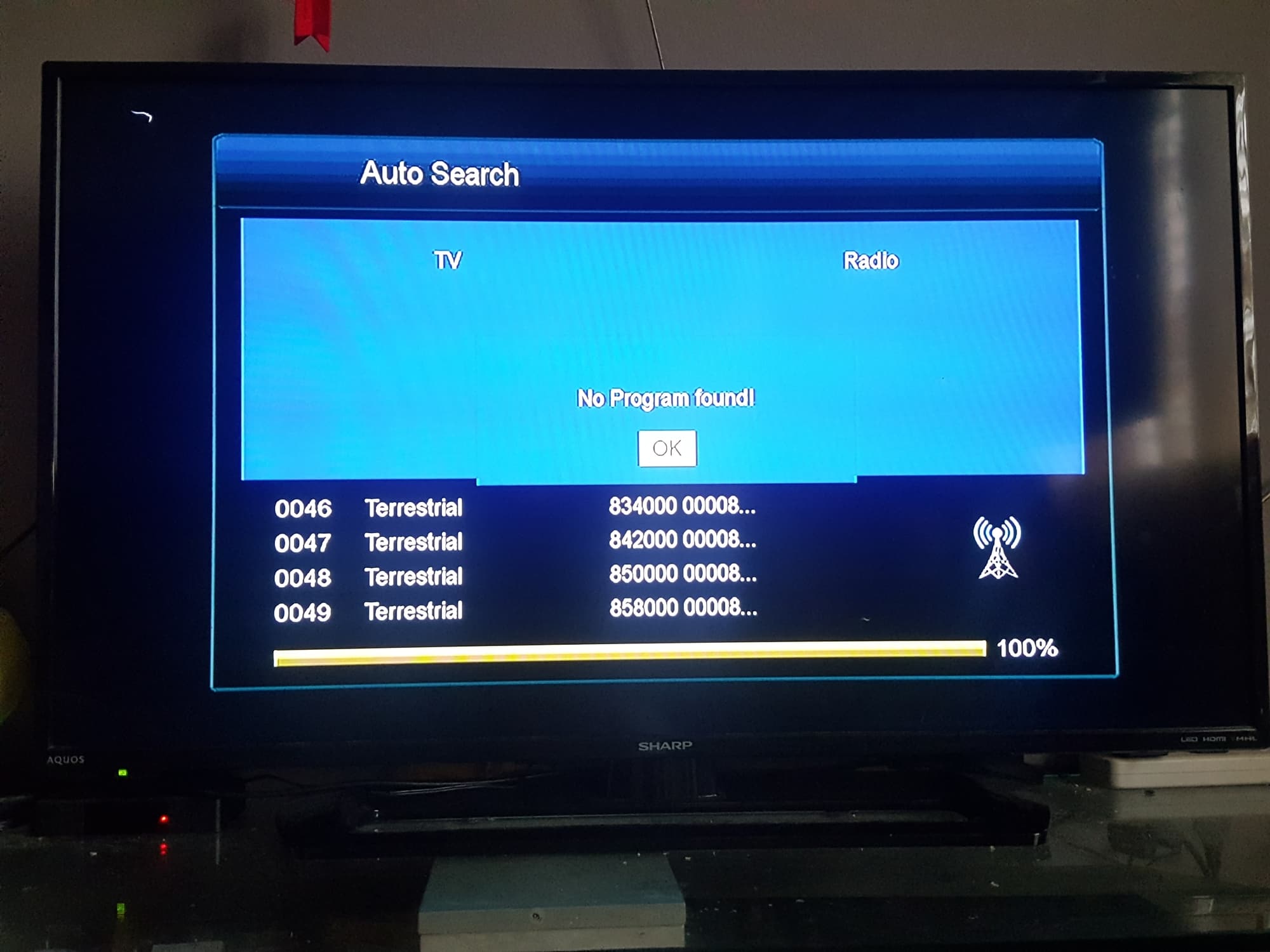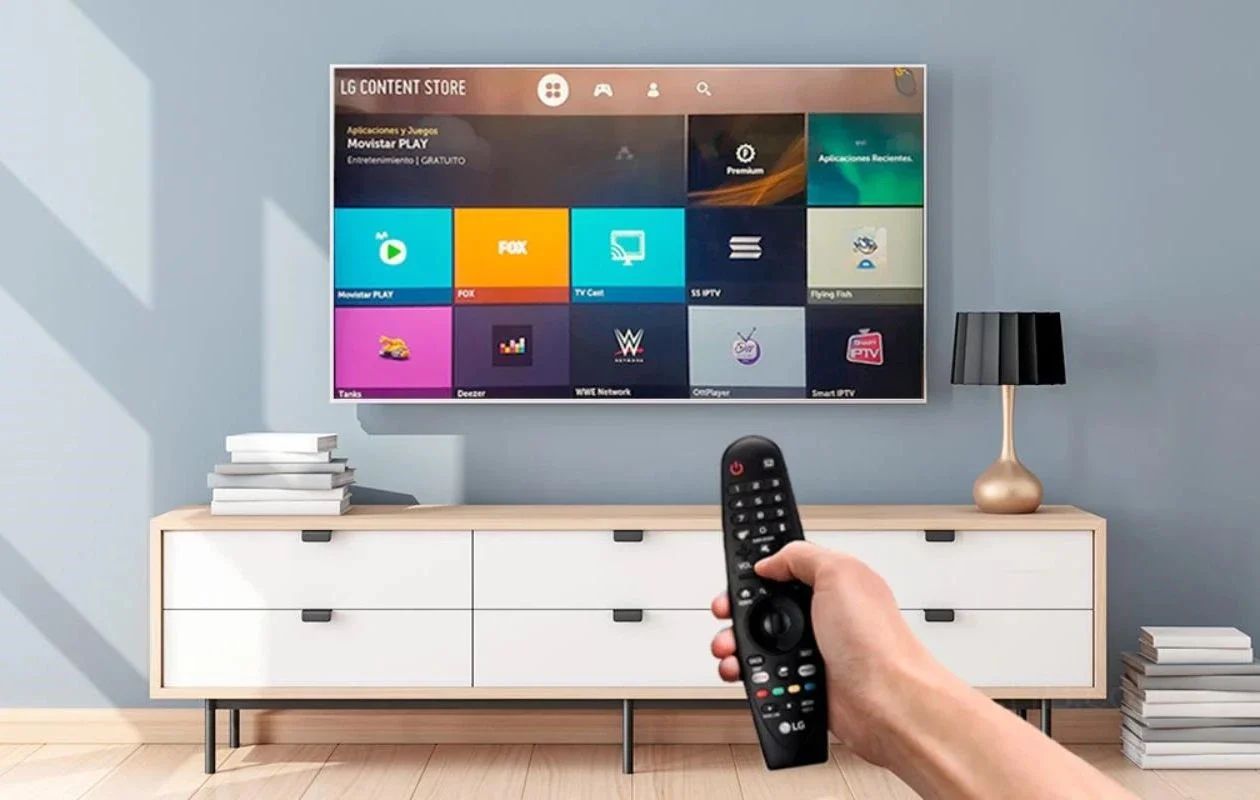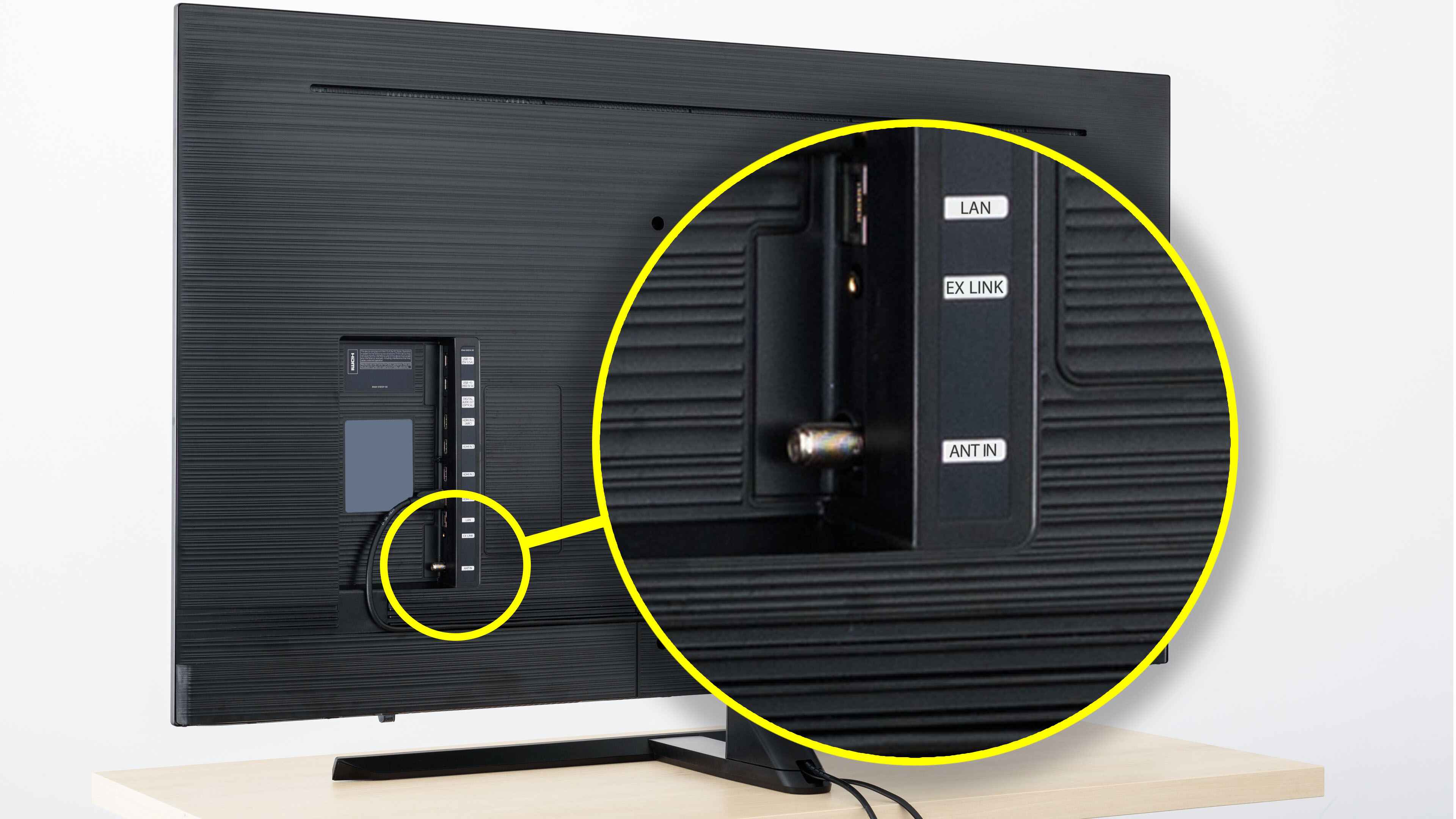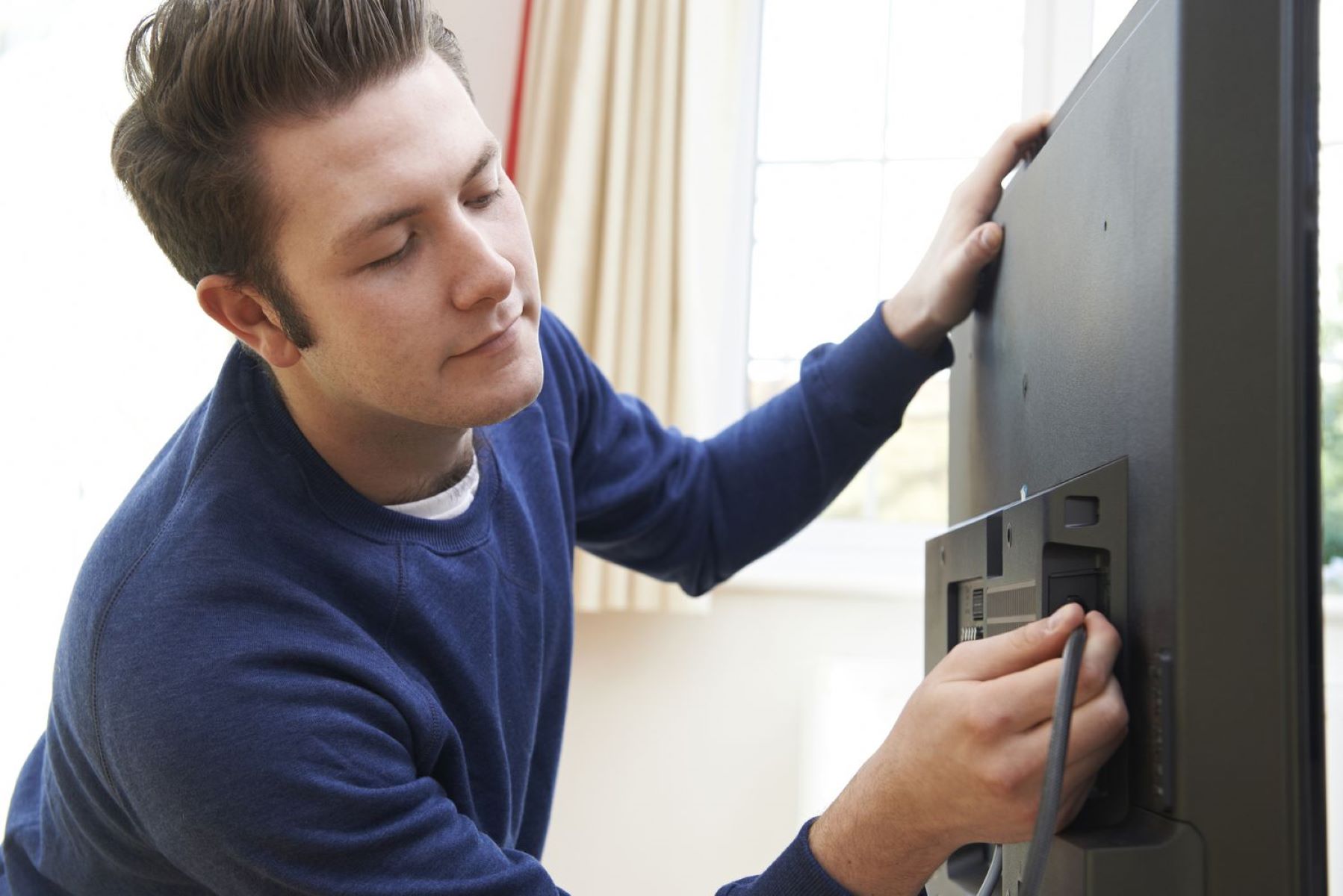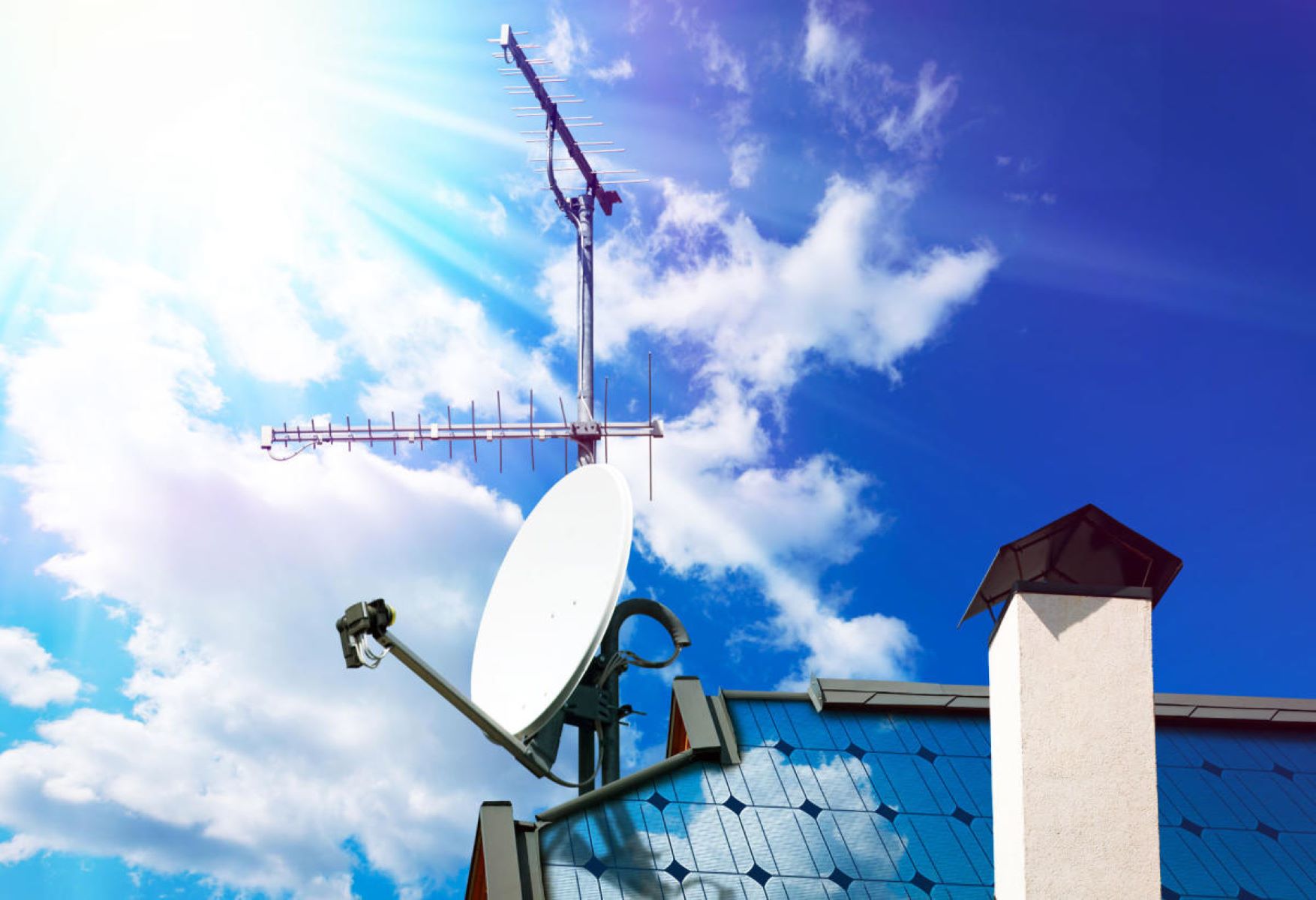
This tag collects articles about connecting over-the-air TV antennas to modern televisions and streaming devices, with a strong focus on the coaxial cable connections involved. It is written for cord-cutters, smart TV owners, and anyone who has recently cancelled cable or satellite service and wants to keep using their existing in-wall wiring. The guides assume you have a basic antenna and a TV with a coaxial input, and they walk you through the physical hookup step-by-step.
The articles solve two main kinds of problems. First, they address the practical challenge of getting a signal from an antenna to a TV that may not have a dedicated antenna port, for example, connecting to a Roku device or a Samsung QLED model. Second, they tackle the common question of whether you can repurpose existing coaxial cable runs, specifically the cable left behind by a satellite dish. One article explains how to determine which way to point your antenna for best reception, while others provide model-specific instructions for LG and Samsung smart TVs, including how to switch the TV’s input source to “cable” or “antenna” after the physical connection is made.
Rather than encouraging any risky or unauthorized work, these guides focus on legal, safe reuse of passive wiring and standard consumer ports. For example, the piece about using an old satellite dish coax cable clarifies when that cable is suitable for an antenna signal and when it isn’t, helping you avoid signal loss or damaging your TV’s tuner. The articles are straightforward, practical walkthroughs, no signal hacking, no bypassing locks, just clear steps for making a standard over-the-air connection work with the gear you already own.