The Chromecast tag on robots.net collects practical, reader-tested guides for getting Google’s casting technology to work on your own terms. It is written for everyday owners of smart TVs, streaming sticks, laptops, and phones who want to connect devices that do not always talk to each other, without calling a technician or buying new hardware. Whether you are troubleshooting a stubborn setup or trying to extend a screen to a bigger display, these articles focus on step-by-step fixes and clear explanations.

The articles cluster around three main kinds of problems. First, setup and recovery: you will find straightforward instructions for factory resetting a Chromecast, reconnecting it to a new Wi‑Fi network, and configuring it without a remote. Second, cross-device casting and mirroring: this includes how to cast from a phone to a PC, stream from Firefox to a Chromecast, or project a laptop screen to a wall when no projector is available. The tag also covers smart TV integration, with guides for adding Google services to Samsung, LG, Vizio, TCL, Hisense, and Sharp televisions, plus how to get Xfinity Stream or YouTube TV running on sets that did not come with them preinstalled.

Several articles address workarounds and comparisons from a safety or legal-alternatives perspective. For example, the guide on jailbreaking a Chromecast is framed as a way to understand the device’s limitations and explore supported alternatives, not as a method for bypassing protections. Similarly, the Chromecast vs. Roku screen mirroring quality comparison helps you choose the right tool for your setup, while the piece on allowing Netflix to detect a smart TV on an iPhone focuses on fixing connection errors within the app’s normal settings. In every case, the goal is to help you watch, mirror, and control content across your own devices, legally and without risk.
How To Download Xfinity App On Sony Smart TV

You cannot directly download the Xfinity Stream app on a Sony Smart TV, as the app is not available for the platform. However, you can still watch your cable subscription...

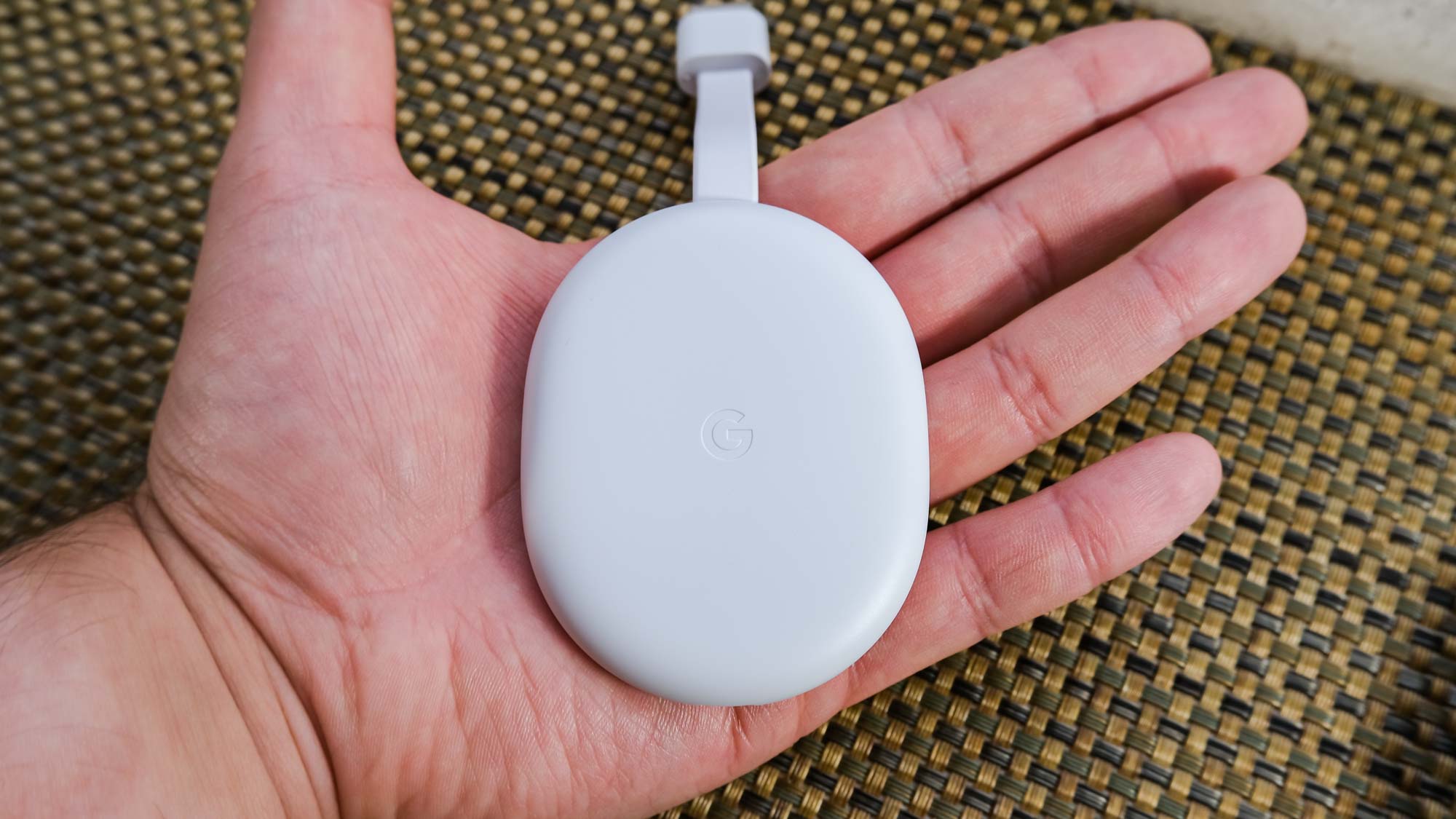
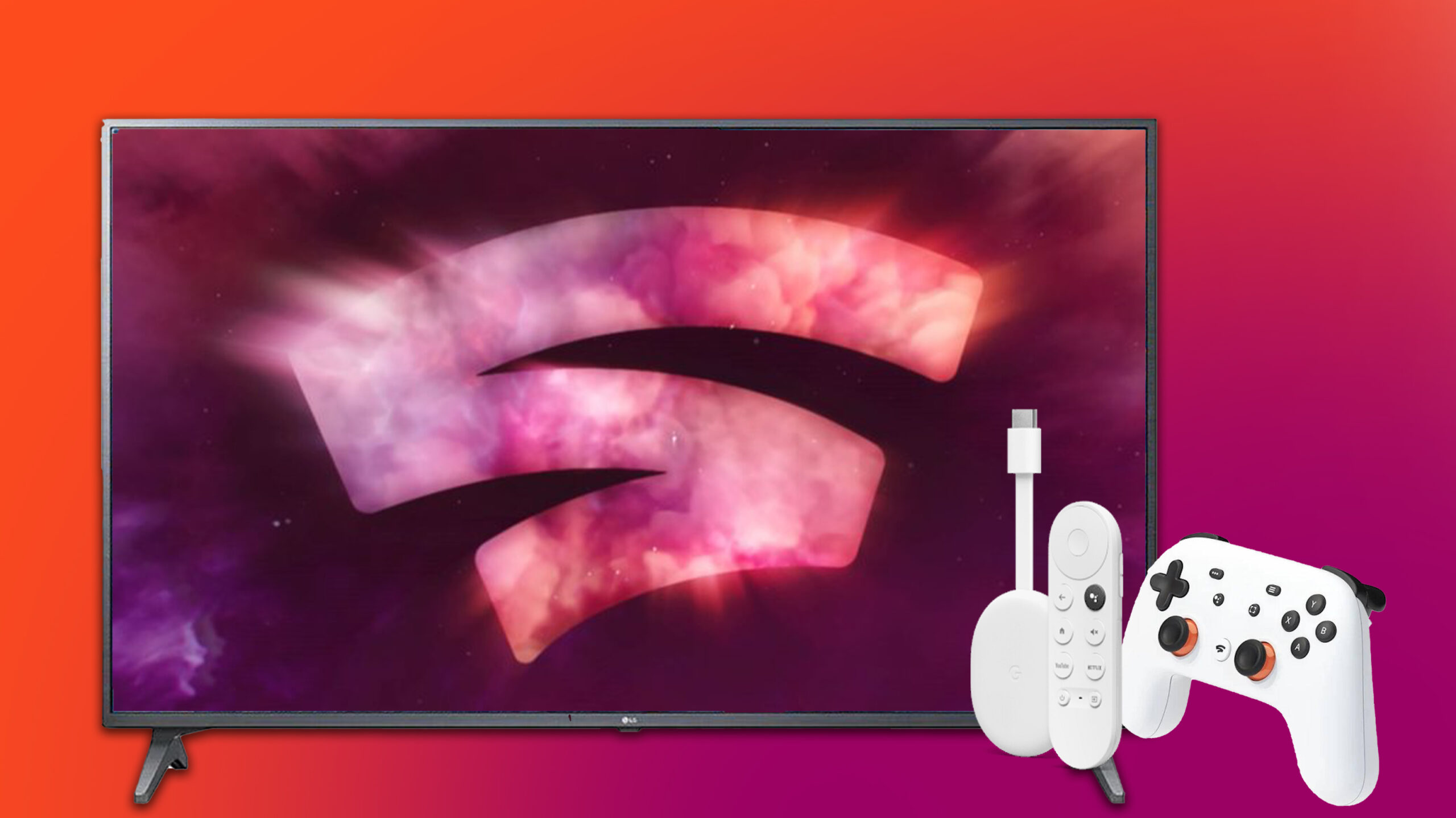
How To Use Chromecast On LG TV

To use Chromecast on an LG TV, plug the external Chromecast into an available HDMI port and connect its USB cable to a power source, then switch the TV to...

How To Chromecast From Phone To PC

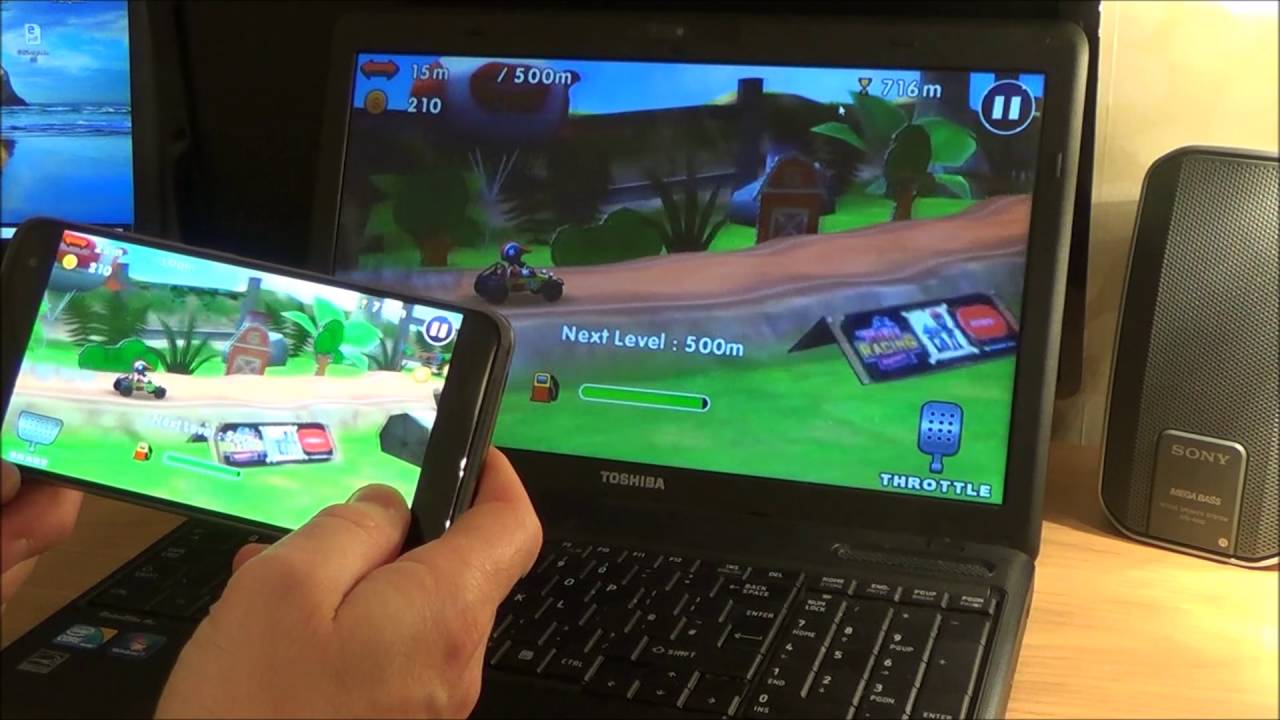
To cast phone to PC, you need to understand that a PC cannot act as a native Chromecast receiver. Instead, you will use screen mirroring or third-party software to make...

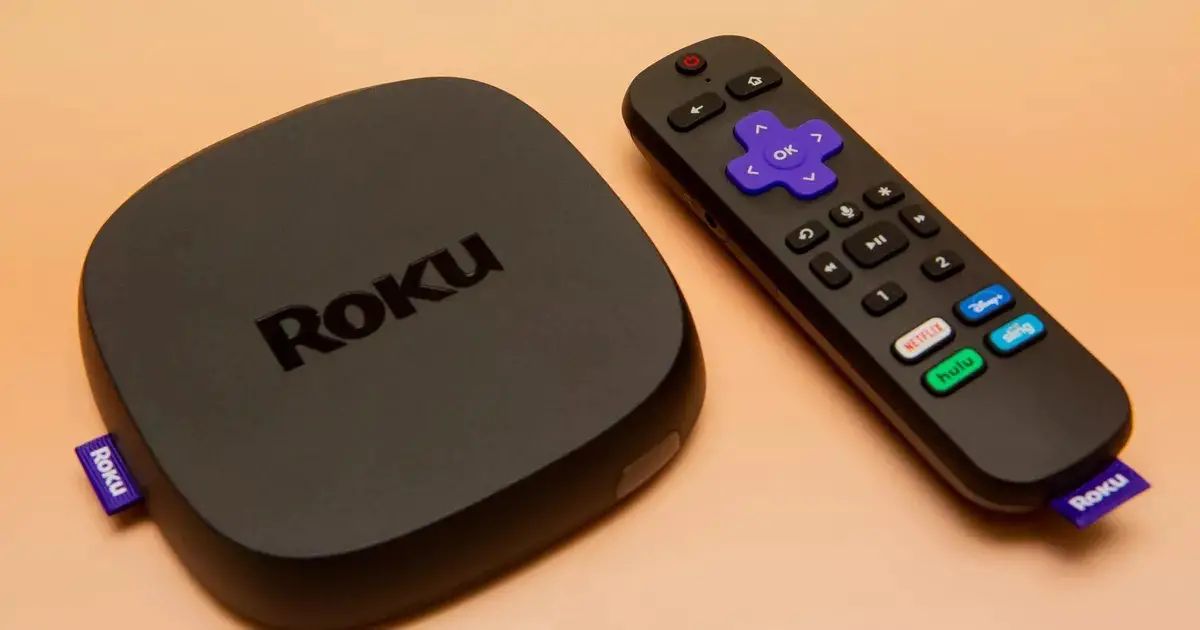
How To Use Chromecast On Roku TV

To use Chromecast on Roku TV, you don’t need a separate Google dongle for most popular streaming apps, your Roku TV already supports casting directly from apps like YouTube and...

How To Jailbreak A Google Chromecast

How to sideload apps on a Chromecast with Google TV: An introduction To sideload apps on a Chromecast with Google TV, you don't need to perform a traditional jailbreak or...

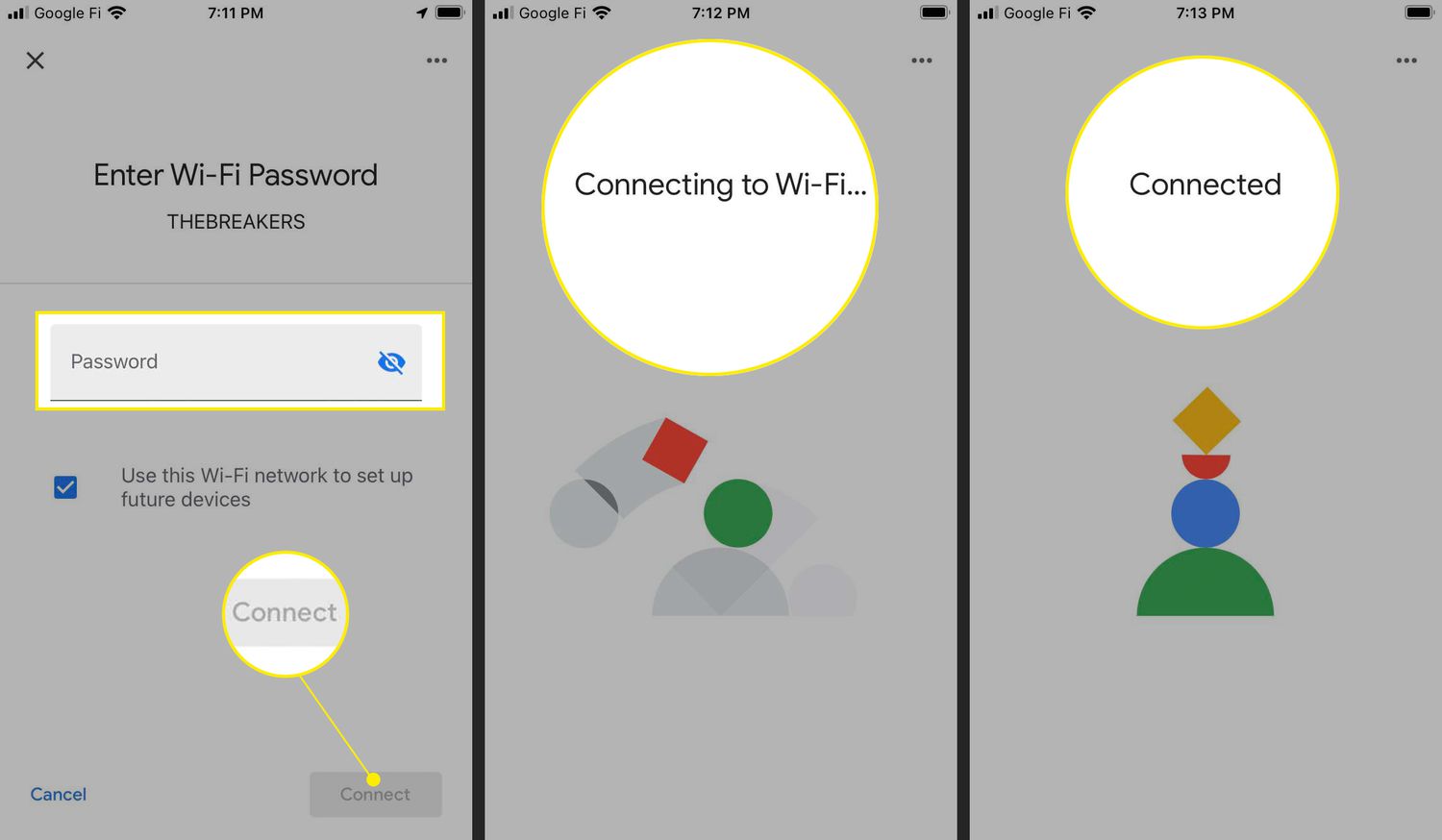
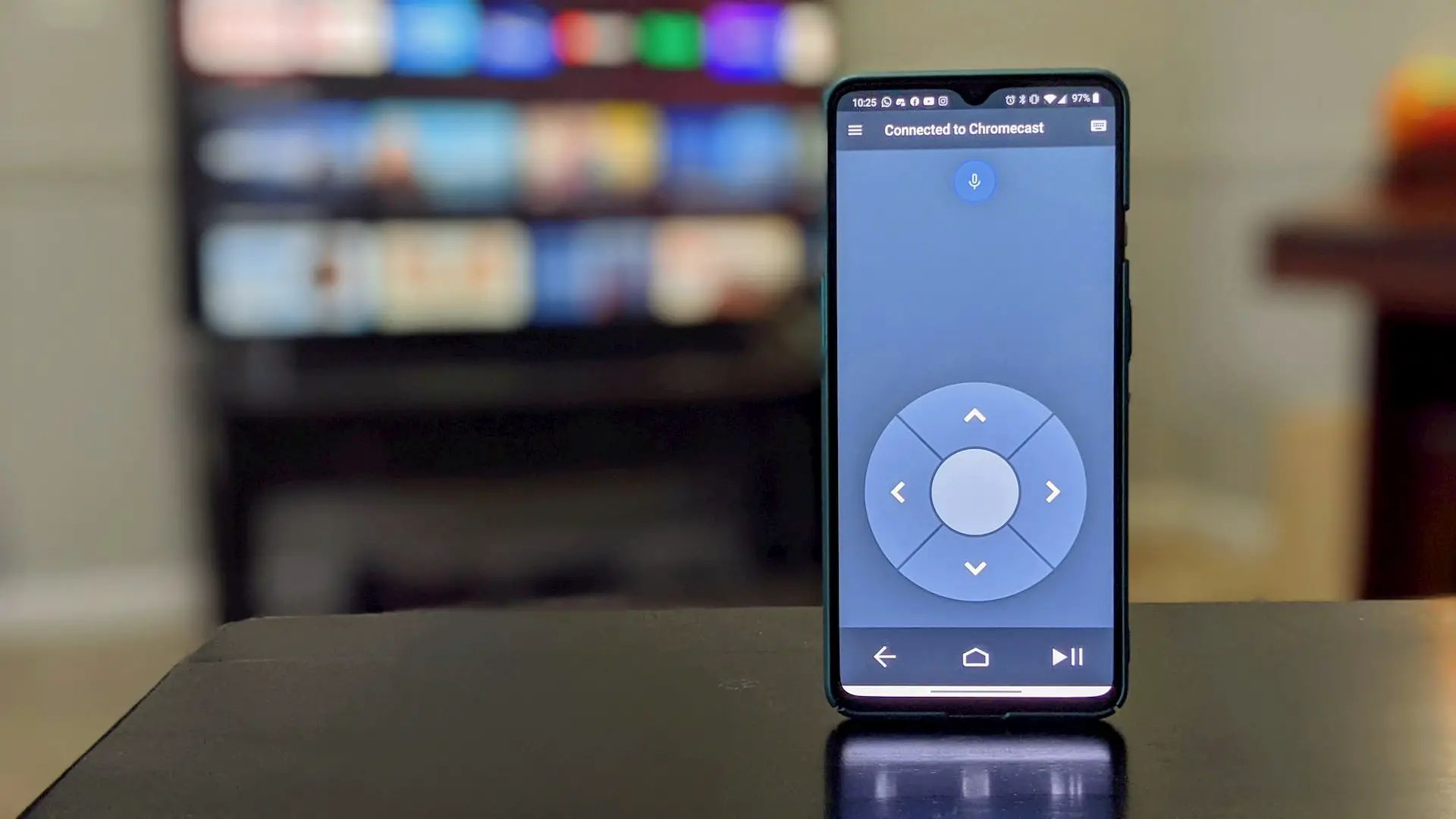
How To Setup Chromecast Without Remote

To setup Chromecast without remote, the only reliable method is to use the Google Home app on a compatible smartphone or tablet. This app replaces the physical remote entirely, guiding...

How To Chromecast On Roku

Getting started with Chromecast on Roku To cast content to your Roku device, you can use the built-in casting features of supported apps or enable screen mirroring in your Roku's...

How To Factory Reset A Chromecast

To factory reset a Chromecast, you return the device to its original factory settings, clearing all customizations and stored data. This is the go-to fix for an unresponsive device, and...

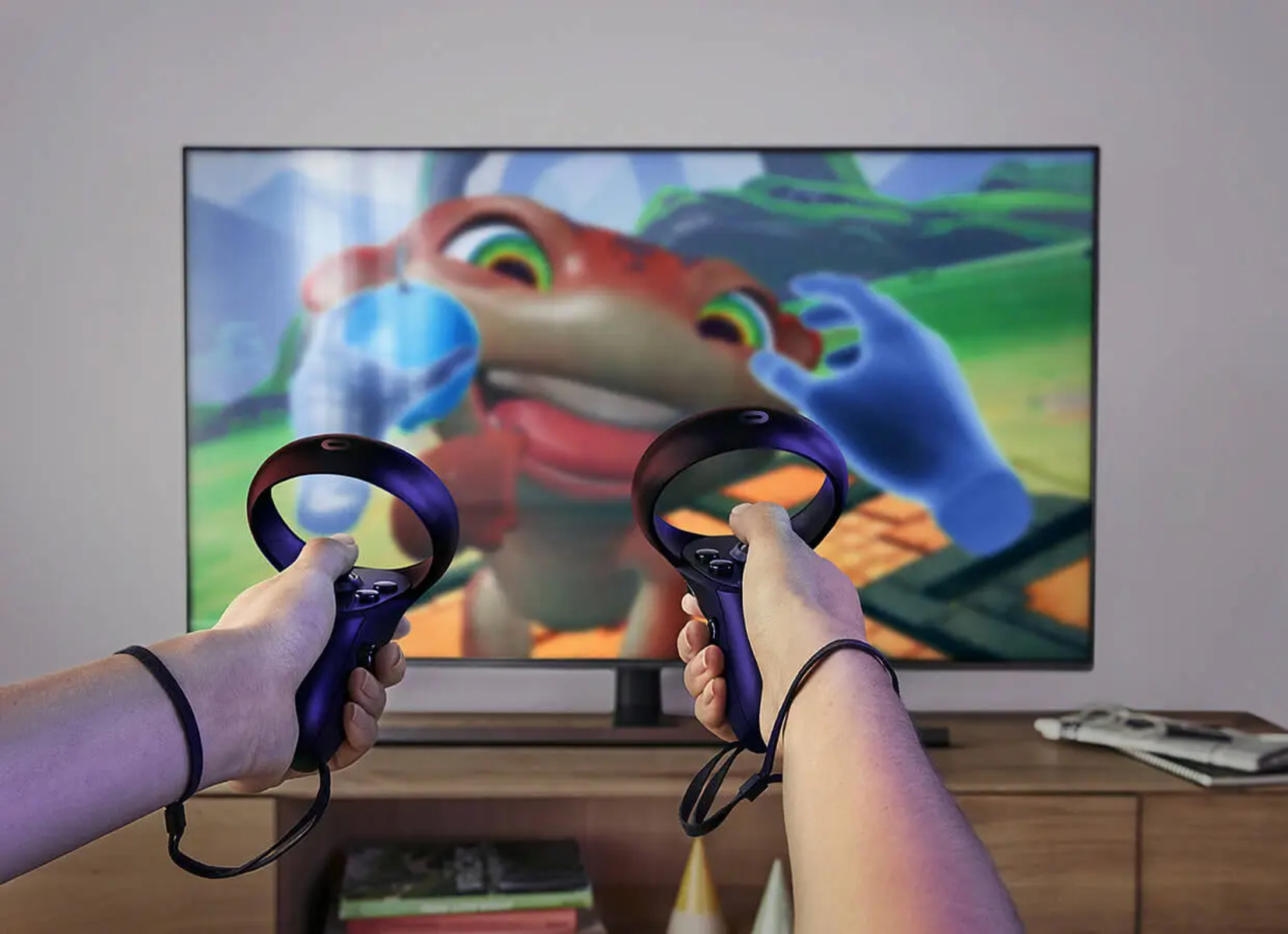
How To Watch Oculus Quest 2 On Tv

To cast Oculus Quest 2 to TV, the most direct method is to use the headset's built-in casting feature to send your gameplay wirelessly to a Chromecast device or a...