This tag collects our practical guides for anyone using a Chromebook or the Chrome operating system, whether you’re a new owner setting up your first device or a long-time user hitting a specific snag. The articles are written for everyday consumers who want clear, step-by-step help with the tasks and settings that come up in normal use, no jargon, no assumed expertise.
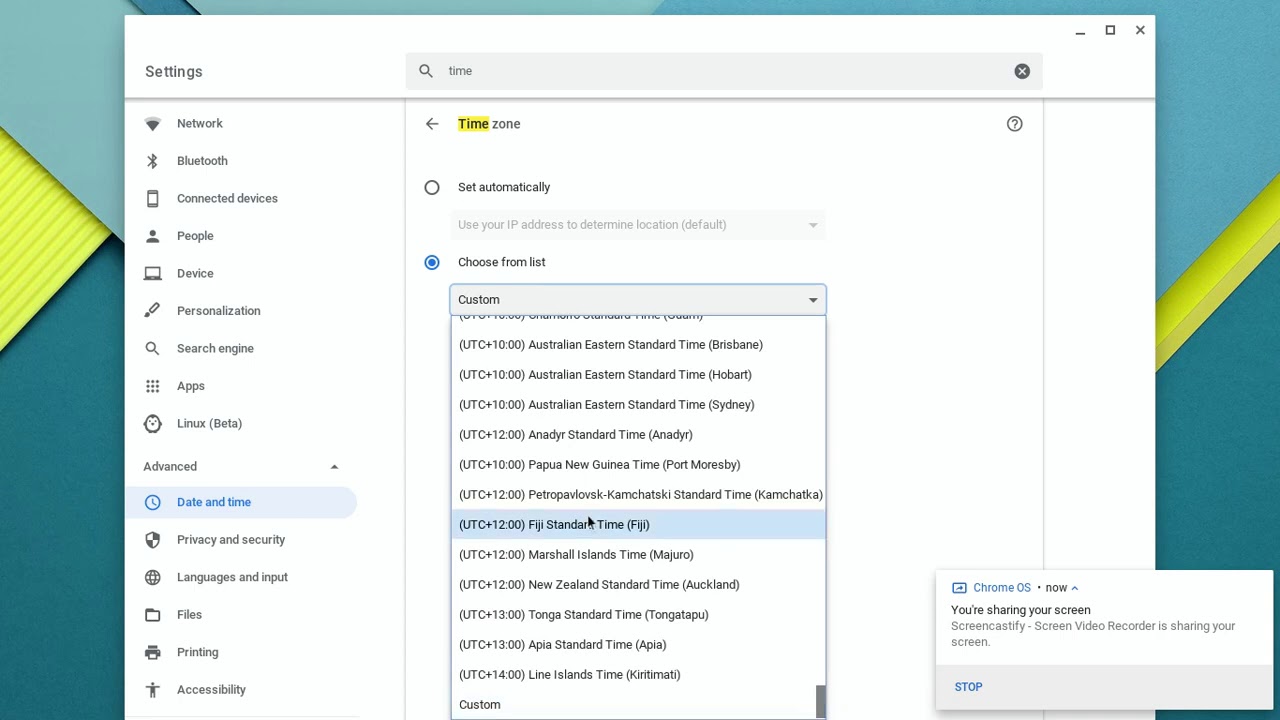
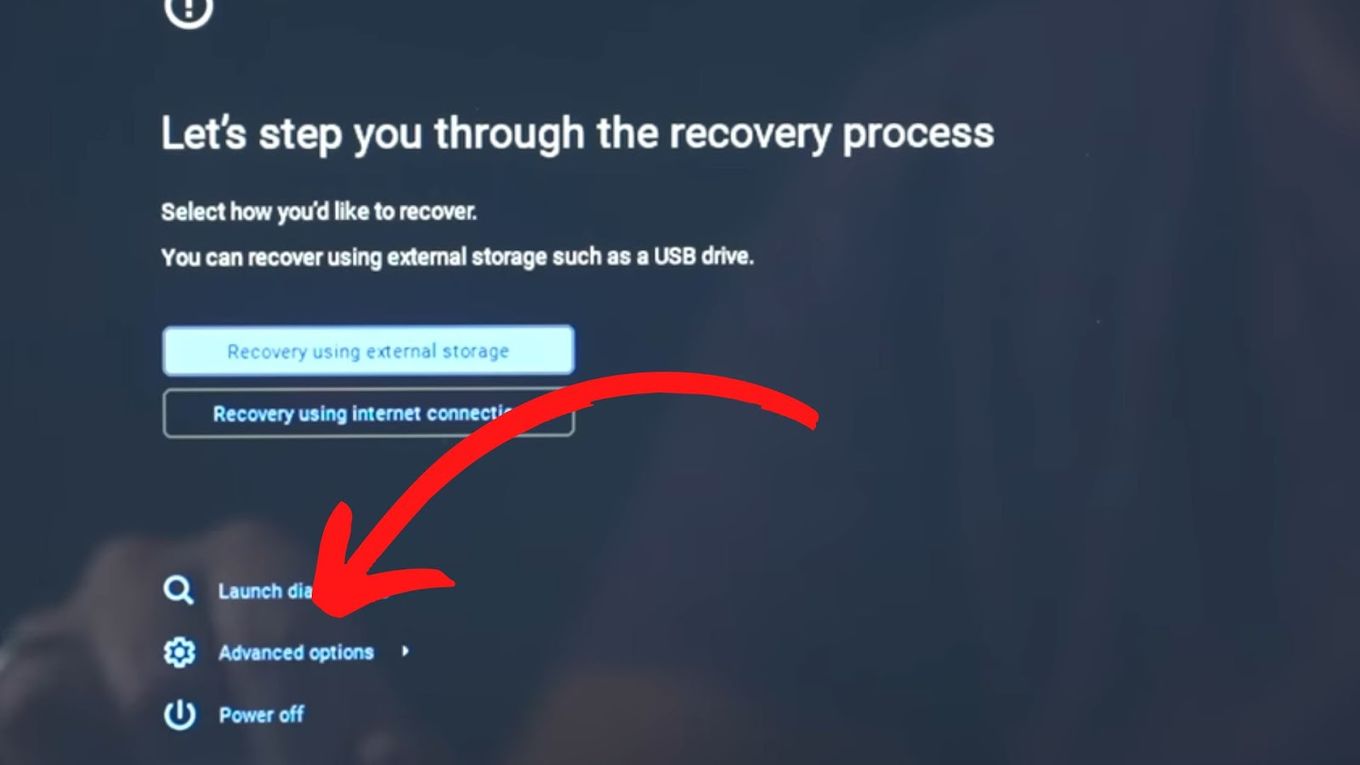
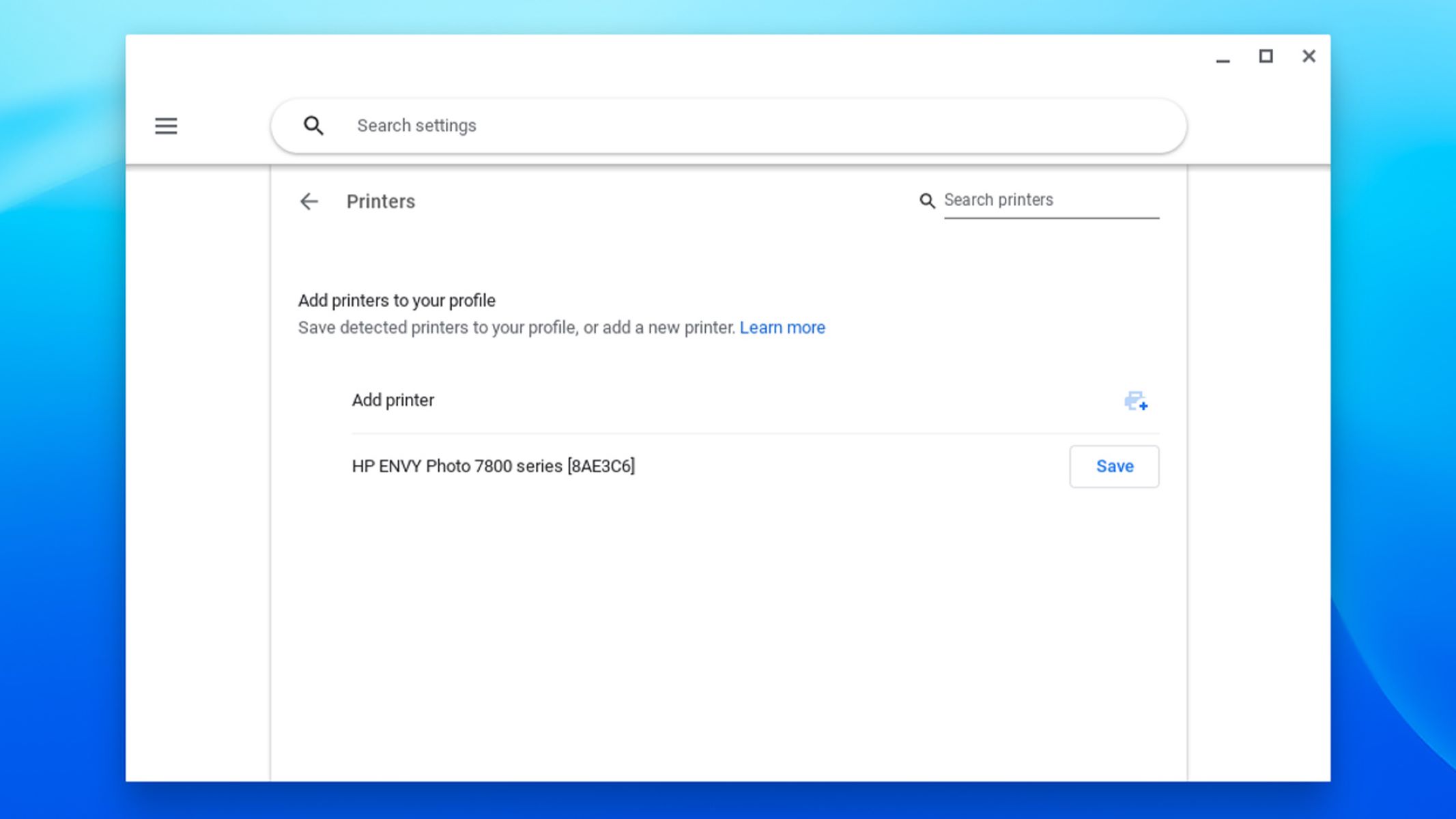
Several of the pieces focus on everyday setup and connectivity: finding a saved Wi‑Fi password, adding a printer, downloading Zoom, and changing the time zone. These solve the small but frustrating problems that interrupt work or school. Another group tackles device management and maintenance, such as clearing RAM to speed up a sluggish machine, turning on Developer Mode for more advanced control, and understanding what operating system a Chromebook actually runs. A third set addresses common questions about ownership and limits, whether you can use a Chromebook without a Google account, why the clock keeps resetting after shutdown, and how to delete Chrome OS entirely if you’re repurposing the hardware.
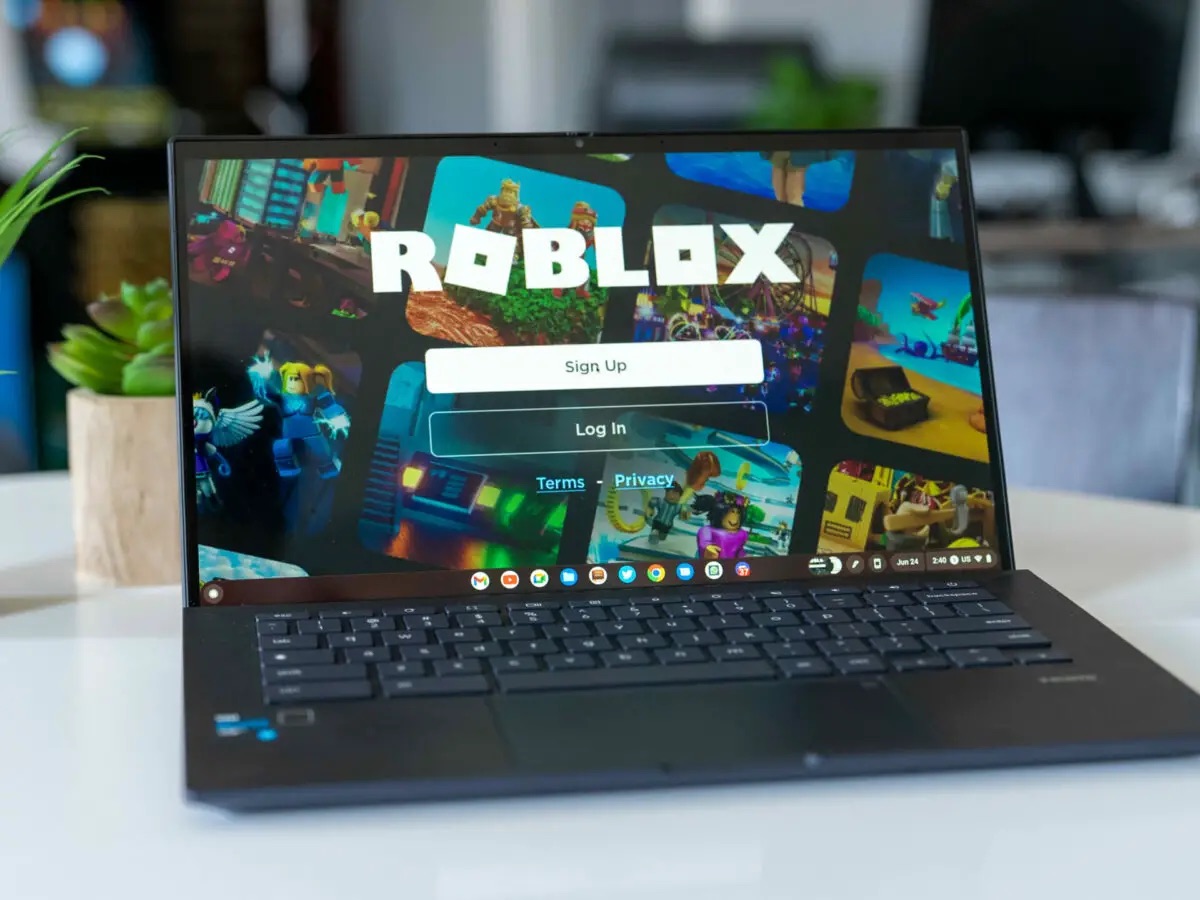
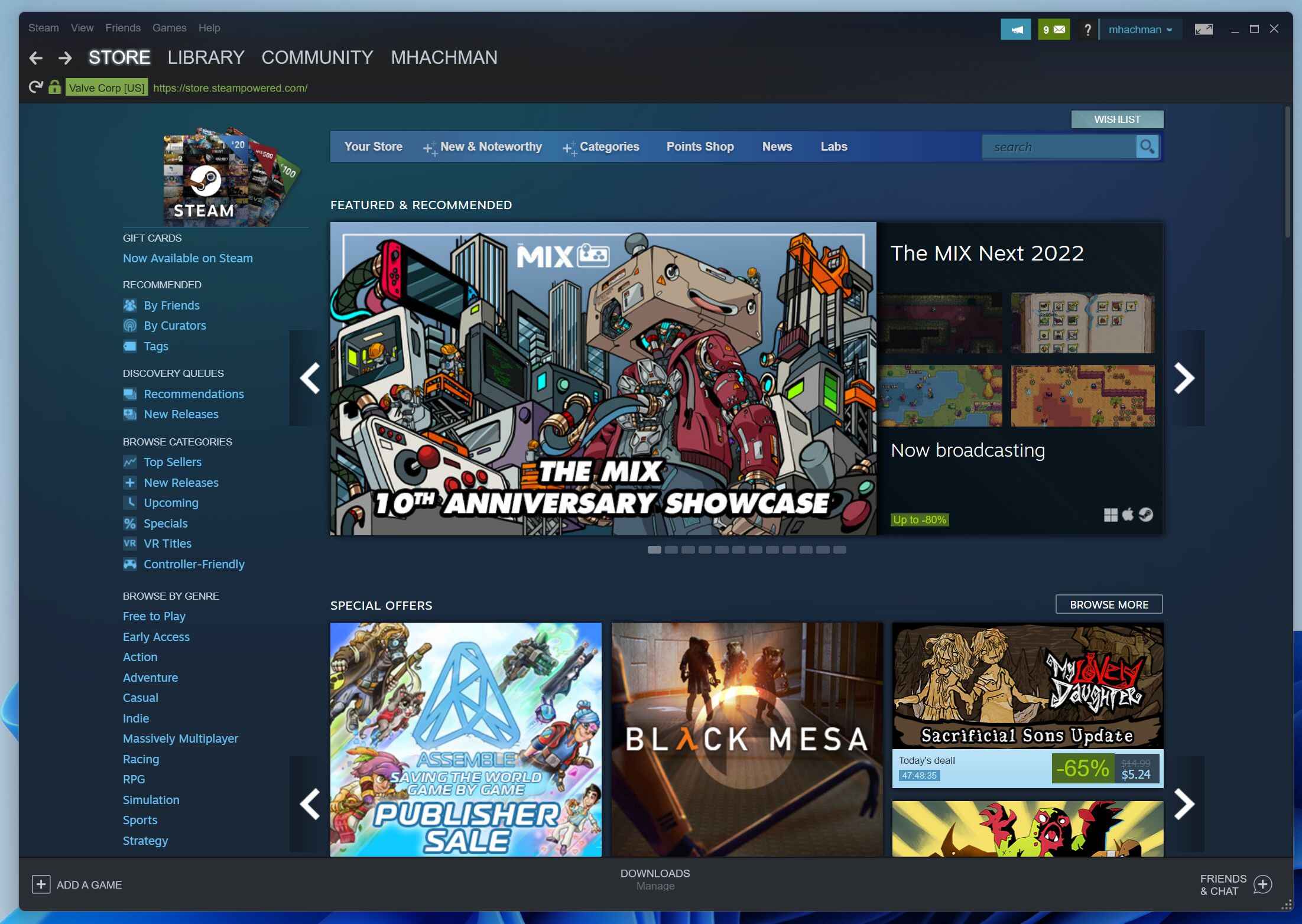
A few articles also cover topics that involve security or legal boundaries. For example, the guides on jailbreaking a Chromebook, downloading Roblox or other games without Google Play, and sideloading apps are framed around understanding the restrictions and exploring legitimate alternatives, not circumventing protections or pirating content. They explain what the system allows, what the risks are, and how to stay on the safe side of the rules.