This tag collects articles about managing the temporary data and background processes that keep your devices running smoothly. It is for everyday users who own smartphones, tablets, smart TVs, or streaming sticks and want to fix slowdowns, free up storage, or resolve error messages without calling a technician.
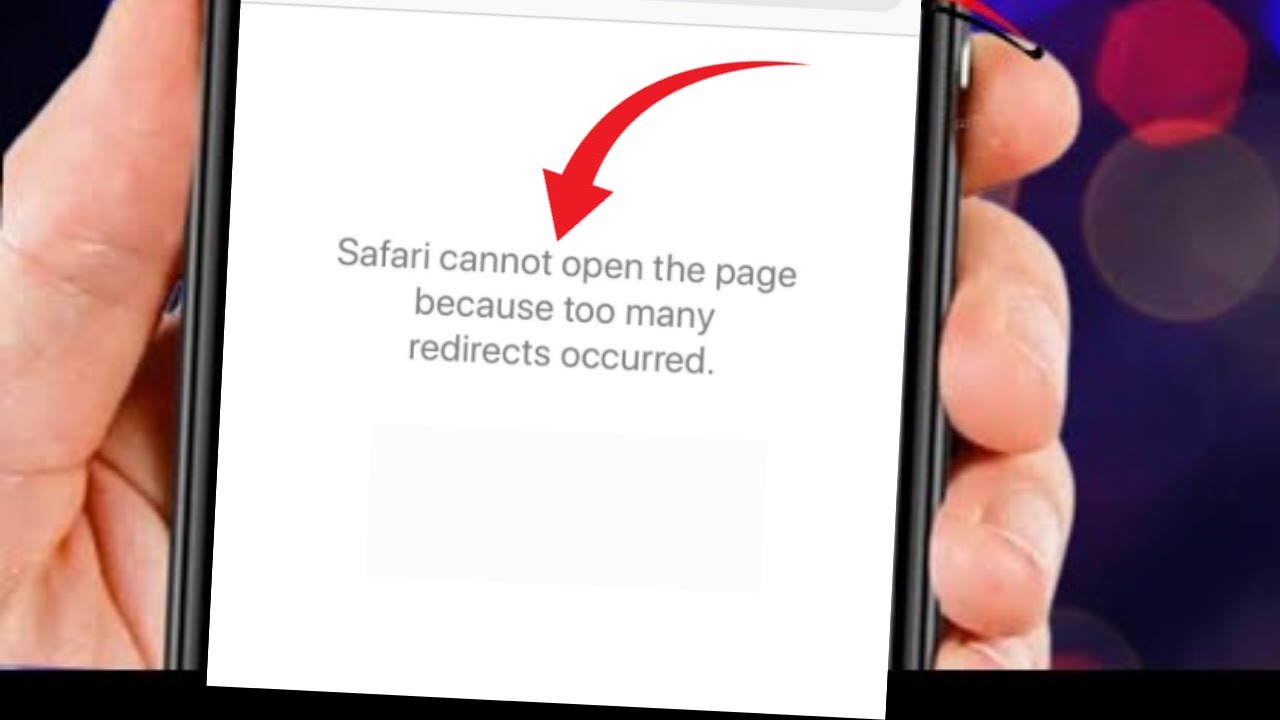
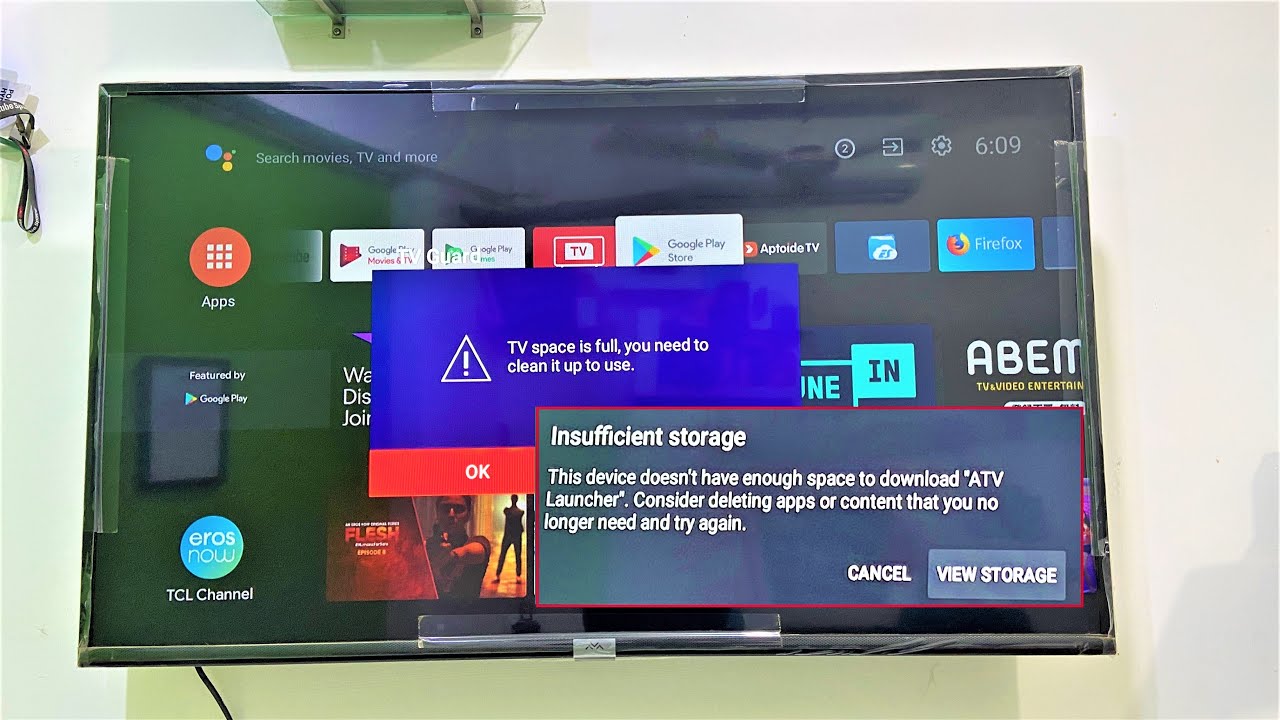
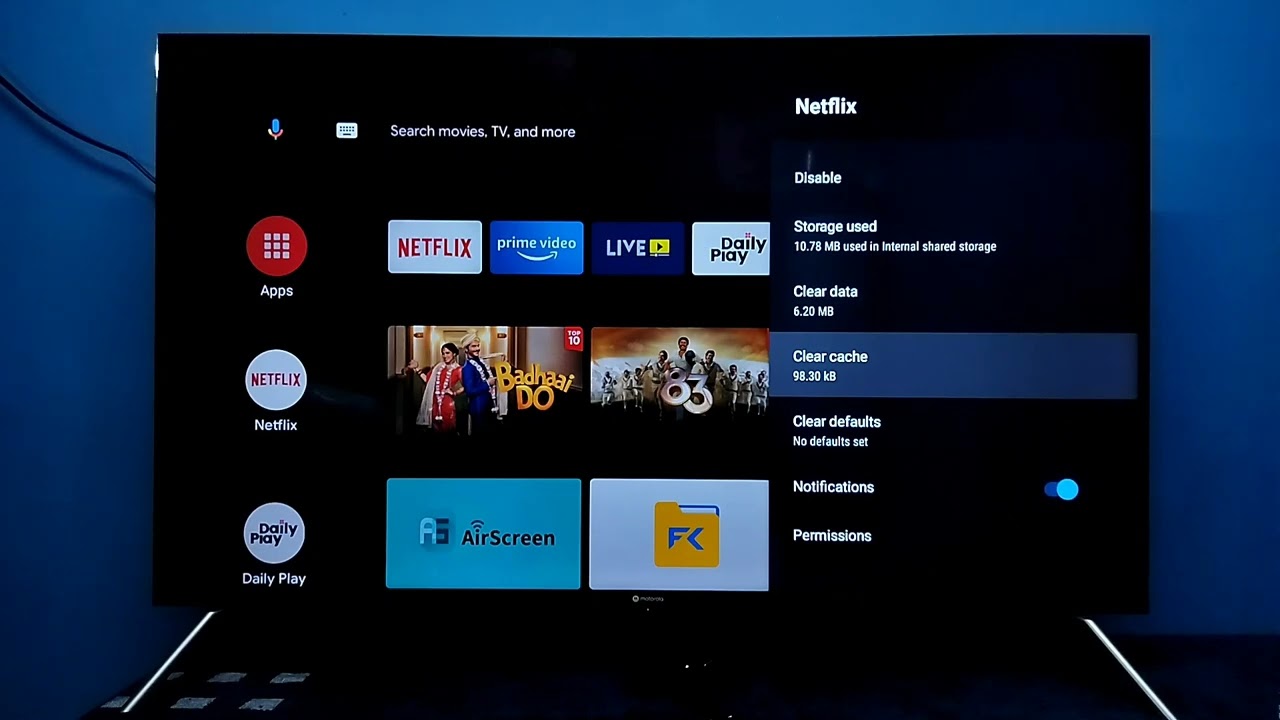
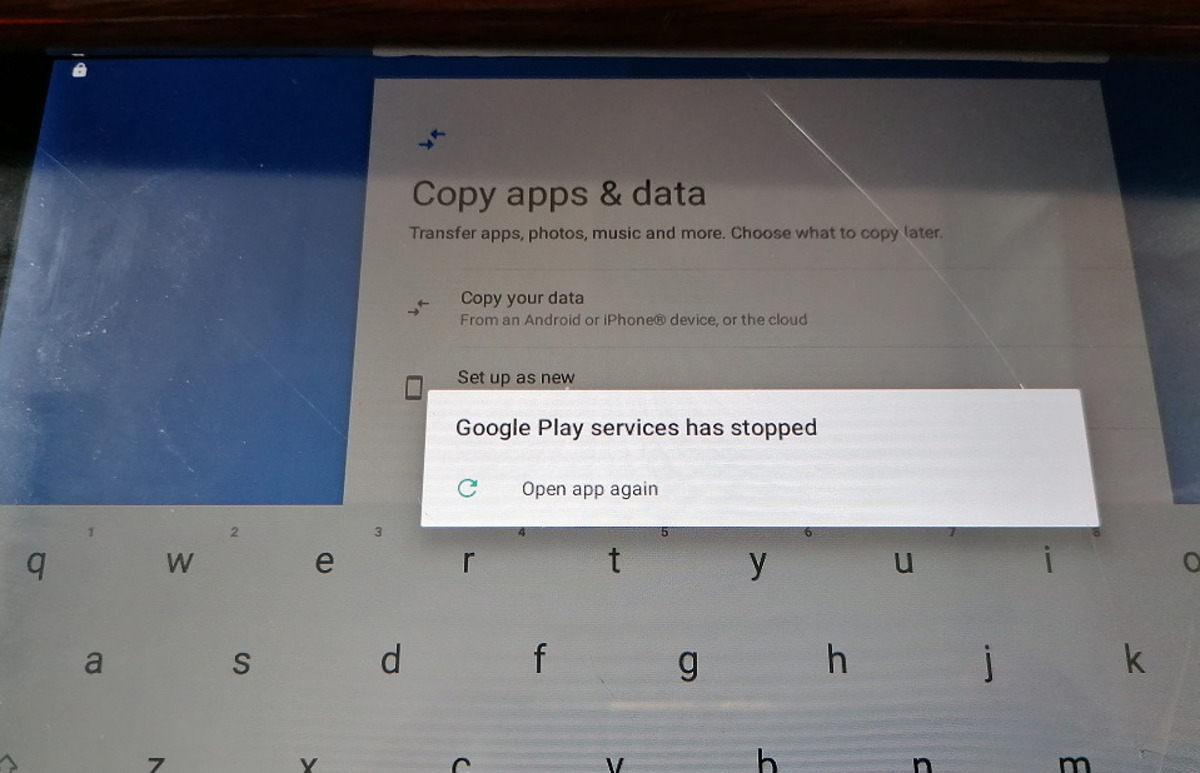
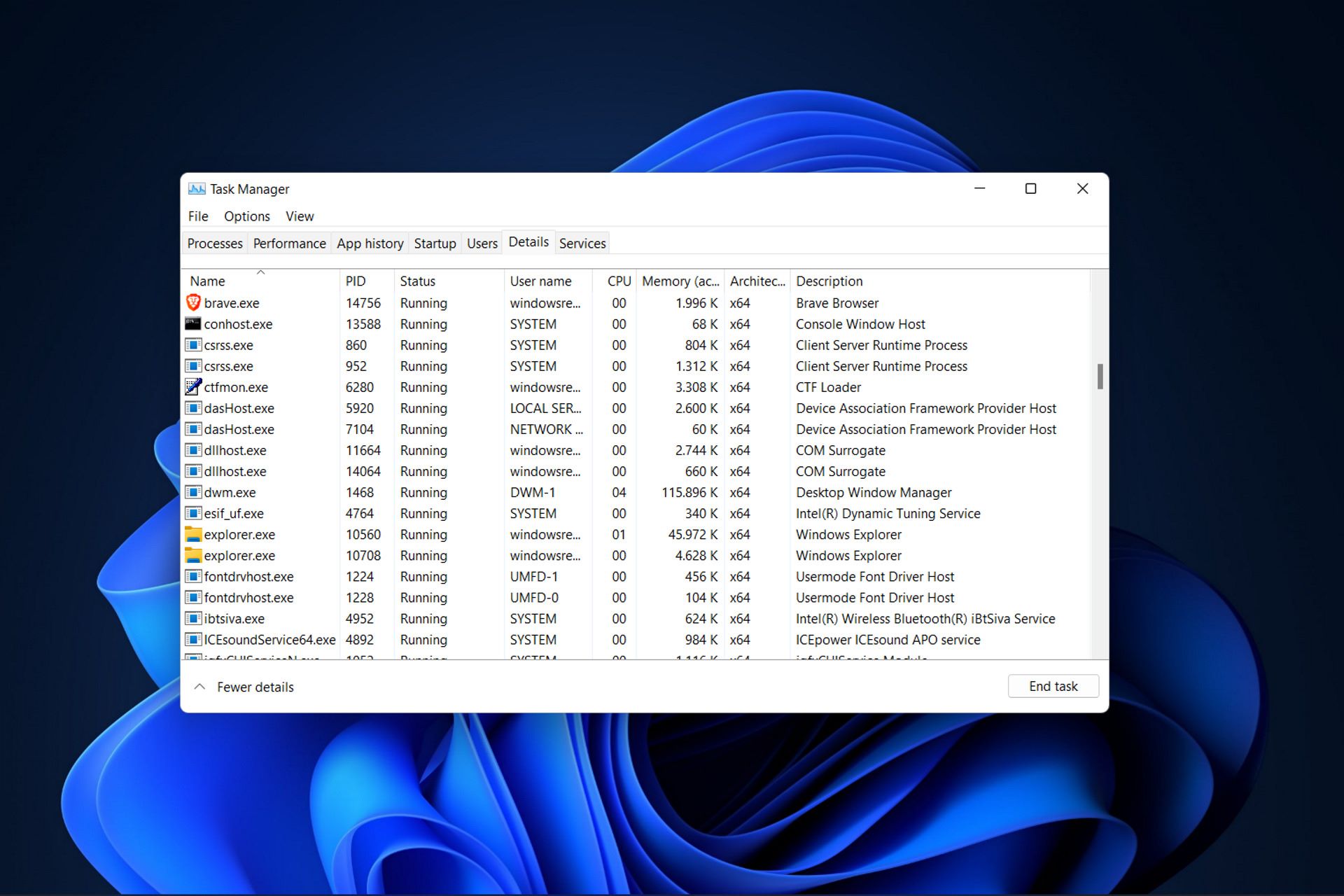
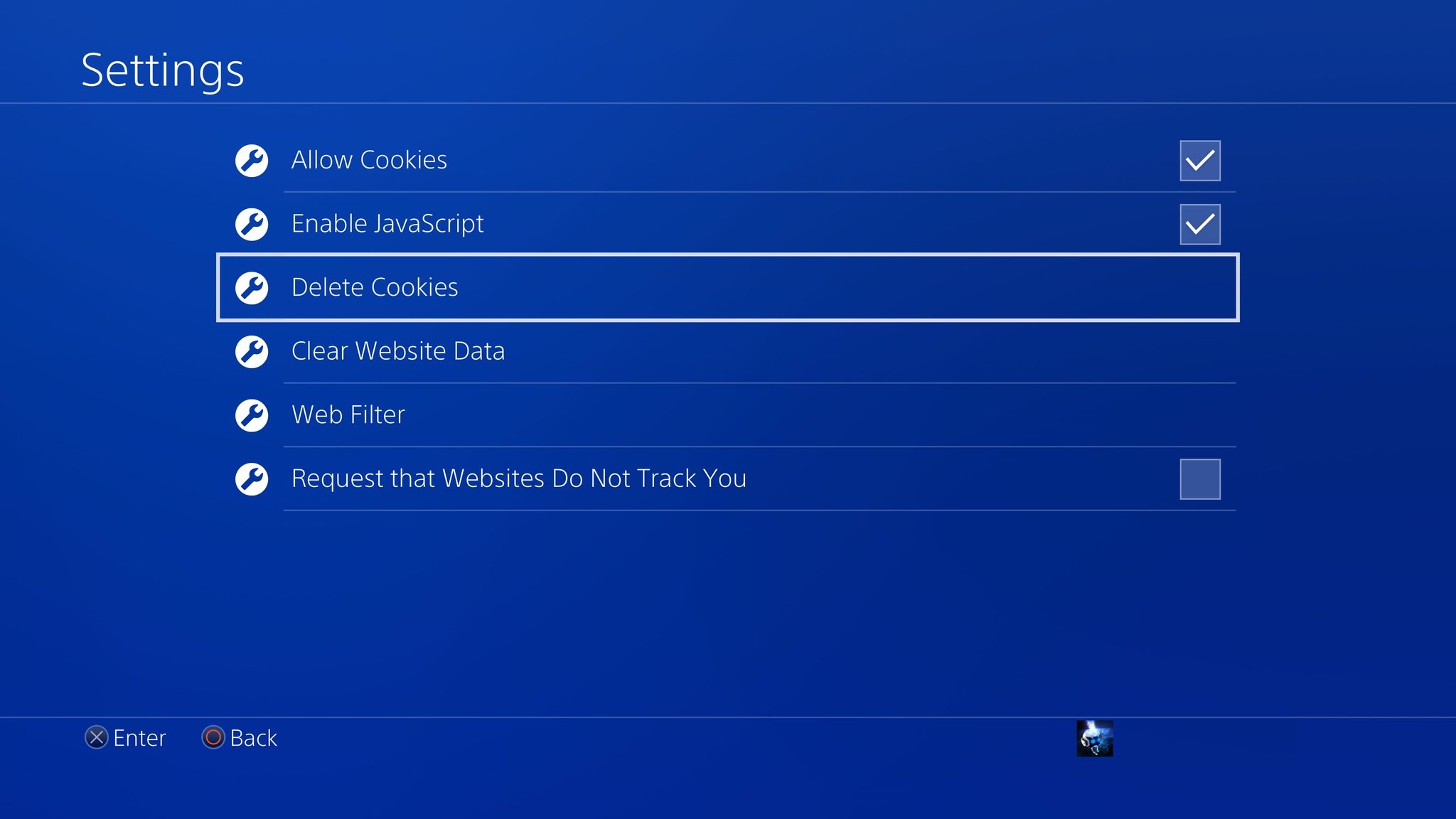
The articles here fall into two practical themes. First, clearing stored data and freeing memory: you will find step-by-step guides for clearing the Amazon Music cache on an iPhone, cleaning up a tablet, and freeing up space on both a Vizio SmartCast TV and an LG Smart TV. Second, fixing software and browser glitches: this includes resetting a smart TV, addressing the “Google Play Services has stopped” error on a tablet, and resolving Safari’s “too many redirects” issue. Several pieces also explain the underlying relationship between a CPU and RAM, so you understand why cache buildup causes lag in the first place.
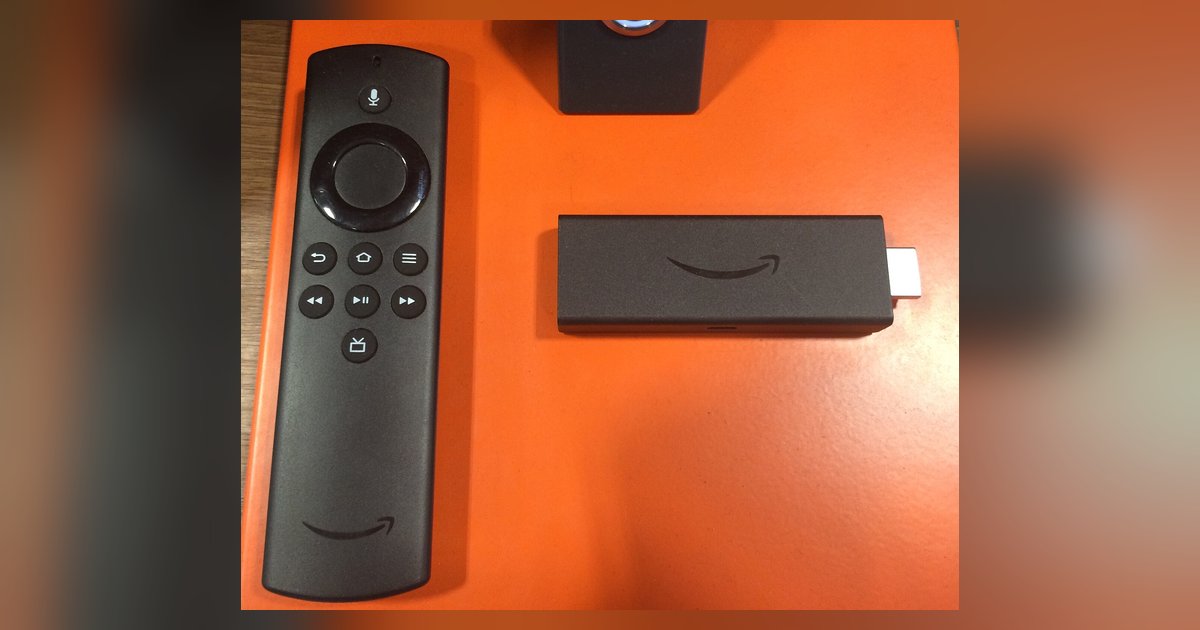
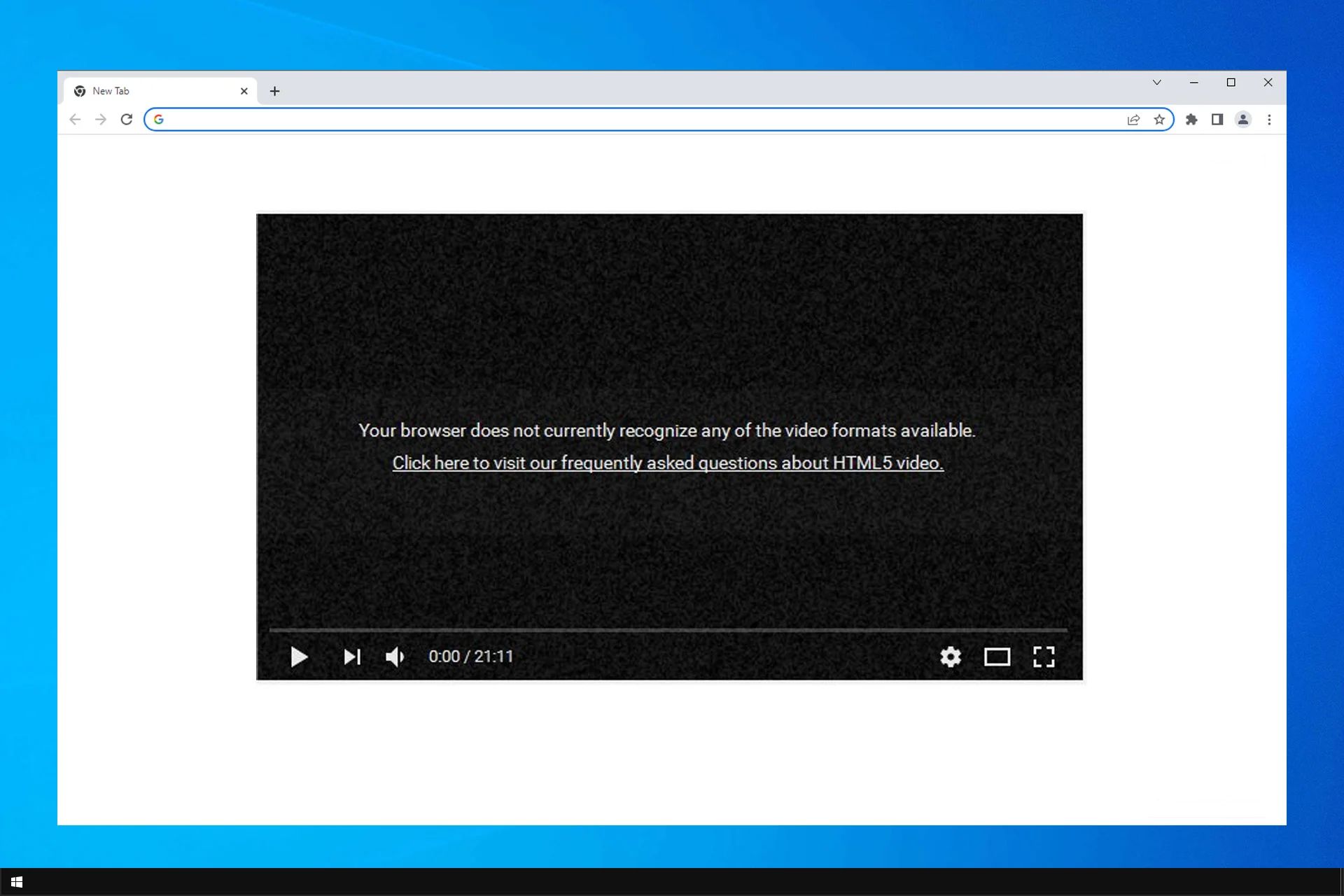
Beyond simple cleanup, some articles take a safety- and security-minded approach. For example, rather than showing you how to bypass a browser’s protections, the guide to disabling CAPTCHA in Chrome explains how to adjust those settings for accessibility while keeping your account safe. Similarly, the article on enabling HTML5 in Chrome walks you through a standard browser setting that improves video playback, not a workaround for restricted content. And the piece on fixing buffering on a sideloaded Firestick app focuses on network and memory troubleshooting, not on circumventing any platform rules. These articles help you maintain your devices legally and securely.