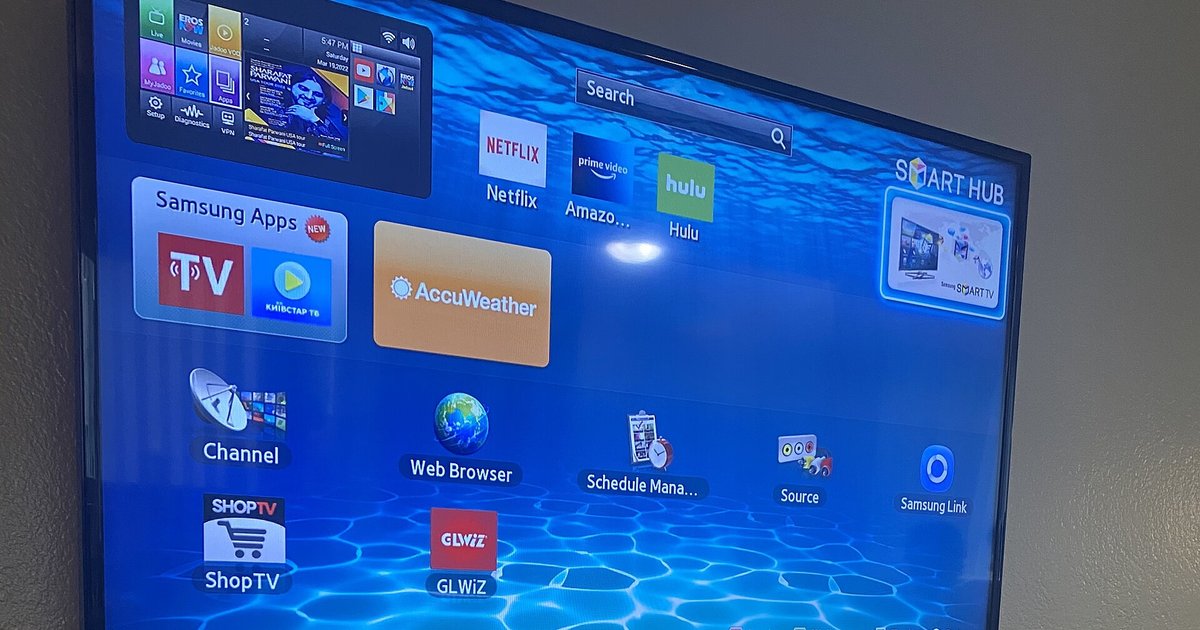
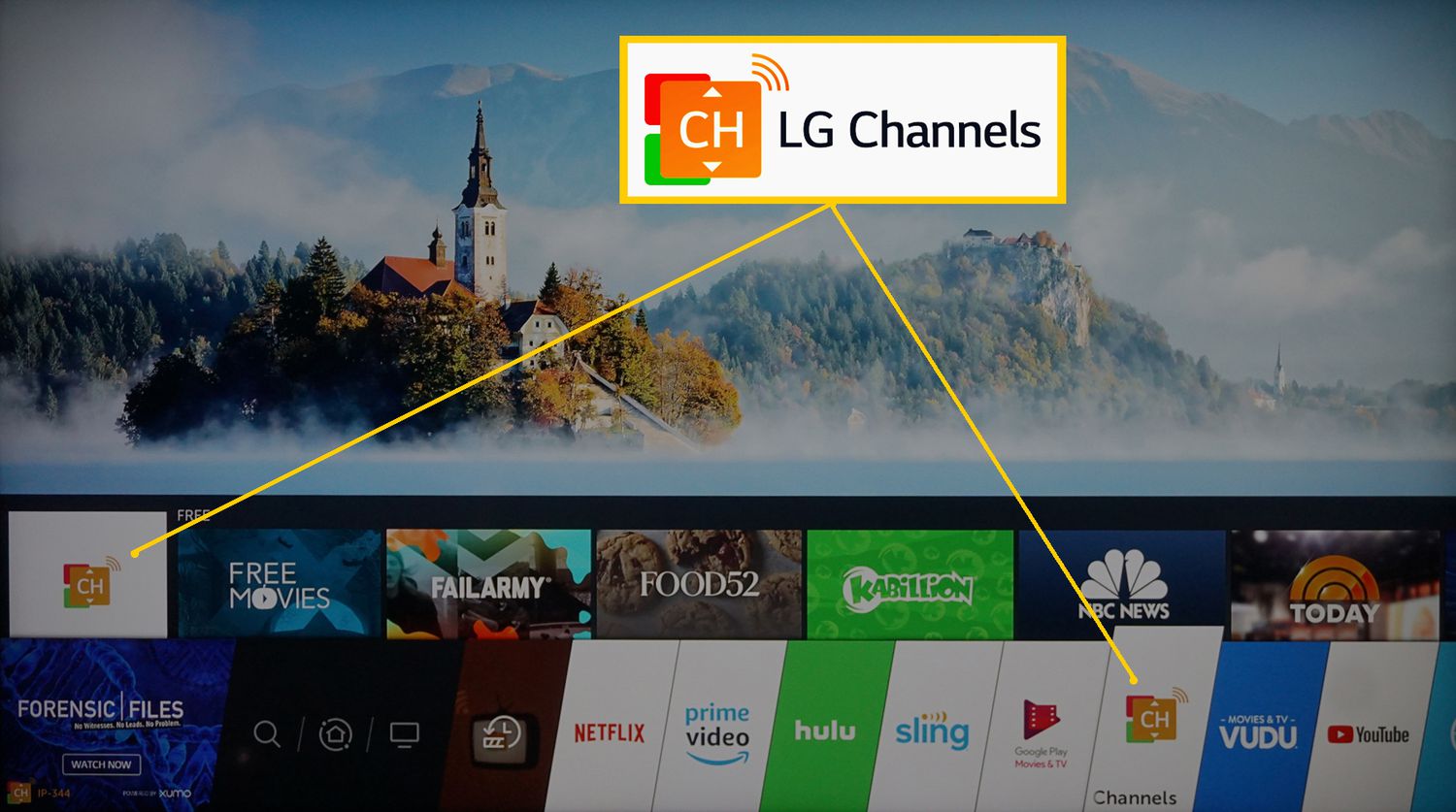
This tag collects articles for cord-cutters and smart TV owners who want to keep using traditional cable or live TV channels without losing their way in the app maze. It is written for everyday viewers, not tech enthusiasts, who just want to watch a specific game, find a channel, or switch back to regular cable input after using streaming apps. The content is practical and troubleshooting-focused, aimed at people who may not be familiar with their TV’s menu system or who are confused by the difference between cable, antenna, and streaming sources.
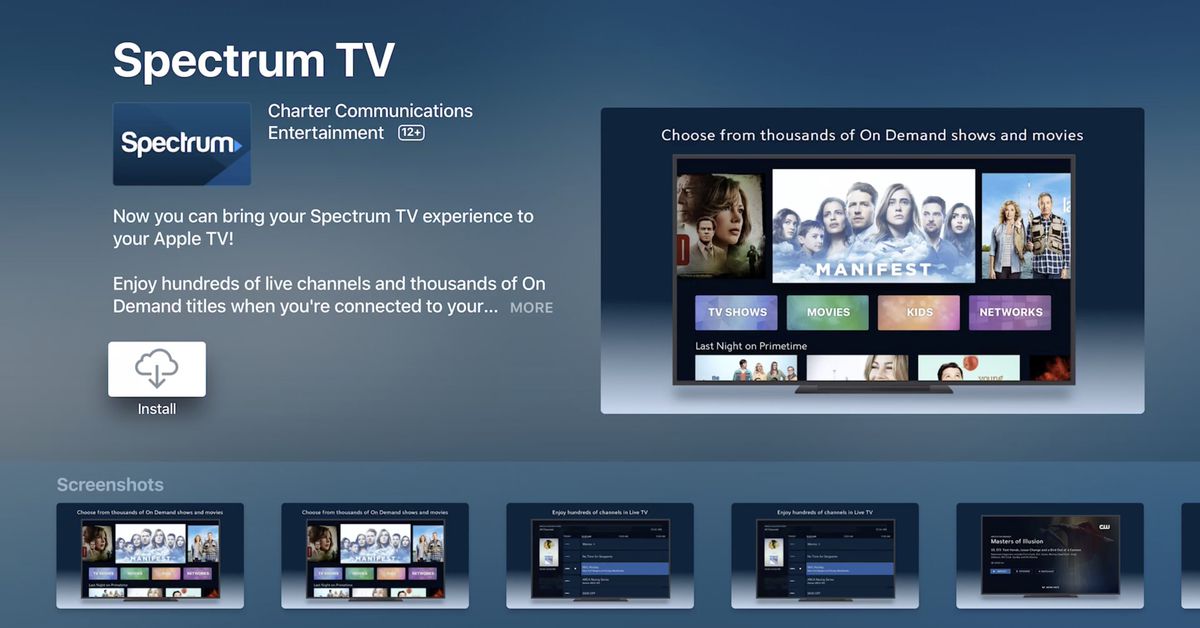
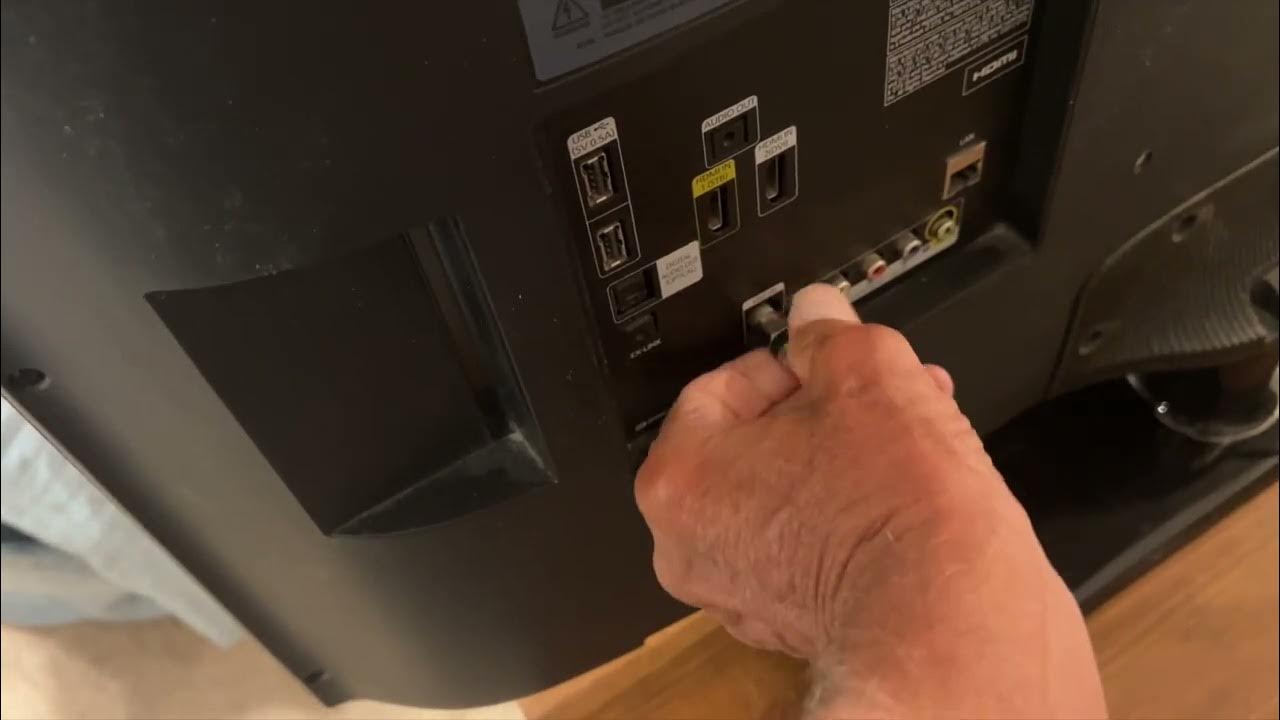
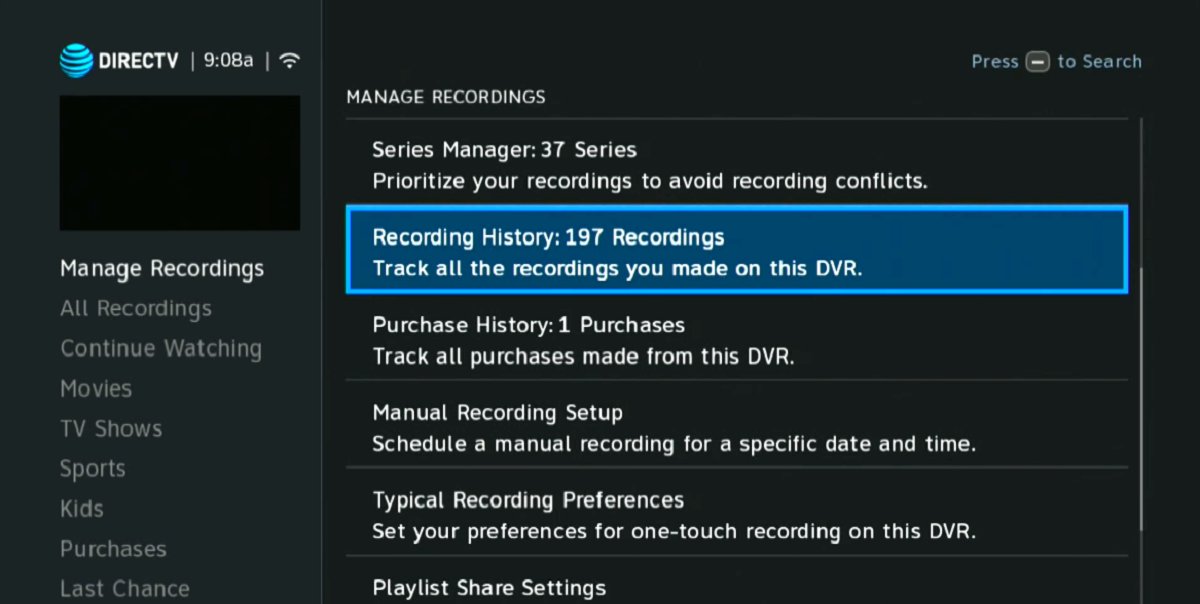
The articles address two main themes. The first is how to access specific live events and networks, such as watching the NFL, the World Series, the Home Run Derby, or the NFR (National Finals Rodeo) on a smart TV. The second theme is about managing the TV’s input and channel setup, for example, how to switch from a streaming app back to cable on a Samsung or LG smart TV, how to add a channel, or how to get Paramount Network or Spectrum on your device. A third, smaller theme covers DVR and recording options, like downloading recordings from a DIRECTV DVR, and clarifying what channels are actually available on LG smart TVs.
Several articles also explain what you can do legally and safely with your existing cable subscription, such as watching encrypted channels on an LG TV without a separate box, or getting back to cable TV after using a streaming app. These pieces focus on configuration, compatibility, and legitimate access, not on bypassing protections. The goal is to help you get the most from the cable service you already pay for, and to reduce the frustration of navigating between live TV and streaming on modern displays.