This tag collects practical, everyday guides for anyone who uses a web browser, whether on a Windows PC, a Mac, an iPhone, an iPad, an Android phone, or even a game console like the Nintendo Switch or PS5. The articles are written for ordinary consumers who want to fix a browser problem, change a setting, or move their data between devices, without needing any technical background.
The articles fall into a few clear themes. One group is about managing downloads and files: you can learn how to change the default download location on Android, download GIFs from Discord, or grab files from WeTransfer and Mega. Another group focuses on customizing the browser itself, such as importing bookmarks from Microsoft Edge to Chrome, moving favorites from Chrome to Edge, or adjusting the browser window size and going full screen on Windows 10. A third set addresses troubleshooting and cleanup, why Chrome won’t open, how to revert a Chrome update, how to completely remove Firefox or Safari, and how to delete tab groups in Safari.
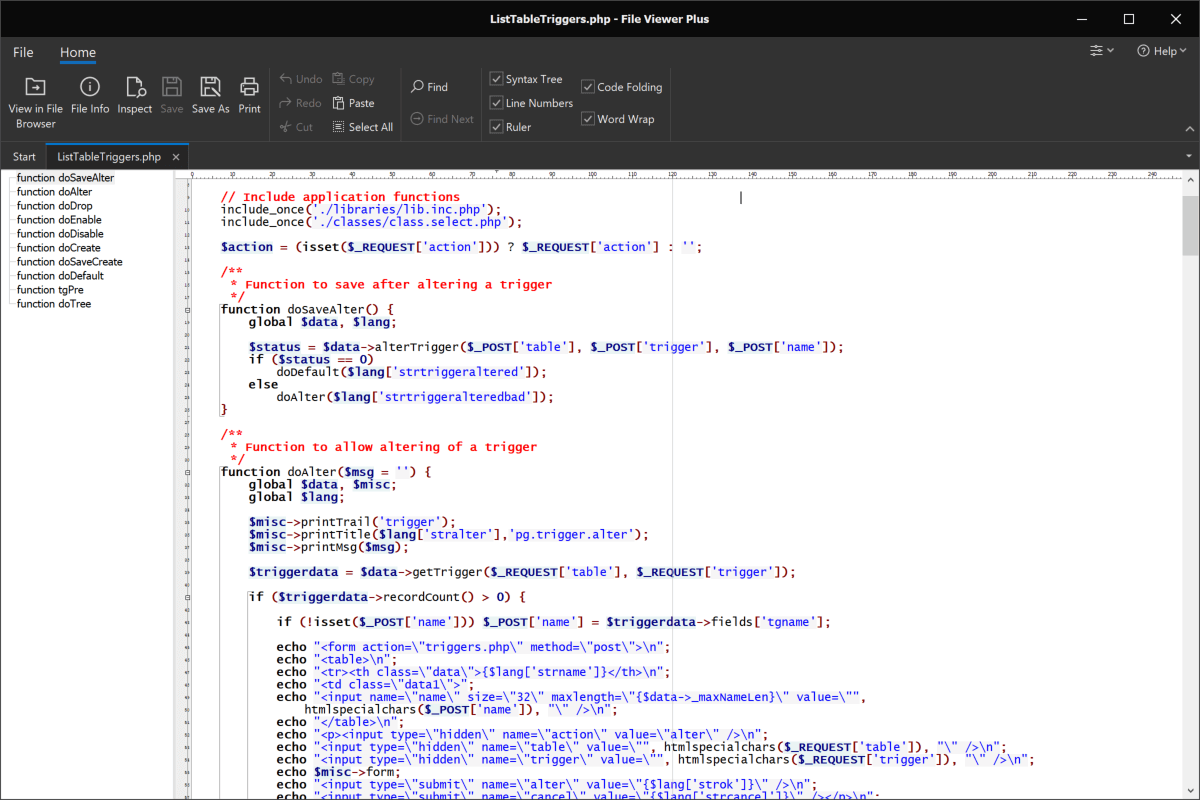
Several articles also cover safety and legal alternatives. Instead of showing risky workarounds, they explain how to download YouTube videos through official means, how to view PHP files safely, and what to do when a browser looks different on another computer. Others help with console browsers, like what video formats work on the Switch’s hidden browser or whether the PS5’s hidden browser can play videos. Throughout, the goal is to help you take control of your browser, keep your data organized, and solve common annoyances, all in a straightforward, safe way.