This tag collects practical, everyday guides for anyone who uses a web browser, whether on a Windows PC, a Mac, an iPhone, an iPad, an Android phone, or even a game console like the Nintendo Switch or PS5. The articles are written for ordinary consumers who want to fix a browser problem, change a setting, or move their data between devices, without needing any technical background.

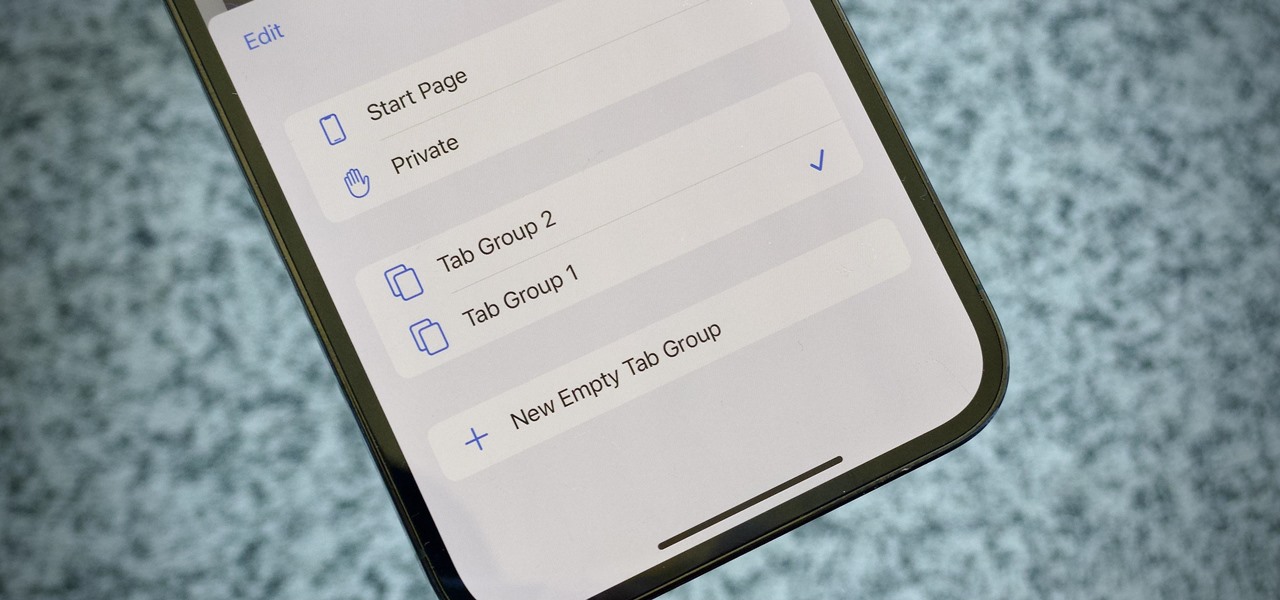
The articles fall into a few clear themes. One group is about managing downloads and files: you can learn how to change the default download location on Android, download GIFs from Discord, or grab files from WeTransfer and Mega. Another group focuses on customizing the browser itself, such as importing bookmarks from Microsoft Edge to Chrome, moving favorites from Chrome to Edge, or adjusting the browser window size and going full screen on Windows 10. A third set addresses troubleshooting and cleanup, why Chrome won’t open, how to revert a Chrome update, how to completely remove Firefox or Safari, and how to delete tab groups in Safari.

Several articles also cover safety and legal alternatives. Instead of showing risky workarounds, they explain how to download YouTube videos through official means, how to view PHP files safely, and what to do when a browser looks different on another computer. Others help with console browsers, like what video formats work on the Switch’s hidden browser or whether the PS5’s hidden browser can play videos. Throughout, the goal is to help you take control of your browser, keep your data organized, and solve common annoyances, all in a straightforward, safe way.
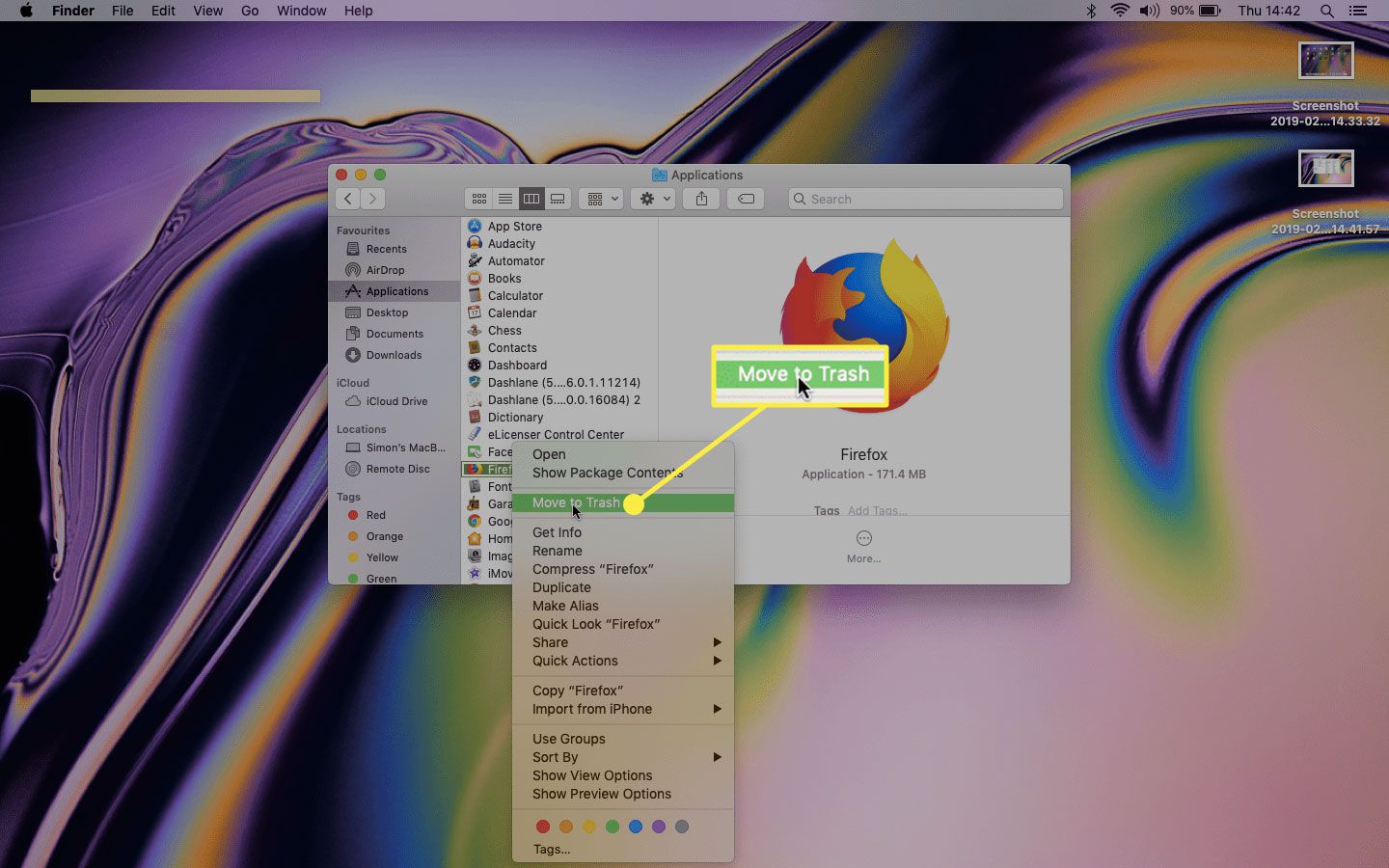
How To Uninstall Firefox Completely

To uninstall Firefox completely from your Windows or macOS computer, you must remove not only the application itself but also the hidden profile data, registry entries, and temporary files it...

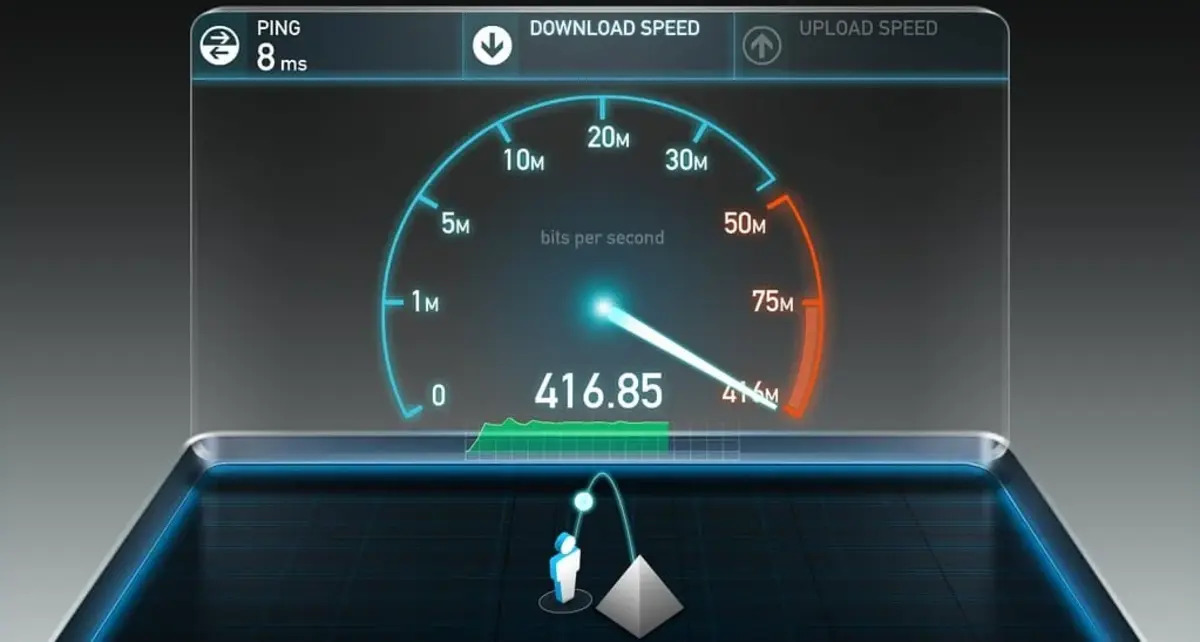
How To Have Faster Download Speed

To get a faster download speed right now, start by closing bandwidth-hogging apps and enabling your browser's parallel downloading feature. These two actions alone can often double your throughput without...

How To Download An Image As A JPEG

To download an image as a JPEG, right-click the image on a webpage and choose “Save Image As,” then pick JPEG in the file dialog when the option appears. If...

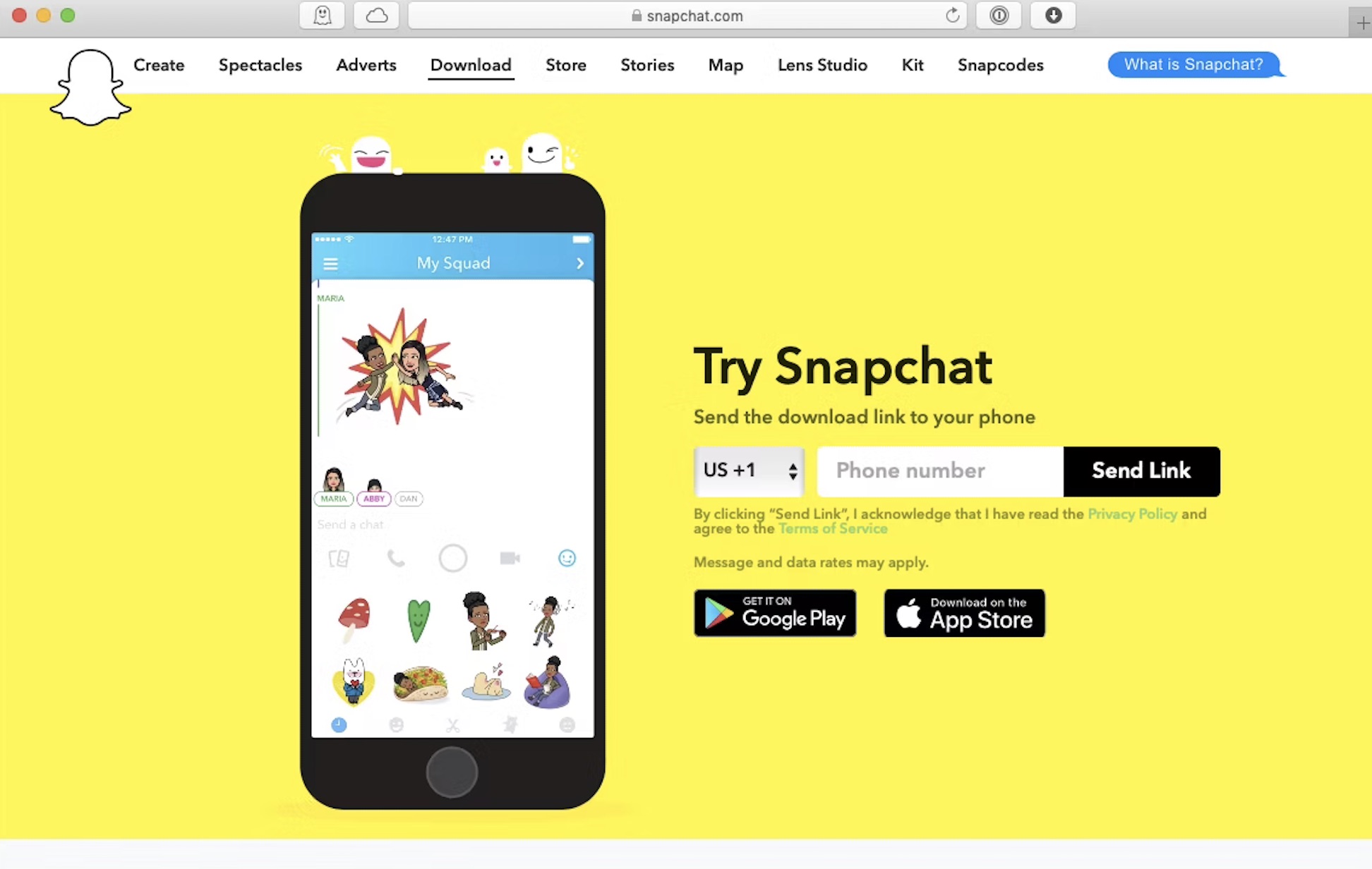
How To Download Snapchat On A Computer

To download Snapchat on a computer, the official and safest method is to use Snapchat for Web, a progressive web app that runs directly in your browser. This allows you...

How To Download Wetransfer Files

To download WeTransfer files, simply open the transfer link you received via email or direct message, no account is required. The entire process takes just a few clicks, starting from...

How To Change The Default Download Location On Android

You can change the default download location on Android, but there is no single universal setting that controls where every file lands. The most common default path is `/storage/emulated/0/Download`, and...

How To Download GIF From Discord

To download gif from discord, right-click the animated image in chat and select "Open link" or "Open image in new tab," then right-click the full-size GIF and choose "Save image...

How To Download Mega Files

To download Mega files, use the official MEGA website, the MEGAsync desktop app, or the MEGA mobile app, each method takes only a few clicks once you have the share...