This tag collects practical, step-by-step guides for people who use Android phones, tablets, or even PCs running Android apps. It is written for everyday users who want to get more out of their devices, whether that means managing their music, organizing downloaded files, or making their navigation apps more personal. The articles assume you are comfortable following instructions but do not require deep technical knowledge.
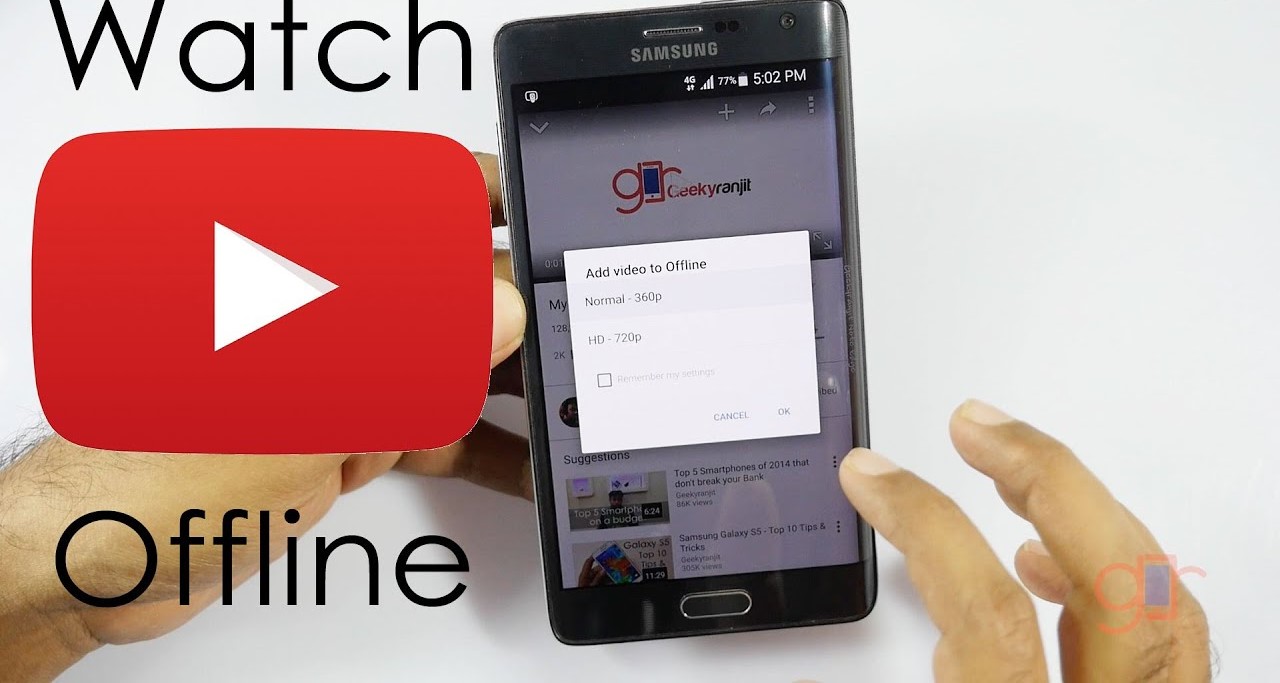
The guides fall into a few clear themes. One is media and entertainment: you’ll see straightforward walkthroughs for saving videos from YouTube, Instagram, and Twitter, as well as for downloading music from services like Apple Music and Amazon Music. Another theme is device customization and control, articles explain how to change your GPS location, set a song as a ringtone, or add extra voices to Waze. A third theme covers account security and parental controls, such as moving Google Authenticator to a new phone, recovering a secret key, or removing Family Link restrictions. Throughout, the tone treats these as legitimate troubleshooting tasks, for example, the Pokémon Go and emulator pieces focus on playing games on a PC or improving your experience, not on breaking rules.
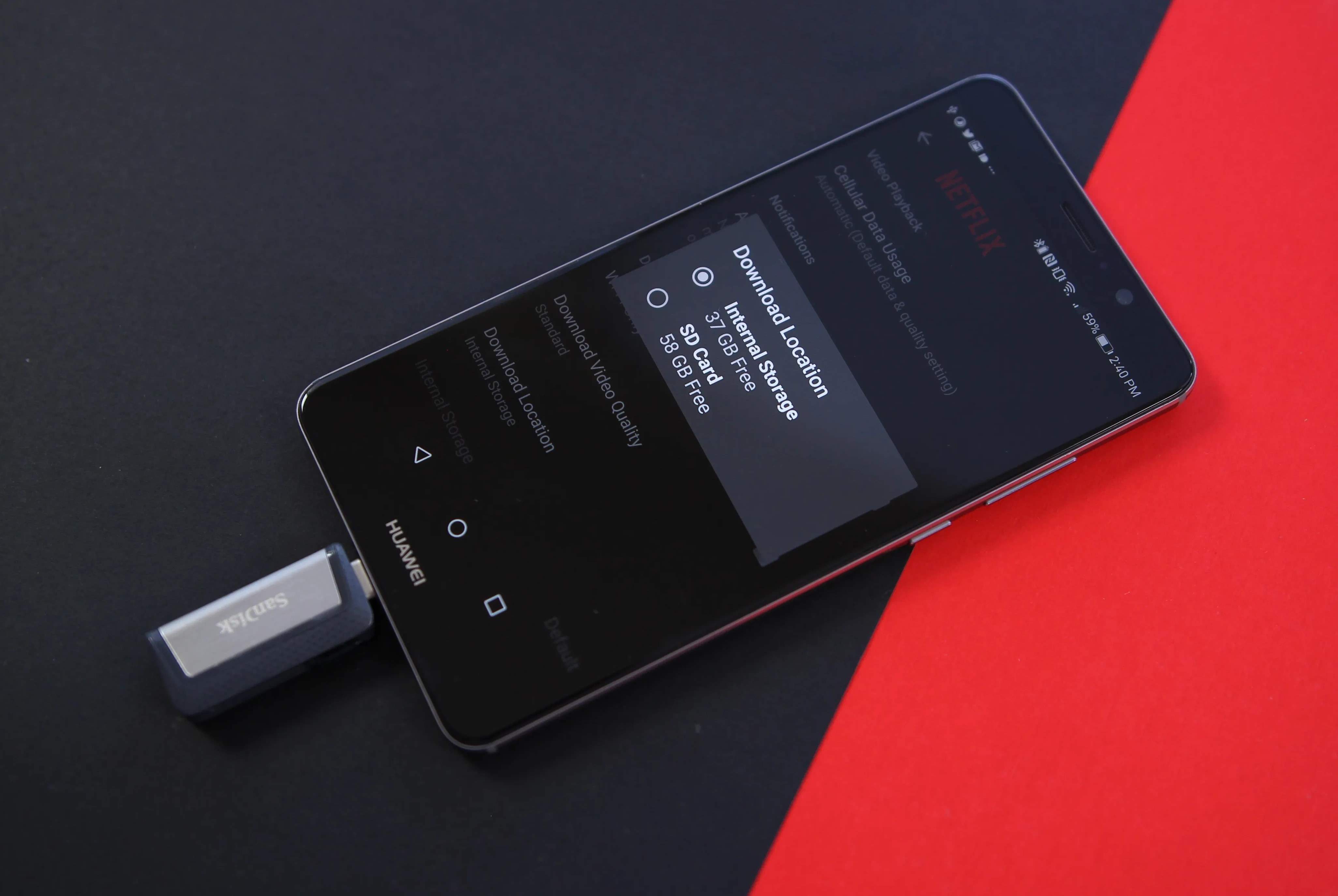
Many articles also address safety and legal alternatives. Instead of promoting piracy, they show how to download content from official sources or how to use offline maps and music legally. Others help you clean up your downloads folder or turn off subtitles on streaming services. In short, this tag is a toolbox for making Android work the way you want, with an emphasis on doing so responsibly and within the bounds of each app’s rules.