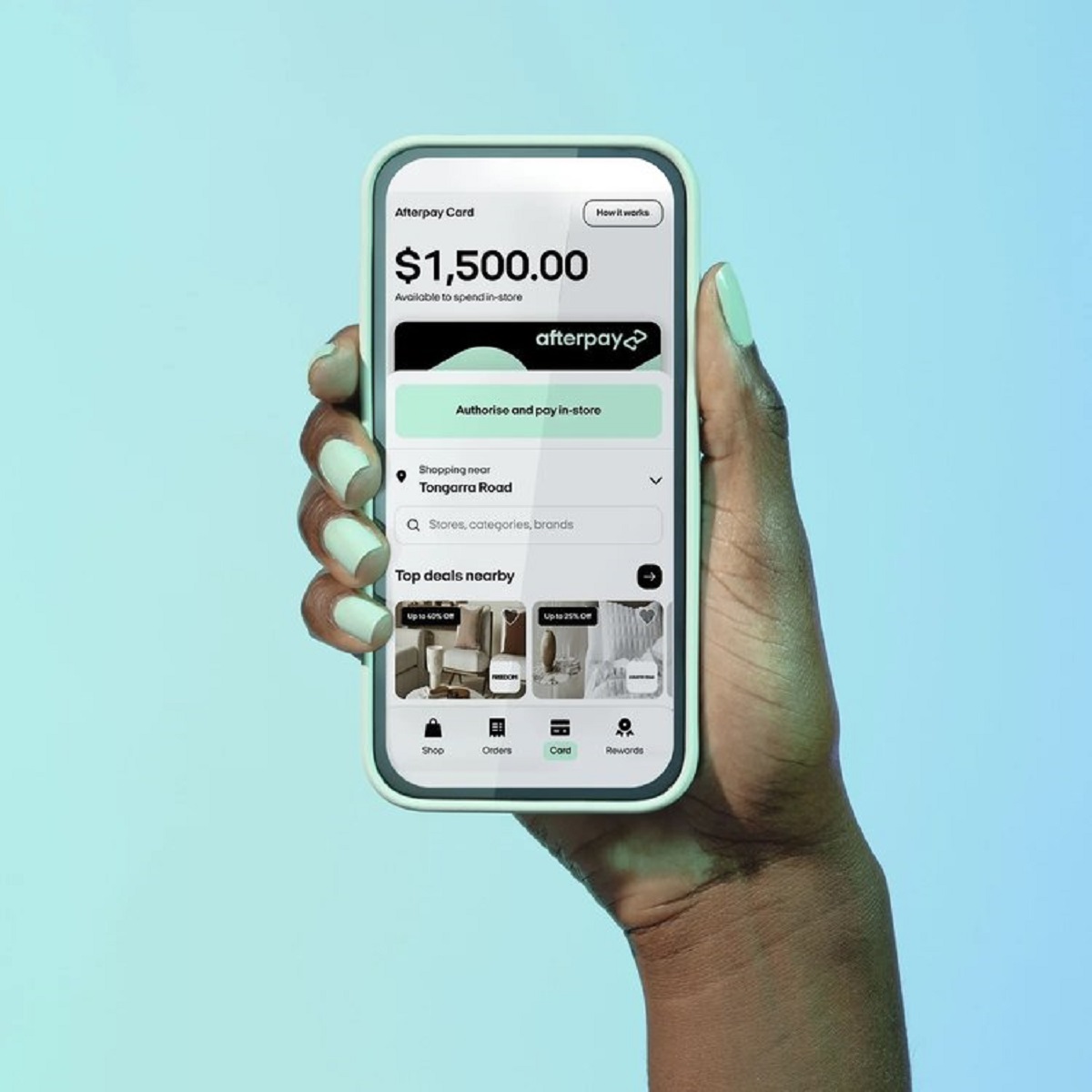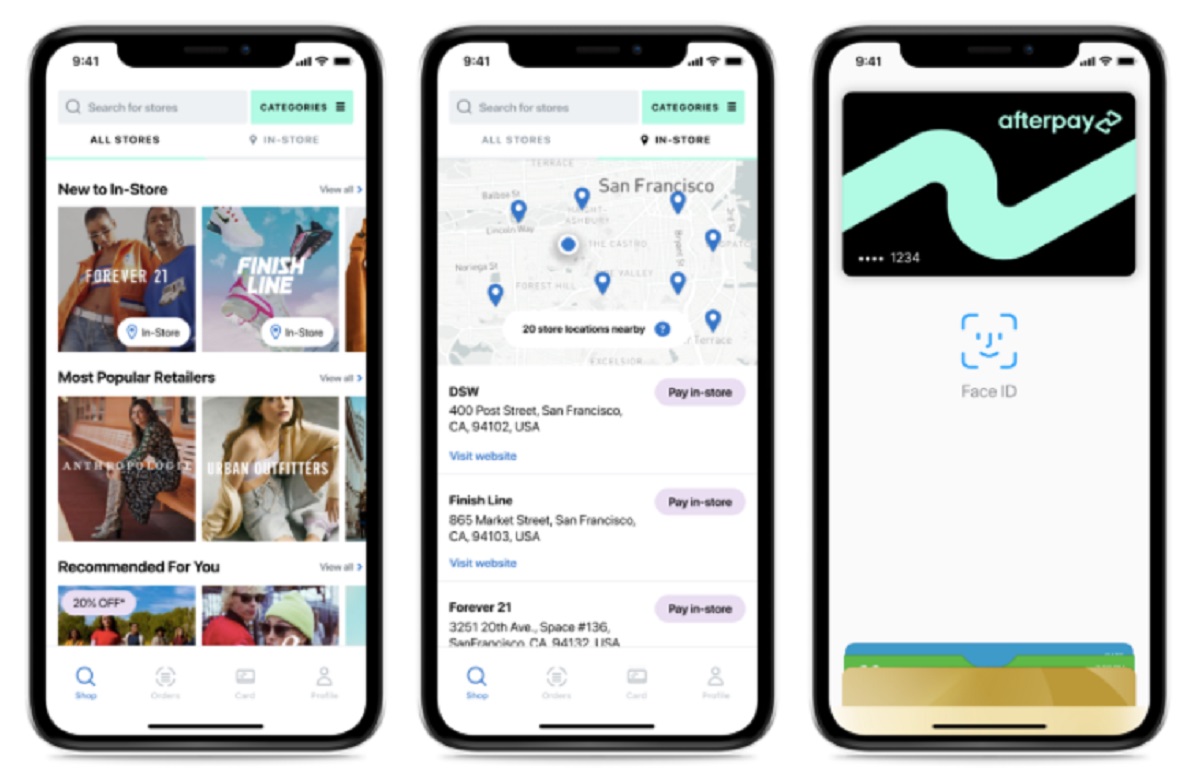
This tag collects every article on Robots.net that mentions Afterpay, the buy-now-pay-later service. It is written for shoppers who use Afterpay regularly and need quick, practical answers about how the service works in everyday situations, whether they are checking a balance, adding the service to a digital wallet, or trying to use it at a specific retailer.

The articles here solve two main kinds of problems. The first is account and payment management: readers can learn how to check their Afterpay balance, change a scheduled payment date, see their virtual card number, and understand why a card might be declined. The second is merchant and location coverage: several pieces explain how to use Afterpay at well-known stores like Walmart, Old Navy, and Best Buy, as well as which travel sites and gas stations accept the service. A third, smaller group covers practical limits and alternatives, such as how many open orders you can have, how to get cash with Afterpay without misusing the service, and how to add Afterpay to your mobile wallet for in-store or online checkout.

Some of the specific topics addressed include getting a virtual card, using Afterpay on Cash App, and checking your card number safely. A few articles also take a security-conscious angle, for example, explaining why a card might be rejected or how to handle cash access legally, so readers can avoid risky workarounds and instead use Afterpay within its intended guidelines. Together, these pieces help shoppers troubleshoot common issues, plan purchases across different merchants, and manage their payment schedules with confidence.
How Do I Check My Afterpay Balance

To check your Afterpay balance, the fastest way is to log into your Afterpay account through the mobile app or the website dashboard. Your dashboard immediately shows your outstanding payments,...

How To Use Afterpay On Best Buy

Afterpay is not a direct payment option on Best Buy’s website, so you can’t simply select it at checkout. The workaround is to use the Afterpay virtual card, which lets...

What Gas Stations Accept Afterpay

Gas stations that accept Afterpay include Ampol Foodary, Metro Petroleum, BP, 7-Eleven, Costco, Reddy Express, and Shell, though availability varies by region. You can use Afterpay at these locations by...

What Travel Sites Use Afterpay

Travelers can book flights and accommodations on several major travel sites that use Afterpay, including Expedia, Booking.com, Hotels.com, Agoda, Airbnb, Skyscanner, Trip.com, and Travelocity. However, Afterpay availability on these platforms...

How To Get Cash With Afterpay

You cannot get cash with Afterpay through its standard buy-now-pay-later service, but the integration with Cash App allows eligible users to convert past eligible purchases into a cash deposit to...

How To Use Afterpay On Cash App

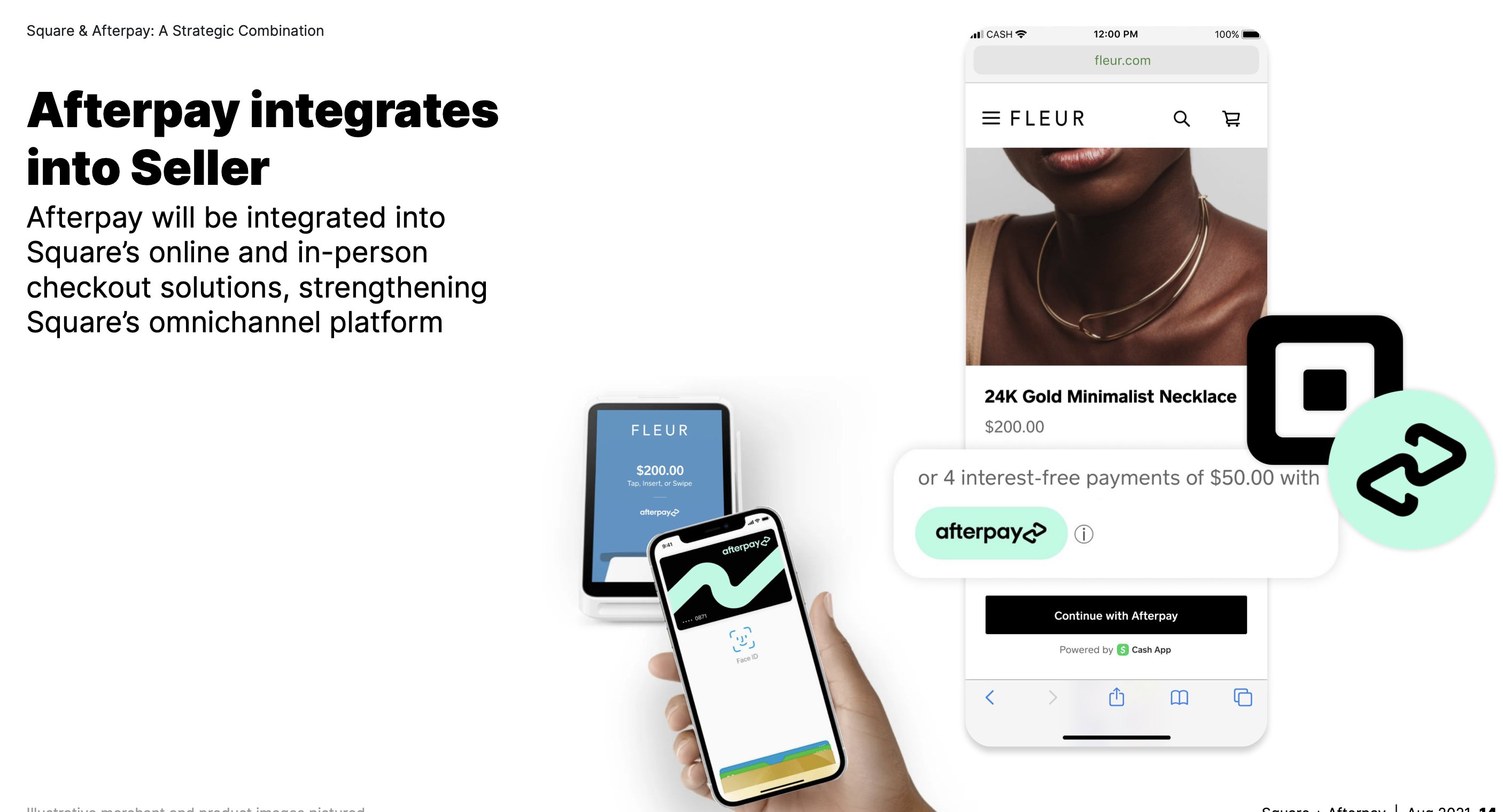
To use Afterpay on Cash App, you can now do so directly within the app without needing a separate Afterpay account. Afterpay is now directly integrated into Cash App, offering...

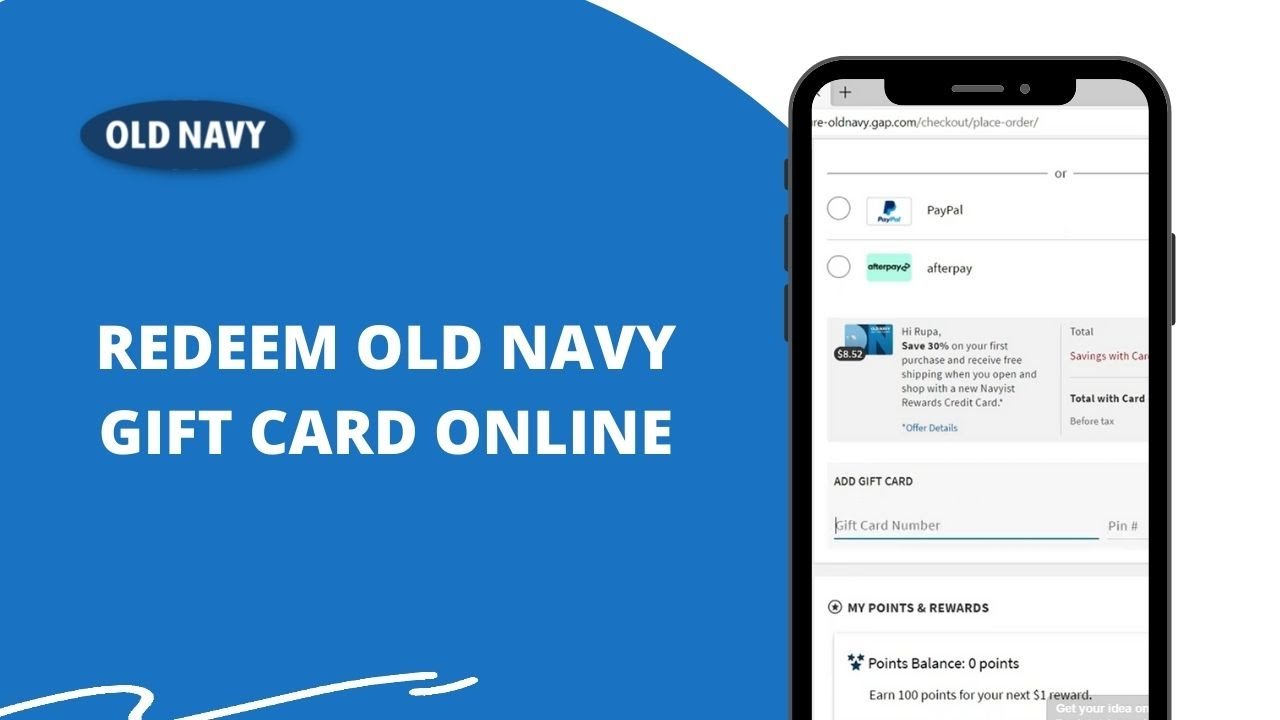
How To Use Afterpay On Old Navy

How to use Afterpay on Old Navy online You can use Afterpay on Old Navy by selecting it as your payment method at online checkout or by setting up the...

How Do I Add Afterpay To My Wallet

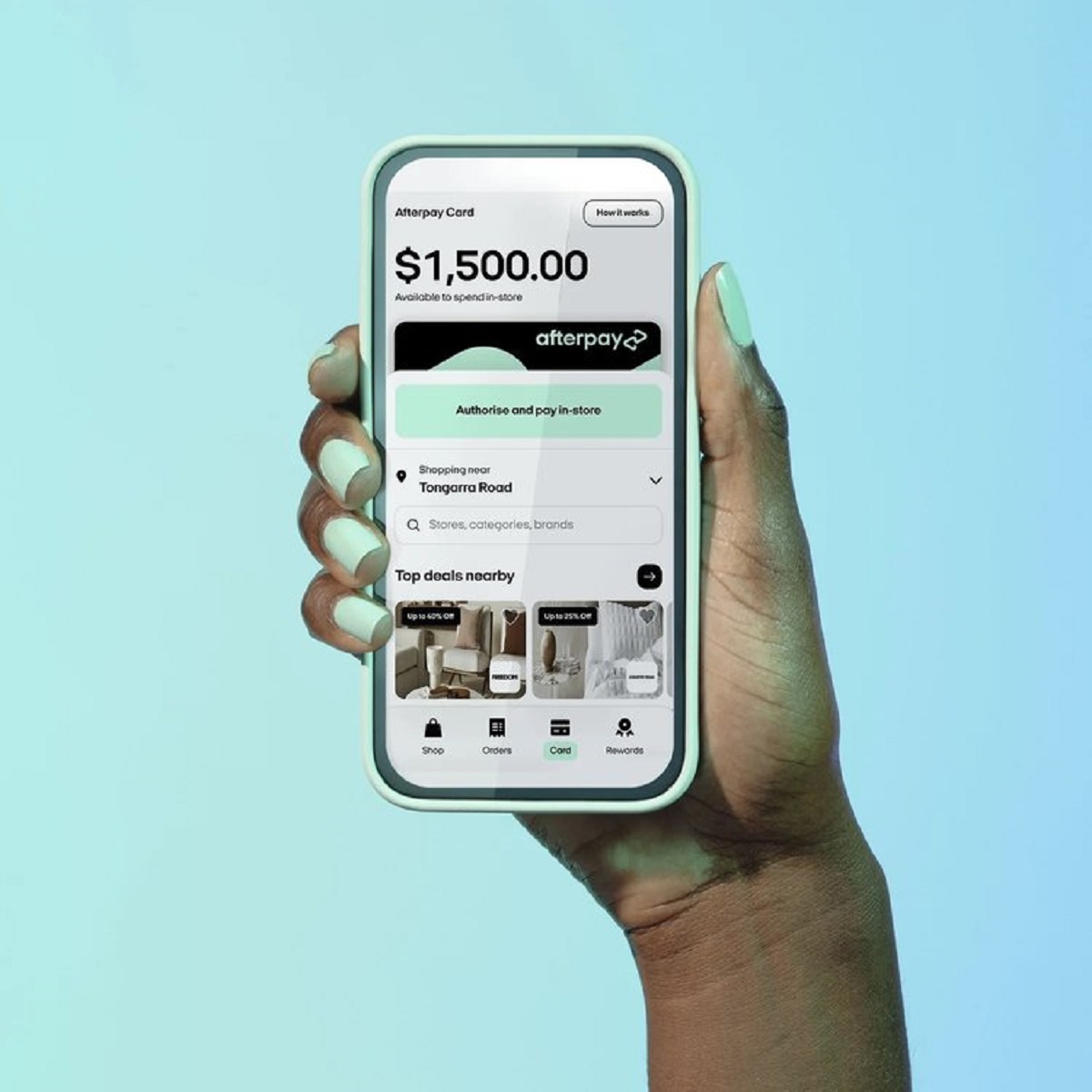
To add Afterpay to your wallet, you first generate the Afterpay Card inside the Afterpay mobile app, then add that virtual card to Apple Pay, Google Pay, or Samsung Pay...

How To Get A Virtual Card On Afterpay

What is the Afterpay virtual card? An Afterpay virtual card is a digital payment method that lets you use Afterpay without a physical plastic card. There are actually two distinct...

How To Get Walmart On Afterpay

To get Walmart on Afterpay, you must generate a single-use virtual card through the Afterpay mobile app, as Walmart does not offer Afterpay directly at its online checkout. This is...

How Do I See My Afterpay Card Number

You cannot see your full Afterpay card number. The 16-digit number, expiration date, and CVV are never displayed because the Afterpay card number is securely tokenized and stored only in...