This tag collects practical guides for anyone managing their own online accounts, from social media and banking apps to gaming platforms and payment services. It is written for everyday consumers who want to regain control of their logins, recover locked access, or tighten their security settings without needing technical expertise. The articles focus on real, common problems, like losing a two-factor code, forgetting a PIN, or being locked out of a service, and walk through the steps to resolve them.
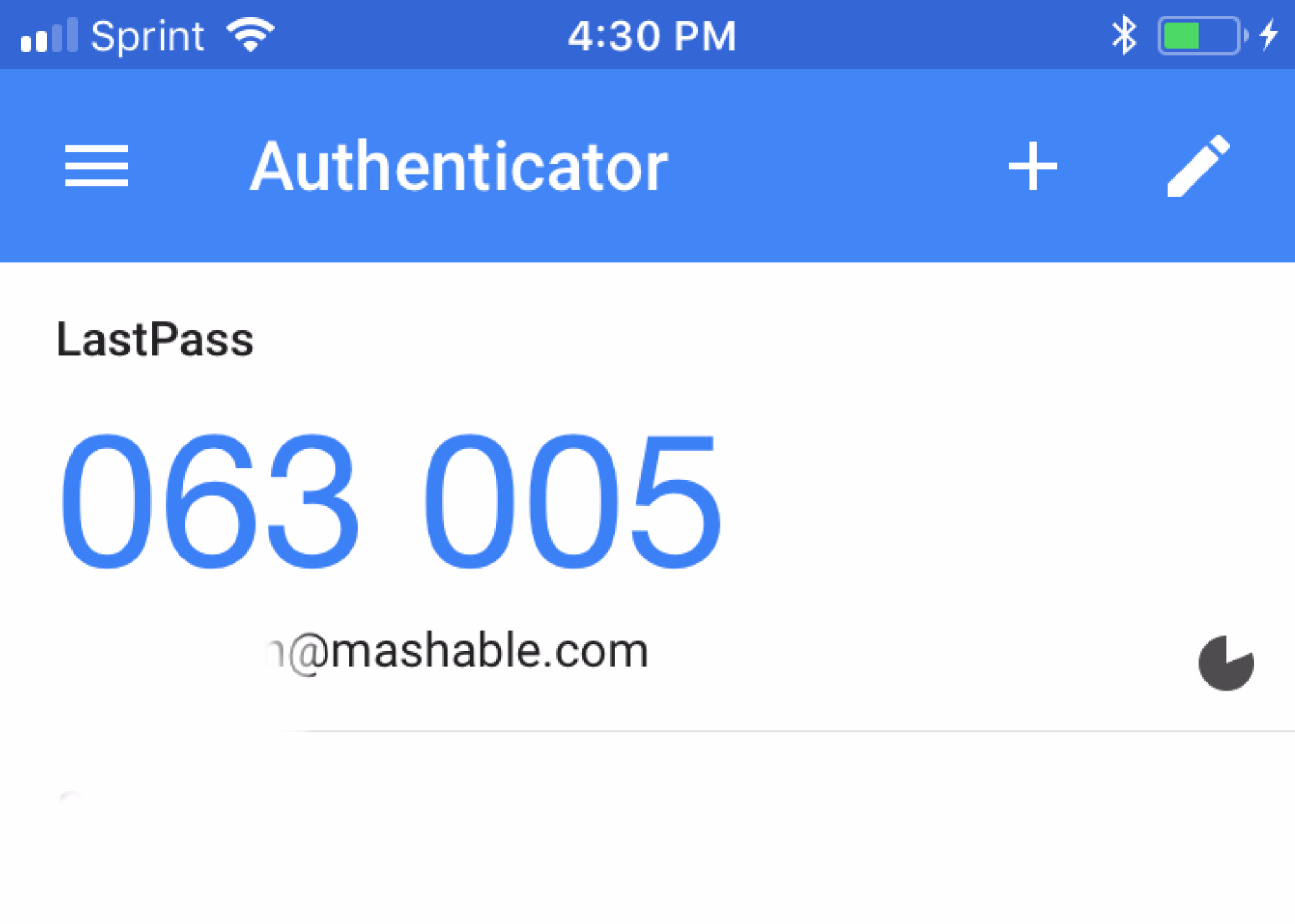
Several themes run through these 27 pieces. One is two-factor authentication and recovery: you will find clear explanations of how to add Facebook or Yahoo Mail to Google Authenticator, how to transfer those codes to Microsoft Authenticator, and what actually happens to your codes when you change your phone number. Another theme is account access and lockouts, covering topics like why a PlayStation account might be locked, how to log out of Spotify on every device, or how to unlock a Zelle account. A third theme is PIN and payment security, with guides to changing your Cash App PIN, resetting a Roku PIN, or blocking payments on PayPal. There are also safety-focused articles that discuss the risks of cheats in browser games or Roblox, and explain why downloading private Instagram pictures is not a secure practice, these pieces help you understand the dangers rather than showing you how to bypass systems.
Across all of these, the goal is to help you act: secure a new authenticator, restore a locked profile, update a forgotten PIN, or simply understand what your backup codes mean. The articles are direct, task-oriented, and aimed at getting you back into your accounts safely.