No, you cannot see who viewed your Facebook profile. Meta states plainly that Facebook does not let people track who views their profile, and that third-party apps cannot provide this either. Any app, browser extension or website that claims to show your profile visitors is misleading you, and Meta asks people to report such apps.
What Meta says, in its own words
Meta's Help Center answers this question from both sides. On who views your profile, it says Facebook does not let people track who views their profile, and that third-party apps are also unable to provide this functionality. On the reverse question, whether people can tell that you looked at their profile, the answer is the same: no, Facebook does not tell people that you have seen their profile. Meta extends the same point to posts. You cannot see who looked at your photos or read your posts either.
That is a firm product position rather than a missing feature waiting to arrive. Profile browsing on Facebook is private in both directions, and the data needed to build a visitor list is not made available to outside developers.
Why apps that claim to show profile visitors are scams
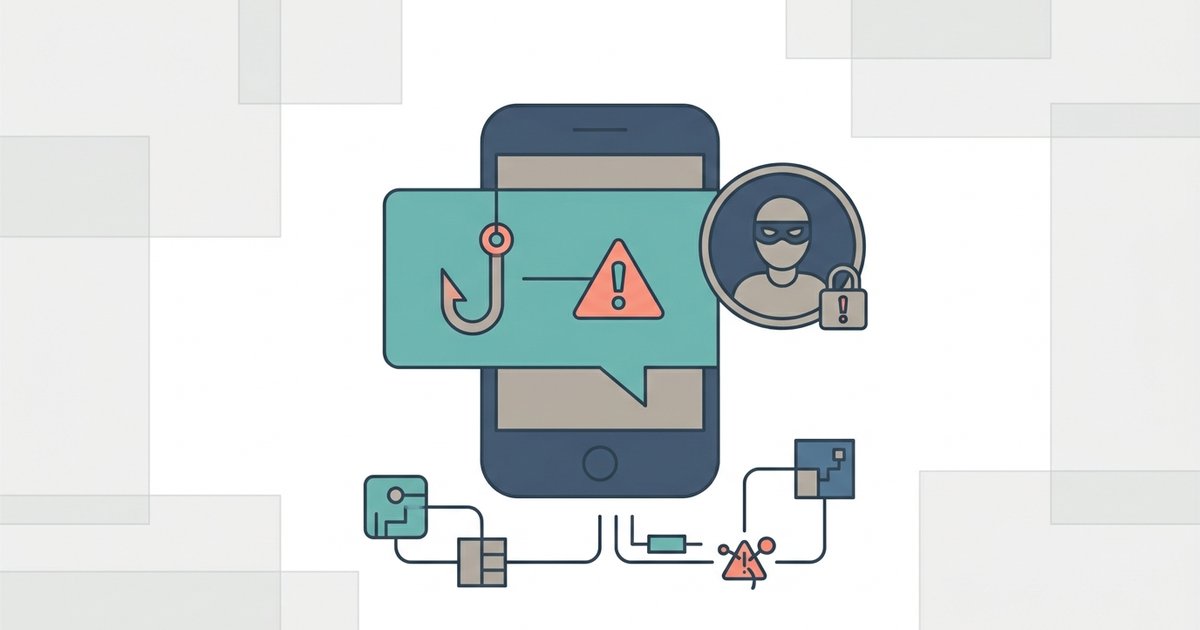
If Facebook itself does not expose profile view data, an outside app has no legitimate source for it. So what are these apps actually doing? Usually one of the following:
- Harvesting your login. Many ask you to sign in with your Facebook email and password on their own page. That hands your credentials to a stranger, which is one of the most common ways Facebook accounts get hacked.
- Showing invented lists. Some display names drawn from your friends list or from people you interact with often, then present them as recent visitors. The list looks plausible because they are people you know, not because they visited.
- Spreading themselves. Some ask for permissions and then post or message on your behalf, inviting your friends to try the same trick.
- Collecting data or showing ads. Others exist to gather personal information or to push advertising and paid subscriptions.
Meta's guidance is simple: if you come across an app that claims to offer this, report the app. If you already installed one or entered your password into one, treat your account as at risk. Change your password, remove the app's access to your account, and turn on two-factor authentication.
Browser tricks and source code myths
A long-running rumor says you can find profile visitors by opening the source code of your Facebook page and searching for friend ID numbers. Whatever IDs turn up there, they are not a visitor log. Meta's statement that people cannot track who views their profile covers every method, and nothing in its documentation describes a hidden list you can dig out. Browser extensions that promise the same result are the app scam in a different wrapper, often with even broader access to what you do in your browser.
What you can actually see
There are a few places on Facebook where Meta does show you who looked at something. They are narrower than a profile visitor list, but they are real.
Story viewers
When you share a photo or video to your story, you can see who viewed it or reacted to it. Only you can see that list. On a computer, Meta's steps are:
- Go to the Stories section at the top of your Feed.
- Click Your story.
- Click Viewers in the bottom left. If nobody has seen it yet, you will see No viewers yet.
You may also see the emoji someone used to react, next to or below their name. Meta notes a few things about the list. Friends who viewed your story may appear first. If your story settings allow Messenger connections, their names may appear below your friends. If your story is set to Public, you may see friends, followers and some non-followers. And some people who preview your story may show up only as others, without a name.
The list works in the other direction too. If you watch someone else's story, your name can appear in their viewer list, so stories are the one place where casual browsing on Facebook is not invisible. Looking at someone's profile leaves no trace they can see, but watching their story can.
This is often where the idea of profile viewers comes from. People notice the same names at the top of their story viewers and assume the same tracking exists for profiles. It does not.
Reactions, comments and shares
You can always see who reacted to, commented on or shared your posts, within the limits of each person's own privacy settings. That tells you who engaged, not who looked. Plenty of people read without reacting, and they remain invisible.
Pages and professional tools
If you run a Facebook Page, Meta provides insights about how many people visited it and how content performed. These figures are aggregated counts rather than a list of named individuals. Page insights describe the Page, not your personal profile, and they do not turn into a list of which specific people looked at you. If someone tells you a Page tool or a creator setting reveals individual profile visitors, check Meta's Help Center before believing it.
If you are worried about who is looking
Usually the real concern is not curiosity but control. You cannot see who visits your profile, but you can decide what they find when they get there.
- Check the public view. Facebook lets you see your profile as the public sees it, which shows exactly what a stranger or an ex would see.
- Tighten post audiences. Set your default audience to Friends, and use Limit past posts to pull older public posts back to friends only.
- Review your About details. Each field, such as workplace, hometown or birthday, has its own audience setting.
- Adjust story privacy. Stories have their own audience setting separate from posts.
- Lock your profile if you can. In the countries where it is available, profile locking limits what non-friends see in one step.
- Block specific people. Blocking stops someone from seeing your profile at all while you are both on Facebook.
Remember that some details stay public no matter what you choose, including your name and your current profile picture and cover photo.
What to do next
Delete any profile viewer app you have installed, remove its access from the apps and websites connected to your Facebook account, and change your password if you ever typed it into one. Then spend five minutes checking your profile's public view and tightening anything that shows more than you intended. That gives you the control people usually want from a visitor list, without handing your account to a scam.