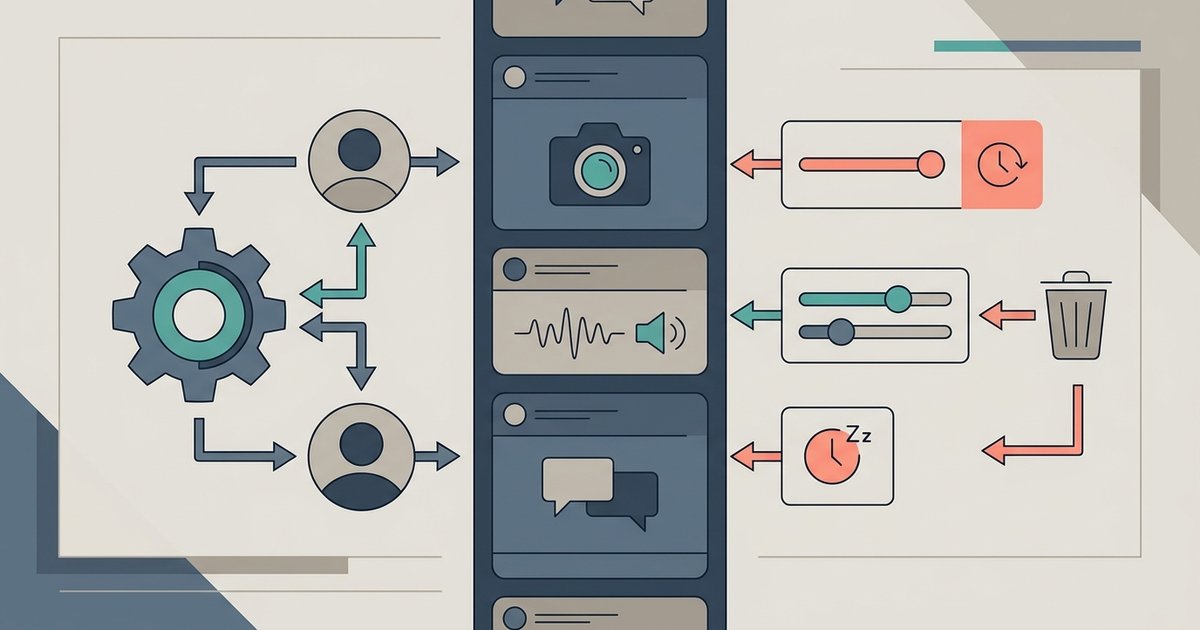
You control your Facebook feed with a small set of tools: the Feeds tab for a plain, most recent first view, Favorites to push up to 30 friends and Pages higher, Snooze to mute someone for 30 days, Unfollow to mute them indefinitely while staying friends, and Not interested to see less of a particular kind of post. Most of them live in two places, the Options menu on any post and the Content preferences section under Settings and privacy.
Where the feed controls live
Facebook's feed settings are split between quick actions and a settings page.
- On a post. Click Options, the three dots in the top right of any post in your Feed, to find Not interested, Snooze, Unfollow, Report and Save.
- Content preferences. Click your profile picture in the top right, click Settings and privacy, then Content preferences. This is where you manage Favorites, Unfollow, Snooze and Sensitive content. Reconnect is found under Settings and privacy, then Settings, then Feed.
- Feed settings. Meta also points to Settings and privacy, then Settings, then Feed, for managing who you follow and reconnecting with people you unfollowed.
The labels differ slightly between the website and the apps, but the same set of controls exists on both.
The Feeds tab: see the most recent posts
Your main Feed is ranked. Facebook predicts what you are likely to find relevant and puts that first. If you would rather see posts in the order they were published, use the Feeds tab. Meta describes it as a non-personalized experience that shows the most recent posts from the people, Favorites, Pages and groups you follow, newest first.
On a computer, click See more in the left menu of your Feed, then click Feeds. In the apps, look for Feeds among the tabs or in the menu. Inside the Feeds tab there are filters, including one for Favorites.
One thing surprises people: this is a view, not a permanent setting. Meta notes that when you exit and reopen the app, the ranked posts return to the top of your Feed. If you prefer the chronological view, you need to open the Feeds tab each time.
Favorites: prioritize up to 30 friends and Pages
Favorites lets you choose the friends and Pages whose posts you most want to see. Their posts are shown higher in your Feed, newest first, and you can open a Favorites view that shows only their posts. The rules, according to Meta:
- You can add up to 30 friends and Pages. You may need to remove some before adding more.
- Groups cannot be added to Favorites.
- Friends and Pages are not notified when you add or remove them.
- If you previously used the older See first option, those choices moved to Favorites automatically.
To manage the list, click your profile picture, then Settings and privacy, then Content preferences, then Favorites. Click Favorite next to a friend or Page to add it, or Remove favorite to take it off, and use the search bar to find specific people. To read only their posts, open Feeds from the left menu and click Favorites. Click All to return to everything.
Snooze: a 30 day break
Snooze hides posts from a person, Page or group in your Feed for 30 days. The person or Page is not notified, and you stay friends or keep following. It suits a friend on a posting spree, a group in the middle of a heated thread, or a Page covering an event you are tired of.
- Click Options in the top right of one of their posts in your Feed.
- Click Snooze followed by their name for 30 days.
- If you change your mind straight away, click Undo in the confirmation.
To end a snooze early, go to Settings and privacy, then Content preferences, select Snooze and click End snooze next to the name. The same screen lets you restart a snooze or add more time.
Unfollow: stay friends, stop seeing posts
Unfollowing removes someone's posts from your Feed without unfriending them. You remain friends, and Meta's help pages do not describe any notification being sent. You can unfollow in two ways:
- From a post: click Options on one of their posts and select Unfollow followed by their name.
- From their profile, Page or group: on a profile, click Following, then Unfollow. On a Page, click Following, then Unfollow, and click Update to confirm. In a group, click Joined, then Unfollow group.
Unfollowing a group keeps you as a member but stops its posts appearing in your Feed. If you only want a temporary break, snooze instead.
Reconnect: undo an unfollow
To start seeing someone's posts again, go to Settings and privacy, then Content preferences, and click Reconnect. Click Follow next to the person, Page or group. Only you see the change, and the other side is not notified. You can also reconnect directly: on a friend's profile click Friends and then Follow, or on a Page or group choose Follow or Follow group.
Not interested replaces Hide post
Facebook used to have a Hide post option. Meta says Not interested has replaced it and gives stronger personalization. Choosing Not interested from a post's Options menu tells Facebook to show you less content like that, and Facebook uses the feedback to adjust what appears in your Feed. There is also an Interested option on some posts that works the other way, asking for more of that kind of content.
Use Not interested when you like the person or Page but not a particular type of post. Use Snooze or Unfollow when the problem is the source itself.
Sensitive content
Content preferences also includes a Sensitive content control that adjusts how much you see of things such as graphic or violent content. If your Feed includes material you find upsetting even though it does not break Facebook's rules, this is the setting to check.
Report and block
Feed tools are about preference. If a post breaks Facebook's Community Standards, report it from the post's Options menu. If you want someone out of your Facebook experience entirely, block them from their profile or from Settings and privacy, then Settings, then Blocking. Blocking goes much further than unfollowing and also stops them seeing your profile.
A quick feed cleanup
Spend ten minutes on this once. Add your closest friends and the Pages you actually read to Favorites. Scroll your Feed and unfollow or snooze anything that makes you scroll past without reading. Use Not interested on the types of post you are tired of, and check Sensitive content if that applies. Then, when you want an unfiltered look at what people have posted, open the Feeds tab rather than relying on the ranked Feed.