Our guides and explainers for Microsoft’s current-generation console, written for everyday owners, prospective buyers, and players who want to get the most out of their hardware without guesswork. Whether you are comparing consoles before a purchase, troubleshooting a connection, or just curious about what a game’s performance really requires, these articles are practical and straight to the point.
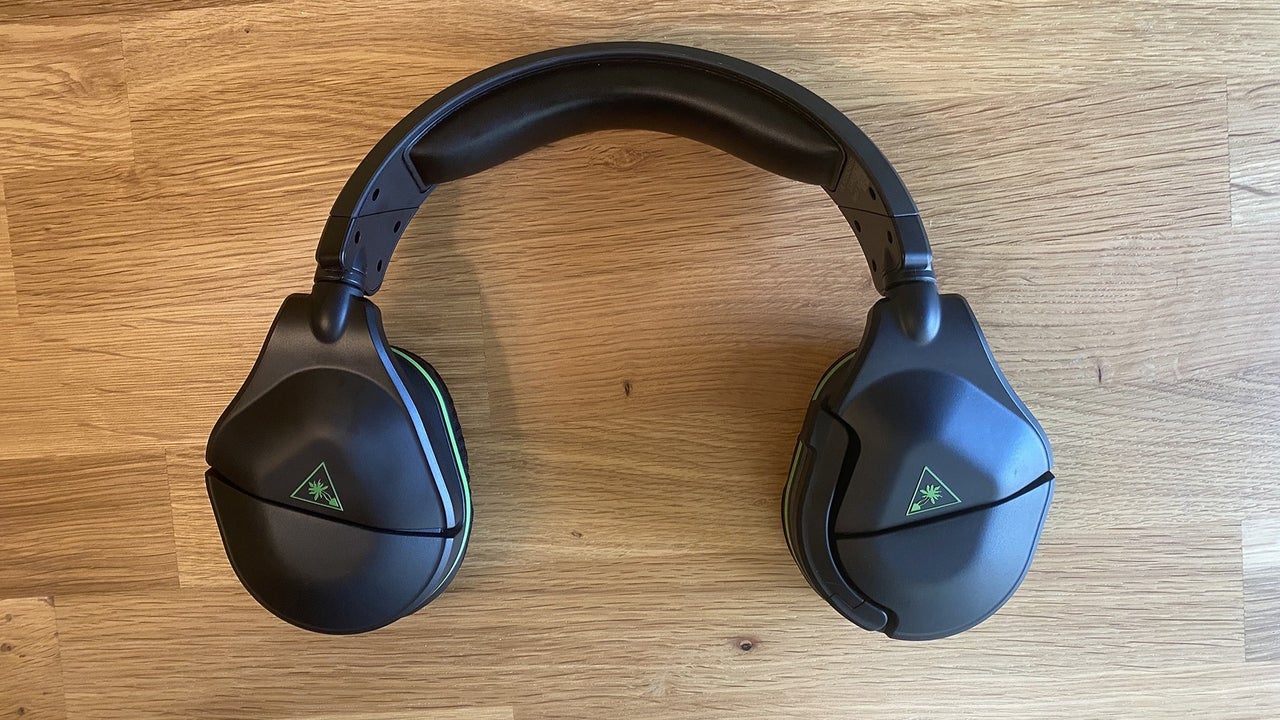
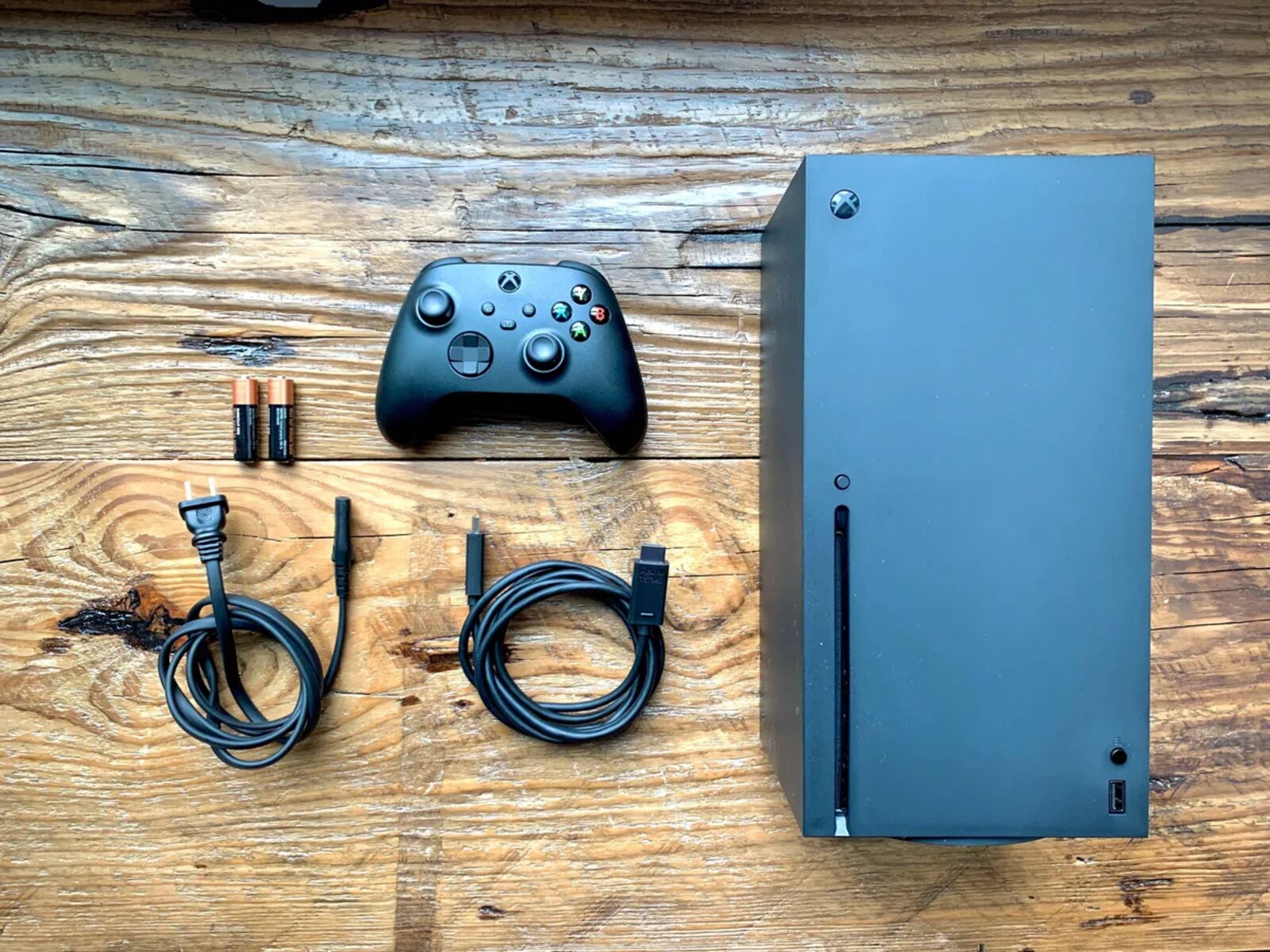
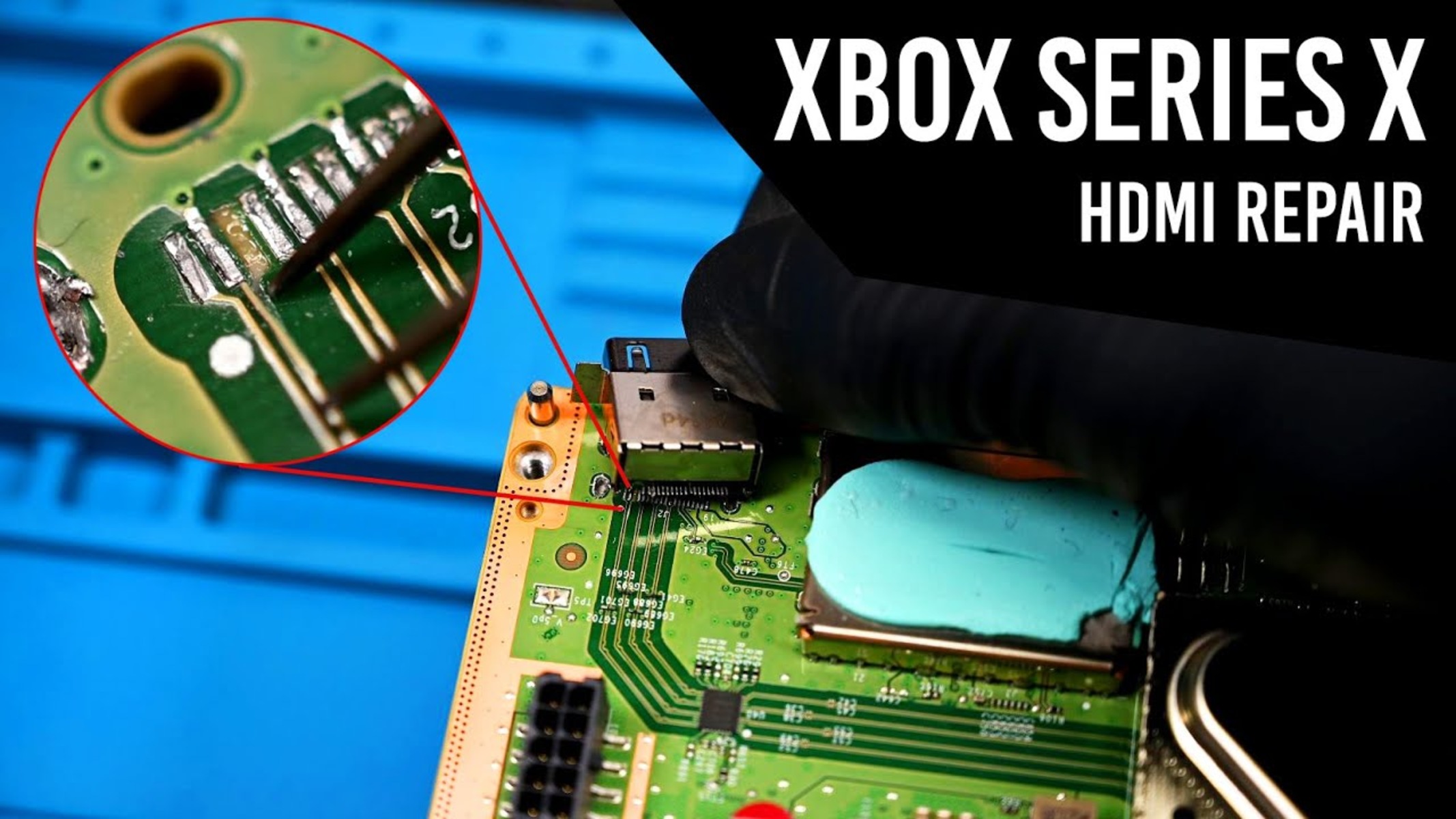
Several pieces focus on setup and maintenance, helping you solve common hardware and peripheral issues. For example, you can learn how to fix a damaged HDMI port, find out which HDMI cable ships with the console, and set the system to download games while it is in standby mode. Other articles cover connecting specific accessories, such as a Turtle Beach headset or a Thrustmaster racing wheel, with clear steps for getting them working on the Xbox or even a PC. These are written as safe, straightforward repair and configuration guidance, no shortcuts or risky workarounds.
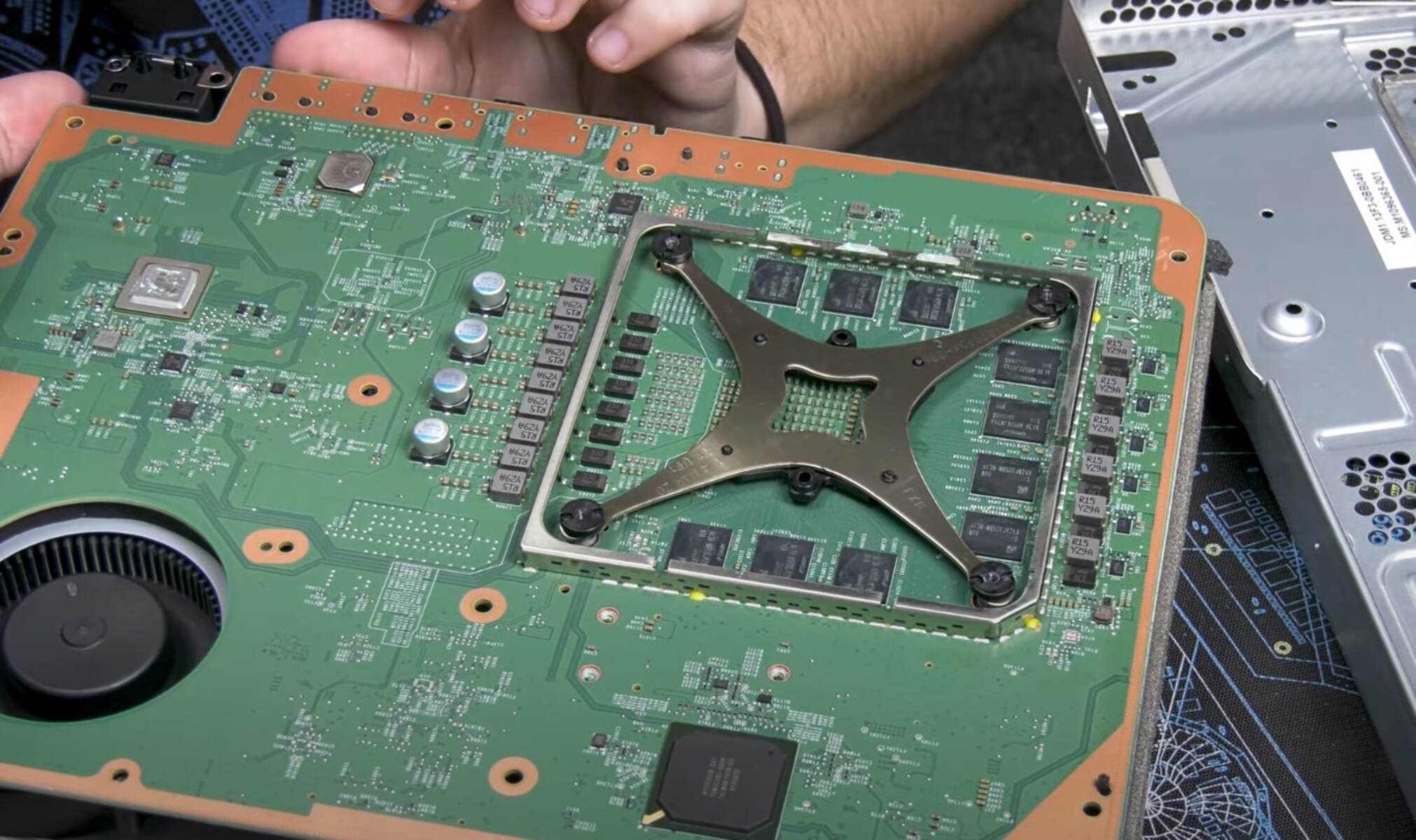
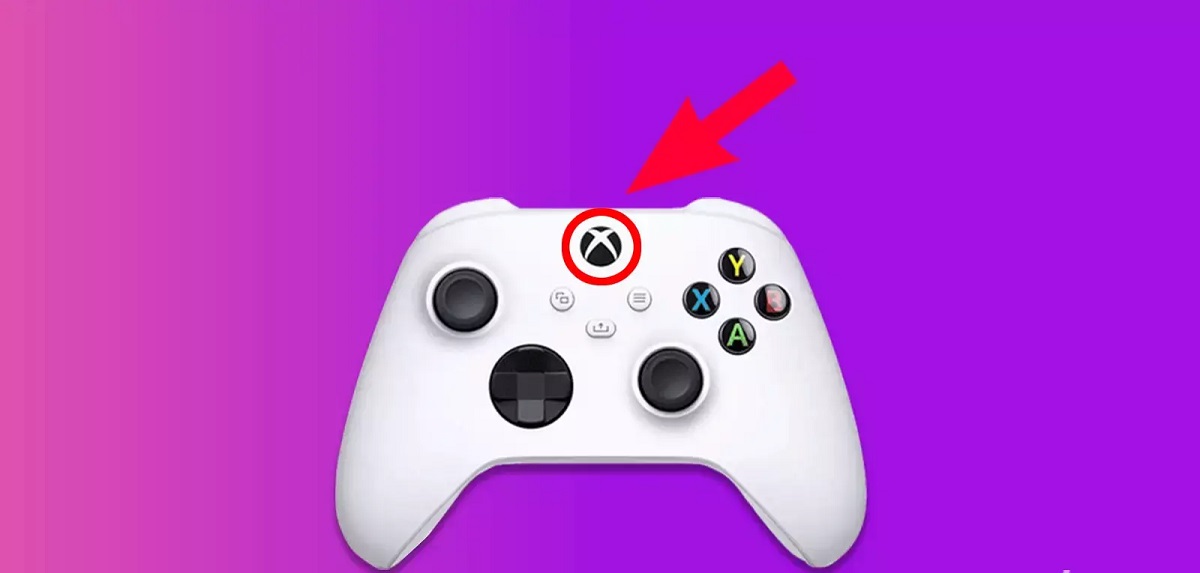
A second group of articles helps you make informed decisions about games and system capabilities. You can read about backwards compatibility across console generations, check how much RAM the Xbox Series X has, and compare the Xbox against the PlayStation for 2024. On the game side, the tag includes performance and review pieces for Cyberpunk 2077, Halo Infinite, The Medium, and the new FNAF title, so you can understand what “next-gen” really means before you buy. Finally, if you are thinking about selling old controllers, there is a guide on how much you can expect to get at GameStop. These articles are about understanding your options, not circumventing rules, so you can use your console confidently and legally.