This tag collects our guides to wired connections, the cables, ports, and protocols that link your devices without Wi-Fi. It’s for anyone who wants a more stable connection for gaming, streaming, or home networking, and for those troubleshooting a missing or unreliable Ethernet setup. Whether you’re a console owner, a router user, or just curious about why a cable beats a signal, these articles give practical, step-by-step help.
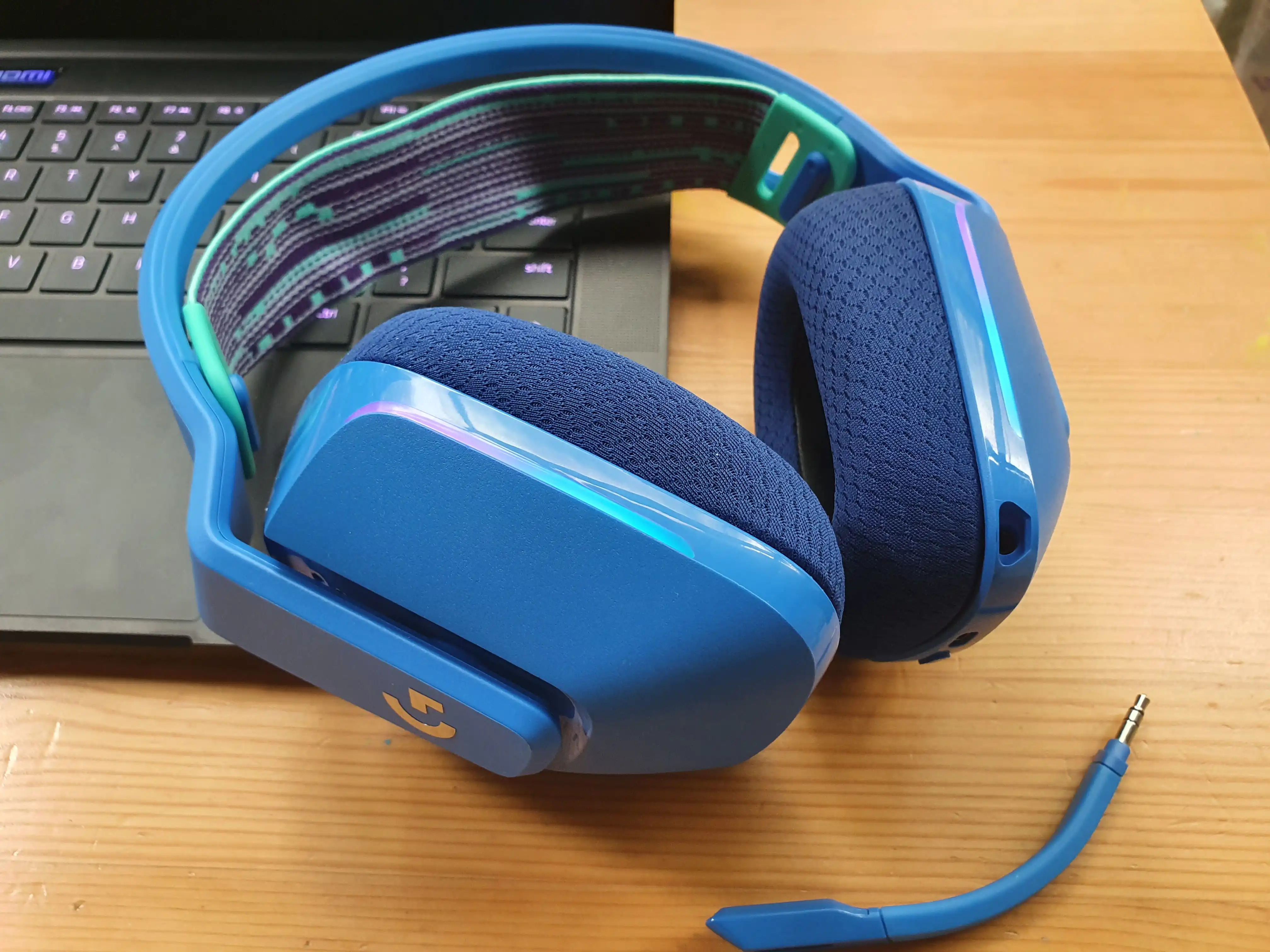
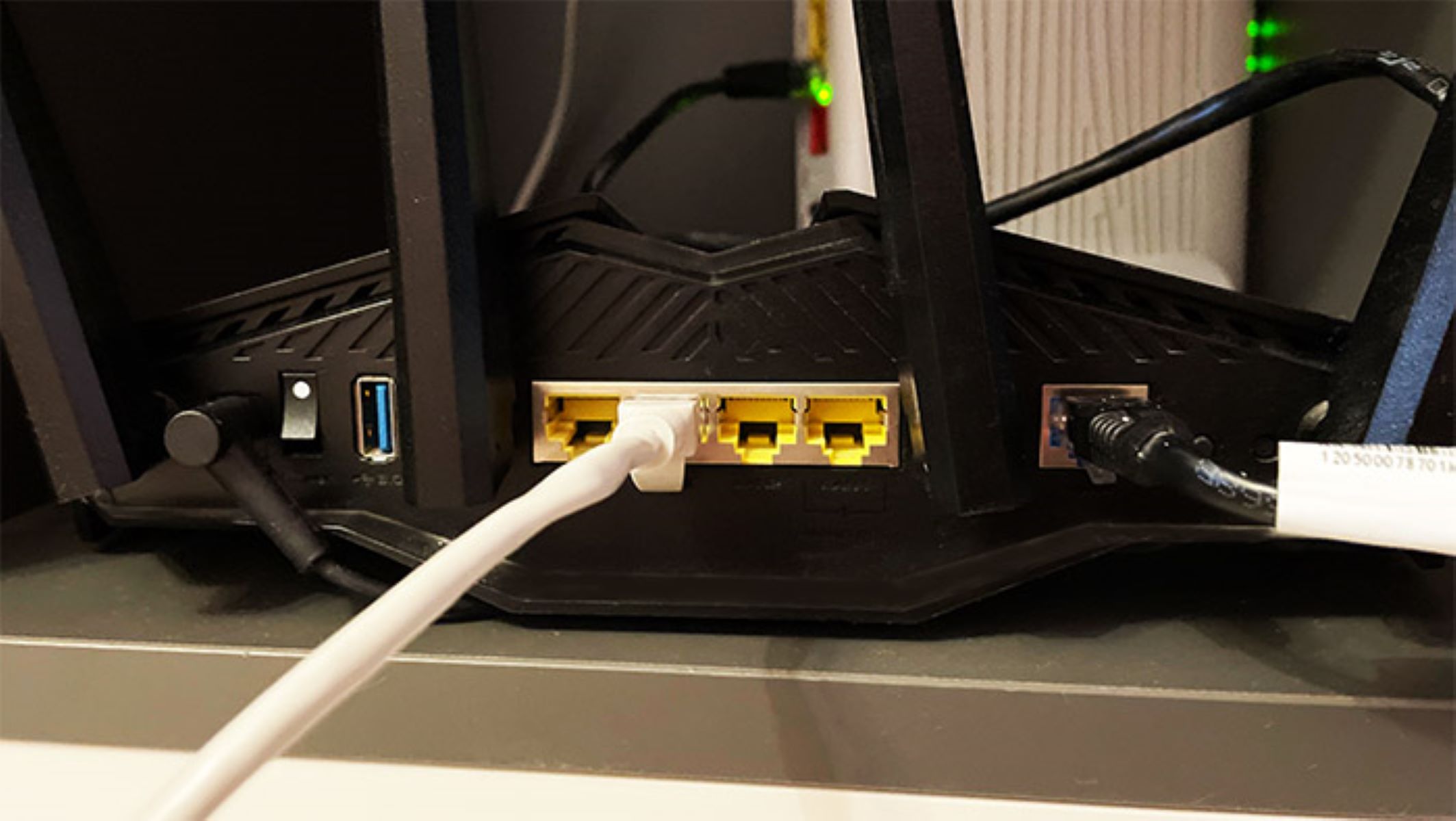
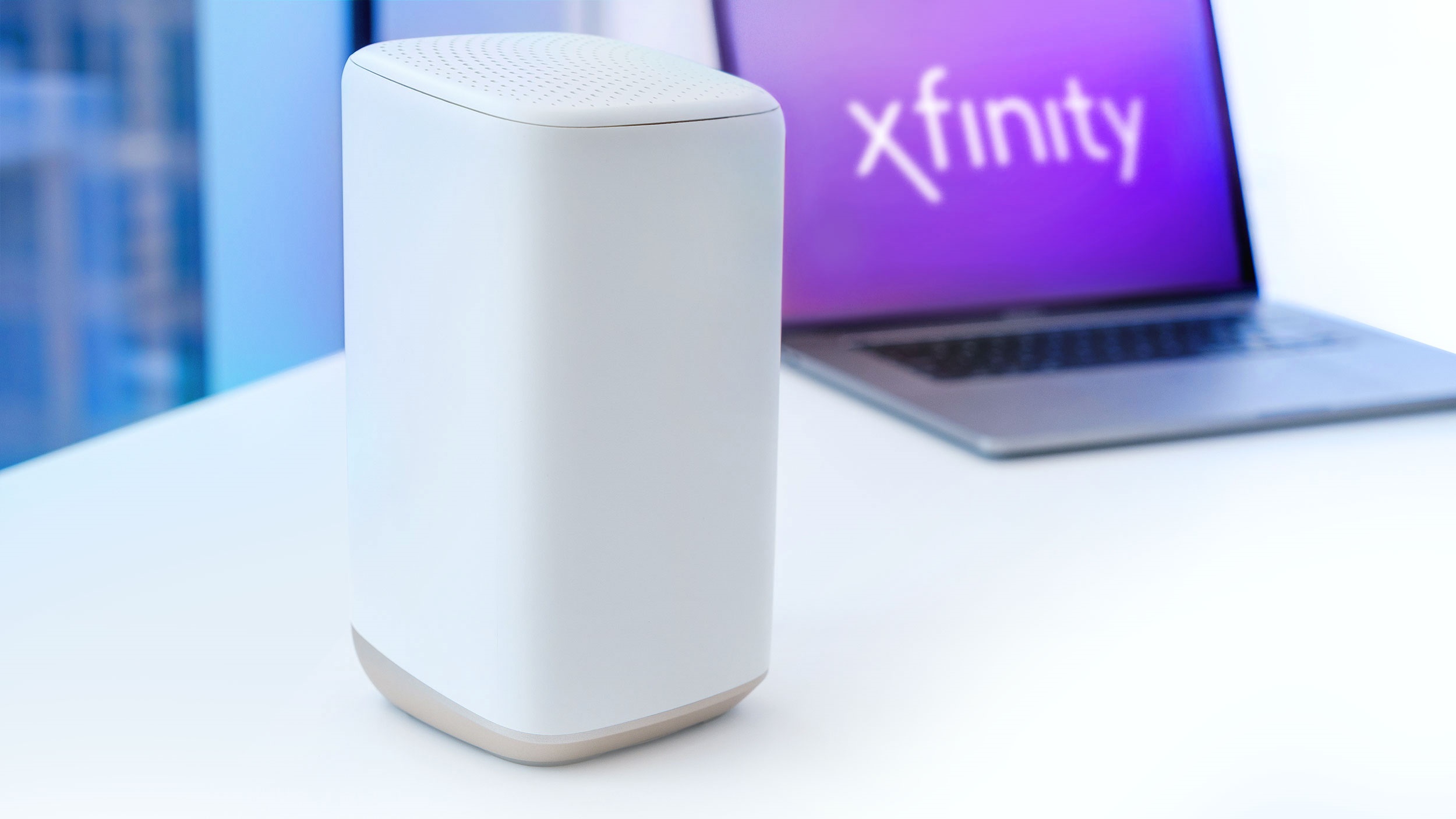
The pieces here fall into two broad themes. First, setup and configuration: you’ll find clear instructions for getting a PlayStation 5 online with Ethernet, plugging a cable into an Xfinity router, and swapping your daily traffic from Wi-Fi to a wired link. Second, problem-solving and alternatives, including what to do when your home simply lacks an Ethernet outlet, and how to connect a phone to a TV without relying on Wi-Fi at all. There’s also a guide to pairing a Logitech G733 headset with an Xbox, which uses a wired USB receiver rather than a network cable, but fits the tag’s focus on direct, dependable connections.
Beyond the how-tos, one article explains what an Ethernet protocol actually is, so you understand the language your devices speak over the wire. None of these guides encourage bypassing security or pirating content; they’re about legitimate, safe ways to get a better connection, like using a cable where wireless is weak, or finding a legal alternative to Wi-Fi for screen mirroring. The goal is always to help you do more with your gear, reliably and within the rules.