This tag collects our practical guides to virtual reality headsets, written for everyday owners who want to set up, maintain, or troubleshoot their gear without wading through jargon. Whether you have just unboxed a new device or are dealing with an older one that has started acting up, these articles are aimed at the non-expert who wants clear, step‑by‑step help. The content is for anyone from first‑time buyers to long‑time users who need a quick answer, not for enthusiasts looking for advanced modding or development tricks.
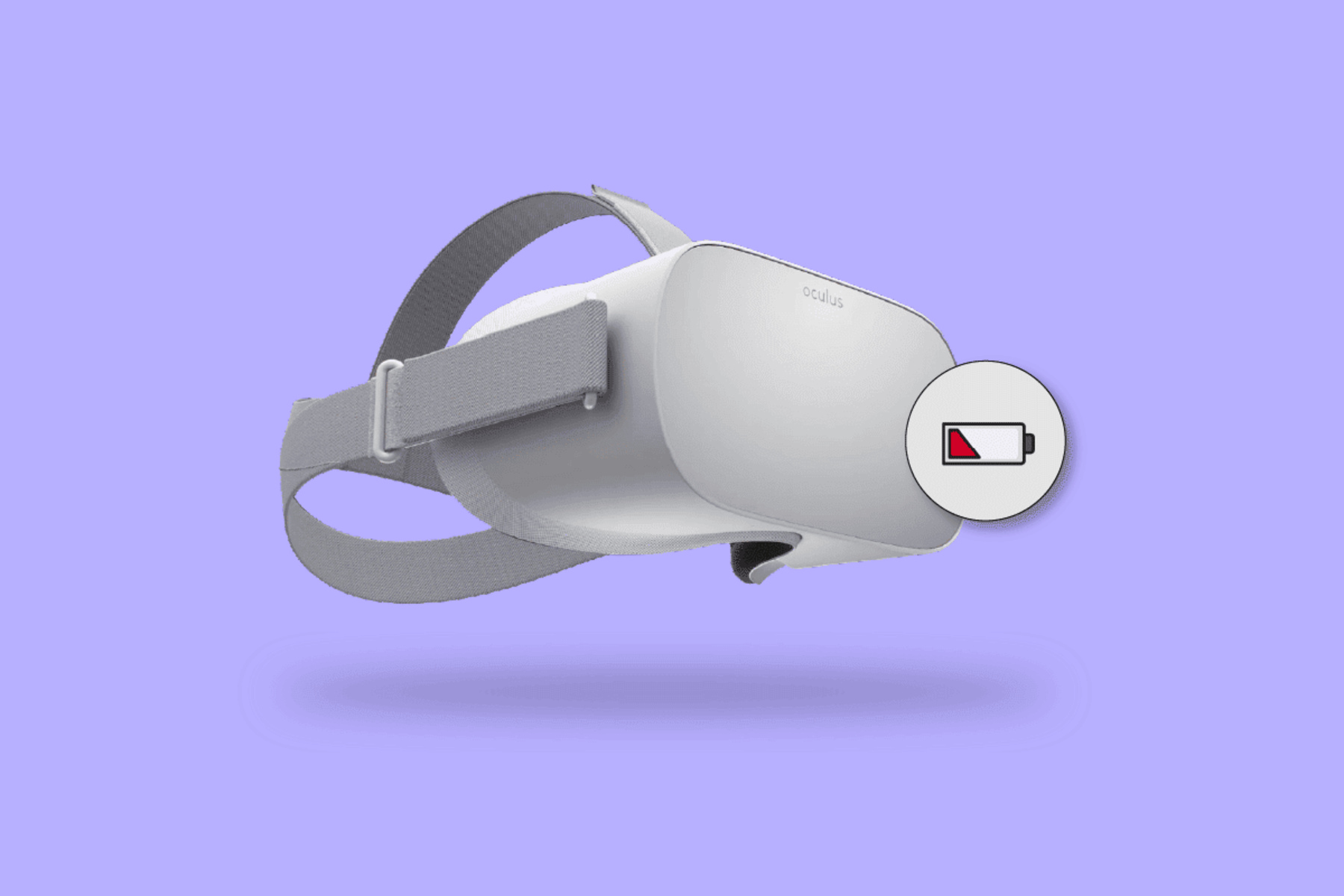
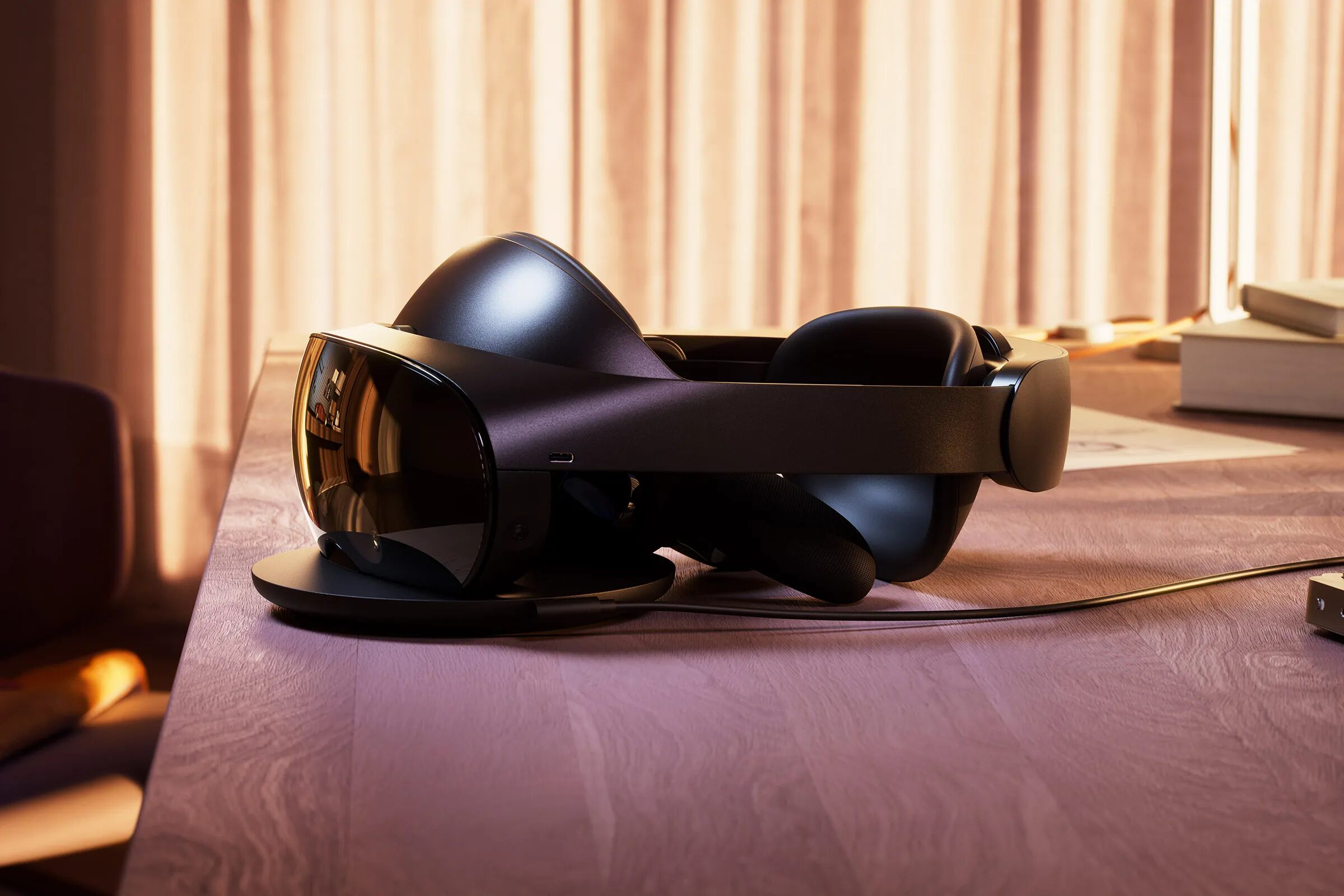
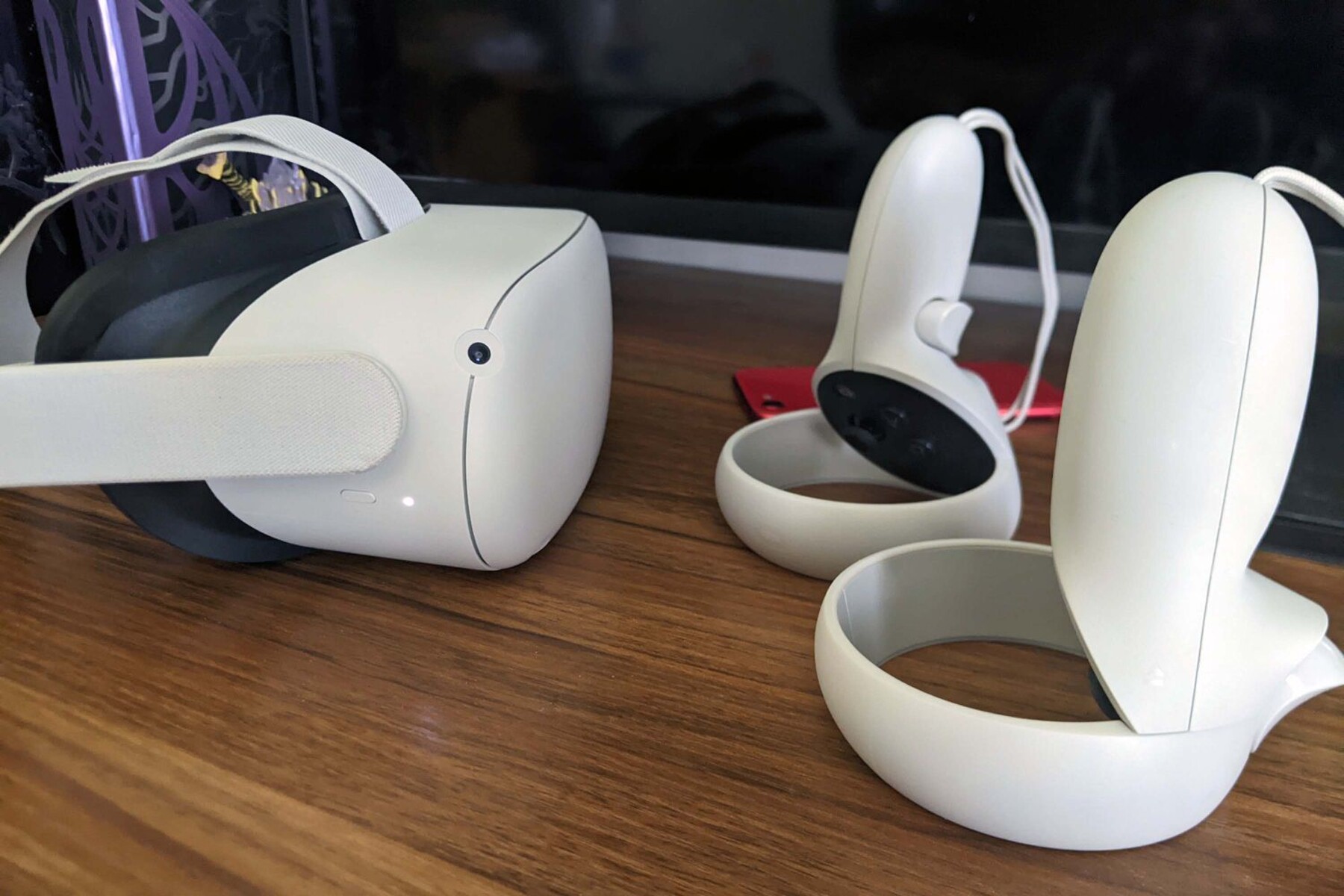
The articles fall into two broad themes. The first is setup and connection: you will find straightforward instructions on how to turn a headset on, connect it to a phone or PC, pair a controller, and download the required companion app. The second theme is troubleshooting and maintenance, covering common frustrations like a device that won’t charge, a battery that has degraded over time, or a screen that fails to show the manufacturer’s logo. A few pieces also address cost and buying, such as what a VR headset typically costs and how much you might pay during Black Friday sales, useful for budgeting before you commit.
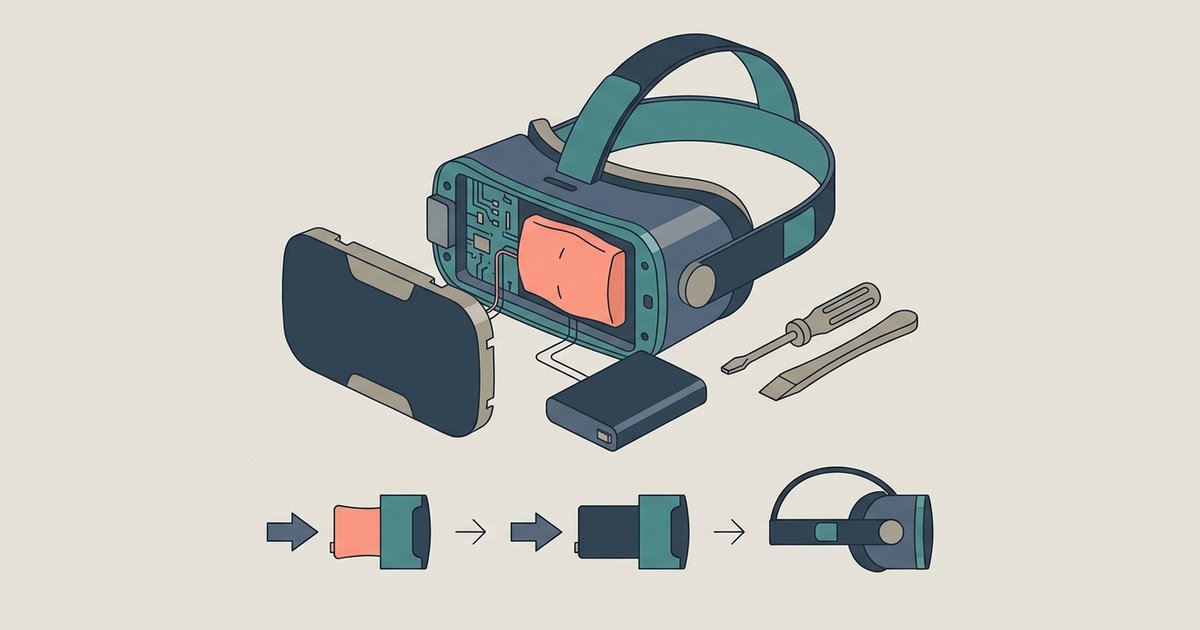
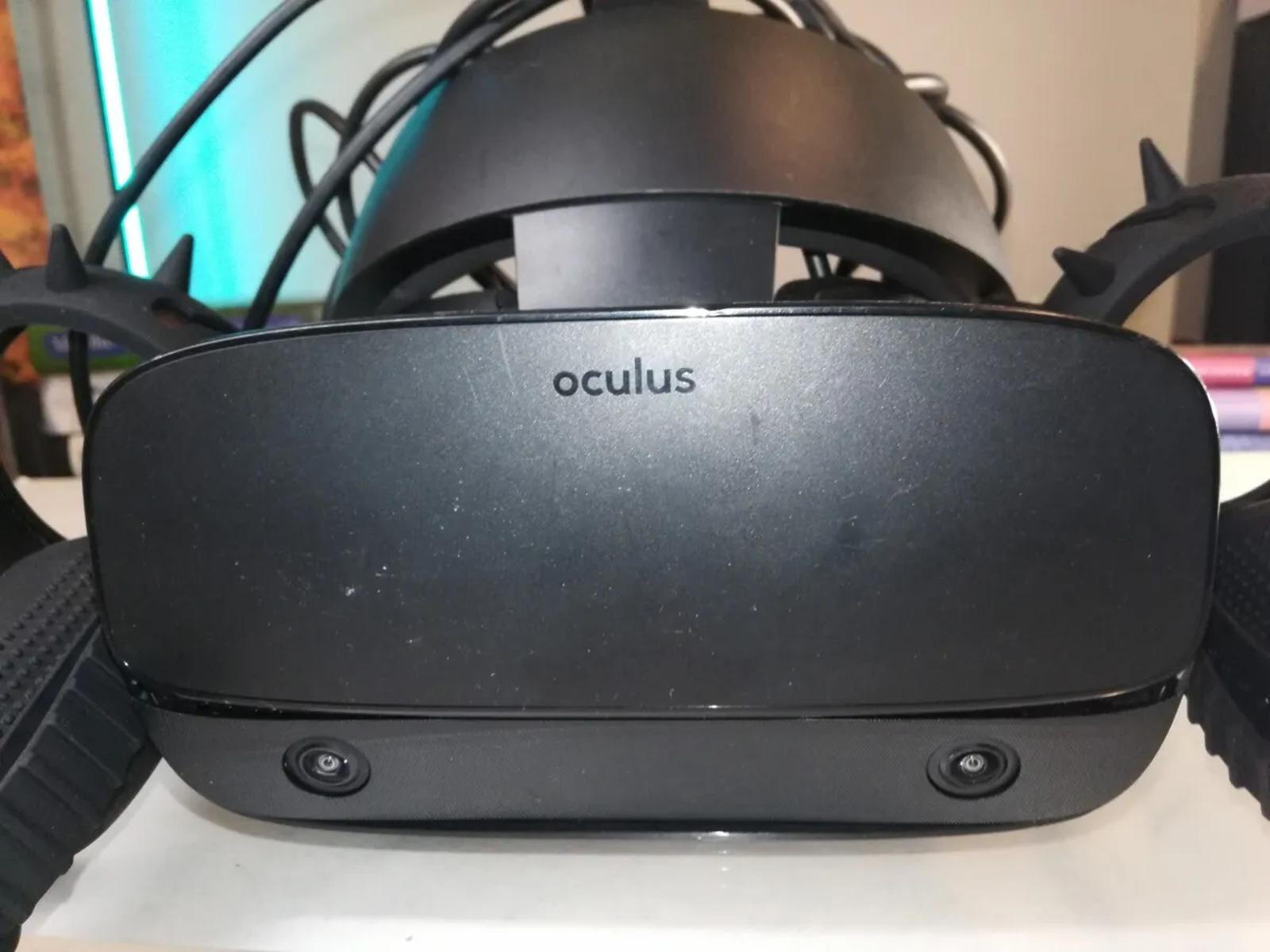
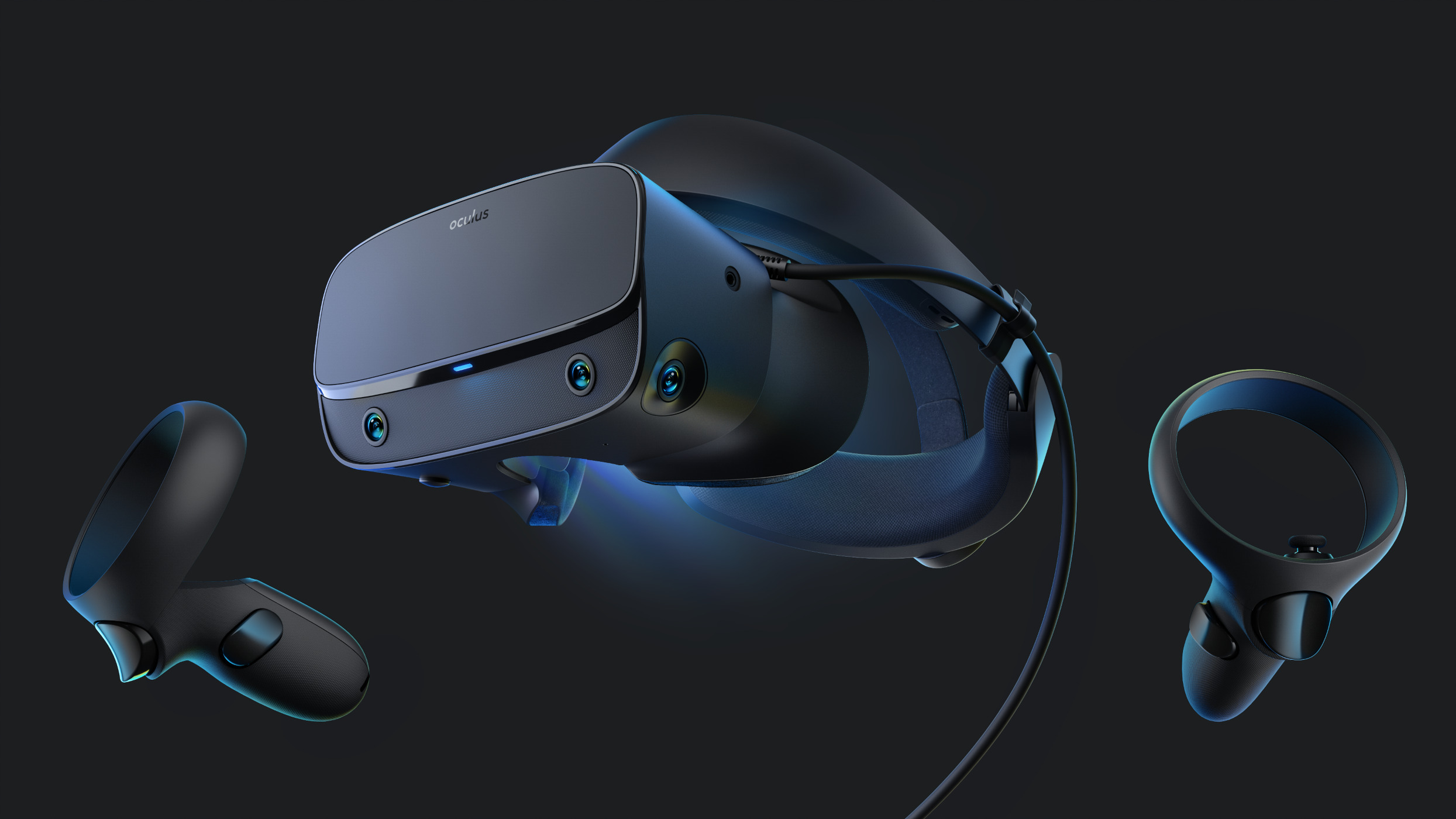
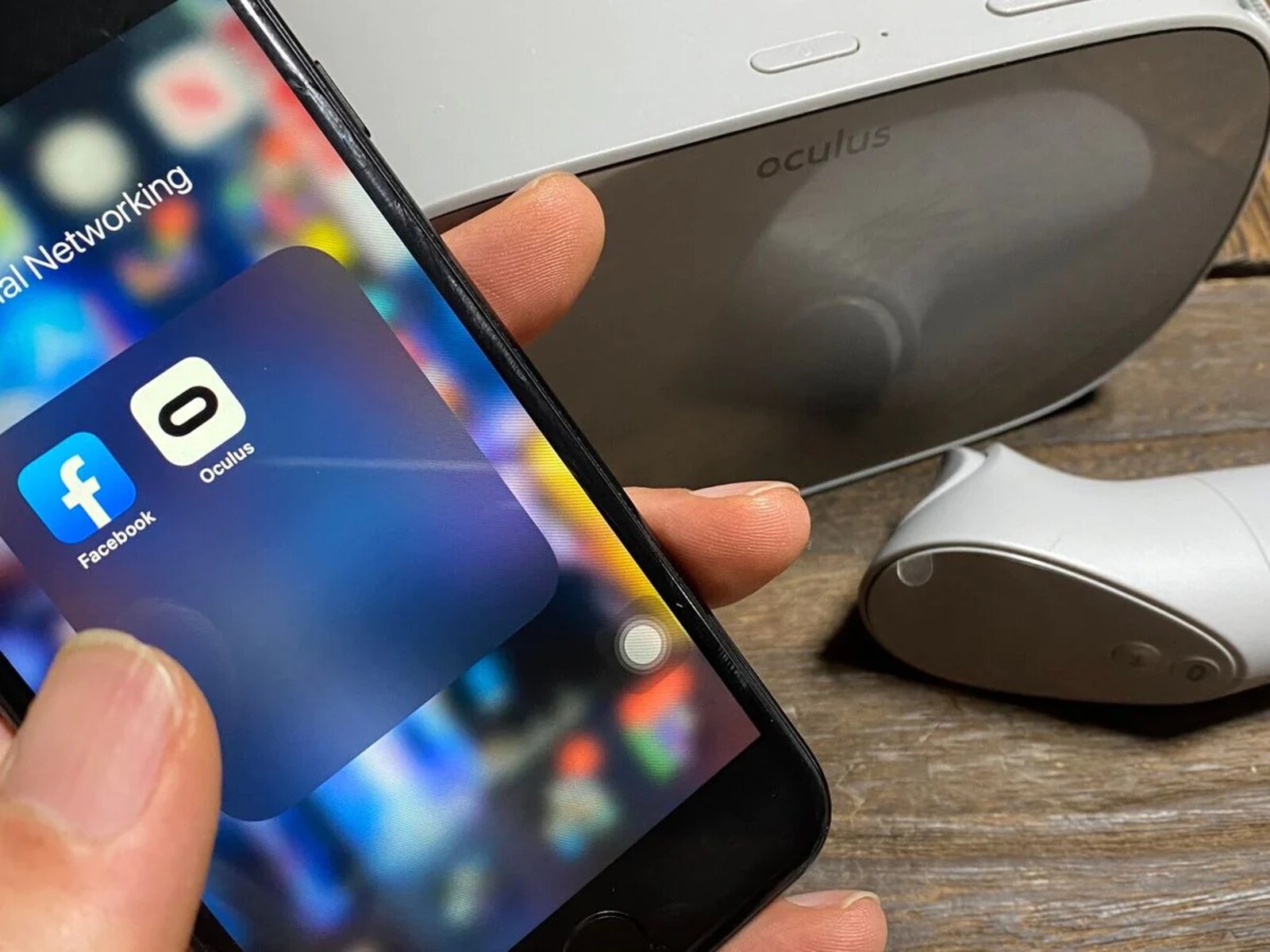
Specific topics named in these guides include resetting a headset, estimating charge times, and replacing a degraded battery. One article approaches the “won’t display the logo” problem from a repair‑and‑diagnosis angle, helping you figure out whether the issue is software, cable, or hardware, rather than suggesting any workaround. Another covers the legal and safe way to download the Oculus app, and one explains how to set up the PC‑powered Oculus Rift S. In every case, the goal is to help you get your headset working properly, extend its life, and make informed purchase decisions, no shortcuts, no risky hacks.