This tag collects guides for saving video content from a wide range of platforms and sources, written for everyday users of consumer technology. Whether you are trying to keep a copy of a personal recording, a purchased movie, or a clip shared by a friend, these articles walk through the practical steps for doing so on computers, phones, and tablets. The audience is anyone who wants more control over their own viewing library, not just power users or developers.
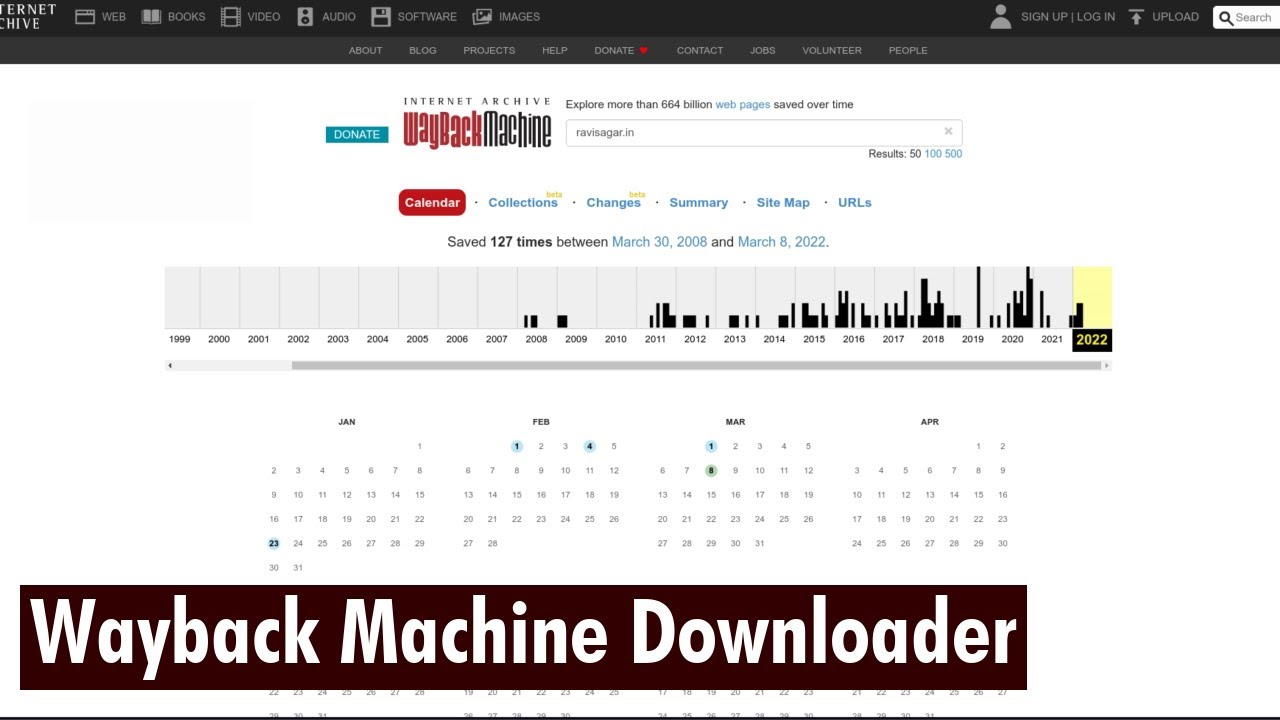
The articles address several distinct kinds of problems. One clear theme is getting videos from major subscription and streaming services, such as Amazon Prime, Netflix, Paramount Plus, Pluto TV, and YouTube Premium, so you can watch them later without an internet connection. Another theme focuses on social media and user-generated content, including TikTok, Twitter DMs, Redgifs, and Fansly, where saving a video often requires navigating app-specific menus or finding the original file. A third group deals with more technical or unusual sources, such as embedded videos on websites, Wayback Machine archives, Zoom recordings, and even videos found using your browser’s inspect element tool.
Several articles also take a careful approach to legality and safety. For example, the guide on legal alternatives to OnlyFans content helps readers find paid and legitimate creators instead of seeking stolen material. Similarly, the piece on downloading videos on Tor explains how to do so with privacy in mind, while the guide to locked videos focuses on understanding when access is restricted and what your rights are. The tag does not promote piracy or bypassing protections; instead, it shows how to save content you are allowed to keep, and how to recognize when you should not attempt to download something at all.