This tag collects practical guides for anyone who needs to correct, sync, or manage the clock on their everyday technology. It is written for everyday users, students, remote workers, and travelers, who are dealing with a device that shows the wrong time, or who need to adjust for a new time zone. The articles focus on straightforward fixes for common gadgets and browsers, with an emphasis on doing things through official settings and supported methods.
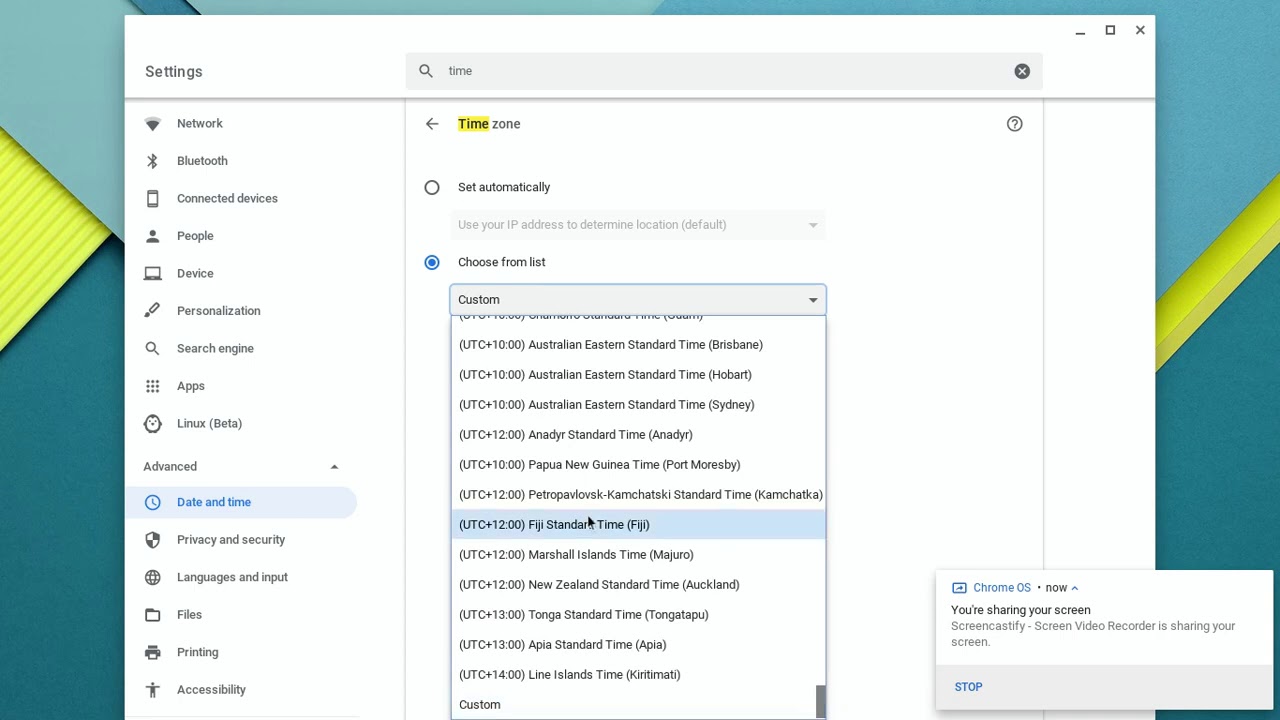
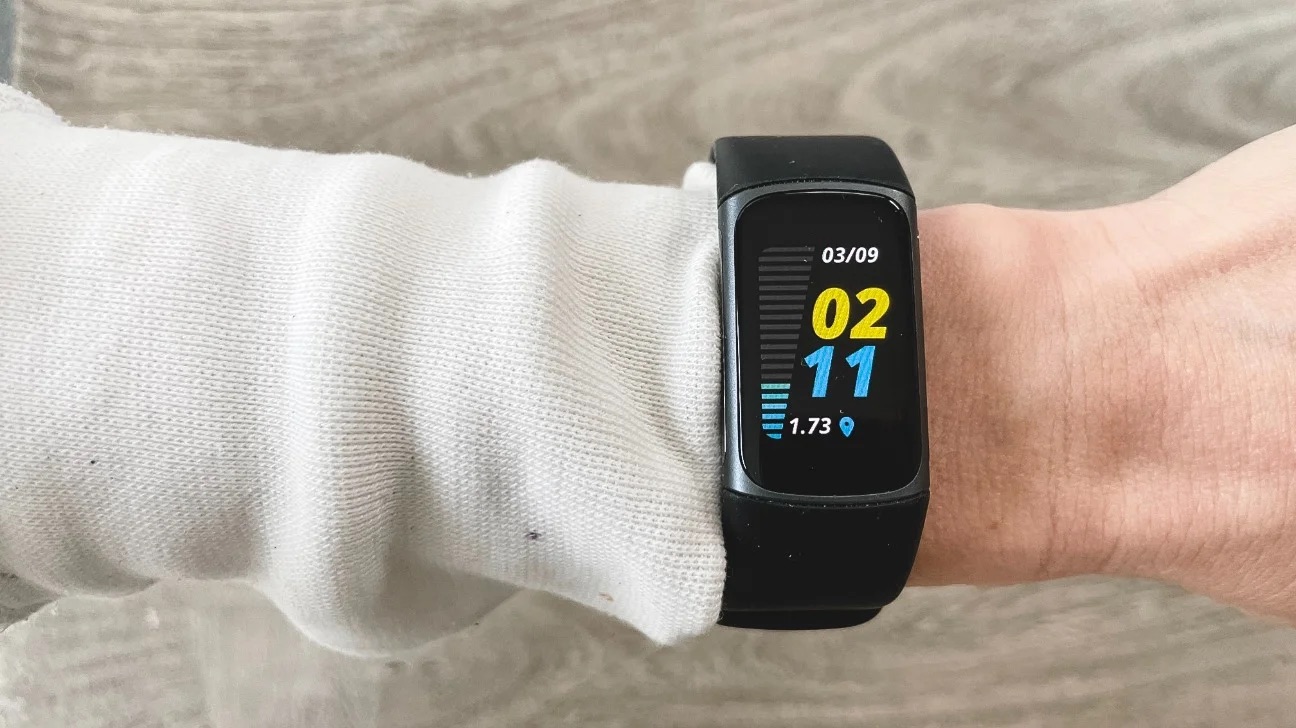
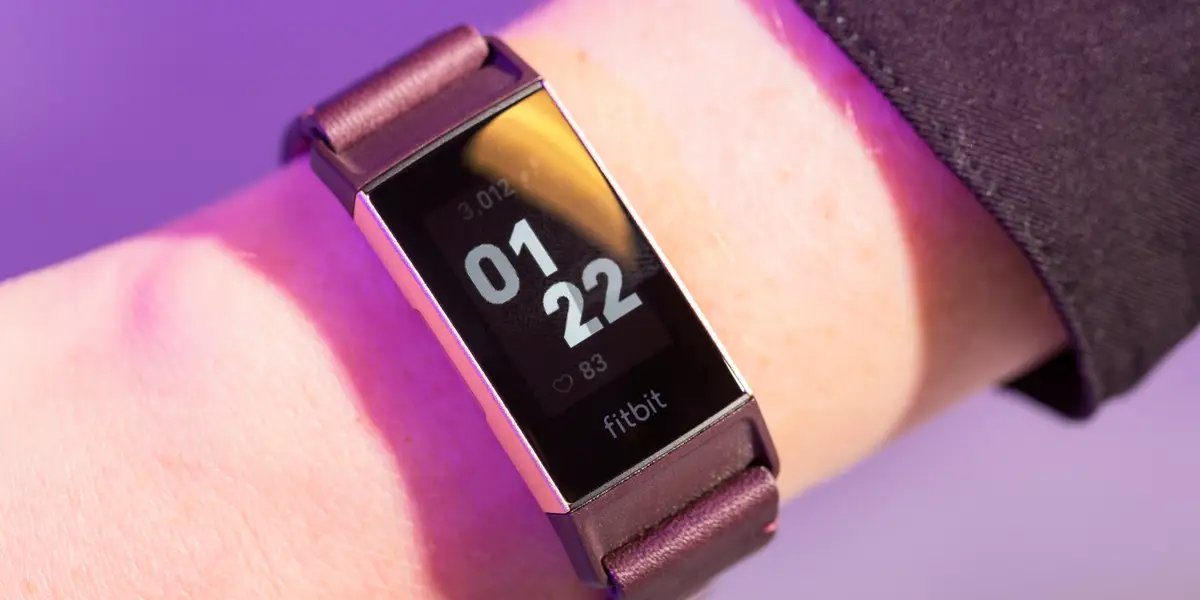
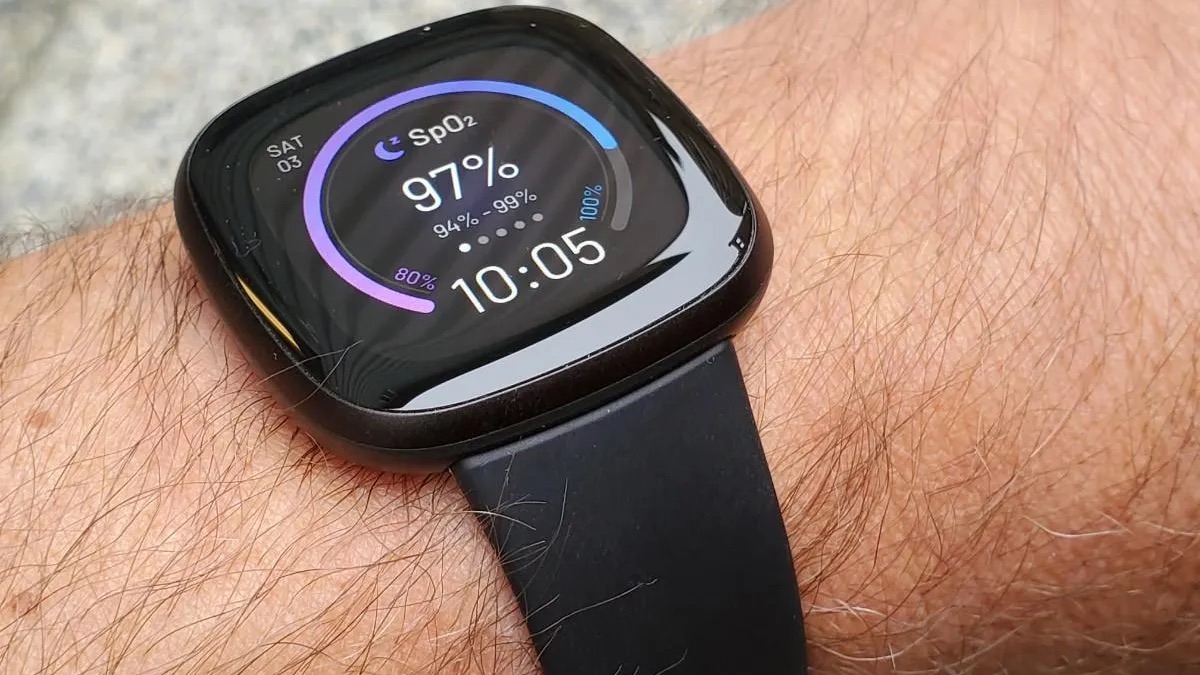
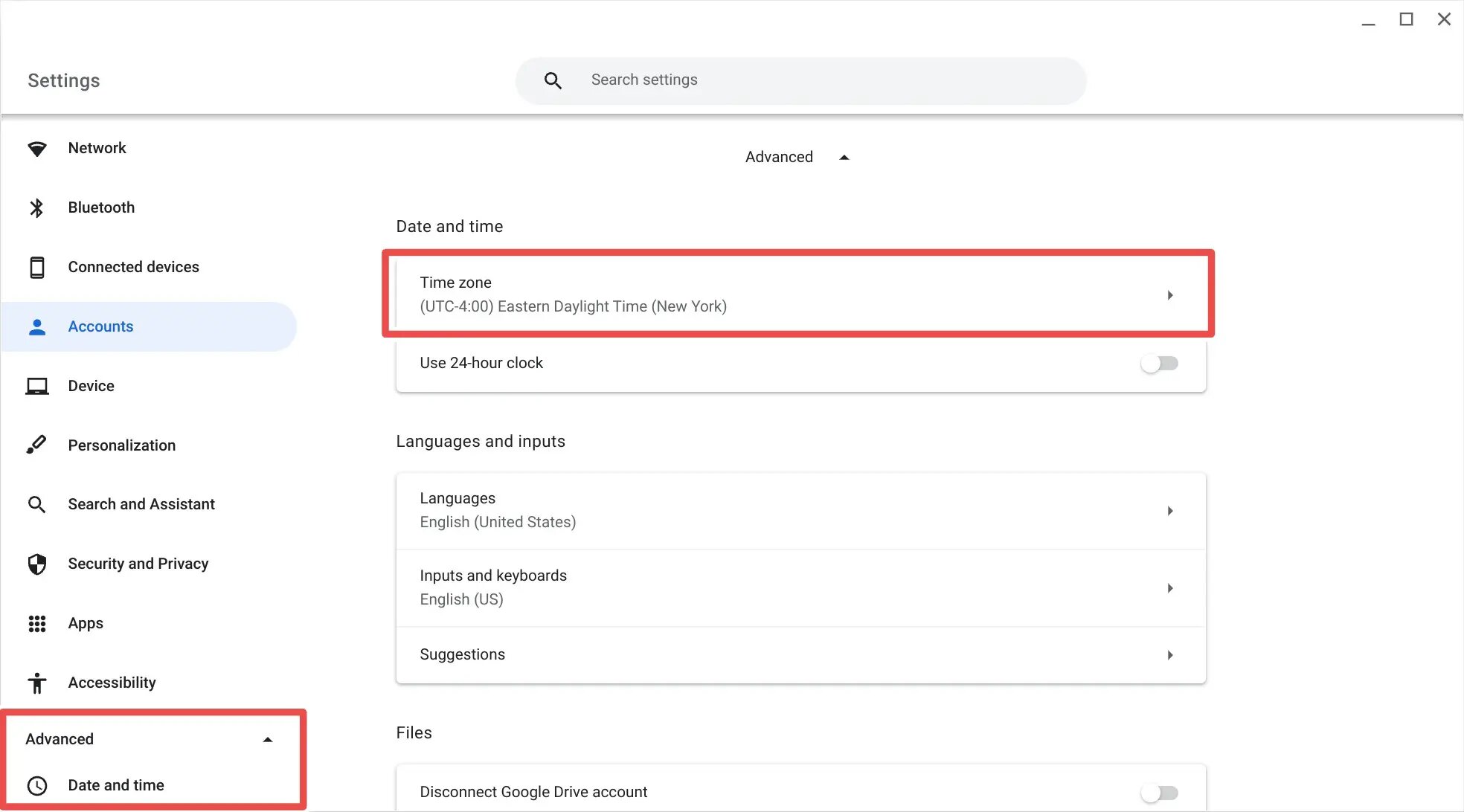
The problems addressed here fall into two broad themes. One is device-specific time correction, covering everything from a Chromebook to a Fitbit. For example, you can read about changing the time on a Chromebook, or follow step-by-step resets for a Fitbit Versa 3 or Charge 5. These guides help you get your wearable and laptop back in sync, whether you are dealing with a manual offset or a post-travel glitch. The second theme is browser-based time zone management. Here, articles like “How To Change Browser Timezone” and “How To Change Time Zone On Chrome” help you make sure websites show the correct local time, which is useful for booking travel, joining meetings, or checking deadlines across regions.
Finally, a few articles address the specific situation of managed devices, such as a school- or work-issued Chromebook. The piece on requesting a time zone unlock explains the proper, legitimate process for asking an administrator to adjust a locked setting, it is not a workaround, but a guide to using the official request channel. Together, these articles help you take control of your clocks without guesswork, and they make clear when you need to ask for permission rather than trying to bypass a policy.