This tag collects hands-on guides for getting the most out of your speakers, soundbars, and the devices they connect to, whether you’re troubleshooting a quiet pair of desktop speakers, pairing a Bluetooth speaker with a new phone, or trying to control a smart speaker with your voice. It’s written for everyday consumers who own consumer audio gear and want clear, practical steps without jargon. You don’t need to be technically savvy; the articles assume you just want your music to play where you want it, at the volume you want.
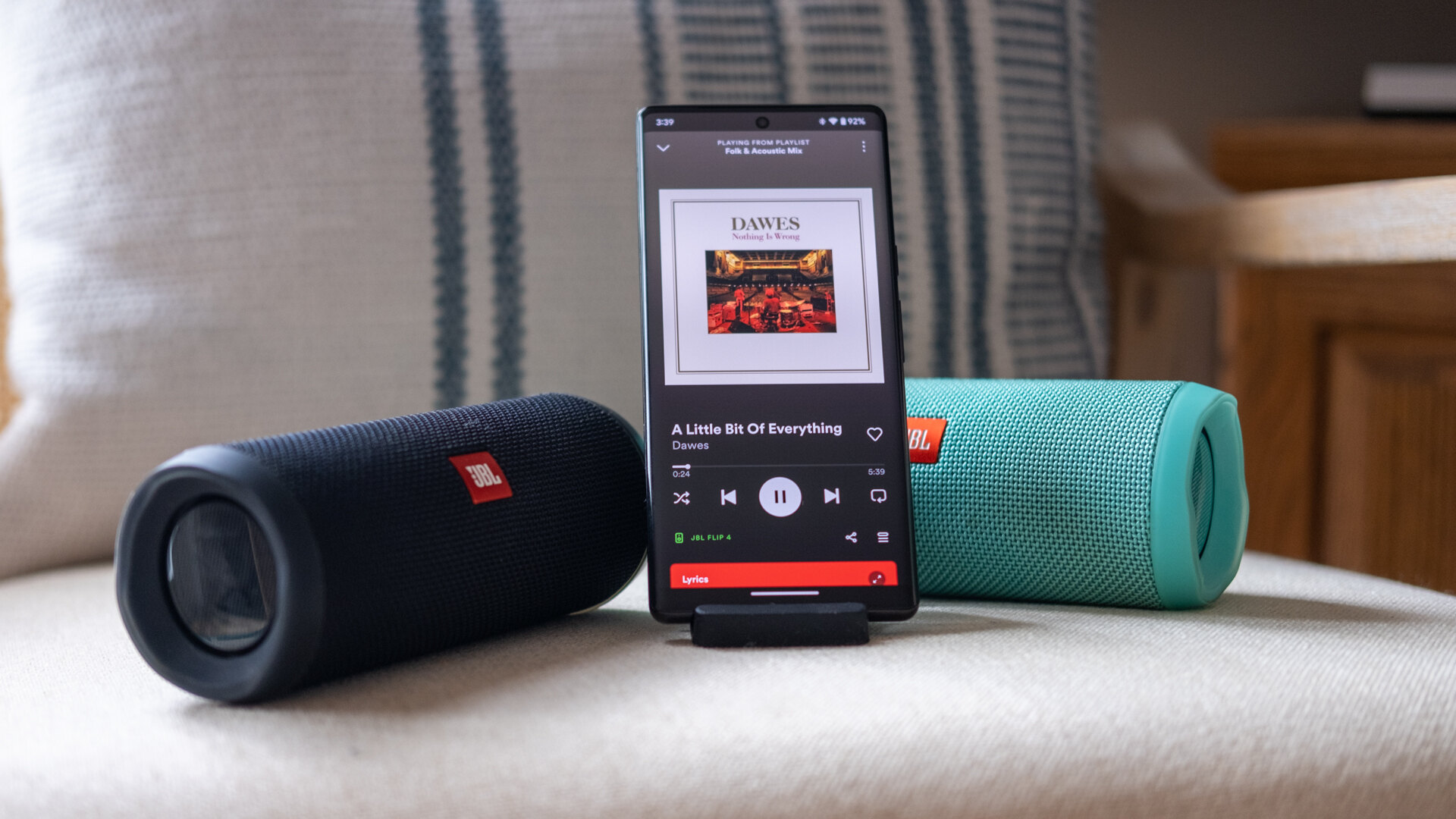
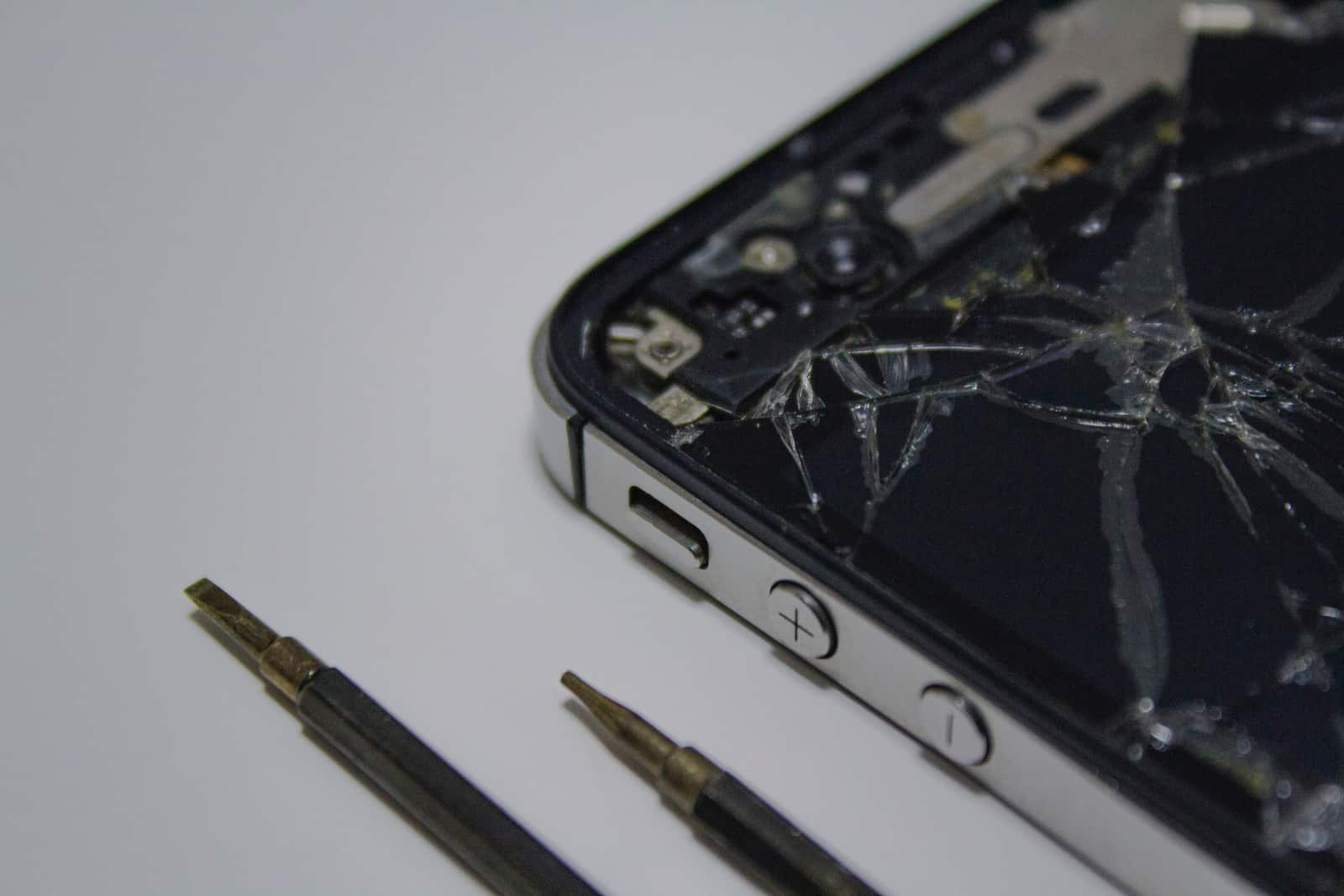
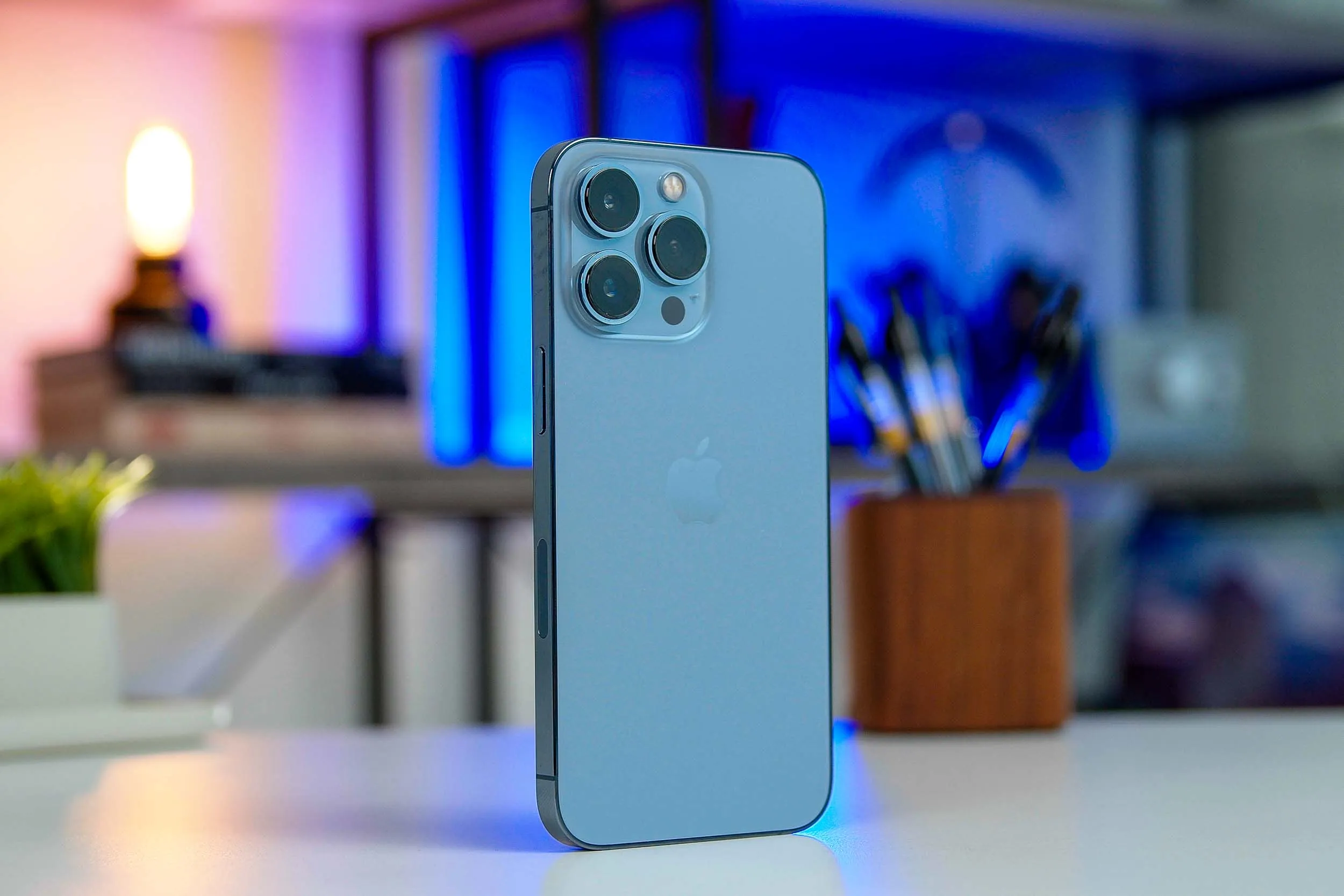
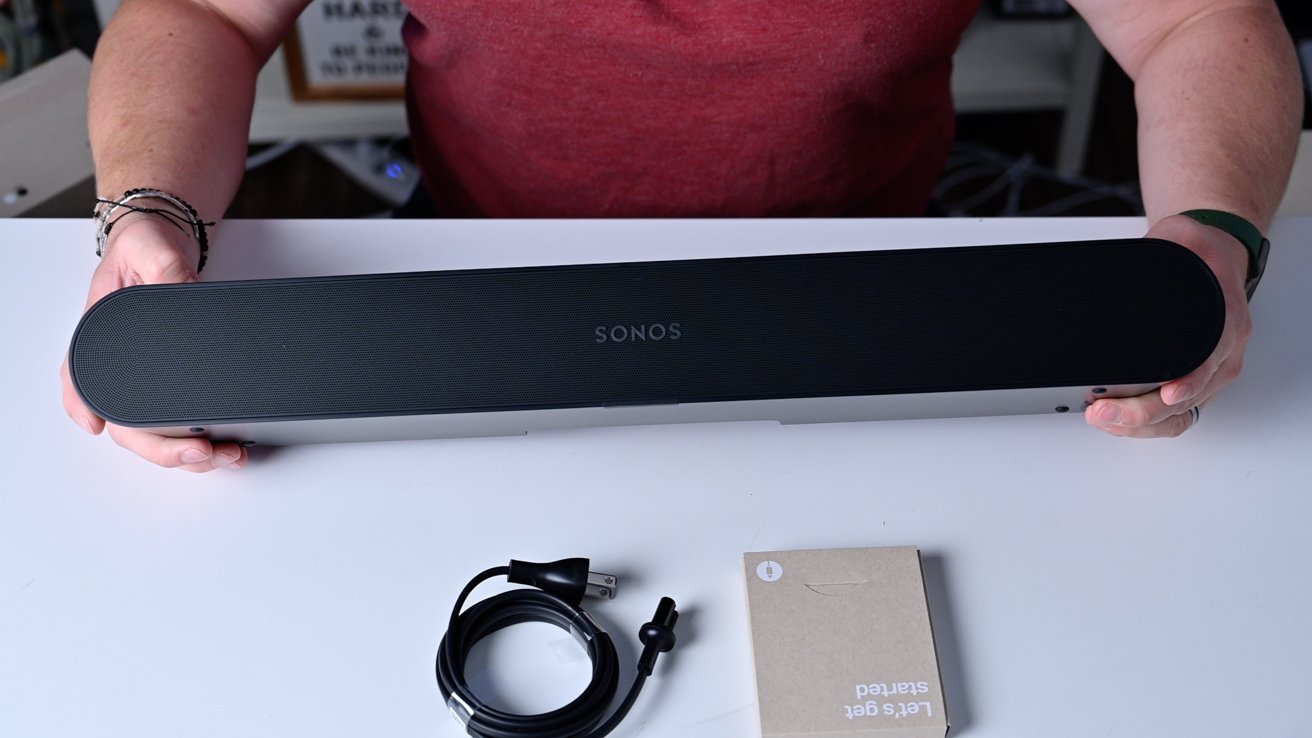
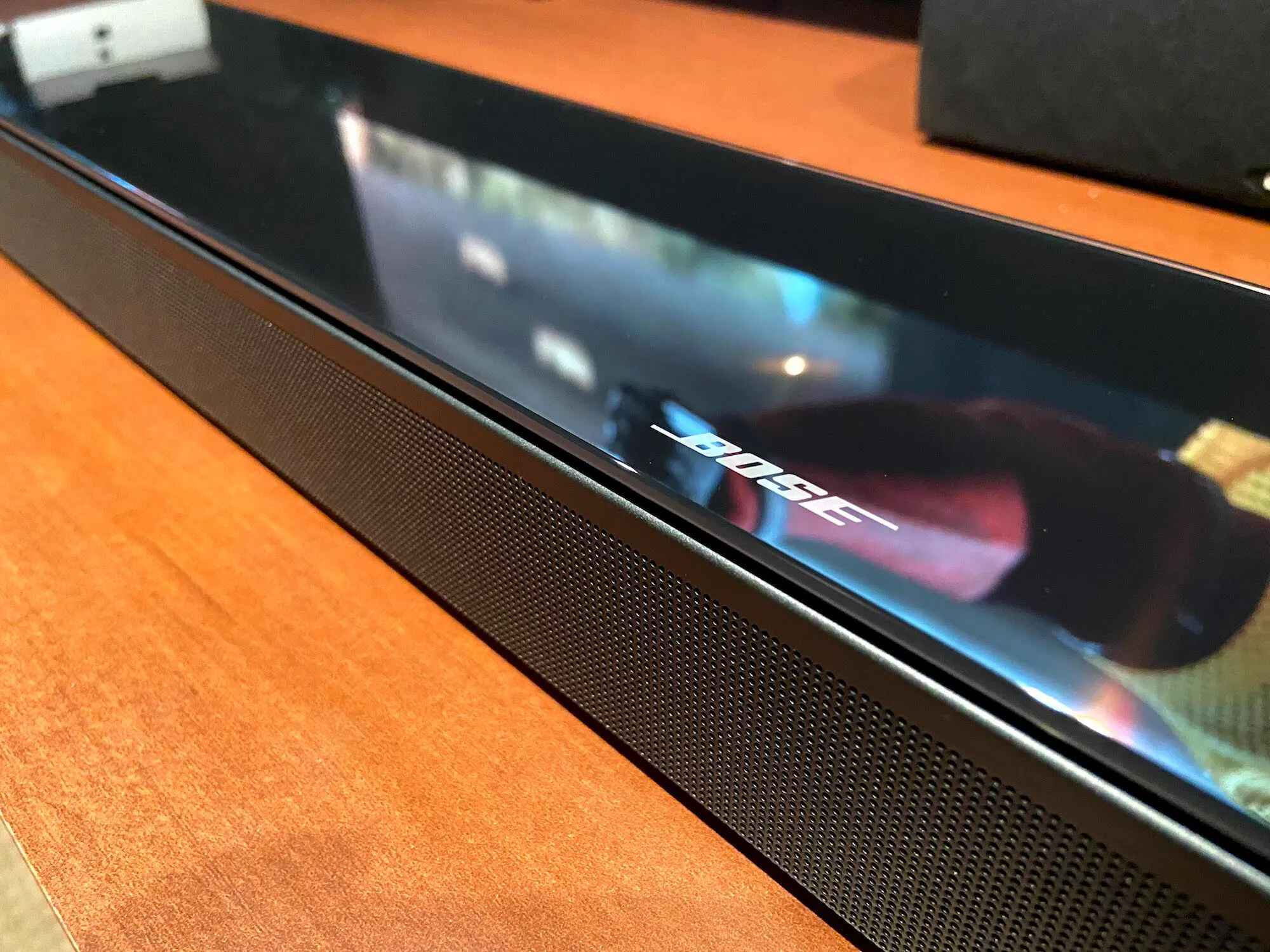
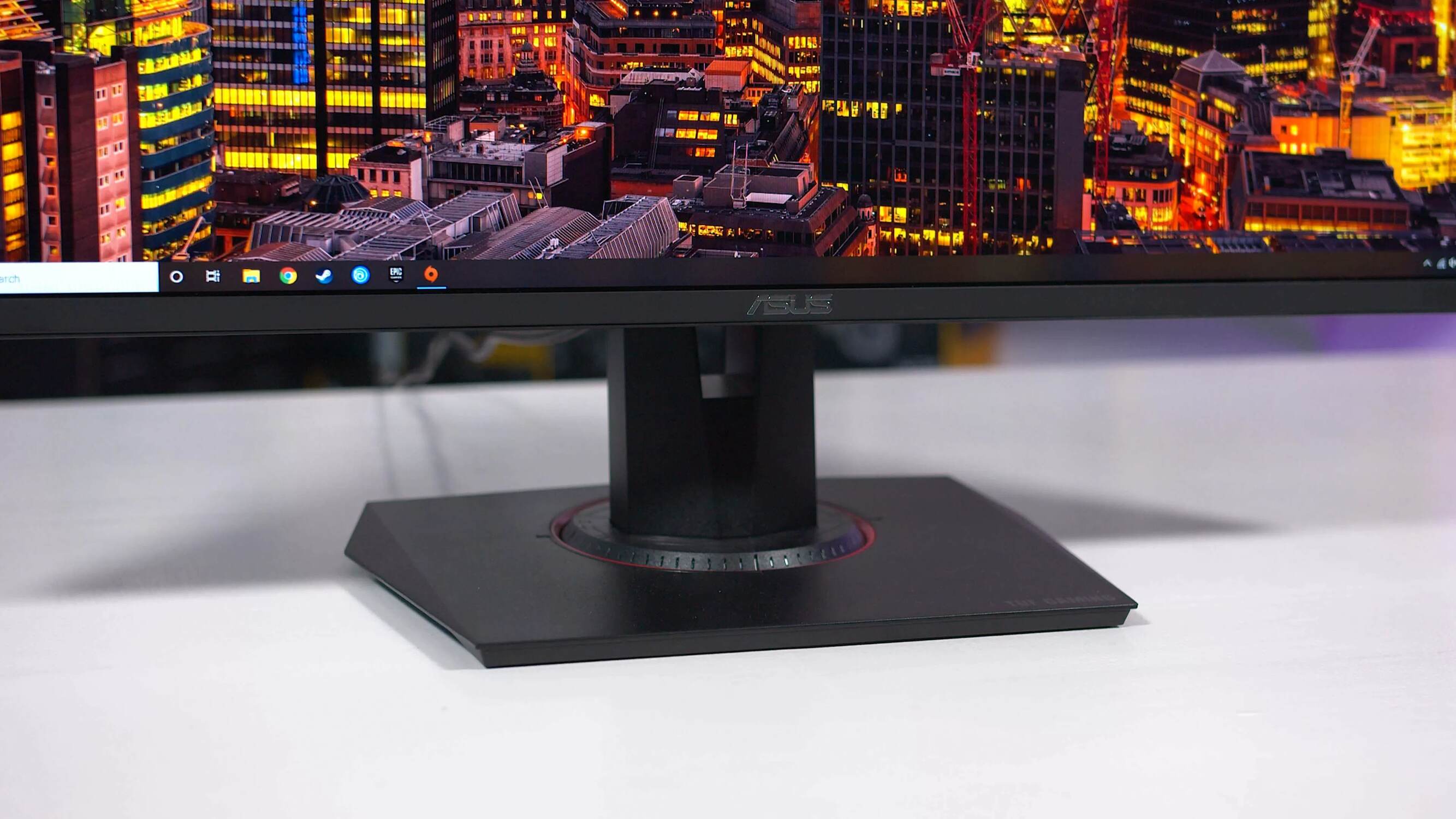
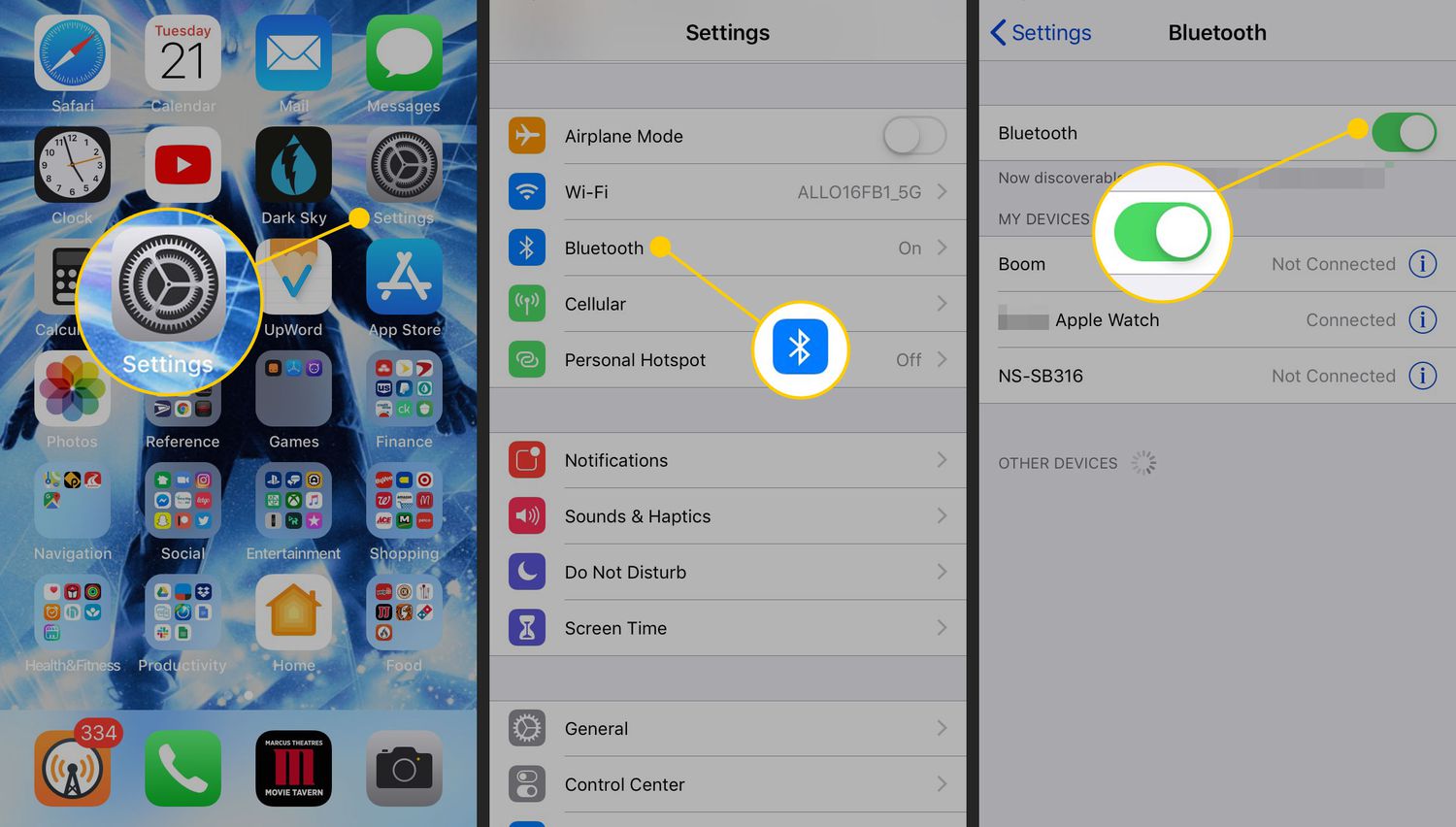
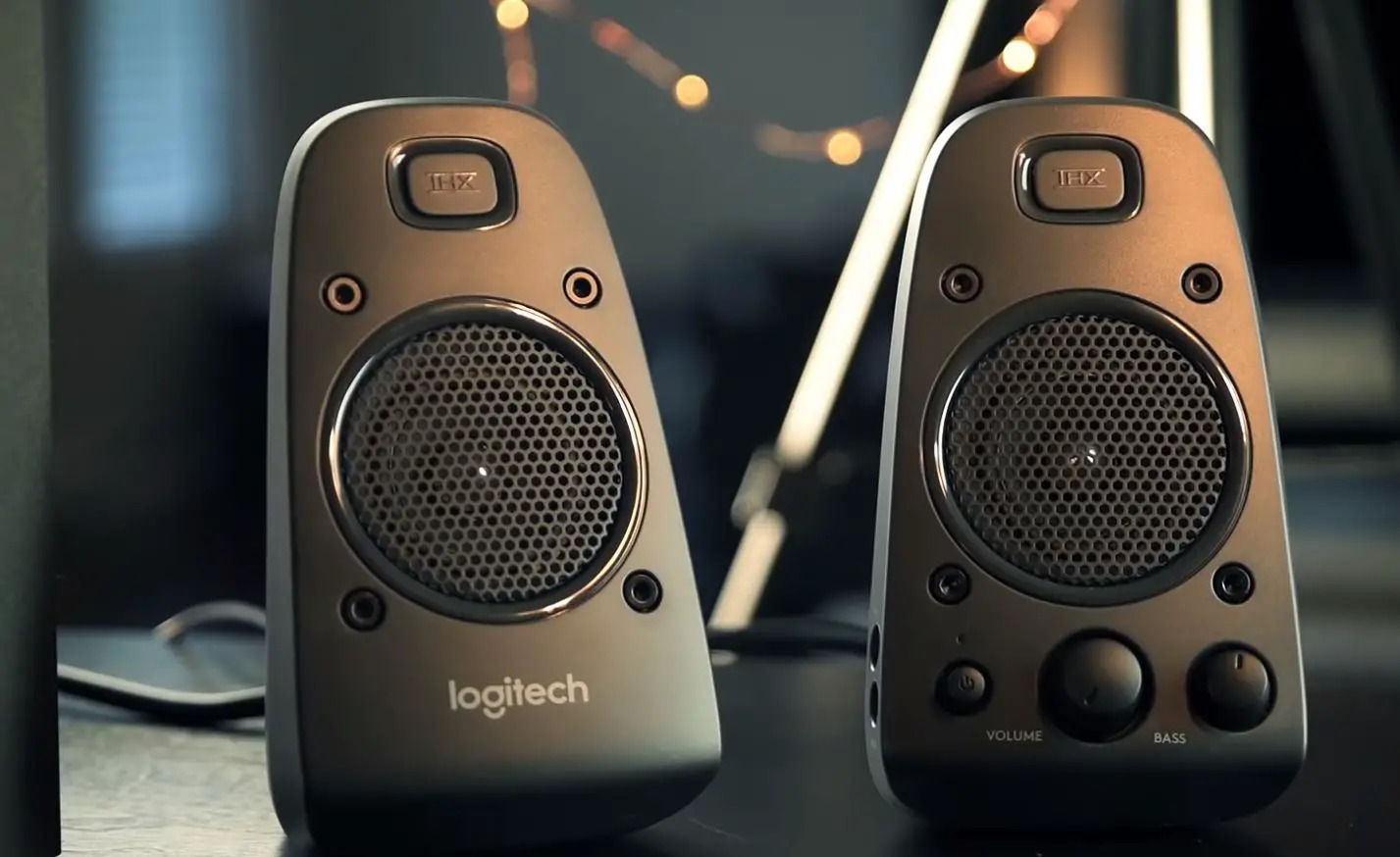
The articles fall into two main themes. First, there are connection and setup guides: these show you how to link devices properly, such as using Spotify with external speakers, connecting a Sonos soundbar to Bluetooth, or pairing a phone with a JBL speaker. They also cover placement and wiring, like where to plug Logitech speakers into a PC. Second, there are troubleshooting and adjustment pieces, for example, why your Logitech speakers might be too quiet, how to lower the volume on an ASUS gaming monitor, or how to reset a Bose Soundbar 700 without a remote. One article takes a safety-conscious approach to fixing a broken phone speaker, and another helps you locate the speaker on an iPhone 13, guiding you through diagnostics rather than risky repairs.
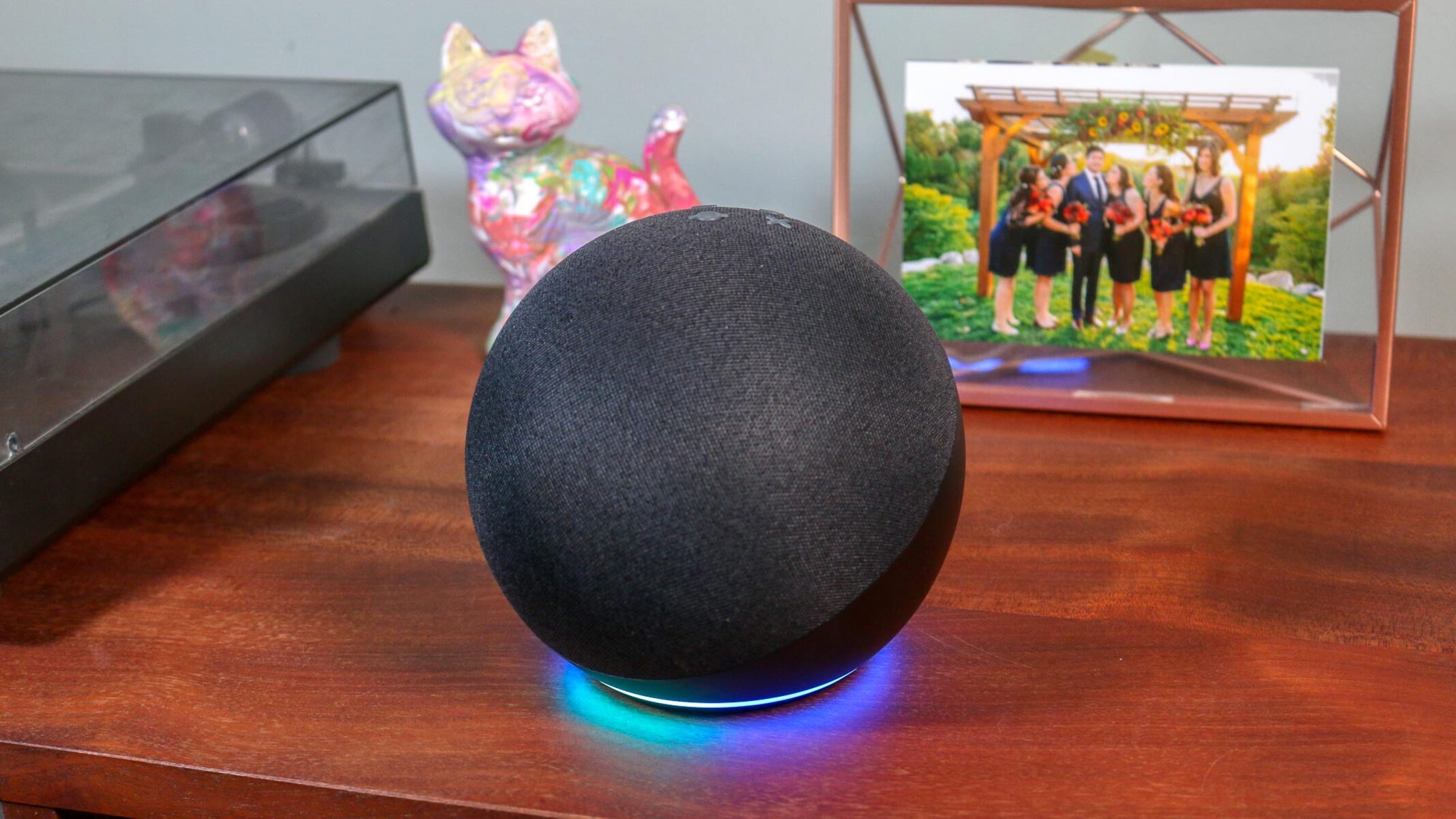
Several articles also focus on using built-in features legitimately, such as enabling Amazon Alexa Smart Speaker Mode. Throughout, the goal is to help you solve everyday audio issues, from connection hiccups to volume problems, using manufacturer-supported methods and safe, straightforward steps.