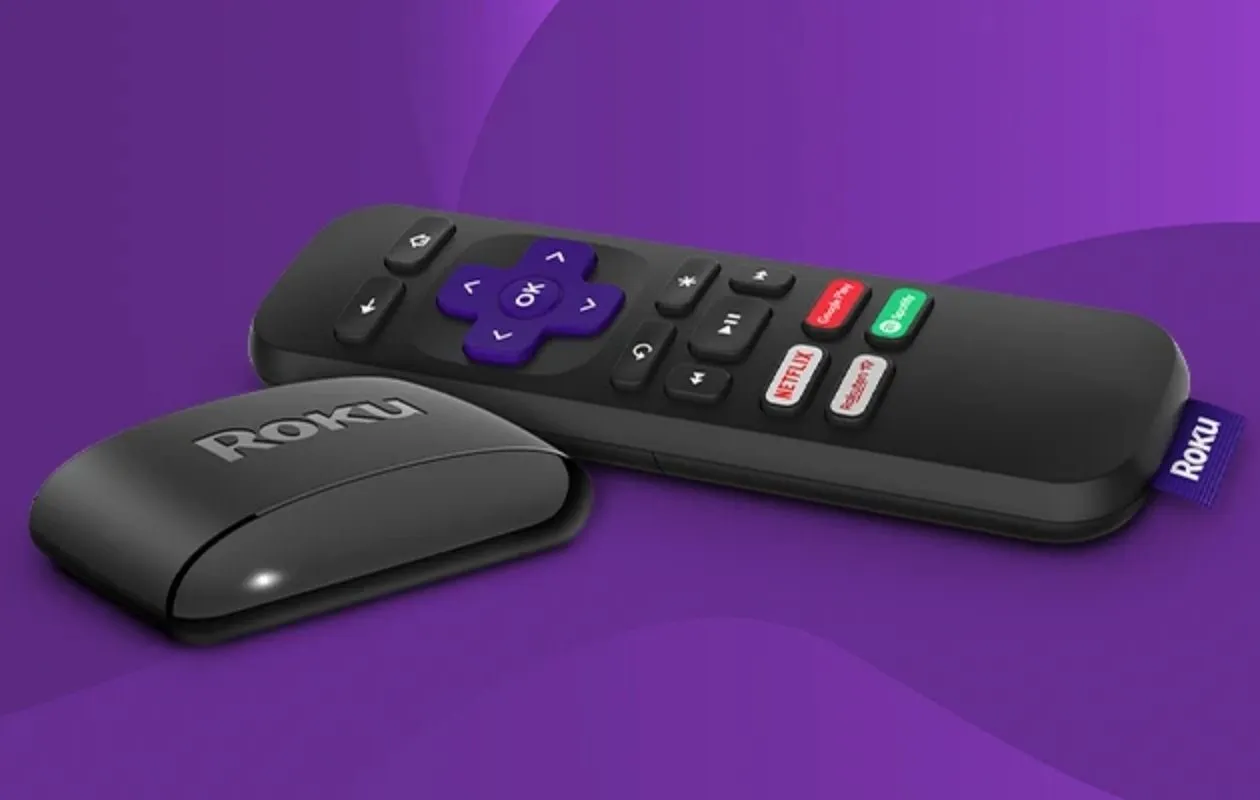
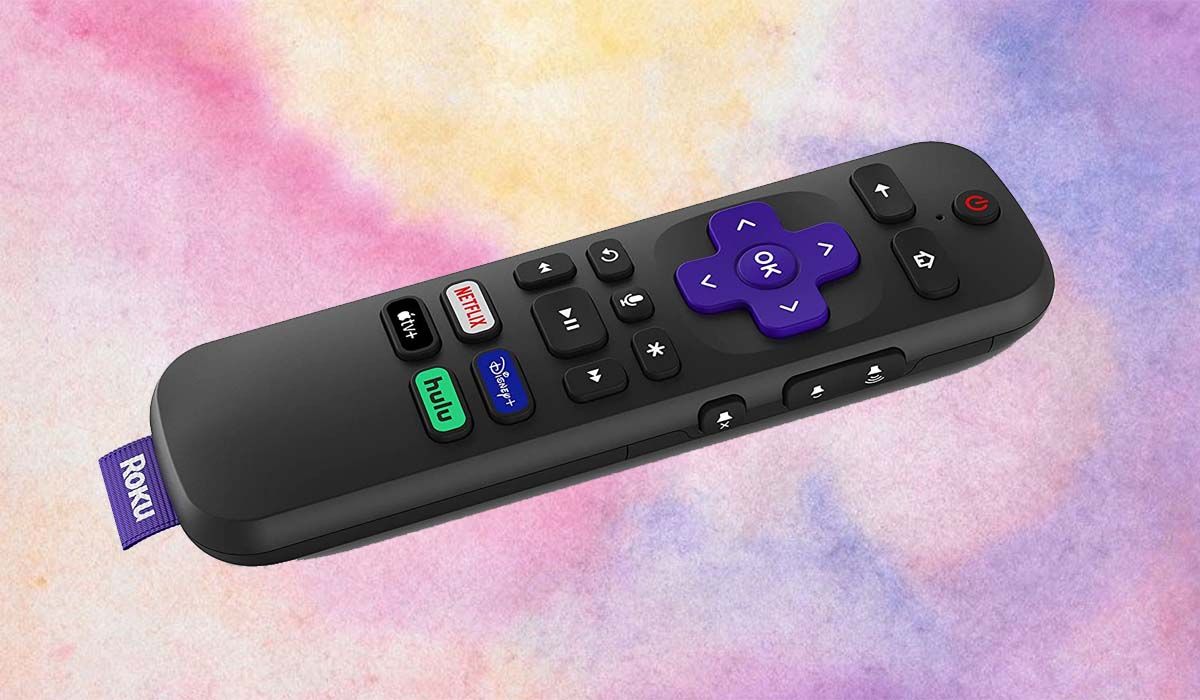
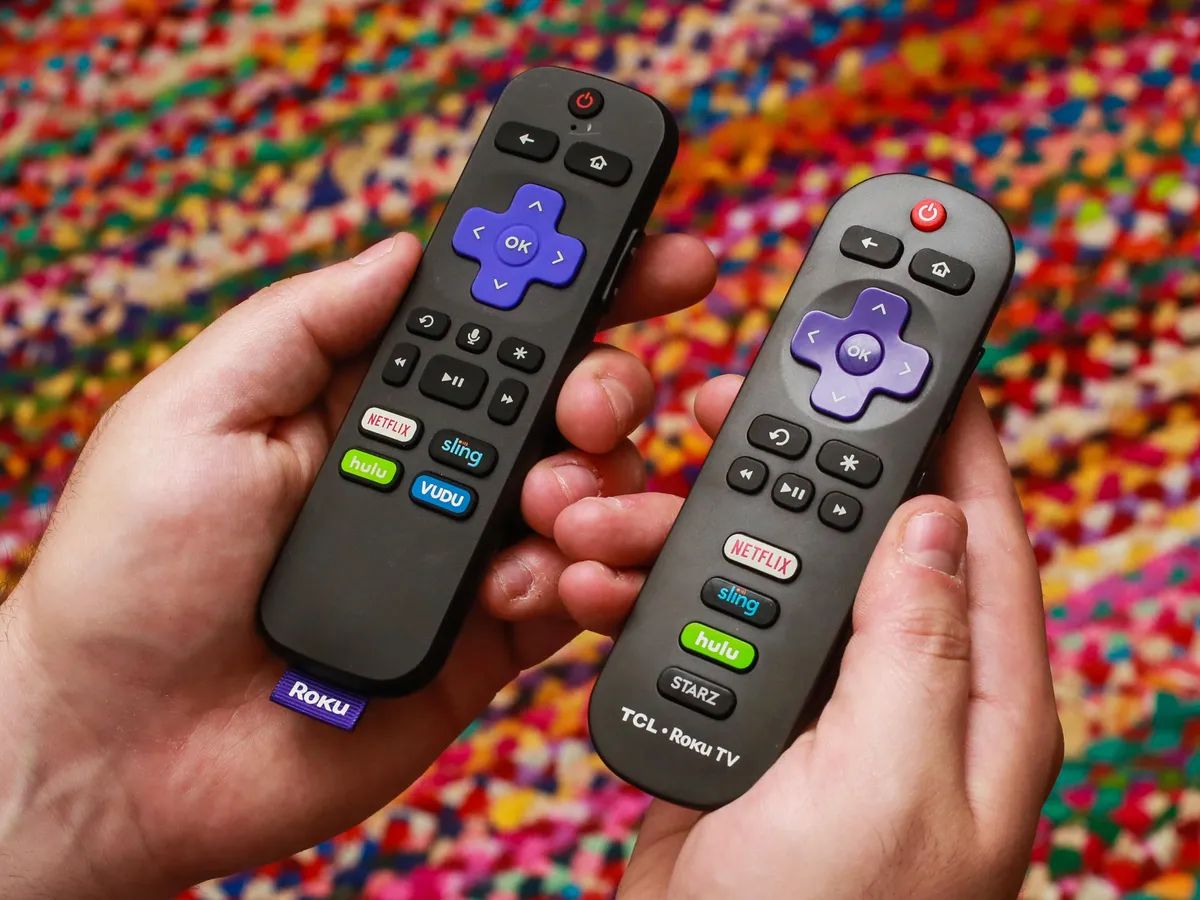
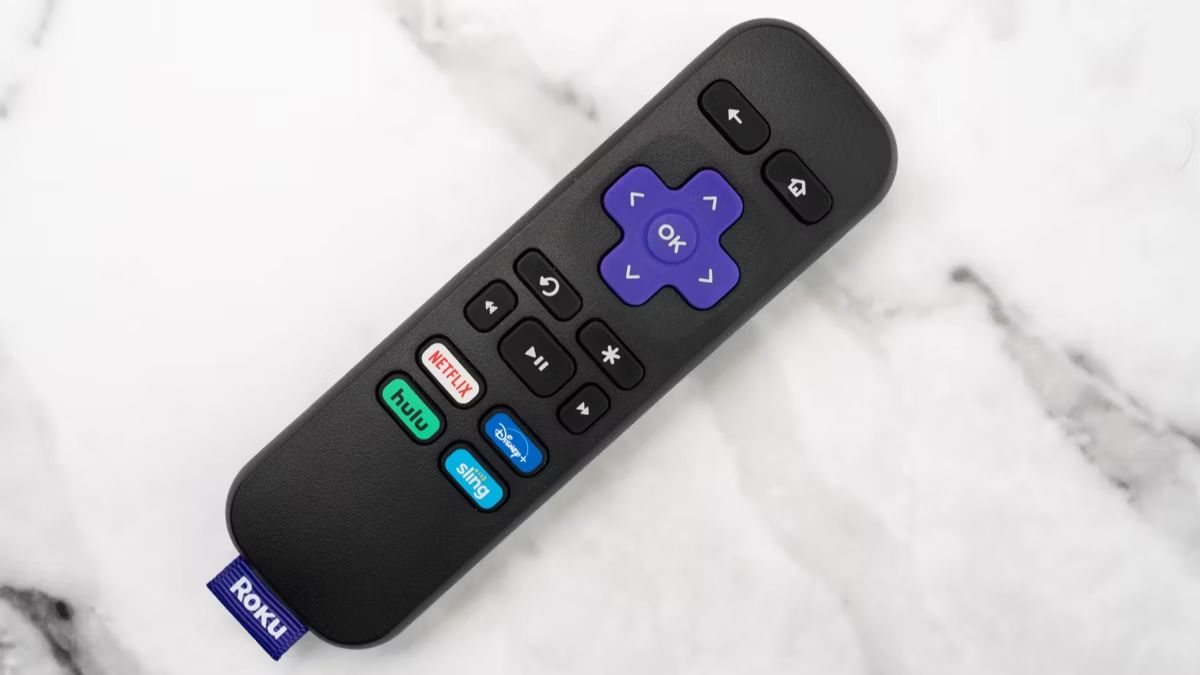
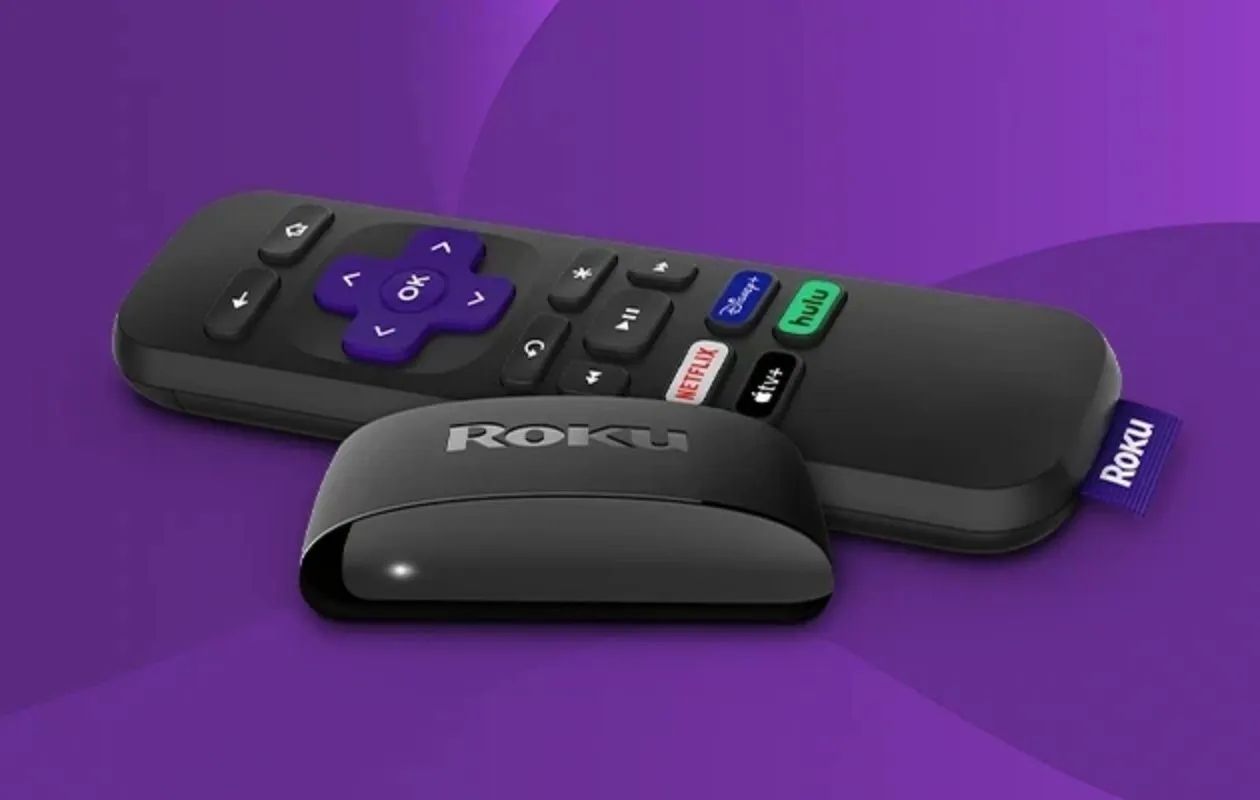
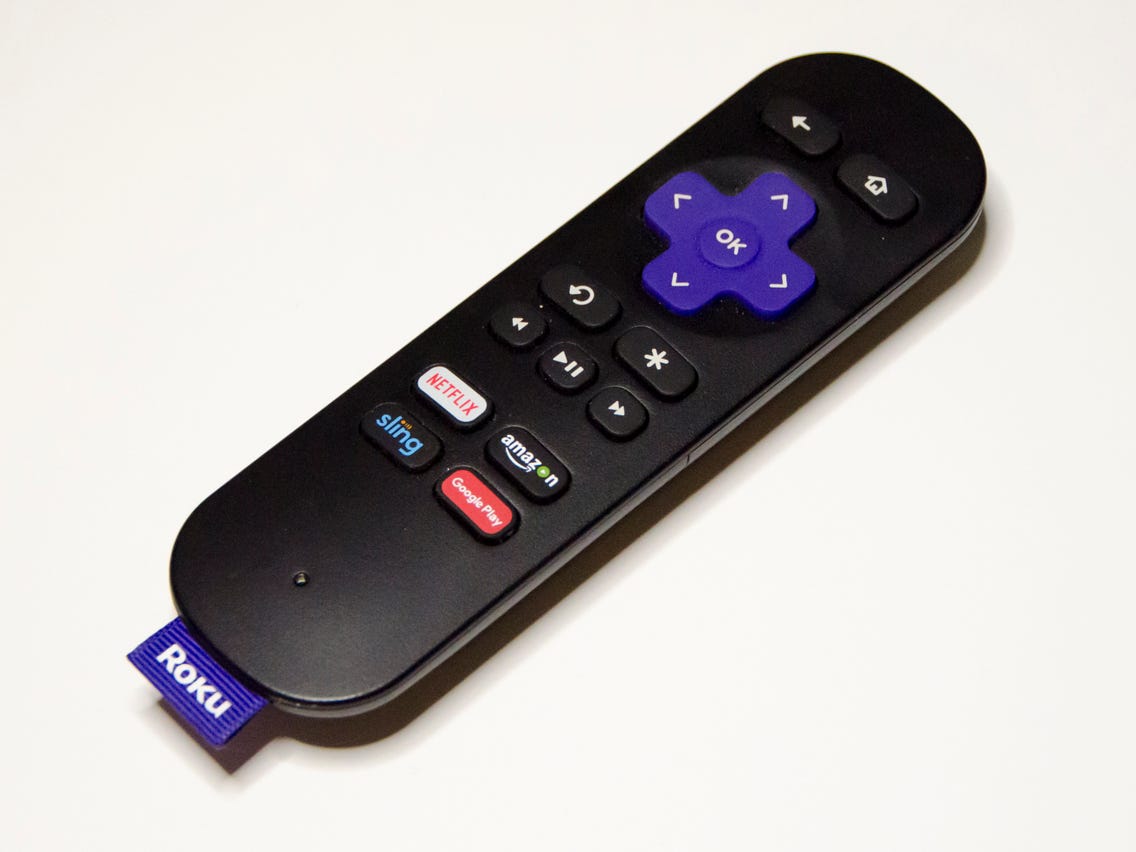
The simplest way to connect Roku remote without WiFi is to use a standard infrared (IR) remote, which requires no network connection at all. If you have a simple Roku...
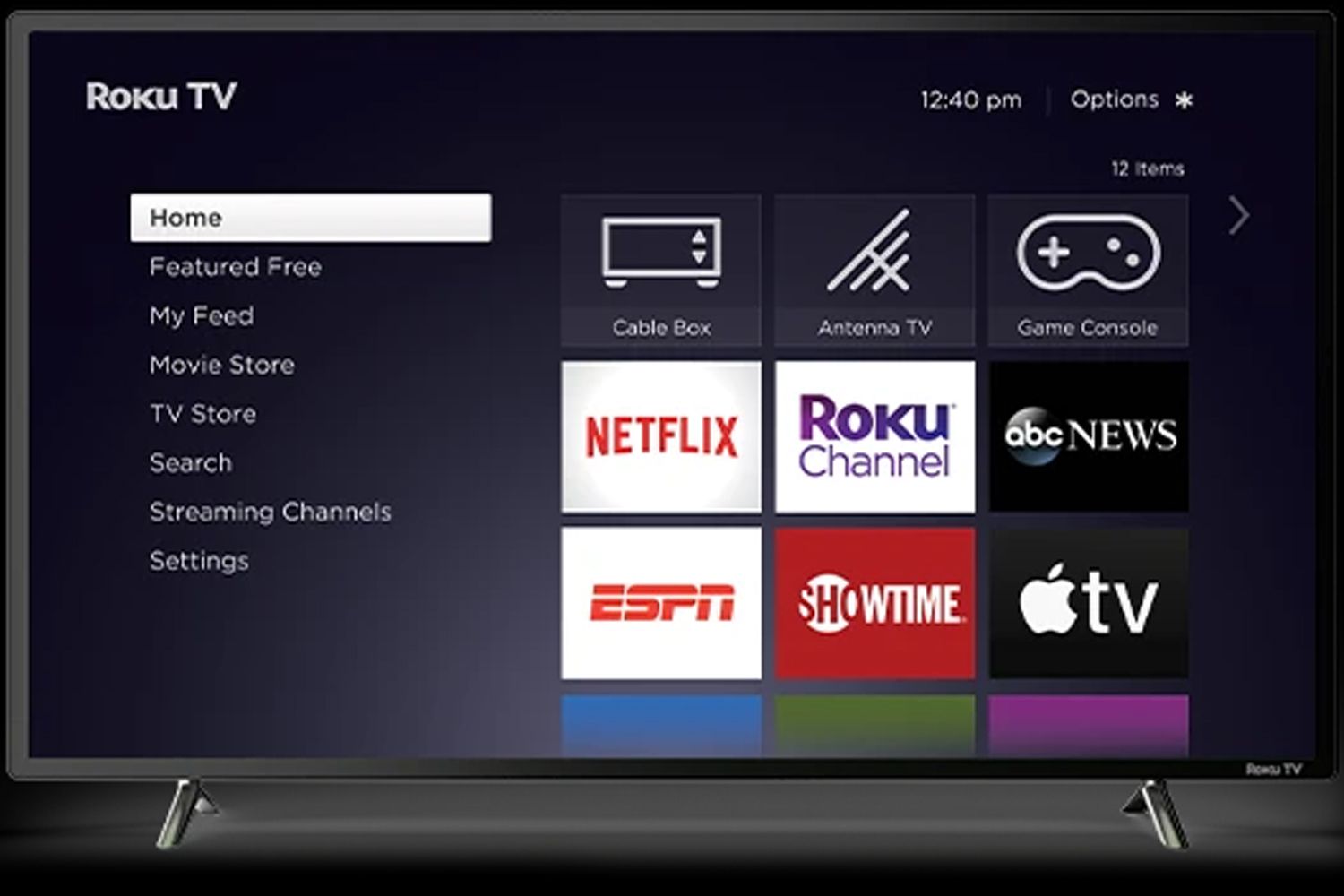
To add channels to Roku on your Vizio TV, you use the Roku remote to navigate the Roku Channel Store, find the streaming app you want, and install it directly...
To connect a new Roku remote to your Roku TV, you first need to identify whether you have a voice remote or a simple IR remote, as the pairing process...
The standard Roku Simple Remote measures 5.5 inches long, 1.7 inches wide, and 0.8 inches thick, making it the baseline for Roku remote dimensions across the product line. These exact...
To move apps on Roku, press the Home button on your remote, highlight the app you want to move, and press the Star button to open the Options menu. Select...
To pair a Roku remote, you first need to know what type of remote you have. Simple infrared (IR) remotes do not require pairing and work instantly when you point...
To sync a Roku remote, you need to pair it wirelessly with your Roku device, unless you have a simple infrared (IR) remote, which never requires pairing. The fastest fix...
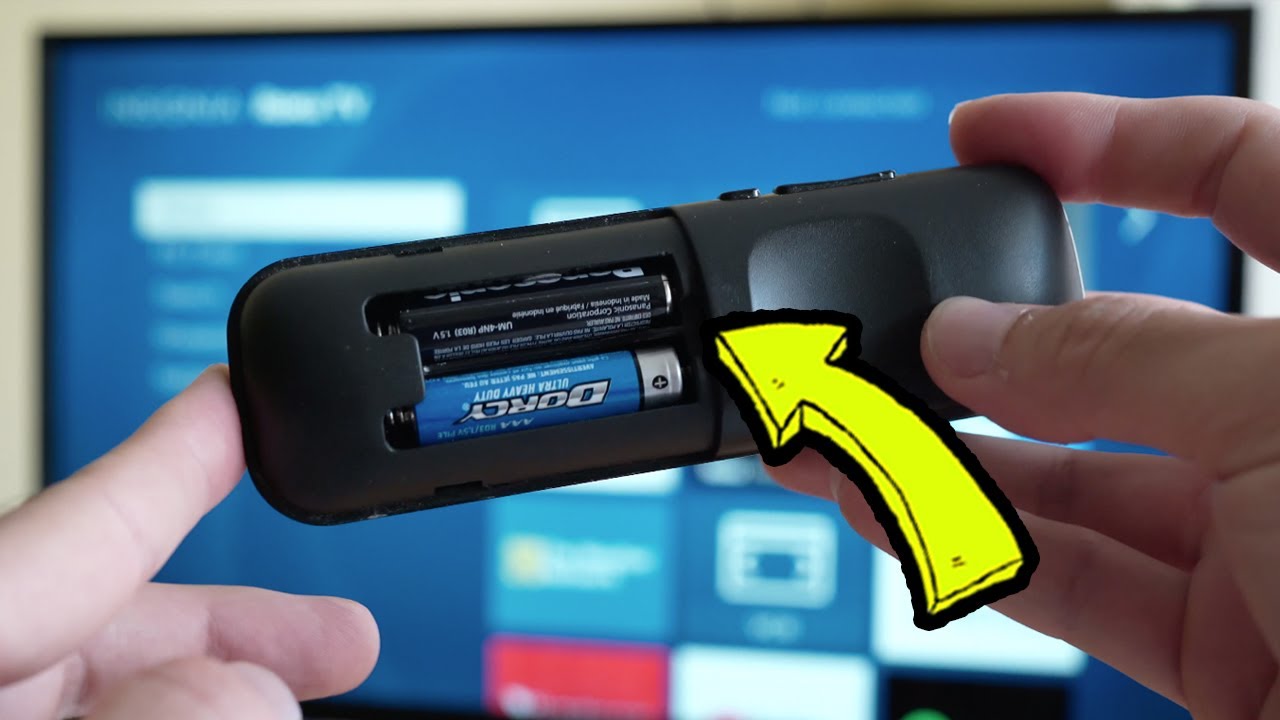
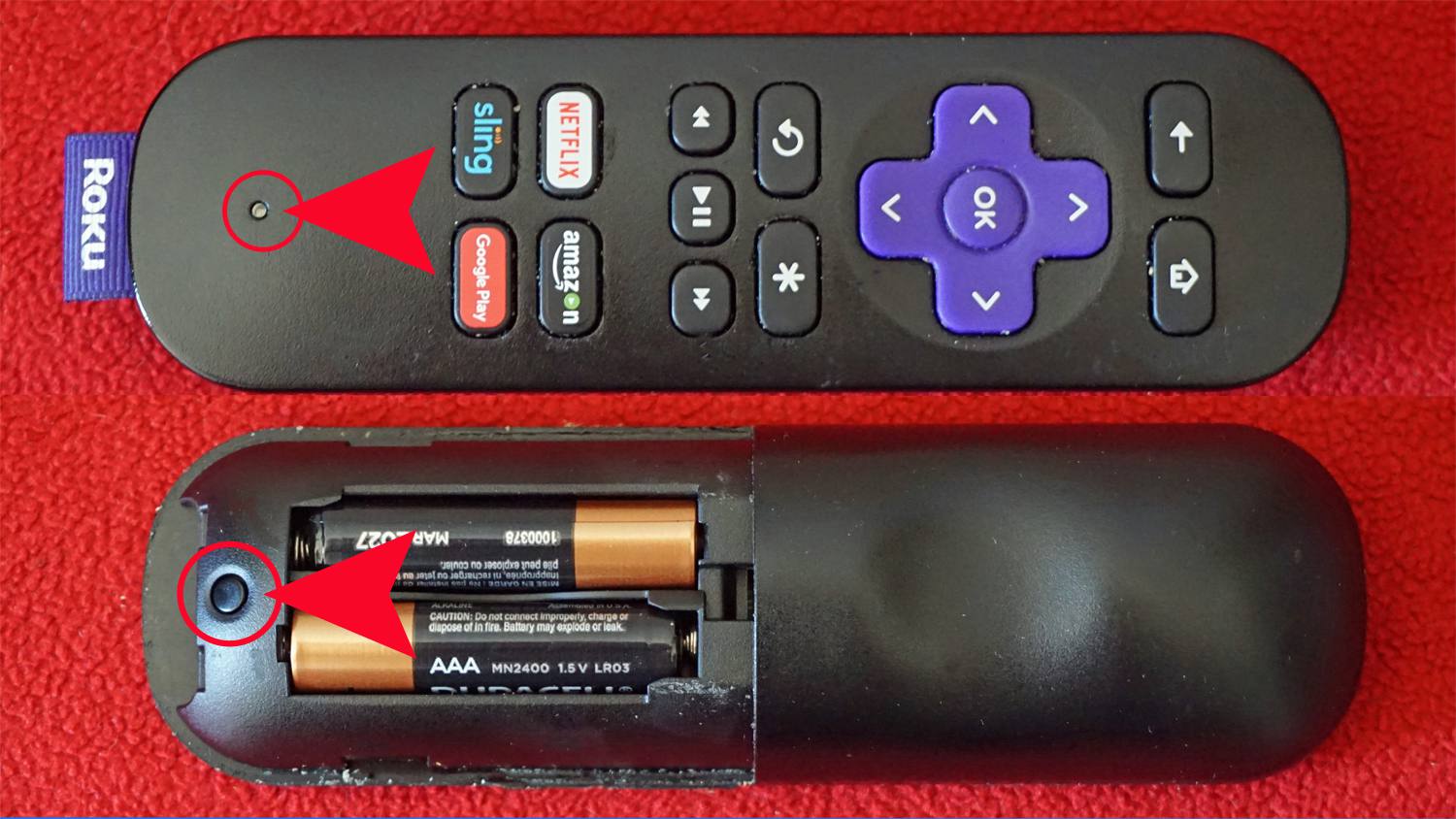
The pairing button on a Roku remote is located either on the back of the remote or under the battery cover. This small, sometimes recessed button is only found on...
If your Roku remote has no pairing button, the most likely reason is that you own a simple infrared (IR) remote that never needs pairing in the first place. To...
If your Roku remote is not working, the most common cause is simply dead batteries, so start by replacing them with fresh ones. If that doesn't work, the next step...
This website uses cookies so that we can provide you with the best user experience possible. Cookie information is stored in your browser and performs functions such as recognising you when you return to our website and helping our team to understand which sections of the website you find most interesting and useful.
Strictly Necessary Cookies
Strictly Necessary Cookie should be enabled at all times so that we can save your preferences for cookie settings.
If you disable this cookie, we will not be able to save your preferences. This means that every time you visit this website you will need to enable or disable cookies again.