Practical, reader-tested guidance for anyone who owns or maintains a PS4 console, from first-time owners to those troubleshooting an aging system. The articles here are written for everyday users, not just hardware enthusiasts, and focus on clear, step-by-step solutions that avoid unnecessary jargon. Whether you are dealing with a noisy console, a finicky disc drive, or simply want to understand how to manage your account and storage, this tag serves as a reliable reference for common PS4-related issues.
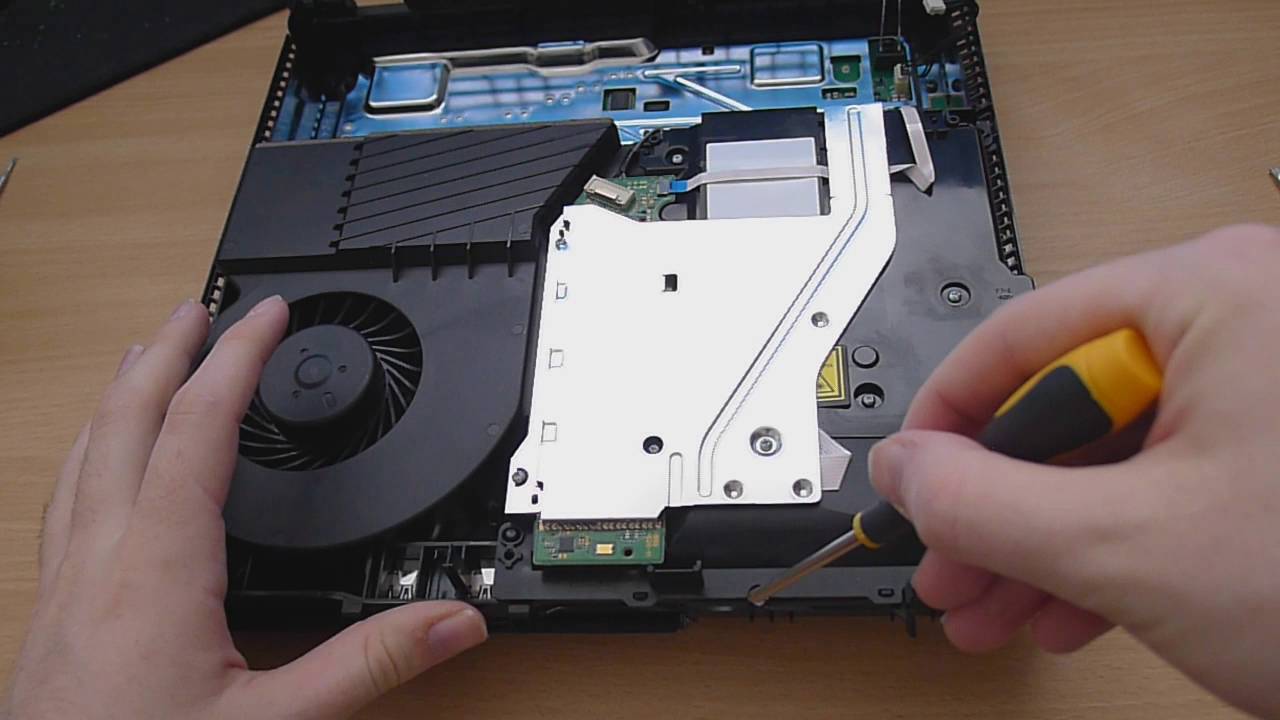
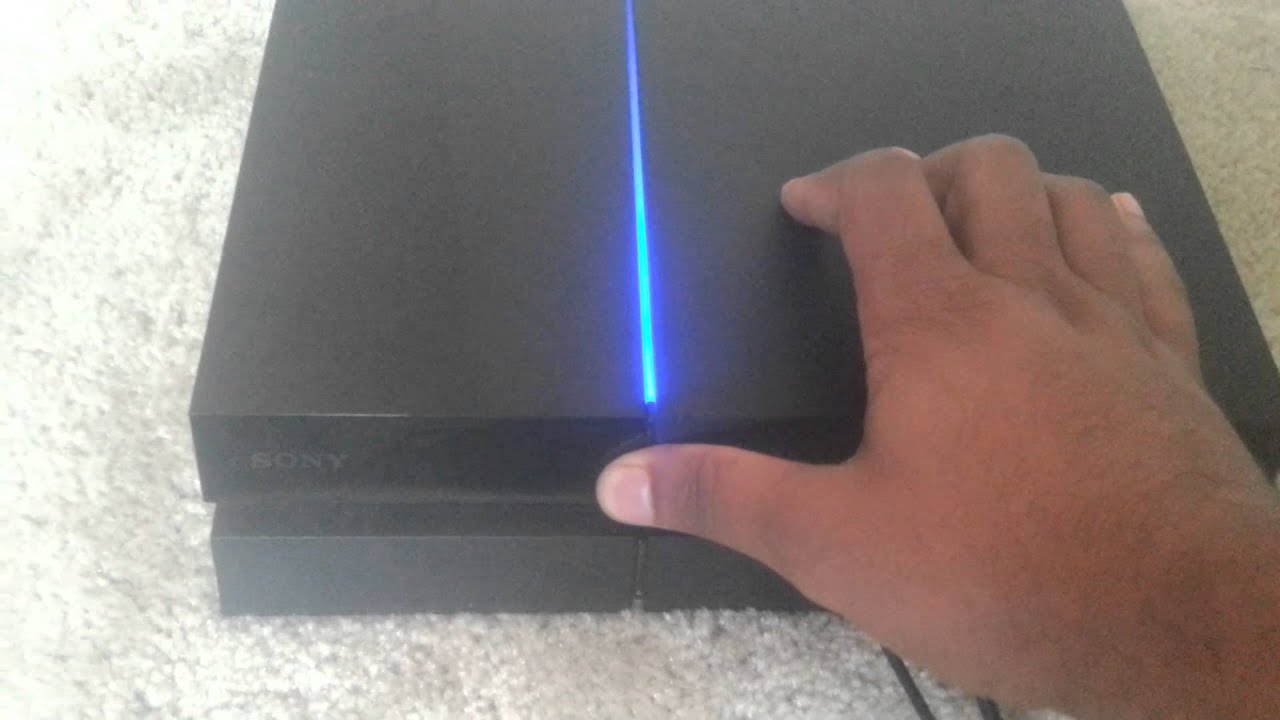
The bulk of the articles address maintenance and repair tasks that many users face over a console’s lifetime. For example, guides on cleaning a PS4 safely, fixing a loud fan, and locating the manual eject screw by model help you handle physical upkeep without risking damage. Similarly, step-by-step instructions for rebuilding the database, formatting a hard drive, and downloading update files for reinstallation walk you through system-level fixes that can resolve performance hiccups. A few pieces also cover repair costs and out-of-warranty service, giving you a realistic sense of when to DIY versus when to call a professional.
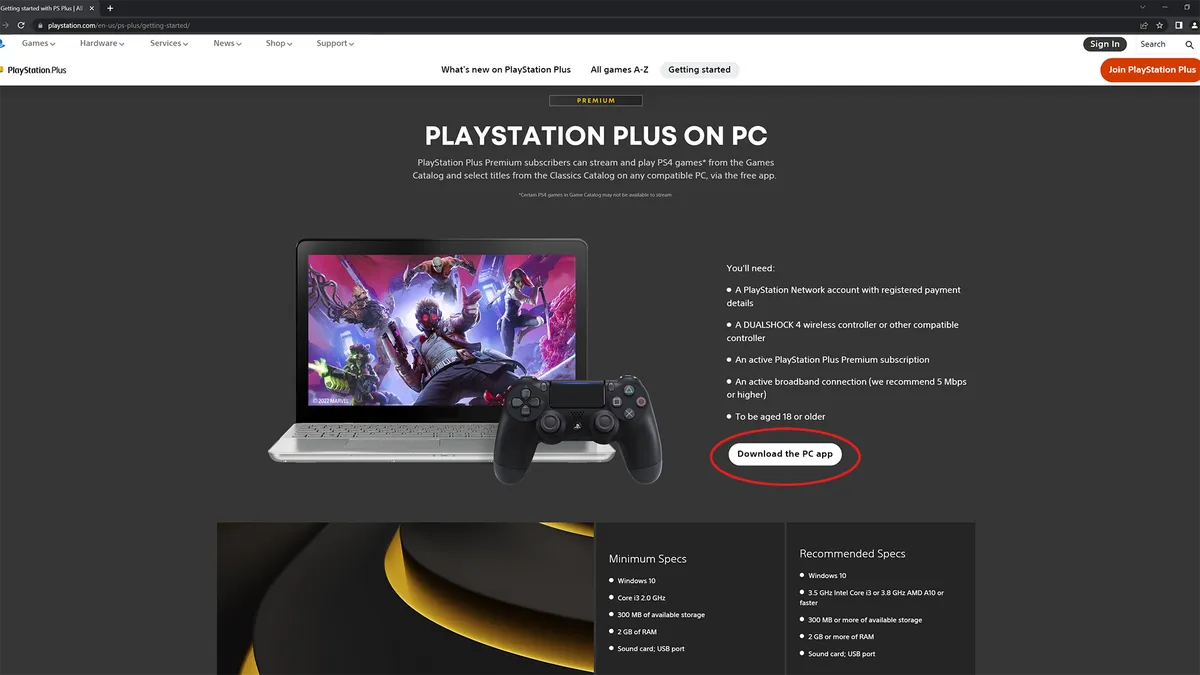
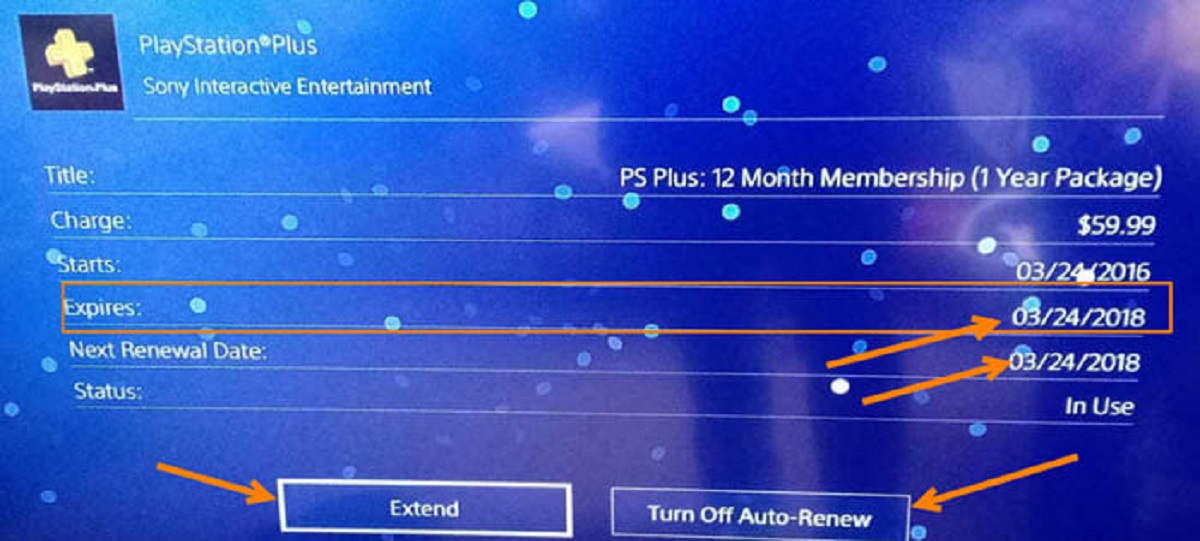
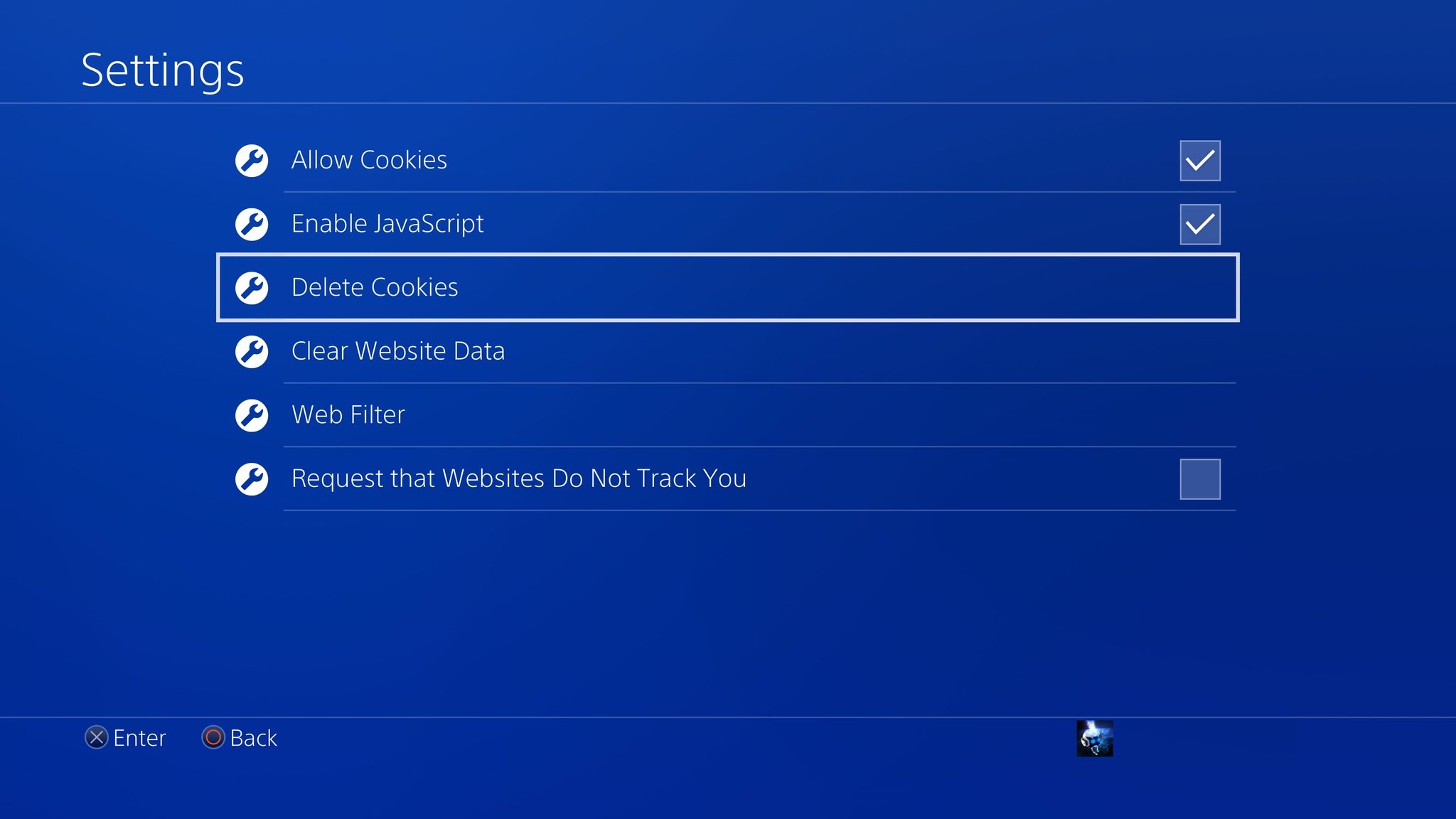
Beyond hardware, the tag includes useful explainers and account-management guides. You’ll find articles on how to factory reset a PS4, remove a card from PlayStation, and troubleshoot PlayStation Network sign-in failures, all framed as legitimate, safe ways to manage your own console and account. There are also beginner-friendly overviews of topics like backwards compatibility, a look at anticipated PS5 games, and comparisons of third-party controllers like the Scuf models. Notably, several pieces clarify legal alternatives to paid services, such as streaming PS4 games to a PC or playing GTA Online without PlayStation Plus, so you can get the most out of your console without resorting to workarounds that violate terms of service.