This tag collects all of our Paramount Plus troubleshooting and setup guides, written for everyday viewers who want to get the streaming service working smoothly on their own televisions and devices. Whether you are a new subscriber wrestling with a fresh smart TV or a long-time user who just wants to tweak the viewing experience, these articles are for you. The content is aimed at non-technical users who prefer clear, step-by-step instructions over jargon.
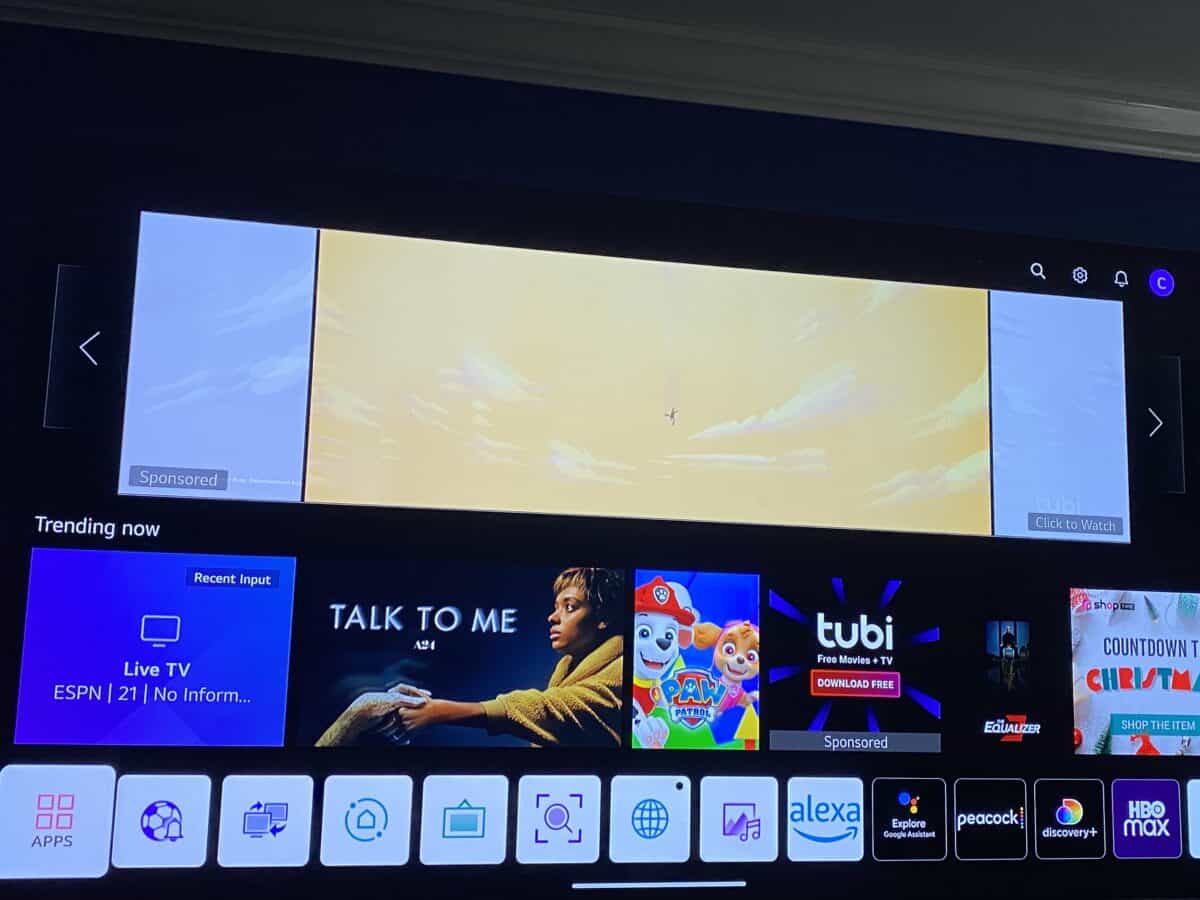
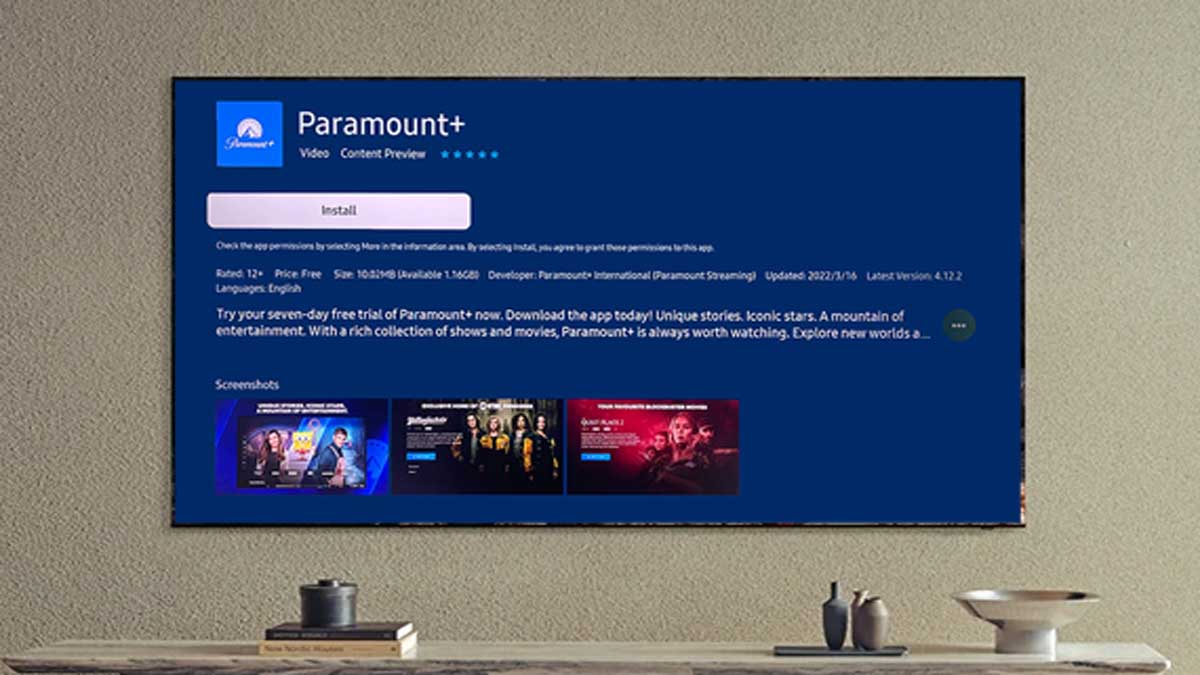
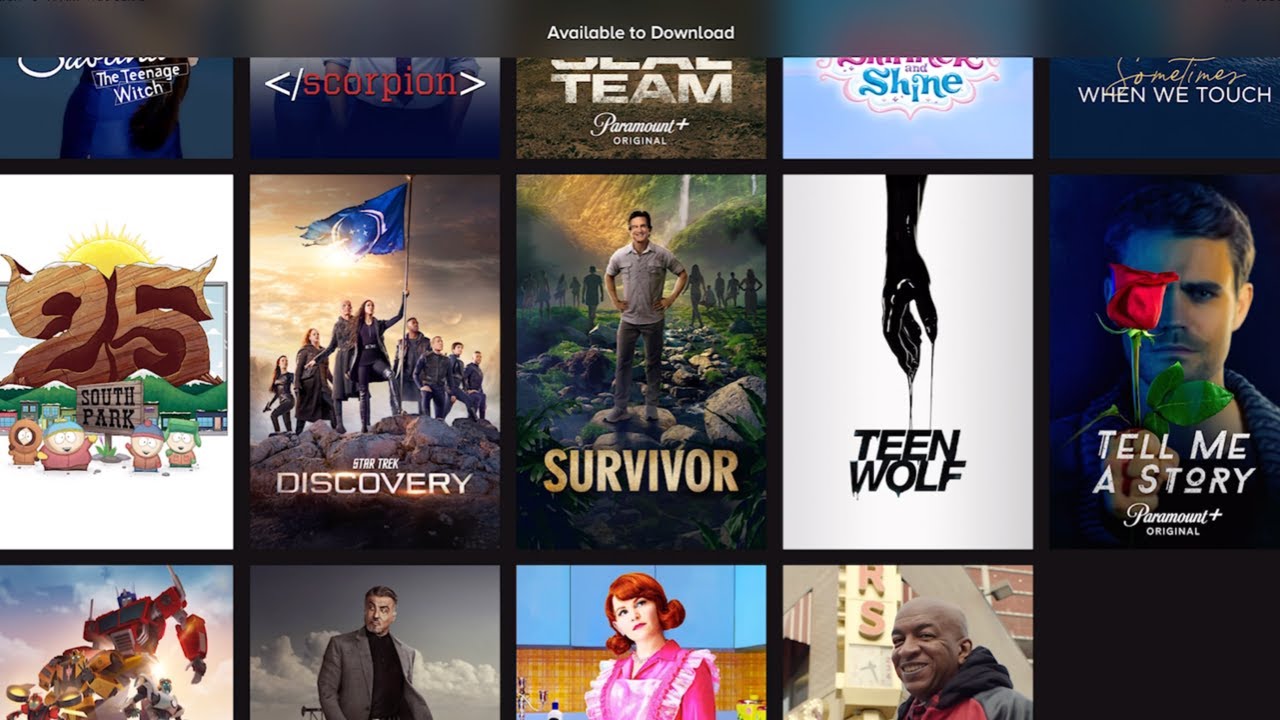
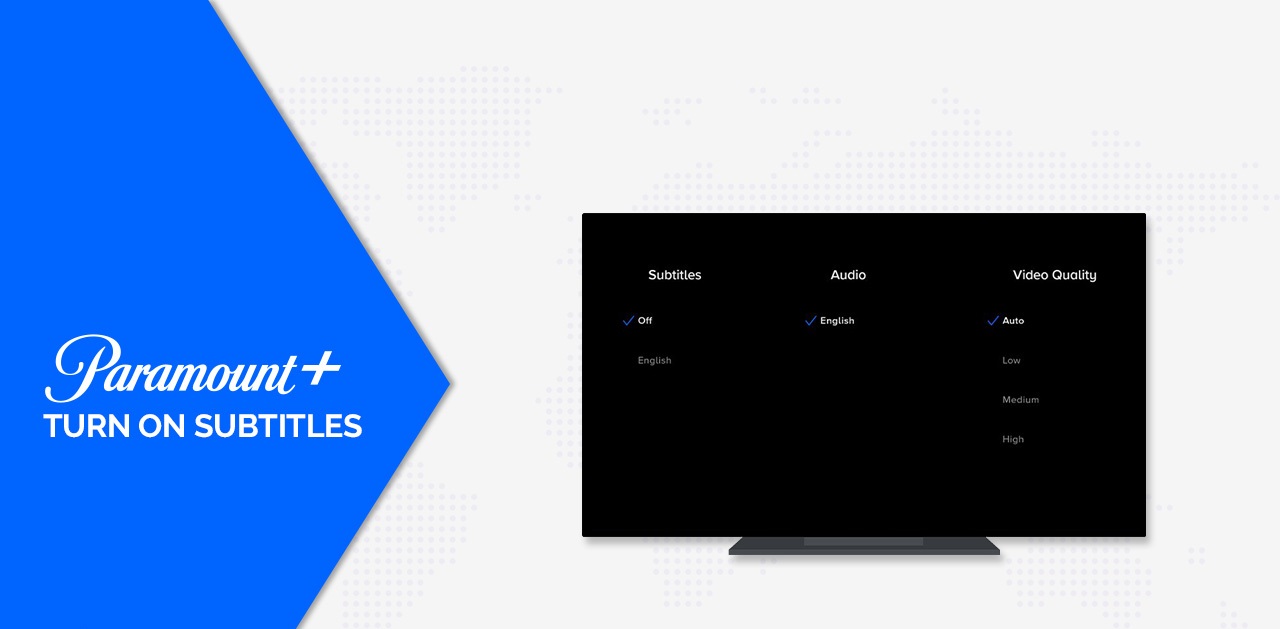
The articles in this tag solve two main kinds of problems. First, there is the “getting started” theme, which covers how to install and activate the app on specific hardware. For example, you will find straightforward guidance on how to get Paramount Plus on a Samsung Smart TV or how to add it to an LG Smart TV, including checking for the latest software update on the LG. Second, there is the “playback and download” theme, which addresses what to do once you are inside the app. This includes how to download movies for offline viewing, how to turn subtitles on or off, and how to update the app on an LG TV to avoid glitches.
Rather than telling you how to bypass any restrictions, these guides focus on legitimate, supported features. For instance, the download articles explain how to save a movie for a flight using the app’s official offline feature, while the subtitle guides help you adjust text for better accessibility or to get it out of the way during a dramatic scene. The smart TV pieces walk you through the official app store process, ensuring you are using the correct, licensed version of the service. In short, these articles help you operate the app you already pay for, safely and within its intended design.