The Mobile Banking tag collects practical, step-by-step guides for anyone who manages money through a smartphone app or online portal. Whether you use a major national bank, a credit union, or a digital‑only card like Chime, these articles are written for everyday customers who want to complete specific tasks on their own, without calling customer service or visiting a branch. The content assumes you already have an account and need clear, direct instructions for common chores like moving money, checking balances, or updating your security settings.

Many articles focus on routine account maintenance and money movement. For example, you’ll find walkthroughs for setting up Zelle through various institutions (Navy Federal, Wells Fargo, Suncoast), canceling a Chase Zelle payment, or seeing all your Zelle transactions in one place. Another cluster covers prepaid and card‑based accounts: loading a Chime card, finding the account number on the card, or changing a Chime PIN. A third theme is account access and recovery, including enabling Face ID on the Bank of America app, setting up PNC online banking, and recovering a mobile banking account after a SIM‑swap attack, which is explained as a security recovery process, not a workaround. There are also explainer‑style pieces that clarify banking concepts like external accounts, standing orders, and the FDIC insurance limit when funds are split across a checking account and a mobile‑linked savings account. Finally, several articles address what happens to scheduled transfers if you close an account or lose access, helping you plan ahead without risking fees or missed payments.
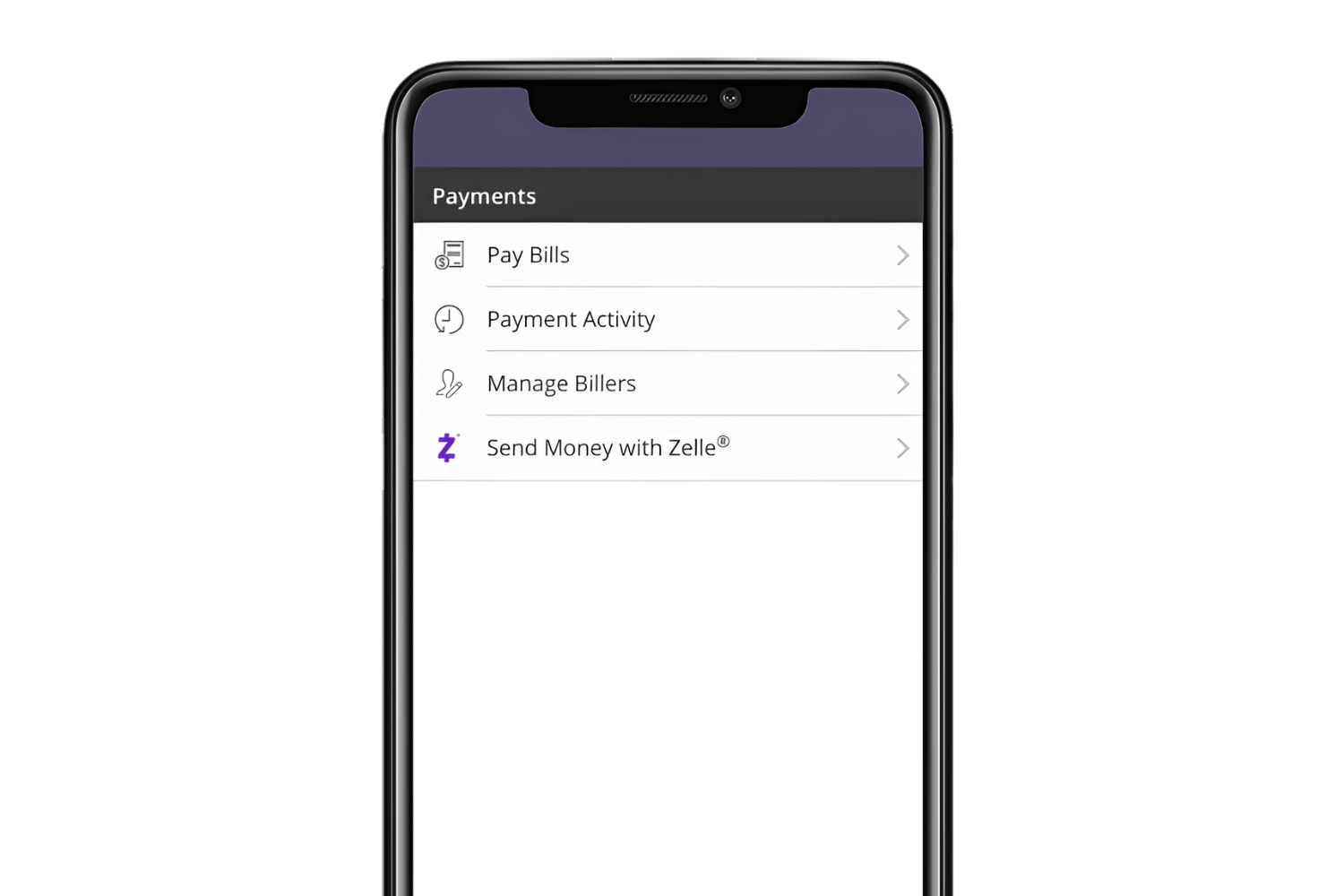
How To Use Zelle With State Employees Credit Union

Here’s how to use Zelle with State Employees Credit Union: members can send and receive money directly in the SECU mobile app or online banking, and this guide covers enrollment,...

How To Set Up Zelle With Suncoast Credit Union

Suncoast Credit Union Zelle integration does work for many members, but the situation is confusing because official sources disagree. While Suncoast's own website states they have partnered with Zelle, Zelle's...

How To Download Bank Statement Bank Of America

To download a bank statement from Bank of America, log in to Online Banking at bankofamerica.com or open the Mobile Banking app, then navigate to the “Statements & Documents” section...

How To Use Zelle Navy Federal

To use Zelle Navy Federal, log into your Navy Federal mobile app or online banking, go to Transfers, and enroll your account with Zelle. Once enrolled, you can send and...

How Do I Get A Zelle Account

Before you start: what you actually need to get a Zelle account To get a Zelle account, you don't sign up for a standalone app like PayPal or Venmo; instead,...

How Does Zelle Work With Wells Fargo

Here's how Zelle works with Wells Fargo: it's built directly into the Wells Fargo Mobile® app and Wells Fargo Online® banking, enabling instant person-to-person money transfers between eligible U.S. bank...

How To Delete Zelle Recipient Chase

To delete a Zelle recipient on Chase, log into your Chase account and navigate to Pay & Transfer, then select Manage Recipients and choose the Zelle option. From the list...

How To Cancel Zelle Payment Chase

To cancel a Zelle payment on Chase, you can only do so if the recipient has not yet enrolled with Zelle. If the recipient is already enrolled, the payment is...

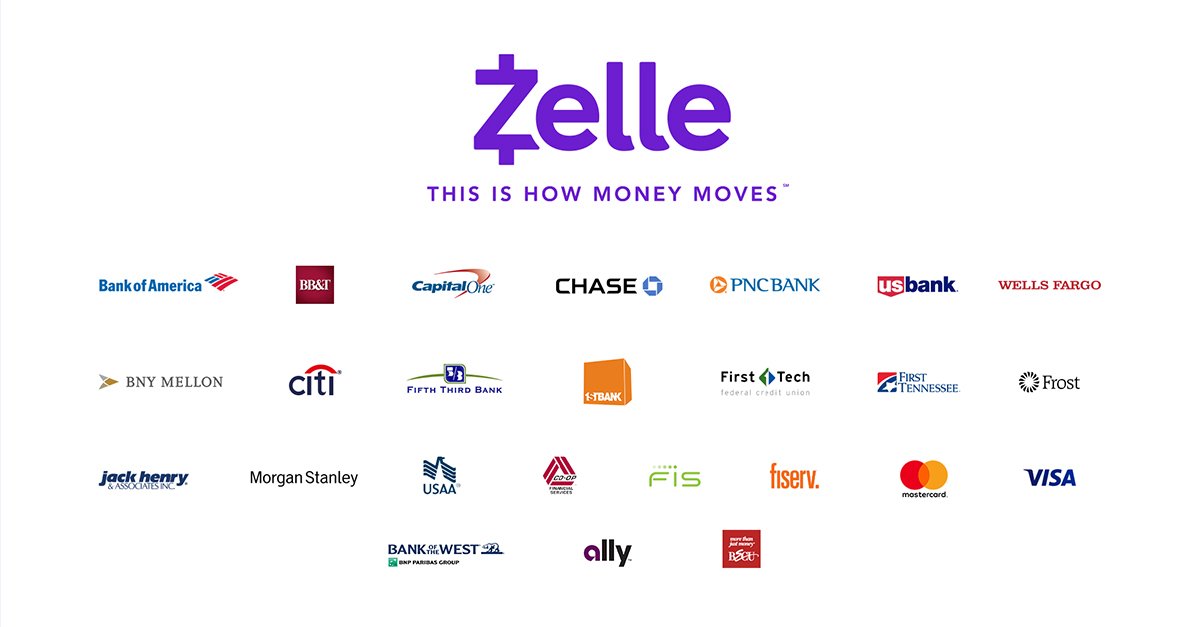
What Banks Work With Zelle

To find out what banks work with Zelle, the most reliable method is to check your bank's mobile app or the Zelle website, as maintaining a static list is impossible...

Where Is The Account Number On Chime Card

Your Chime account number is not printed on your physical Chime card. To find your chime account number, you must log into the Chime mobile app or the website at...