Practical, step-by-step guides for anyone who wants to get video from one screen to another without reaching for an HDMI cable. These articles are written for everyday users, people with a Fire Tablet, a Windows laptop, or a smart TV from brands like Samsung, Philips, or Sharp, who want to mirror a display, stream a movie, or share a presentation in the living room or a small meeting space. If you have ever stared at a TV input menu wondering why your laptop isn’t showing up, this tag is for you.
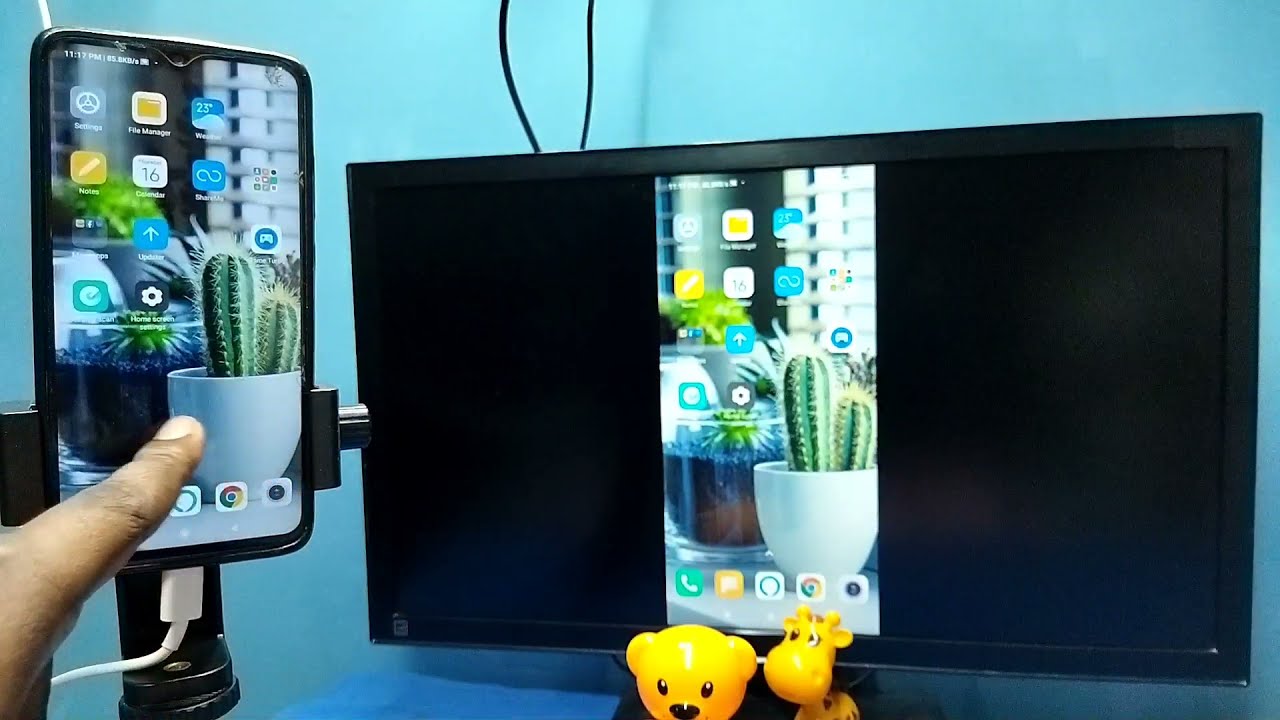
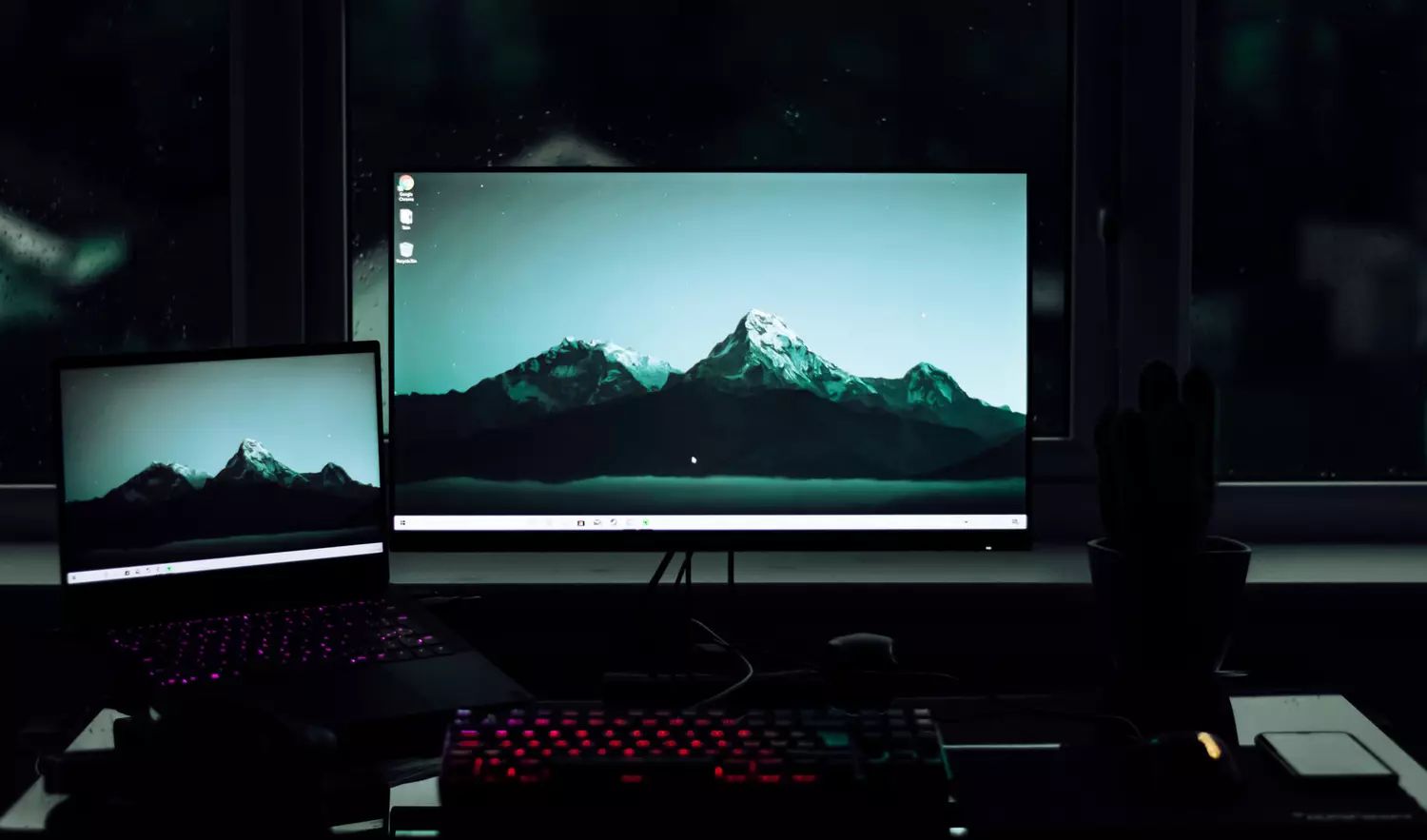
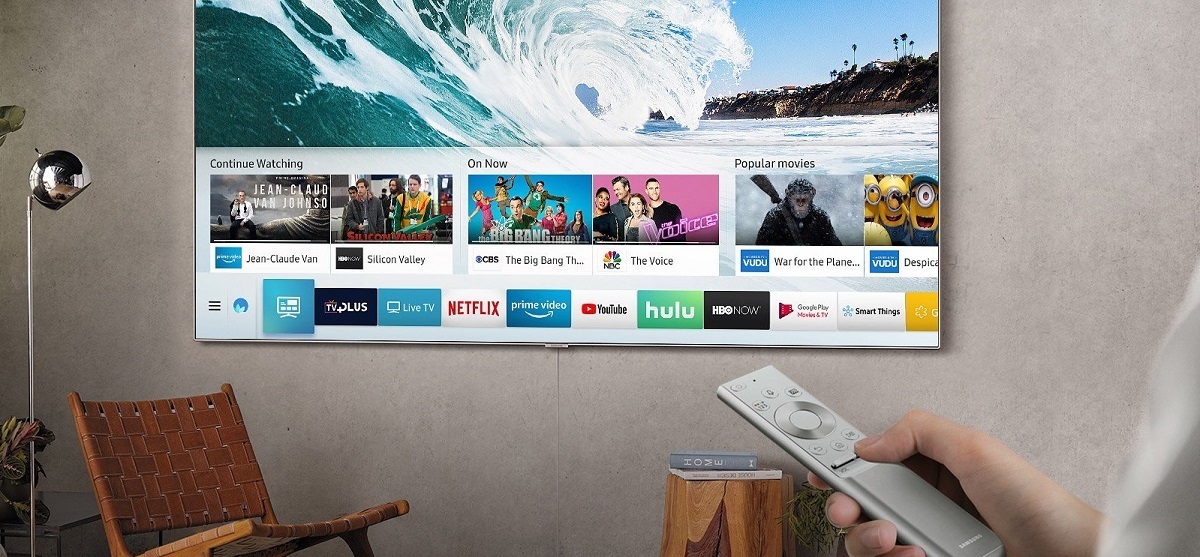
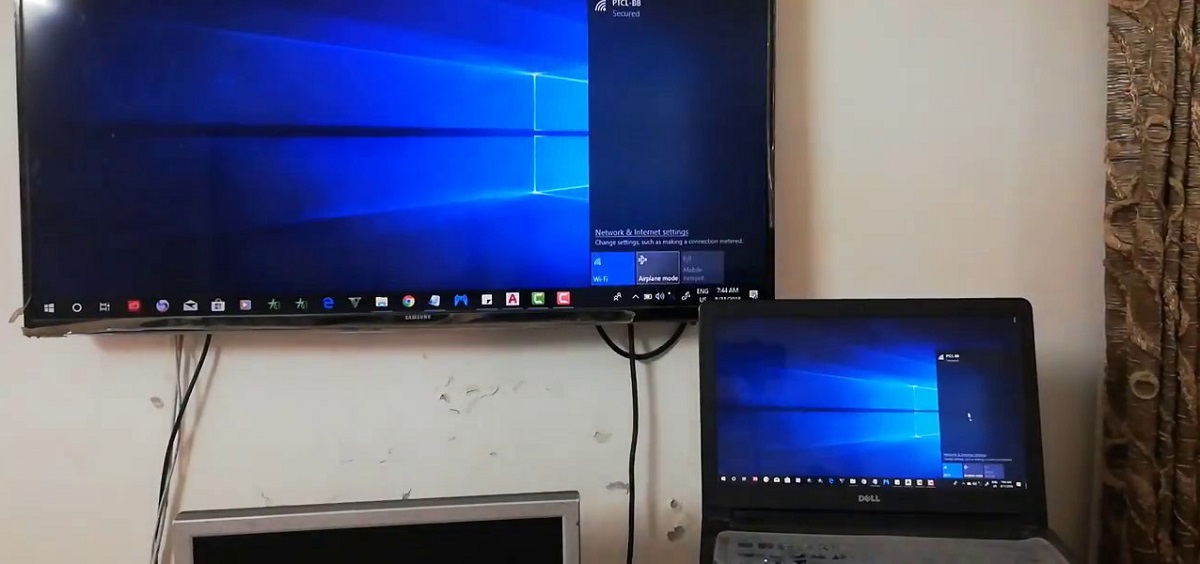
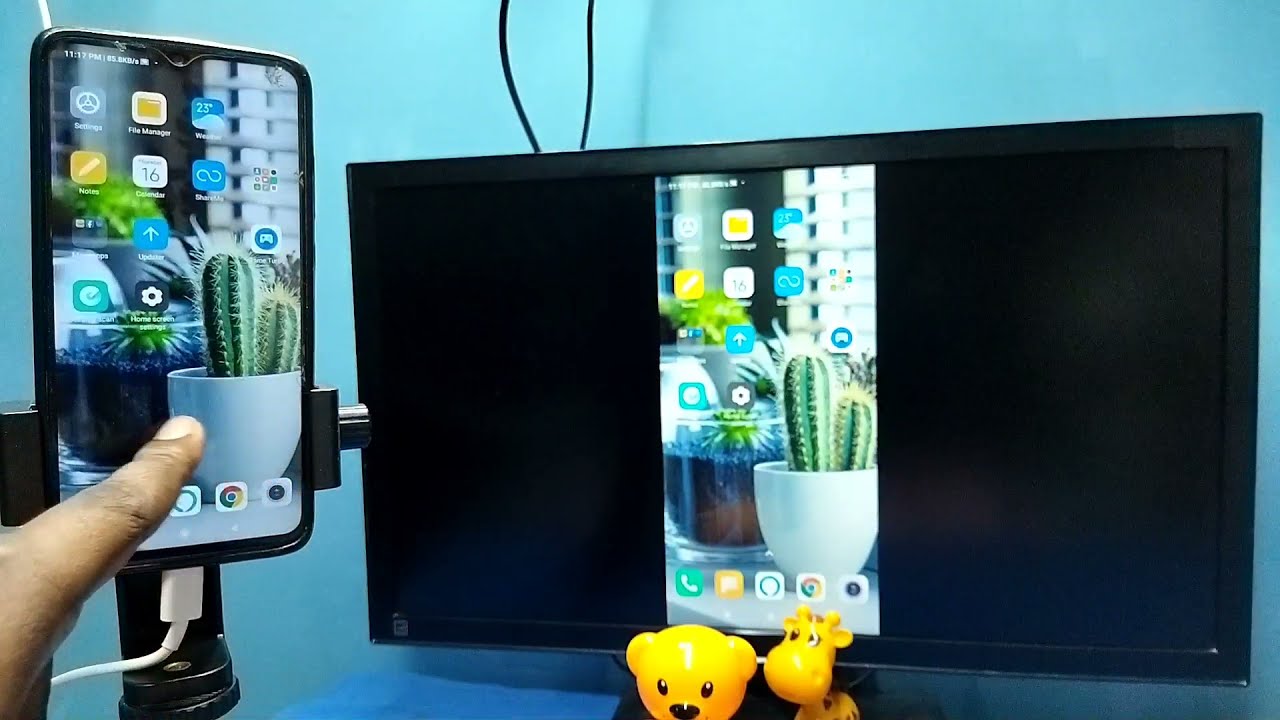
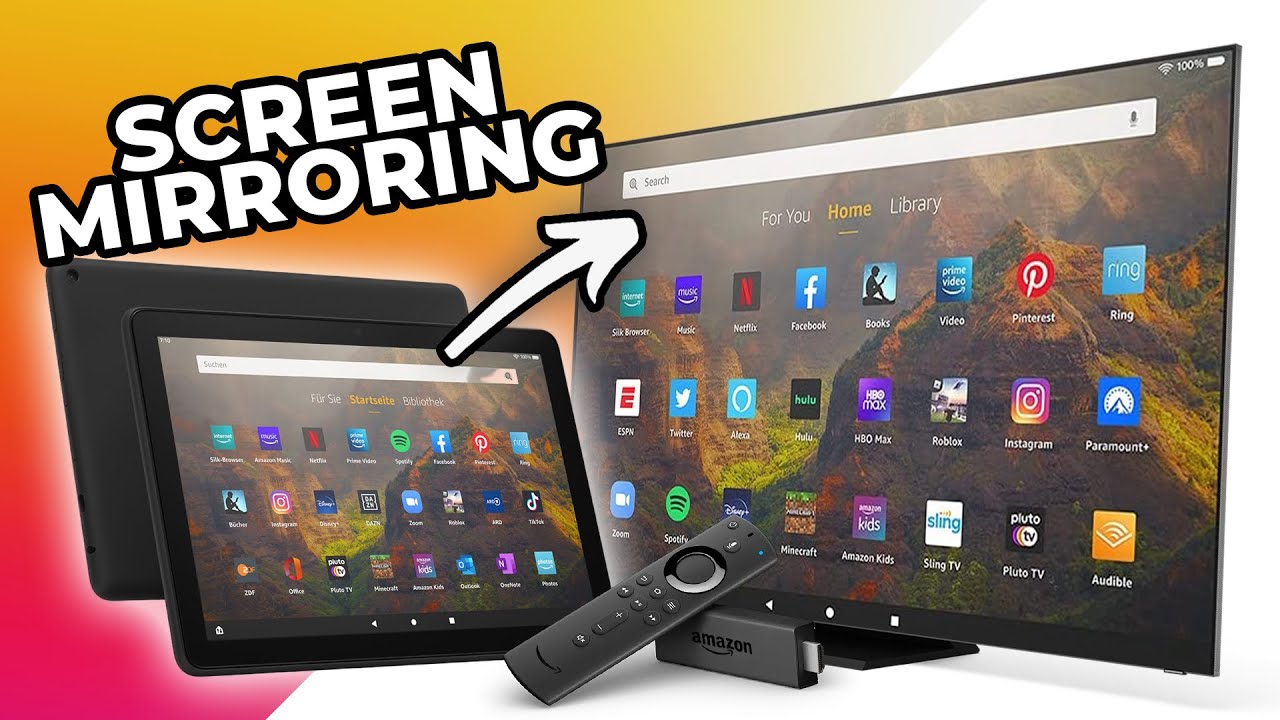
The guides here cluster around two main problems. First, connecting a phone or tablet to a TV: you can learn how to screen mirror an Amazon Fire Tablet 10, or how to screen share on a Philips Smart TV. Second, getting a computer’s output onto a television or even a wall, for example, how to connect a laptop to a Samsung Smart TV via Bluetooth, how to stream video from a PC to a Samsung TV, or how to connect a laptop to a Sharp Smart TV wirelessly. Some articles also approach the problem from a safer, more practical angle: instead of showing you how to force a connection that might not be supported, they explain legitimate wireless projection options, such as projecting a laptop screen to a wall without a projector for a clean, cable-free setup.
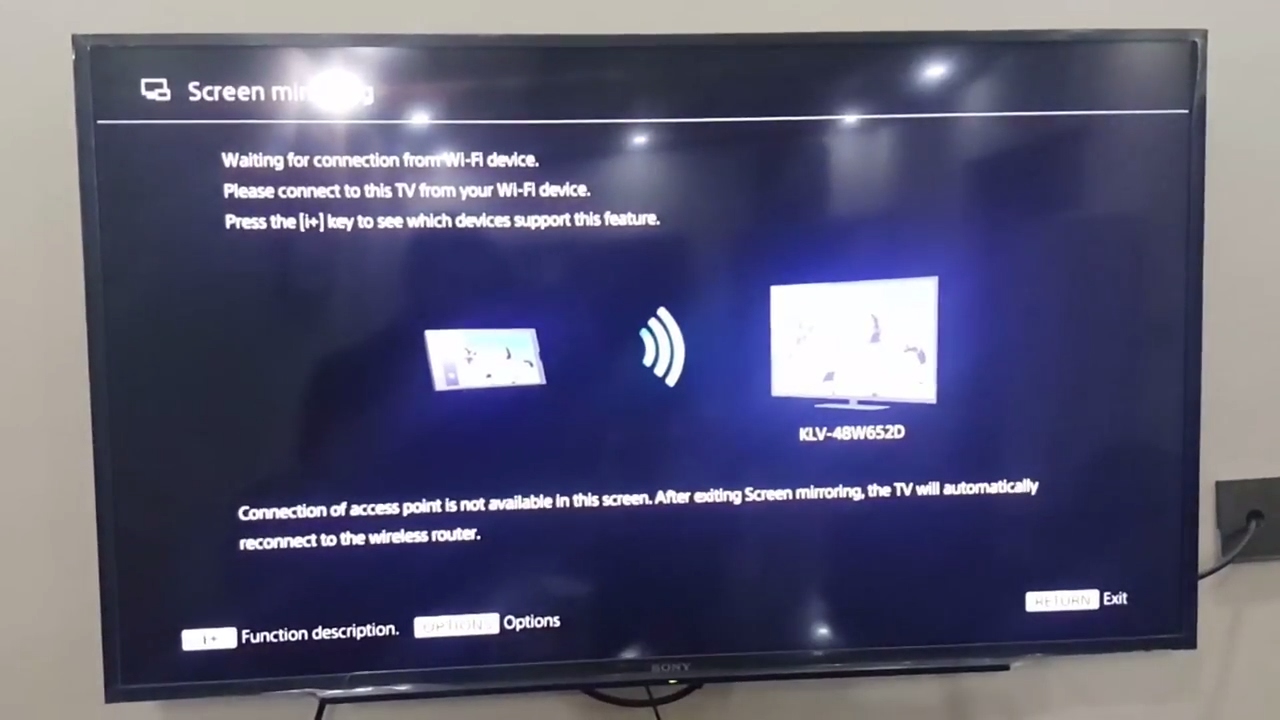
Whether you are troubleshooting a stubborn Samsung model, trying to mirror a Fire Tablet for a family slideshow, or setting up a wireless display for a classroom talk, these articles walk you through the actual steps, checking settings, enabling Miracast, and pairing devices, so you can get your screen where you want it, legally and without workarounds.