This tag collects Robots.net’s coverage of Microsoft’s hardware, software, and services, aimed at everyday users, gamers, and tech enthusiasts who want practical guidance without diving into enterprise manuals. The articles here help you set up devices, troubleshoot common issues, and understand what new Microsoft tools actually do, from the Xbox console lineup to Windows 11, Edge, and HoloLens. You’ll also find clear explanations of subscription perks like Microsoft Rewards and Project xCloud, so you can decide if they’re worth your time and money.
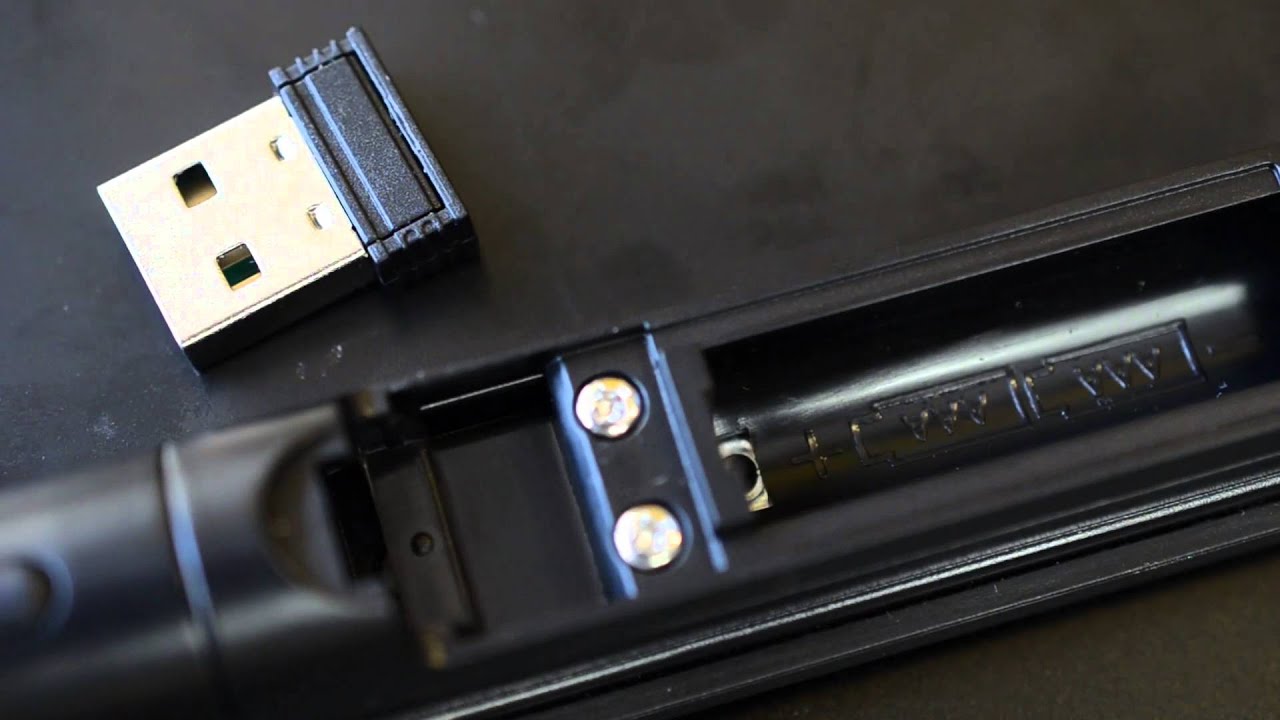
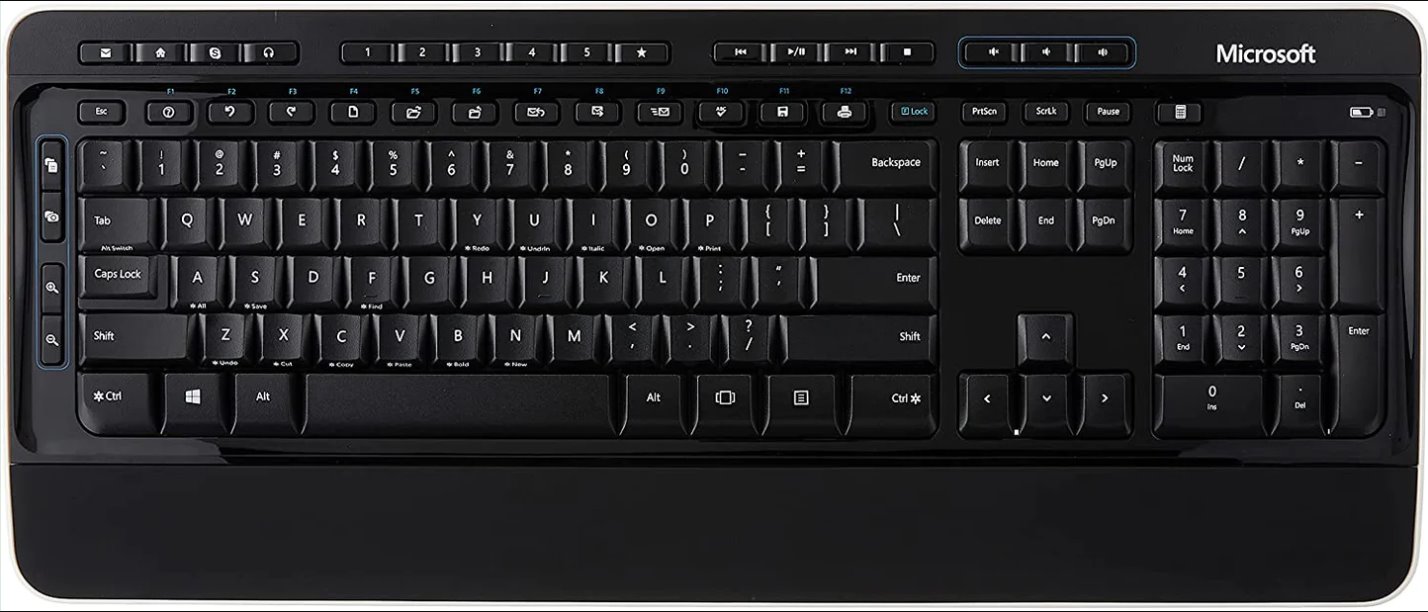
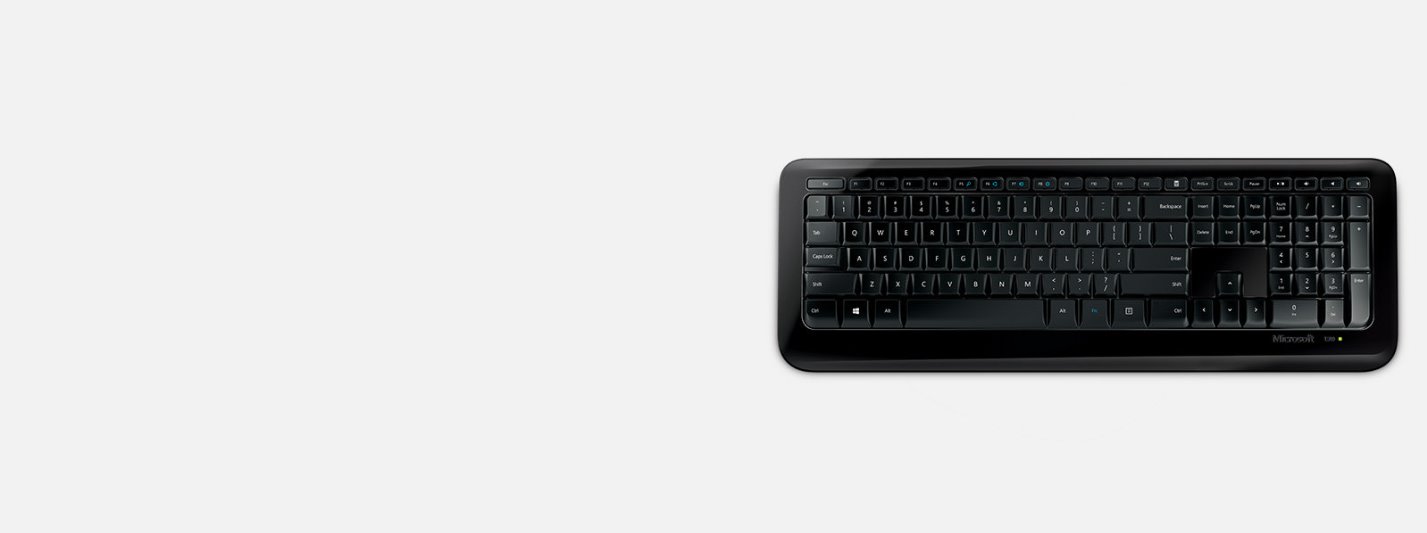
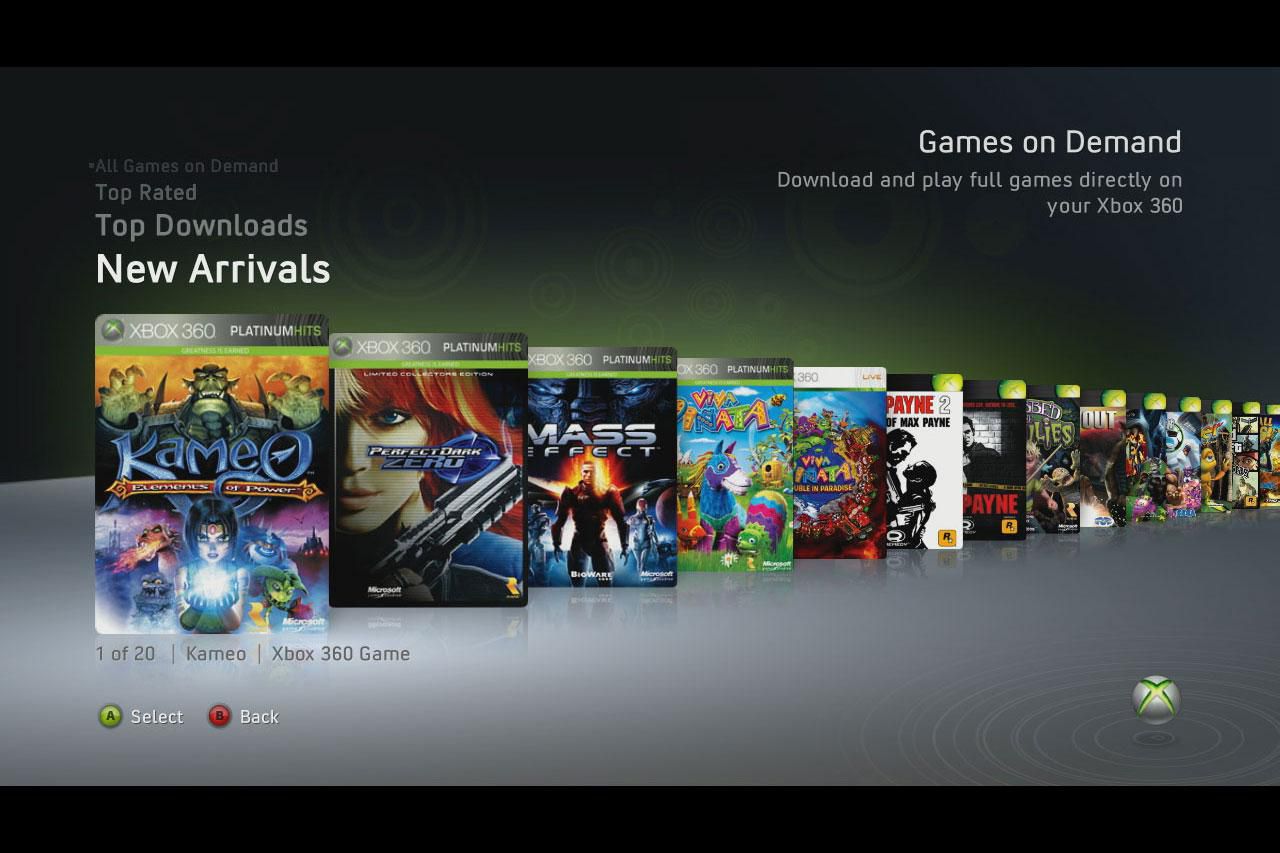
Several pieces focus on productivity and system management, such as migrating mailboxes to Microsoft 365 using third-party converters, or connecting wireless keyboards when they stop pairing. Others take a security-conscious angle: instead of promoting risky behavior, the coverage on malware tracking and AI-driven threat detection explains how Microsoft and Intel use deep learning to protect systems, so you learn about defense, not circumvention. For gamers, the tag includes legitimate ways to download titles on older consoles or stream via xCloud, always framed as official methods.
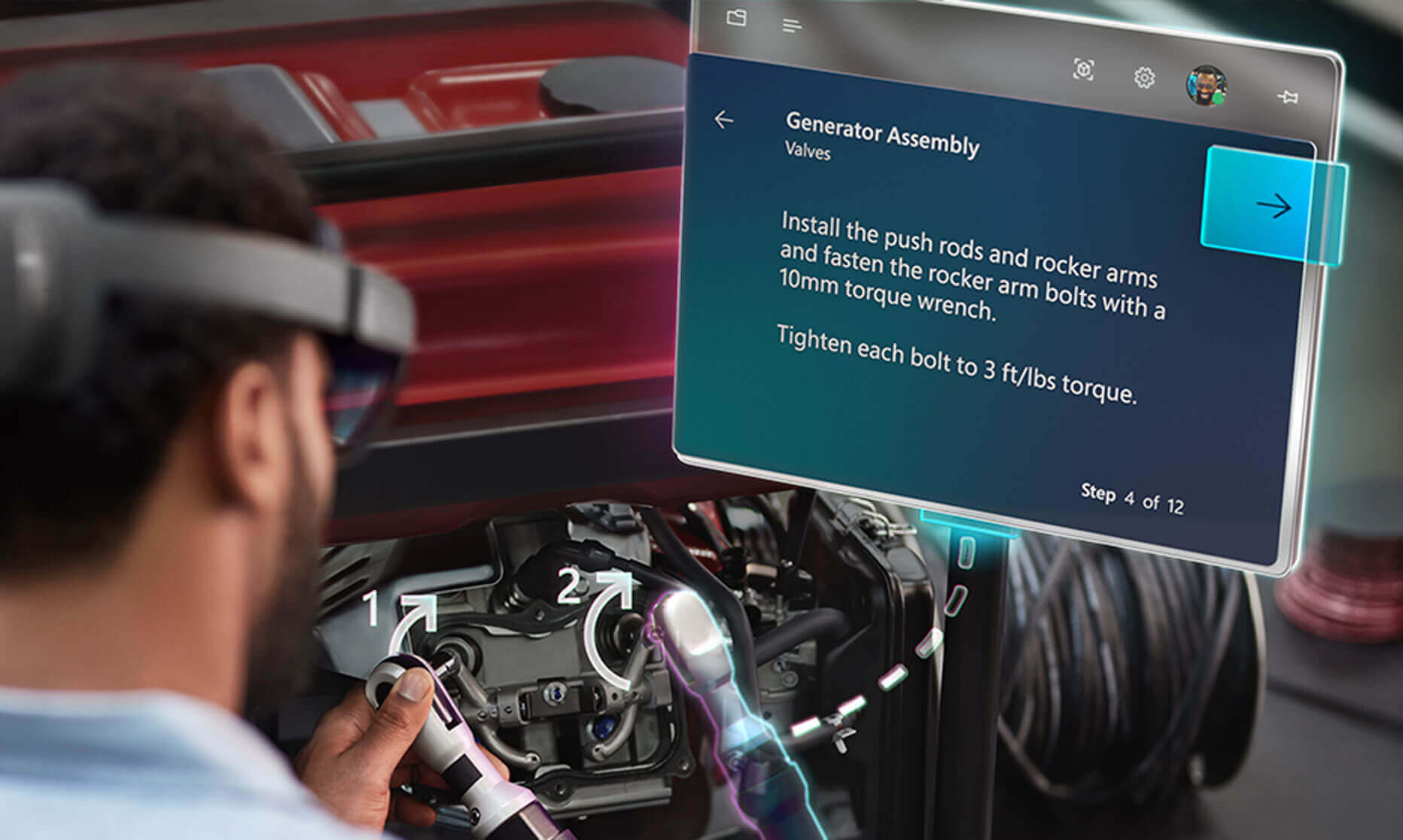
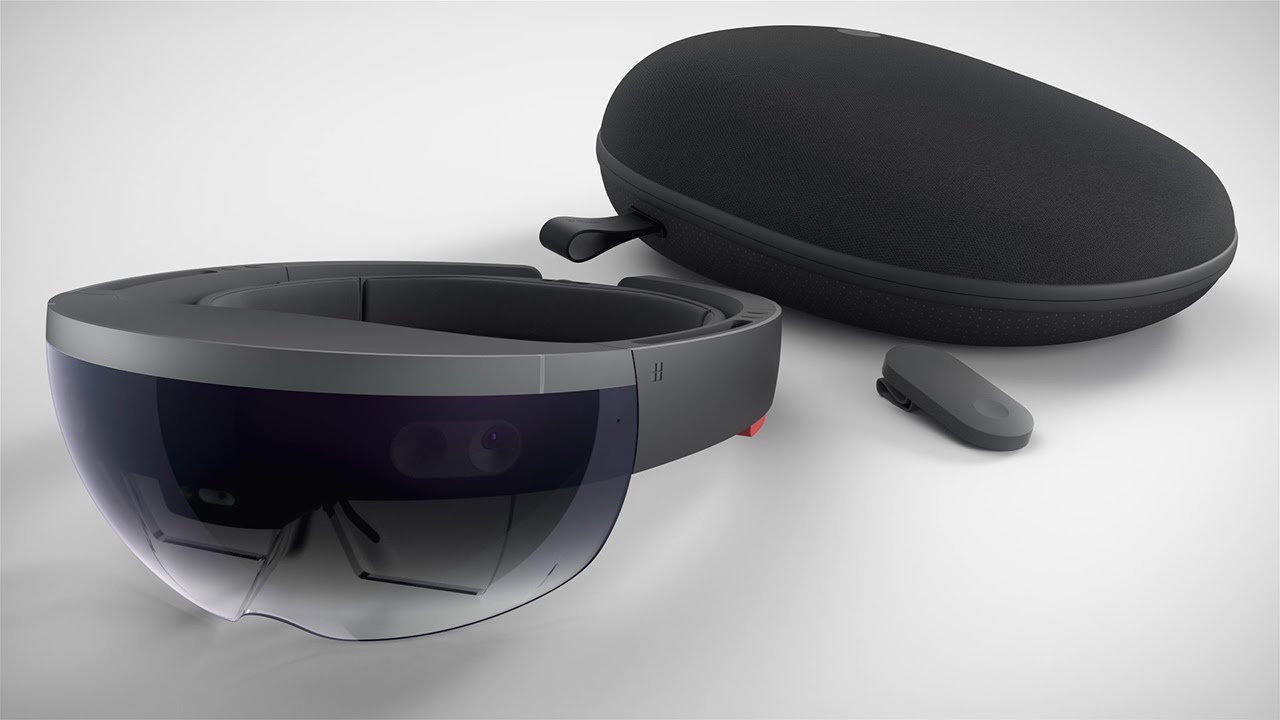
Beyond setup and security, the tag explores Microsoft’s forays into emerging tech, virtual reality, AI-enhanced apps like SwiftKey, and even protein-generating AI. Articles on Kinect as a 3D scanner or the HoloLens development kit show you how to repurpose hardware for creative projects, while stock and investment pieces (e.g., blockchain, IoT, deep learning companies) are included for readers tracking Microsoft’s business ecosystem. Whether you’re fixing a keyboard, migrating email, or just curious about the next big update, this tag delivers straightforward, safe, and useful walkthroughs.