This tag collects practical, everyday guides for working with Microsoft Word and, just as often, with the Google Docs tools that people use alongside it. It is written for anyone who has ever stared at a formatting problem, a missing comment, or a file that will not export the way they expected, whether you are a student finishing an assignment, an office worker preparing a report, or a home user trying to share a document cleanly.
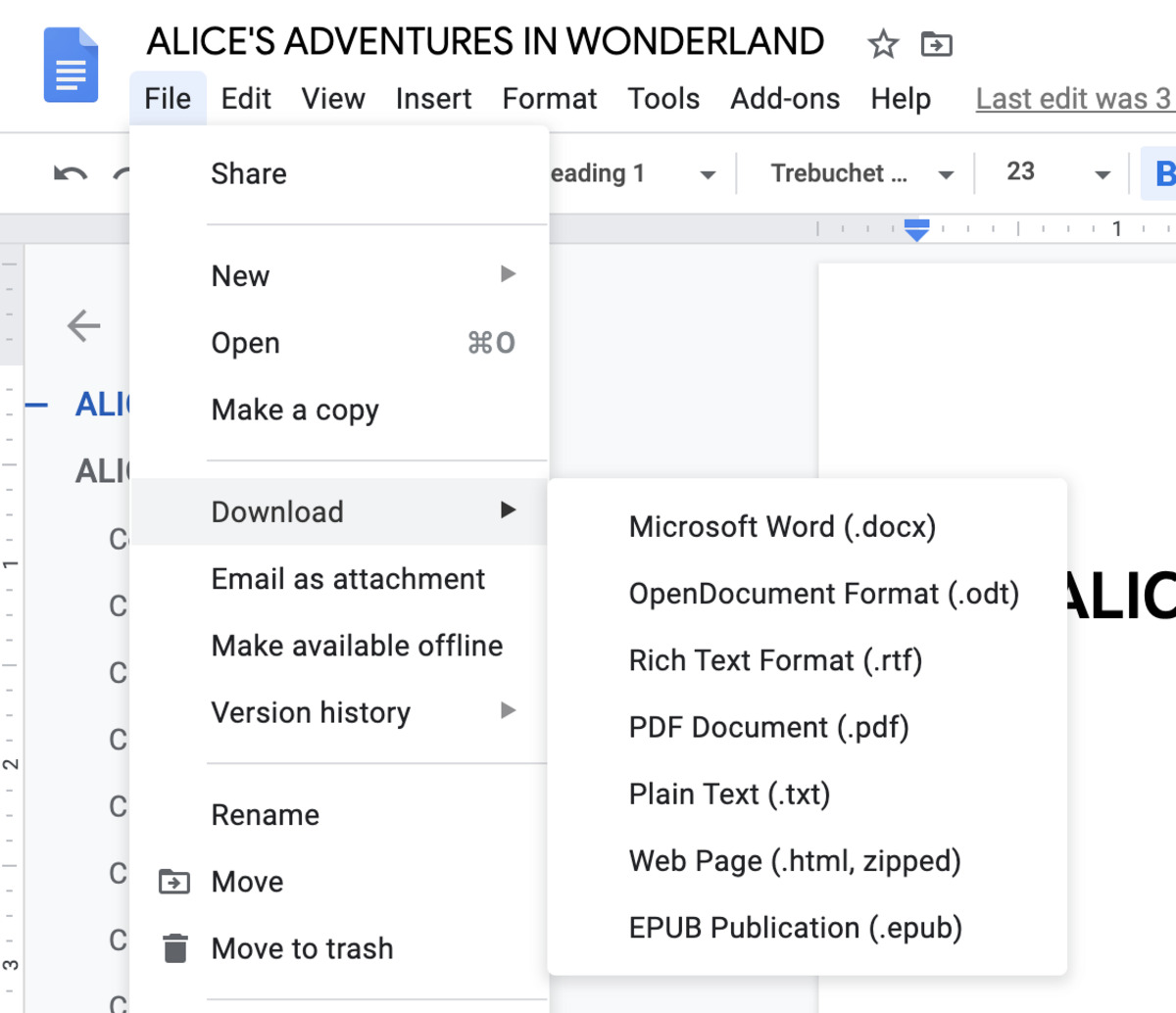
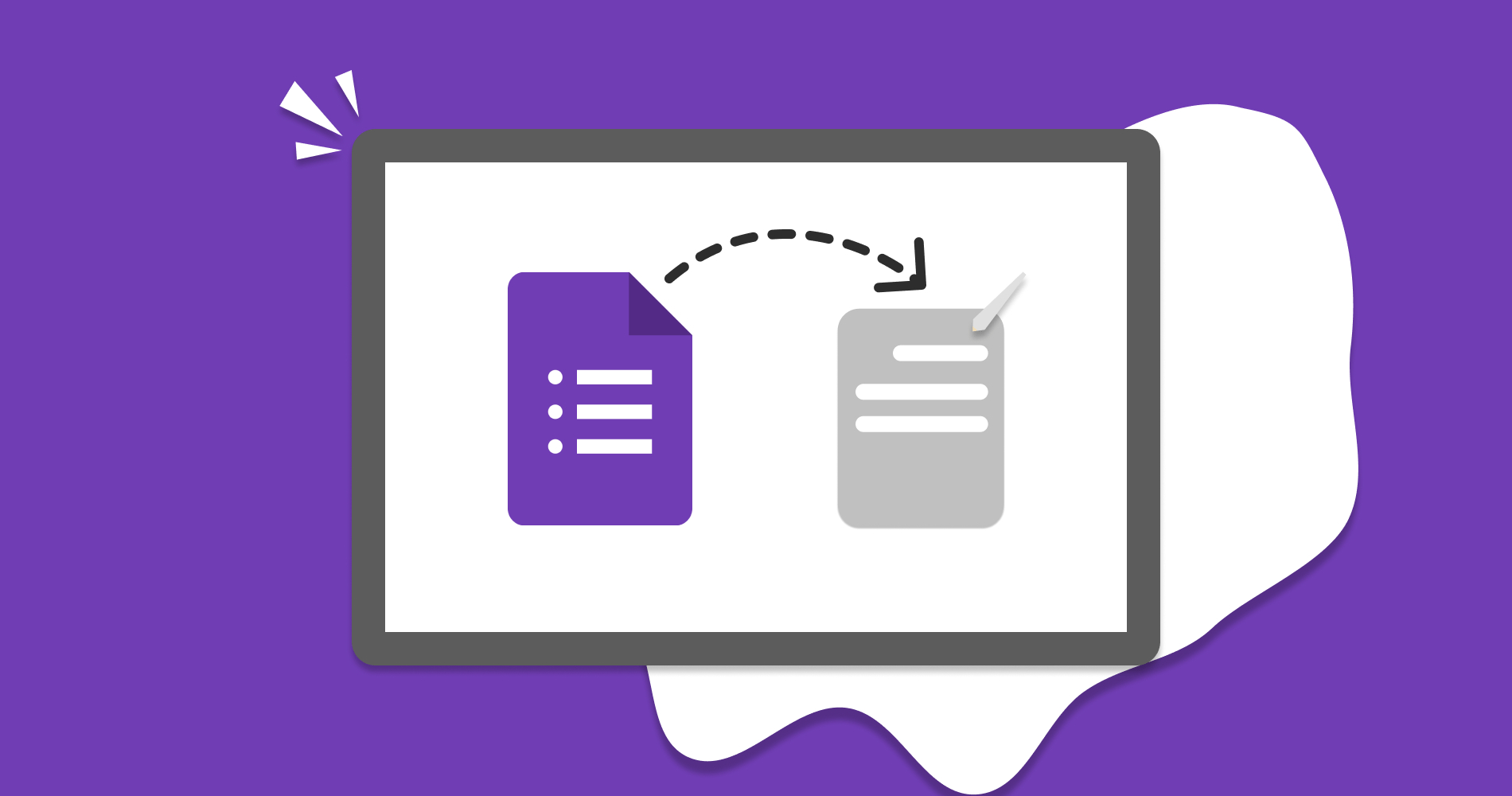
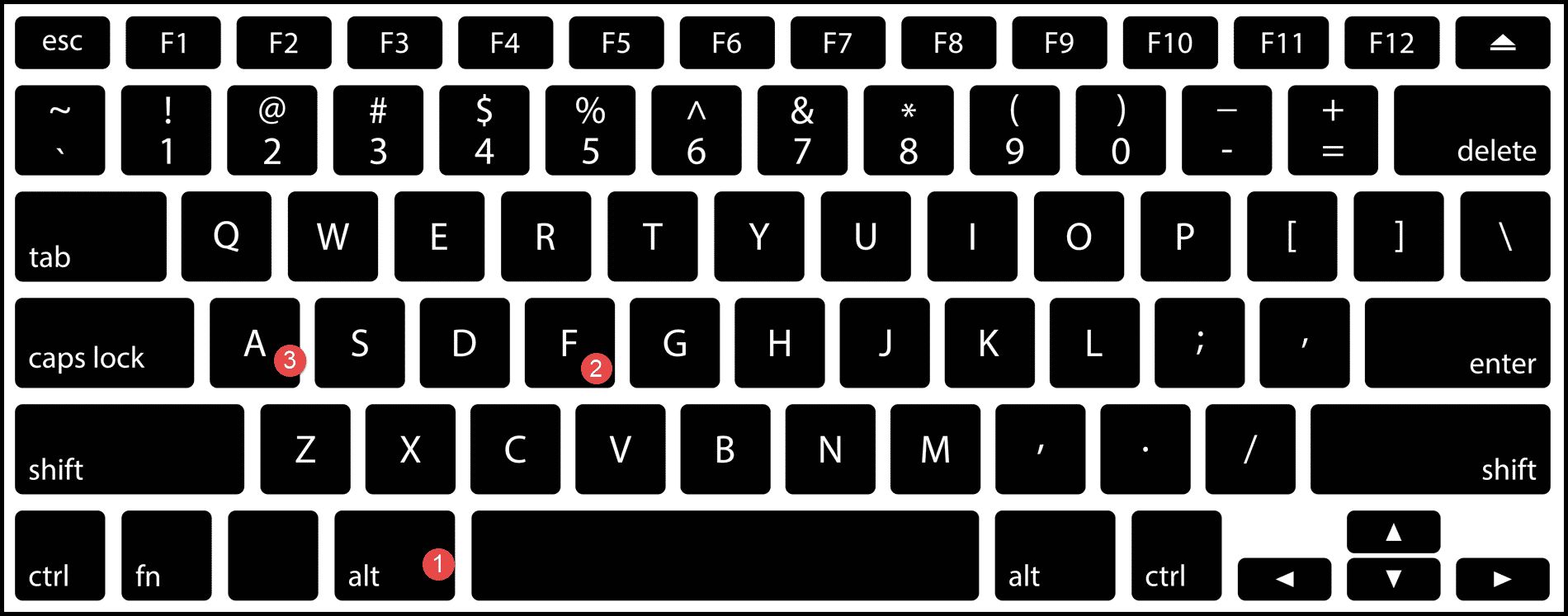
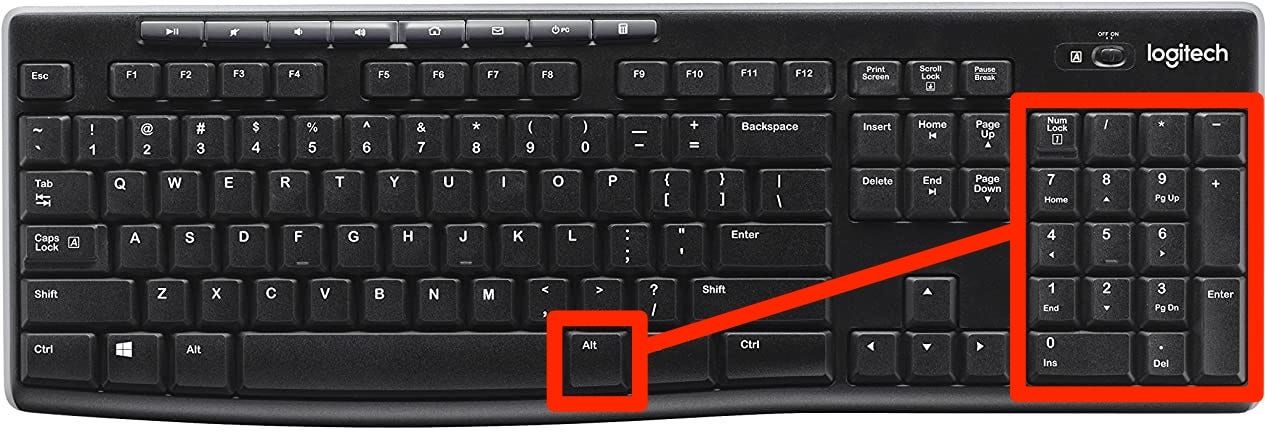
The articles here cluster around two clear themes. The first is basic efficiency: getting the little things right without hunting through menus. You will find straightforward instructions on making a bullet point using your keyboard, the exact shortcut to save a document, and how to attach a Google Doc to an email. The second theme is conversion and export troubleshooting, especially when moving between Google’s ecosystem and Word. Several guides walk you through downloading a Google Form as a Word file, downloading a Google Doc in a usable format, and turning a Google Doc into a PDF while keeping comments intact.
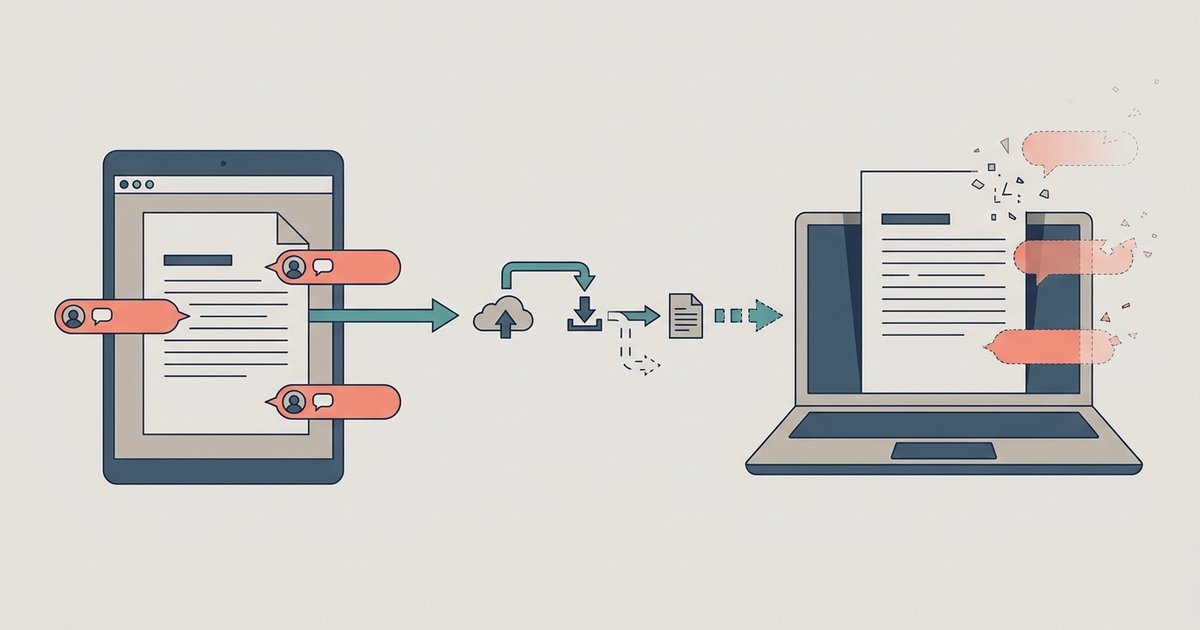
Some of the pieces take a careful, safety-minded angle rather than a quick-fix approach. For example, the guide on fixing Google Docs comments that disappear after exporting to Word helps you preserve your own annotations and review notes, it does not suggest any workaround for hiding or removing someone else’s feedback. Likewise, the article on downloading Google Docs with comments as PDF focuses on creating a clean, shareable record for legal or professional use, not on bypassing any access controls. Together, these guides help you move documents between tools smoothly, keep your edits visible, and avoid the frustration of lost work.