This tag collects our practical guides for getting more out of the media players and screens you already own, whether that’s a desktop app like VLC, a streaming stick like the Fire Stick, or a built-in smart TV interface. It’s written for everyday viewers who want to fix a playback annoyance, connect their own files, or use their devices more safely and legally, no deep technical background required.
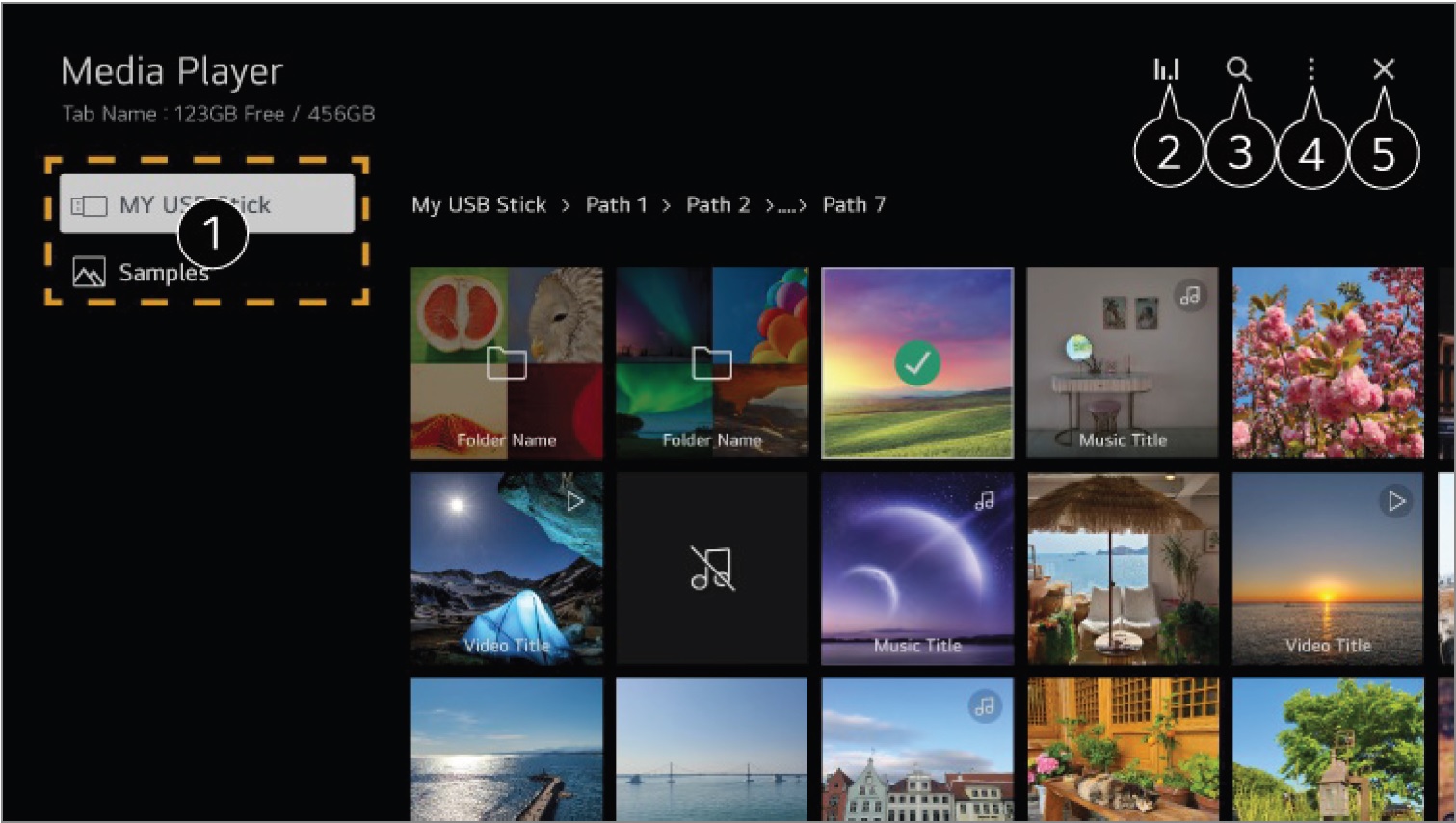
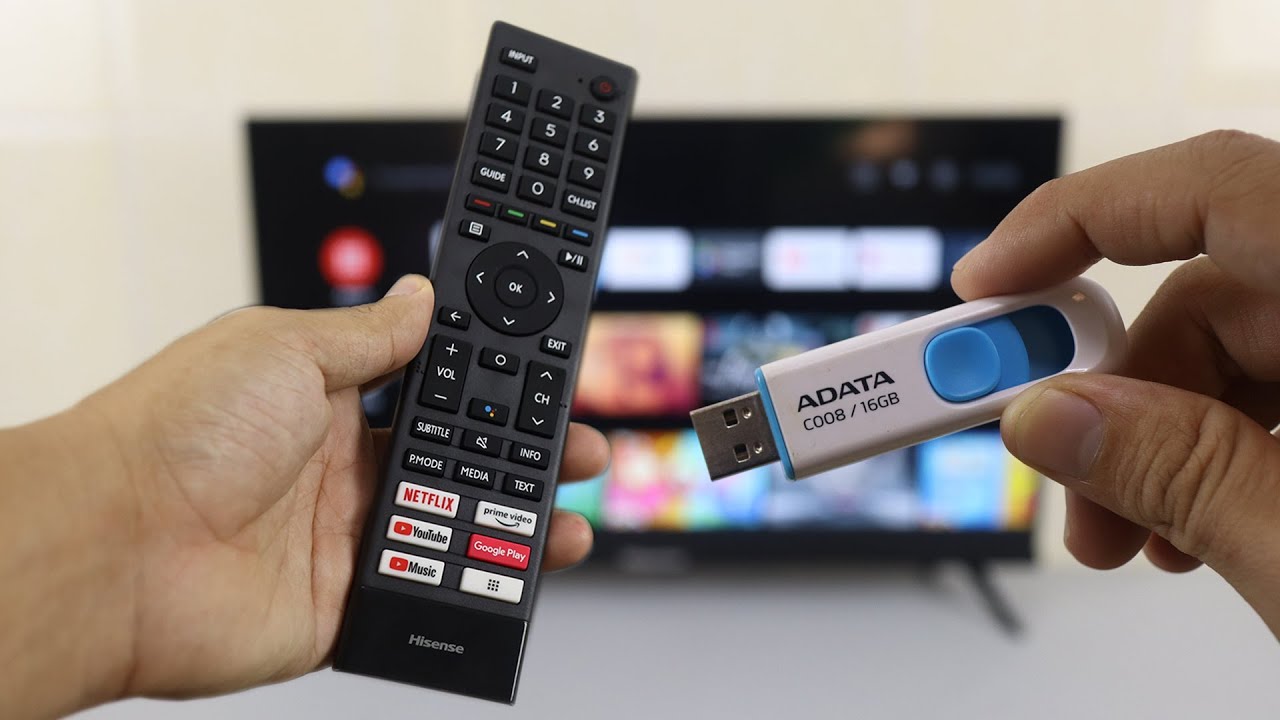
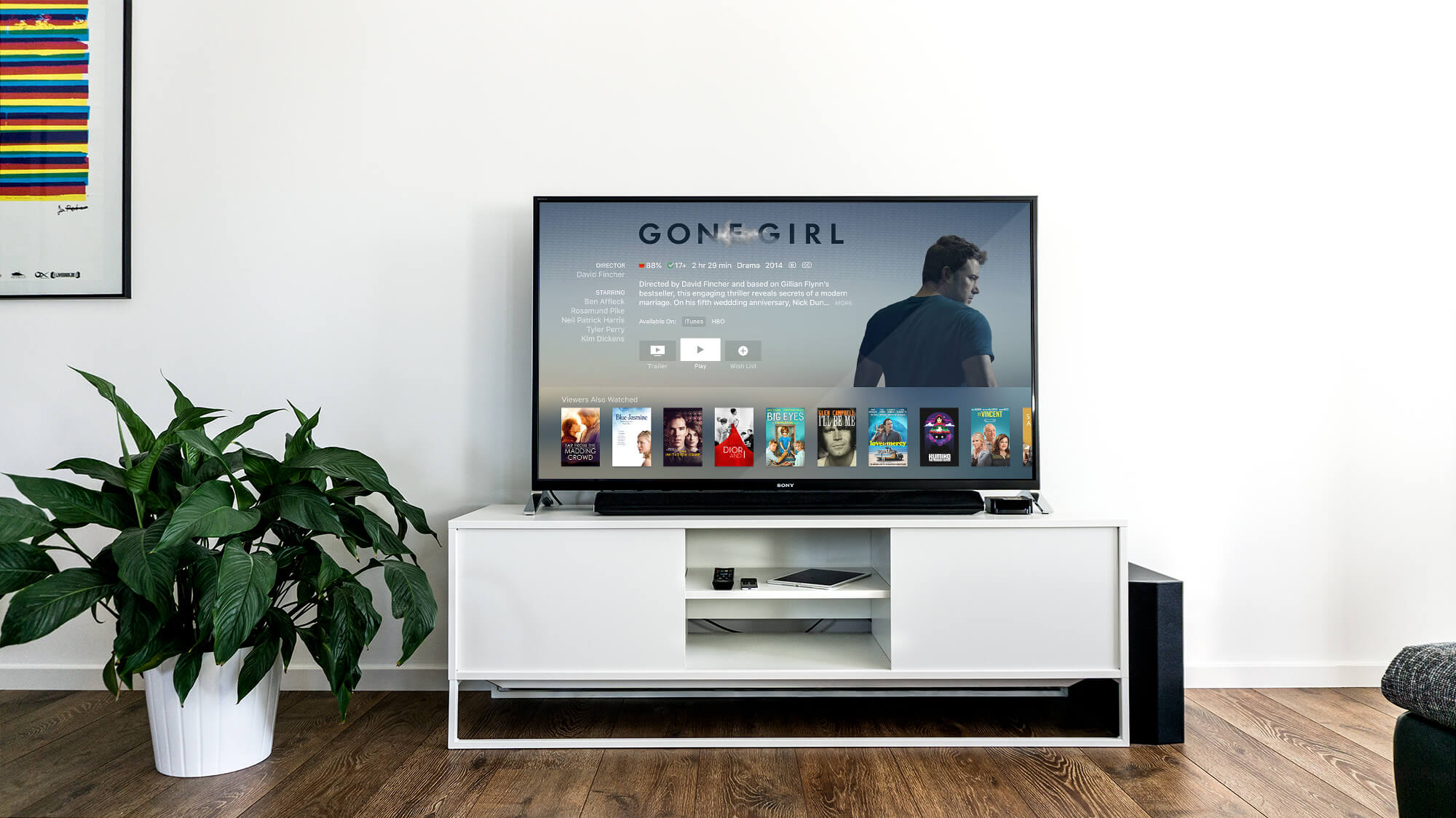
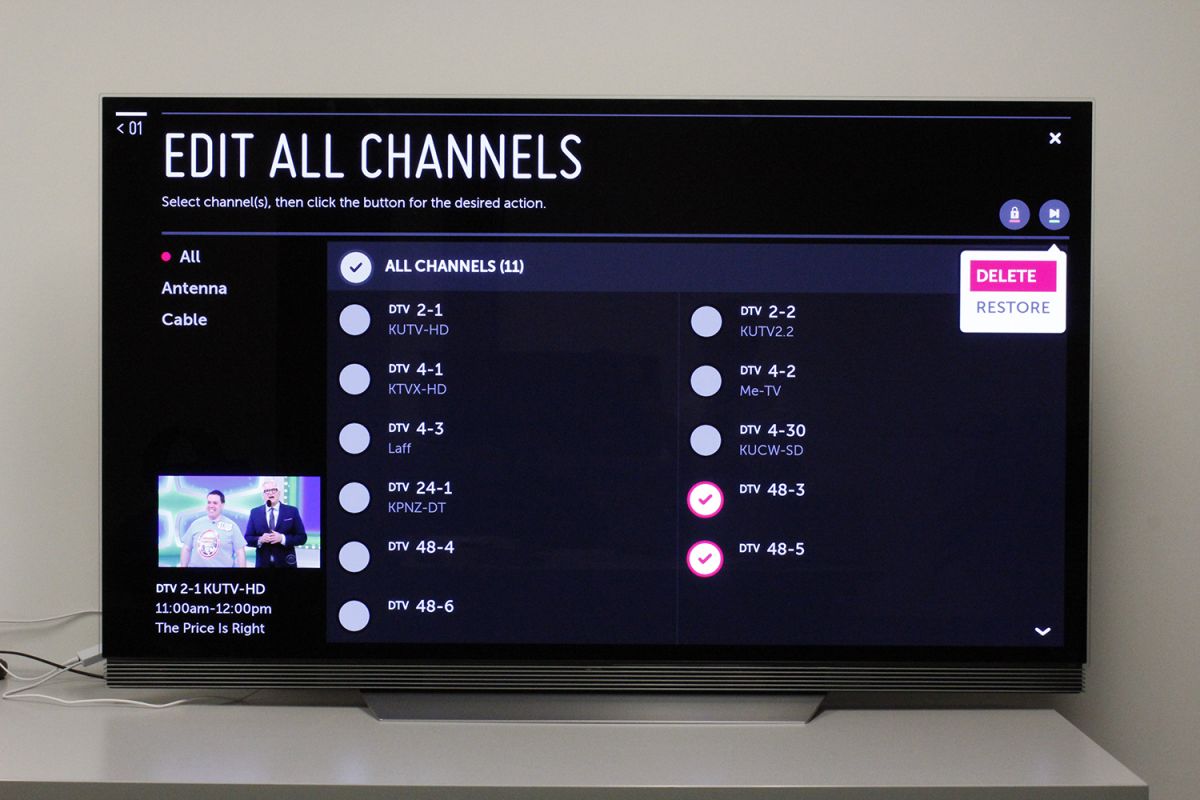
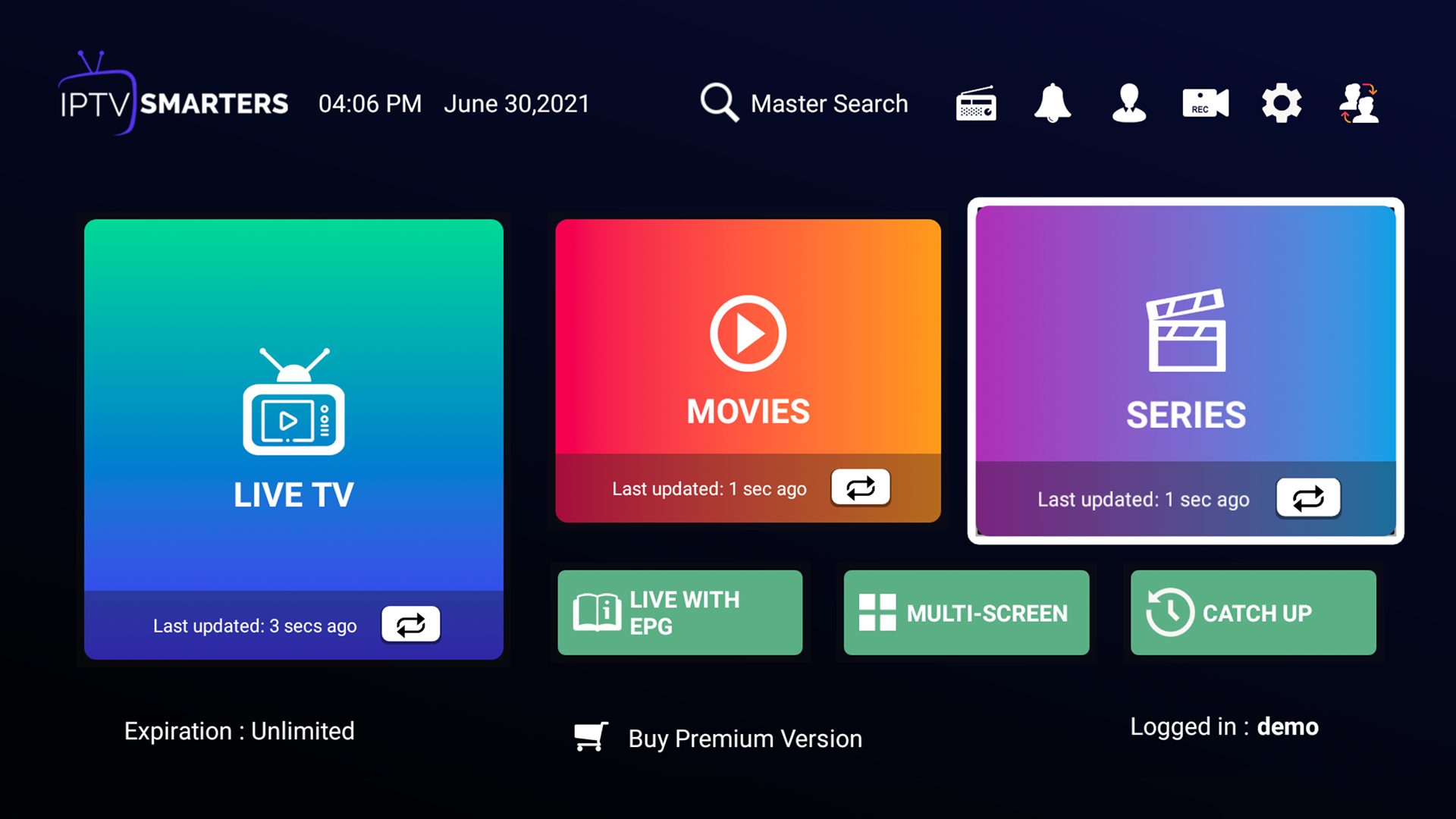
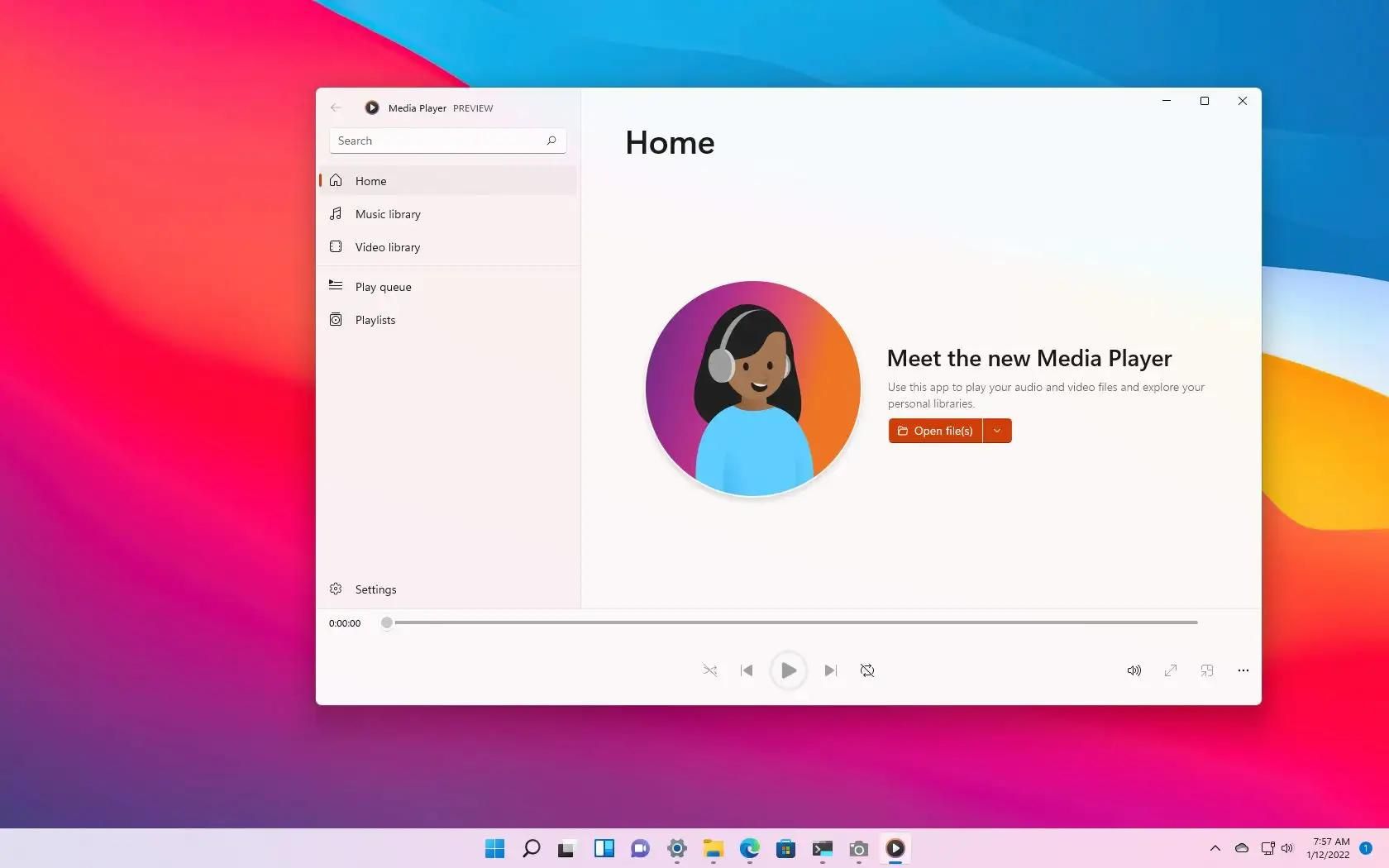
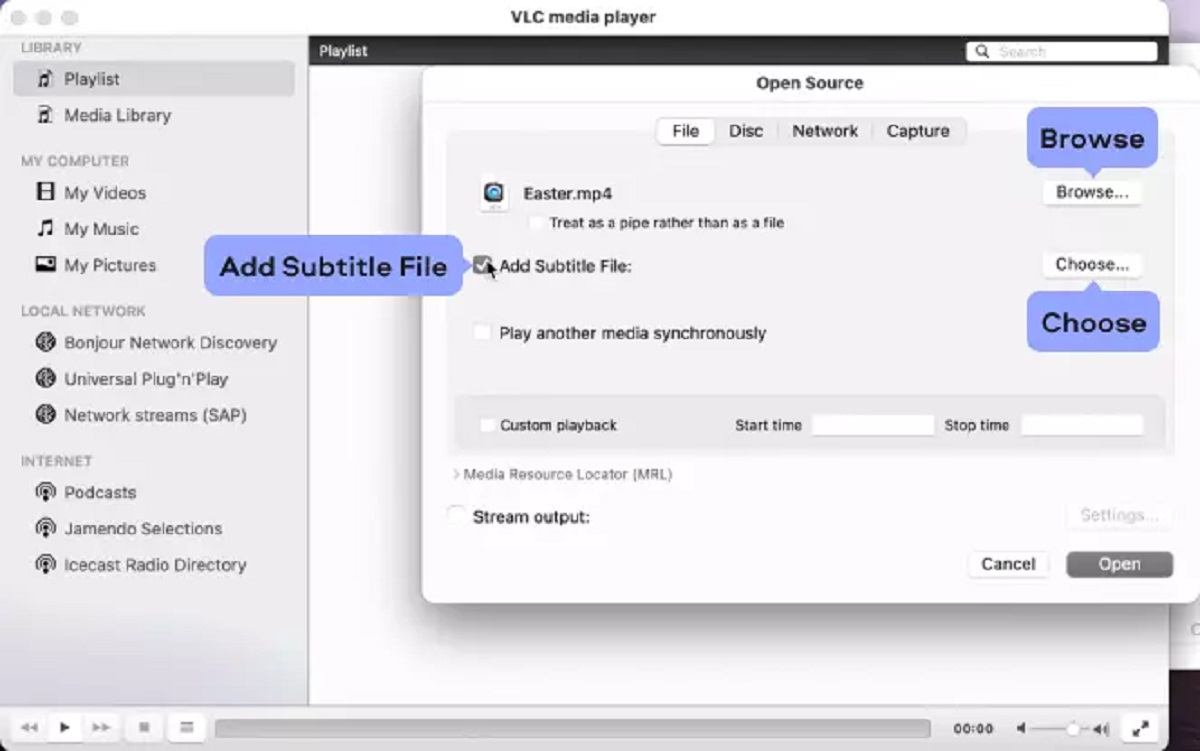
The articles here fall into a few clear themes. One is getting your local video and audio files to behave the way you want: for example, one guide shows how to embed subtitles permanently into a video using VLC, so they stay visible on any device, while another explains how to play USB video on a Vizio Smart TV and how to use a USB drive on a Hisense Smart TV. A second theme is adapting to limited or no internet: you’ll find advice on using a Smart TV without a connection and on downloading music on Windows 11 for offline listening. A third theme is choosing legal and secure options, particularly for streaming, the article on legal IPTV player apps for Fire Stick focuses on legitimate services, not workarounds, and the guide on putting pictures on an LG Smart TV covers straightforward file sharing rather than any questionable tricks.
Readers will learn concrete steps for everyday tasks, like going full screen on Windows 10, and will come away with a clearer sense of which features are safe to use and which apps are above board. The focus is always on doing things the straightforward, supported way.