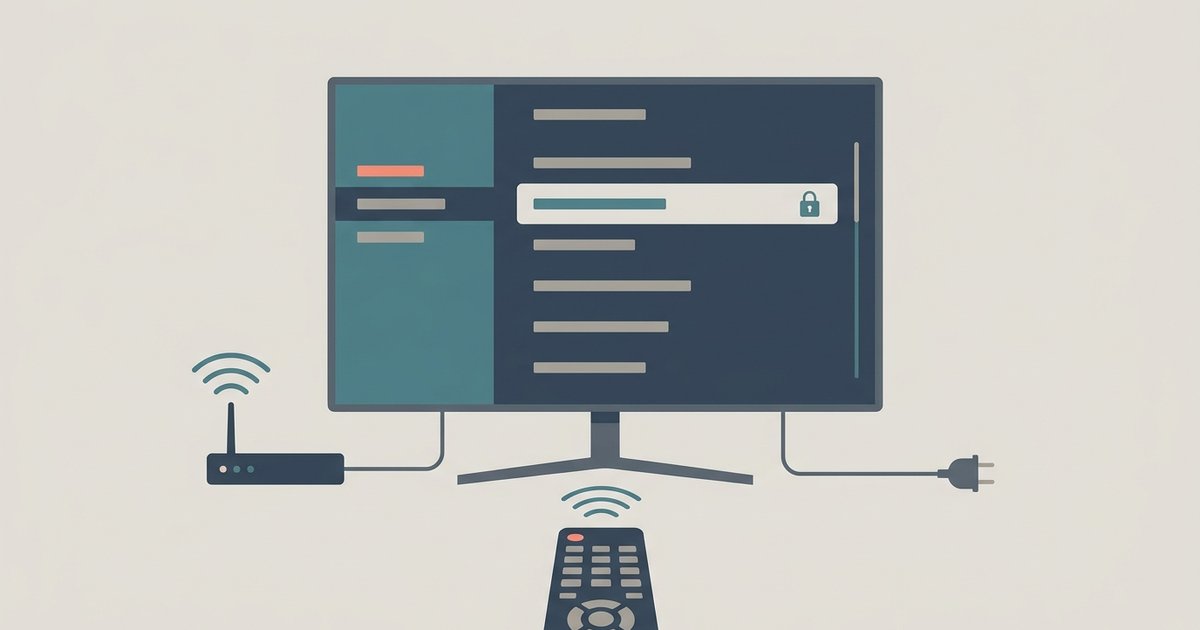
This tag collects articles that deal with the physical and logical identifiers behind your home network, specifically, the MAC addresses assigned to routers, switches, smart TVs, and other connected devices. It is written for everyday consumers who are troubleshooting a Wi-Fi or Ethernet setup, trying to locate a device on their network, or simply curious about the privacy warnings their phone sometimes shows. If you have ever wondered why a device appears in your router’s app under a strange name, or why a network scan does not show a simple switch, these pieces are for you.
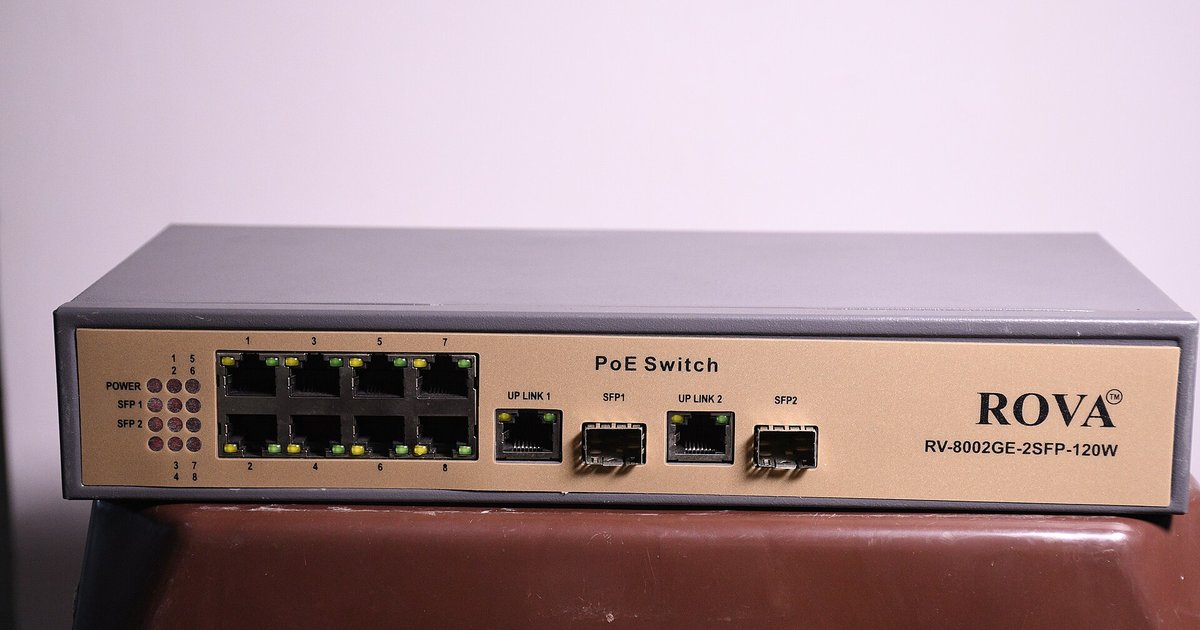
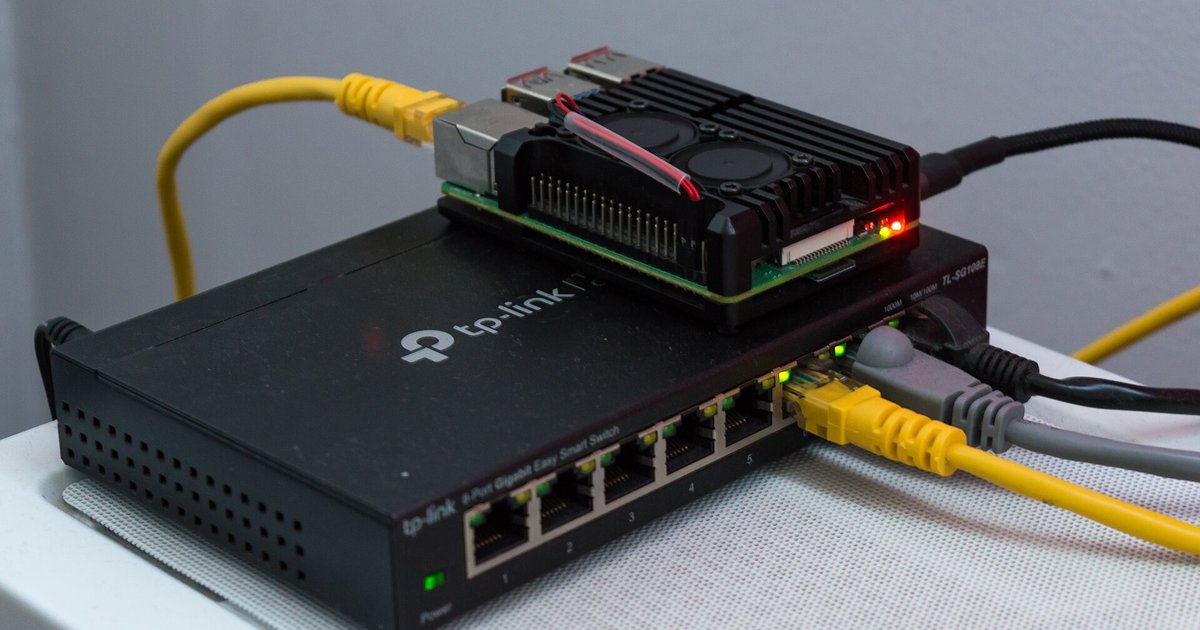
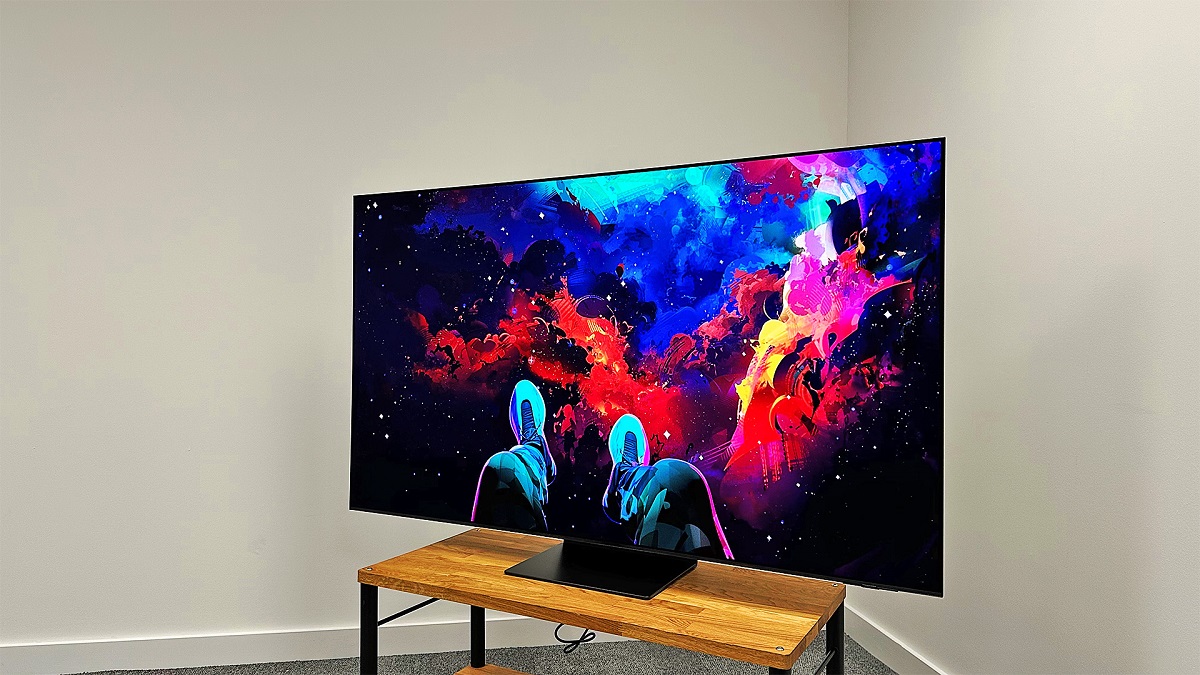
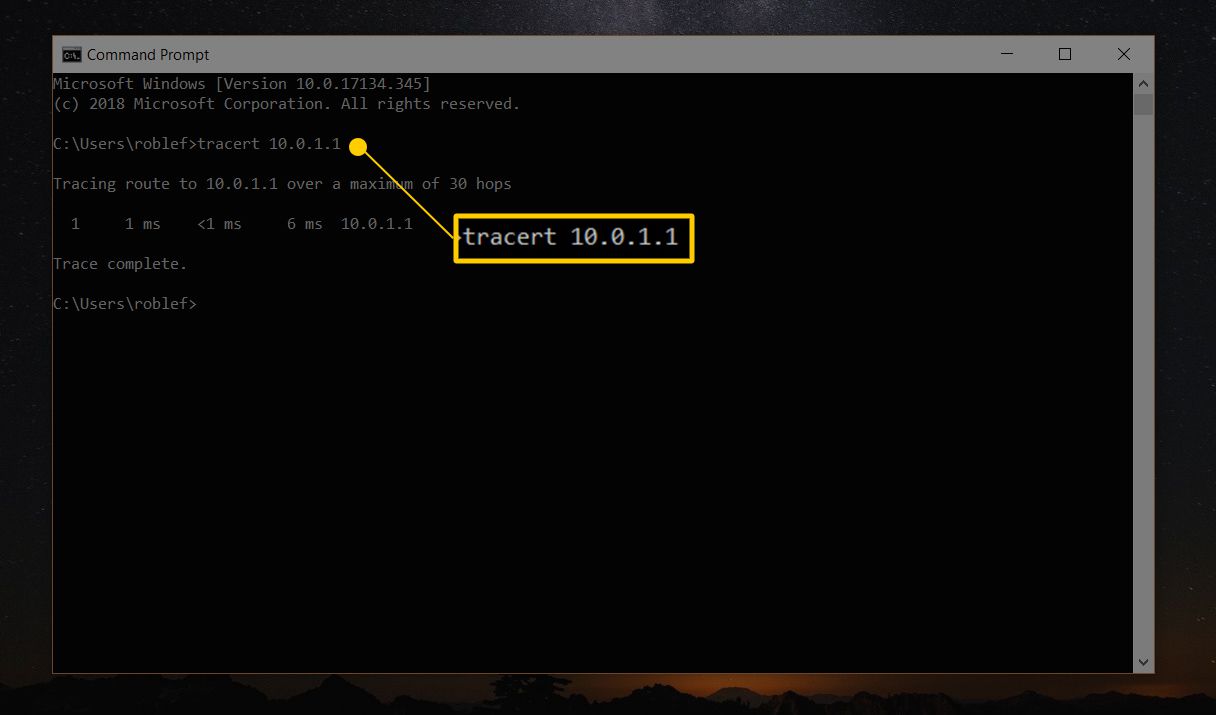
The articles here solve two broad kinds of problems. The first is identification and discovery: you will find practical guidance on how to find the MAC address on a Samsung Smart TV, how to locate a switch’s IP address, and how to identify a switch by its MAC address prefix. These are straightforward, step-by-step explanations for getting the information you need to manage your gear. The second theme is connection and troubleshooting, including how to connect a smart TV to Wi-Fi and what to do when an unmanaged switch does not appear in network scans, a common confusion that is explained in terms of how switches operate rather than as a failure of your equipment.
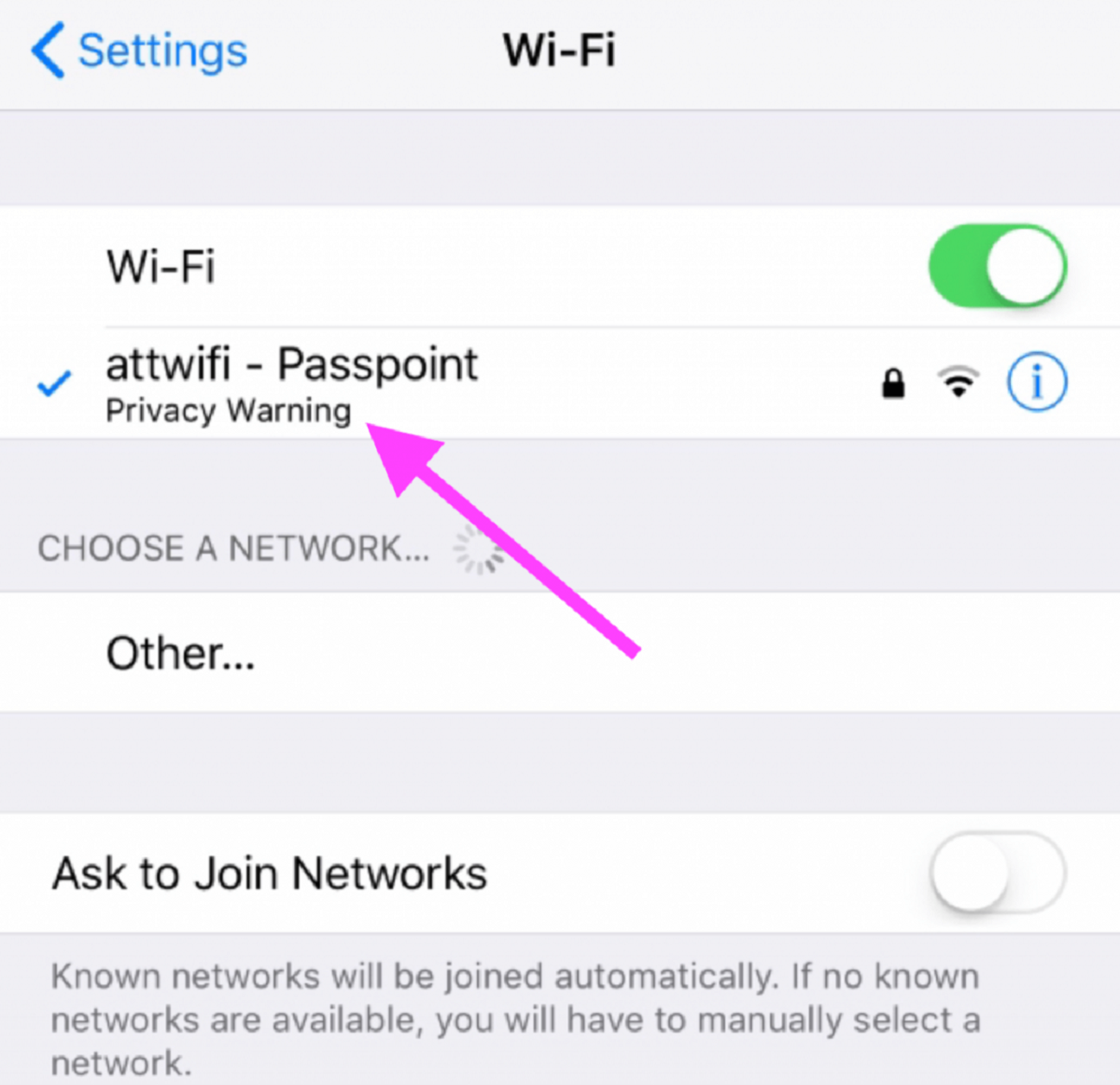
Several articles also address the security and privacy side of MAC addresses. The piece on why your Wi-Fi shows a privacy warning explains what your phone is doing when it randomizes its MAC address, and it frames this as a protective measure you can understand and control. Likewise, the article about unmanaged switches clarifies why they are invisible to scans, which is a safety feature of their design, not a loophole. None of these pages encourage bypassing, hacking, or cheating; they help you read your network’s behavior correctly and make informed choices about your own devices.