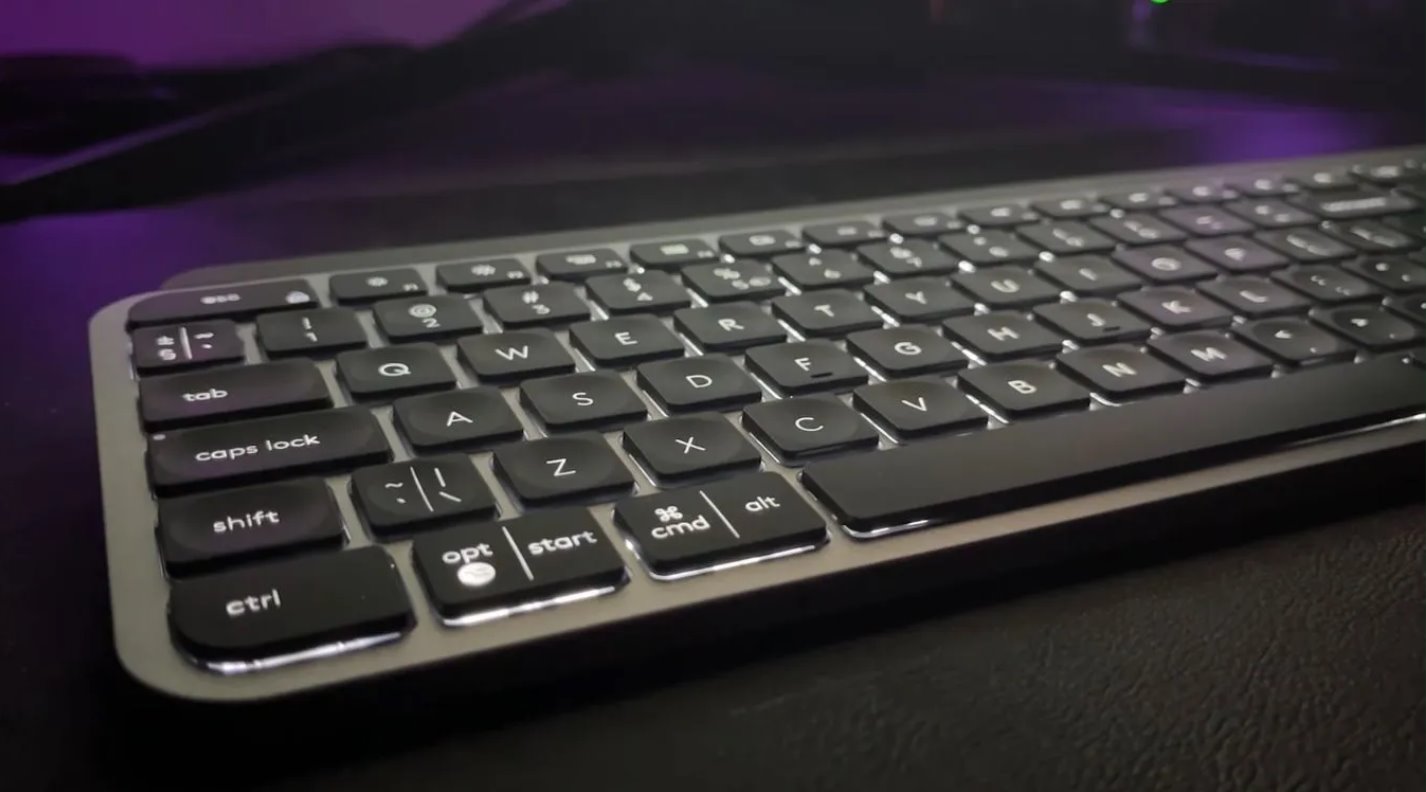
This tag collects straightforward, practical guides for anyone dealing with a keyboard that is misbehaving, unresponsive, or simply not doing what it should. It is written for everyday consumers, whether you are using a tablet, a desktop, or a wireless peripheral, and assumes no special technical background. The articles focus on common frustrations: keys that do not register, connections that drop, or settings that refuse to save.
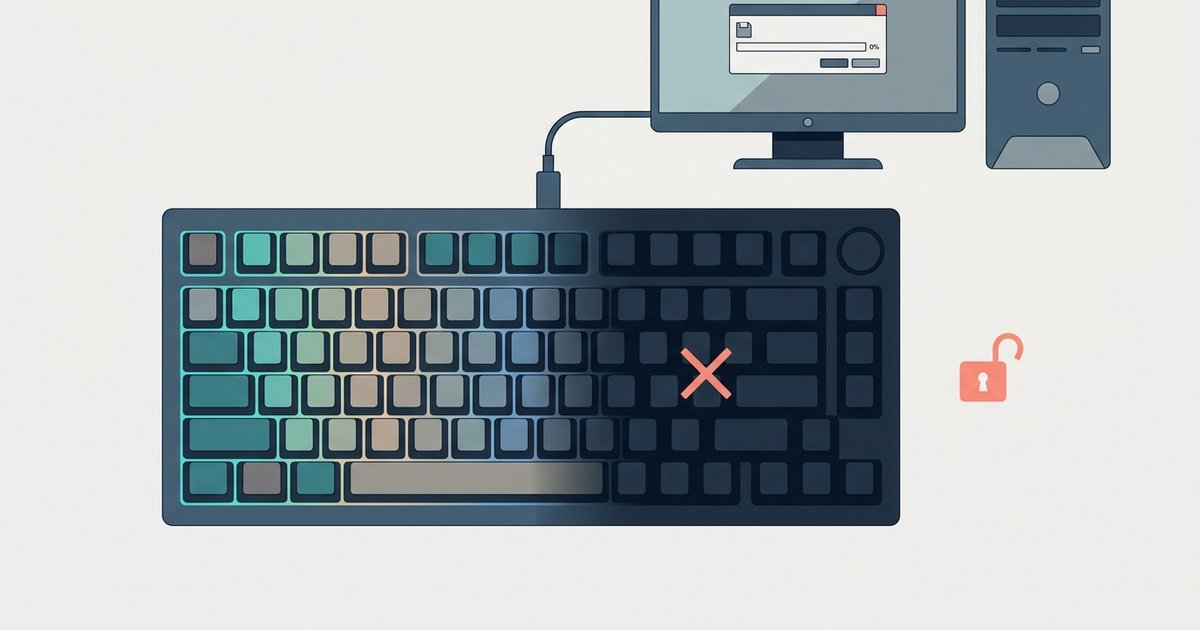
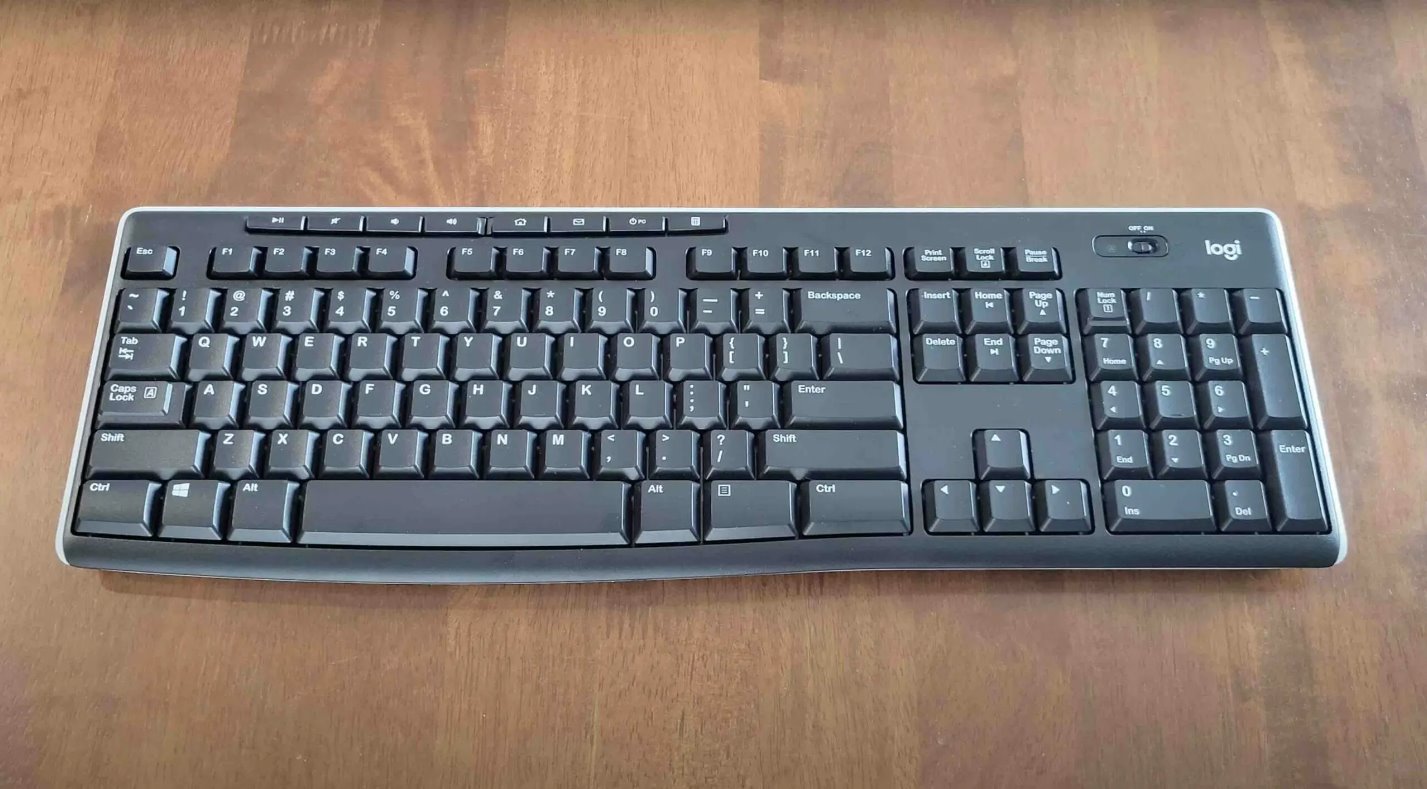
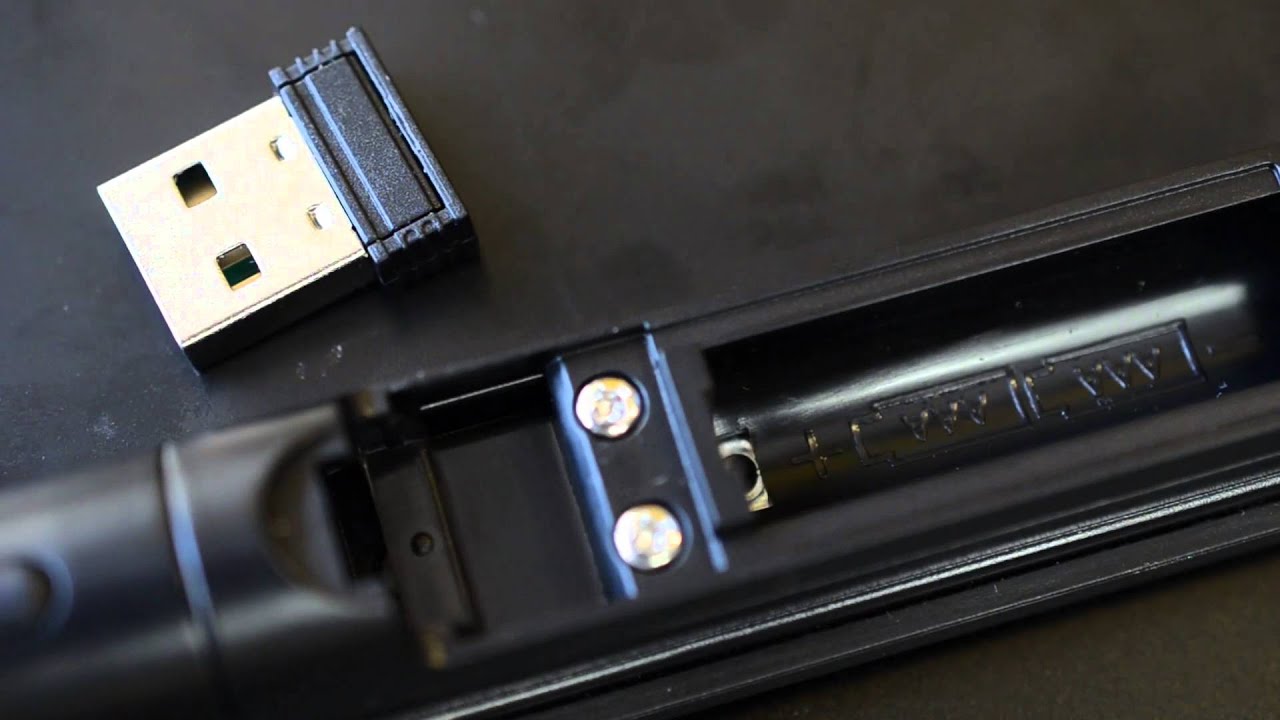
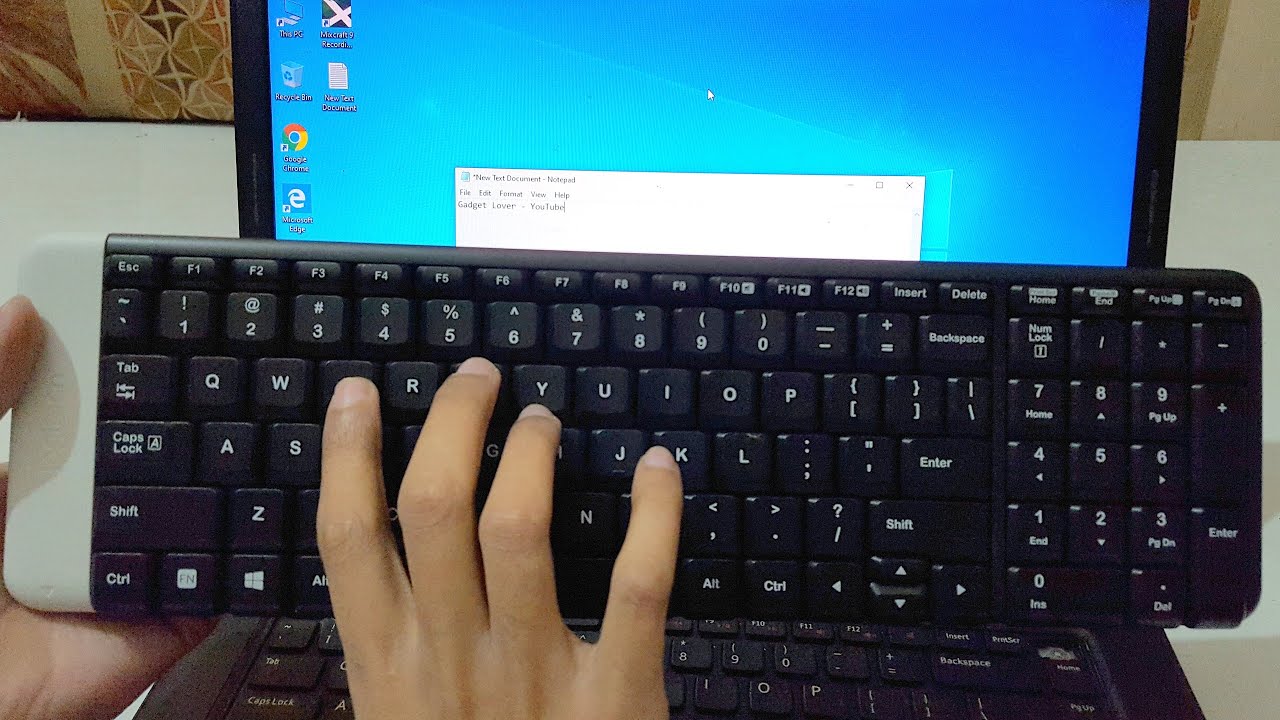
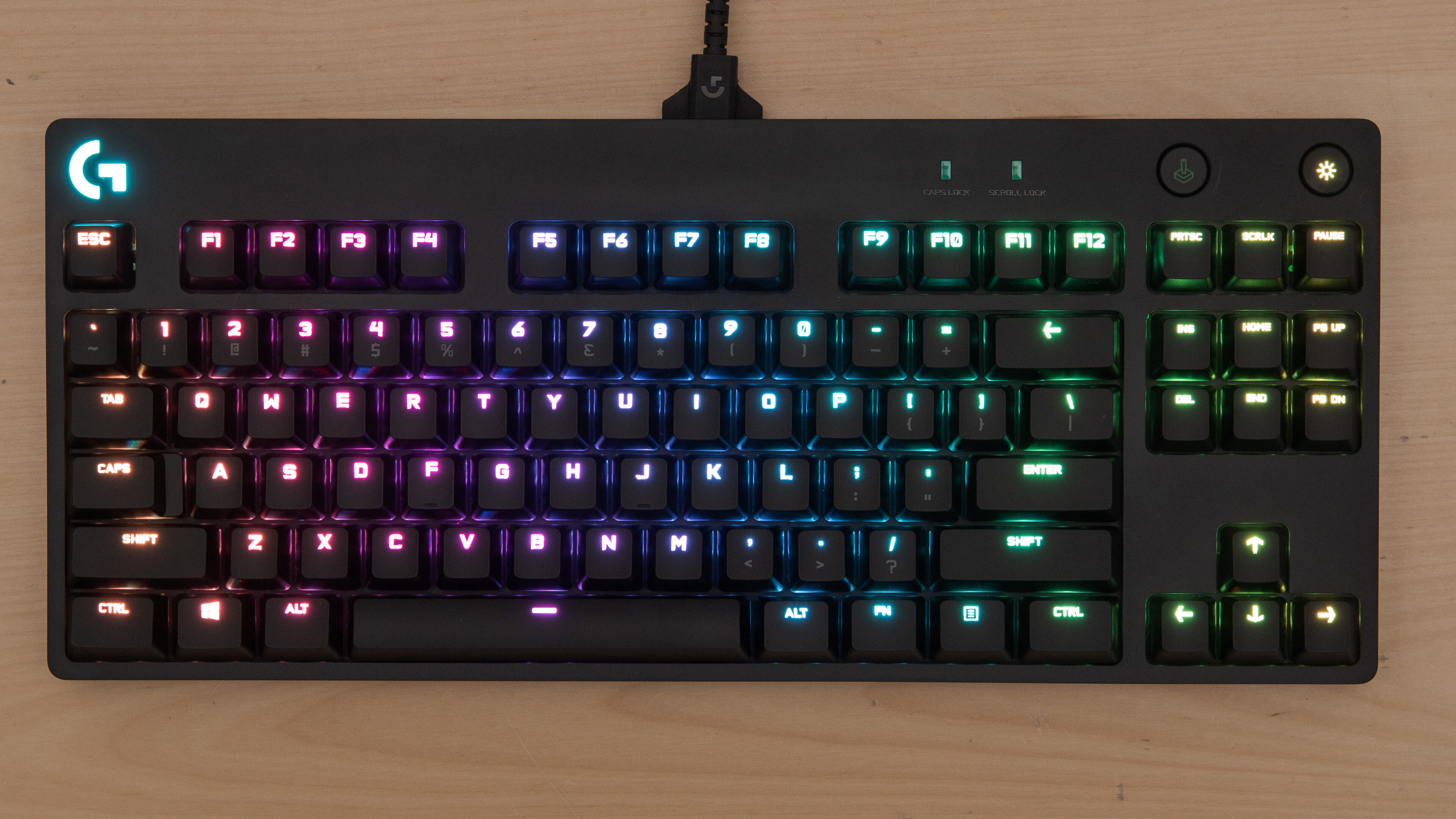
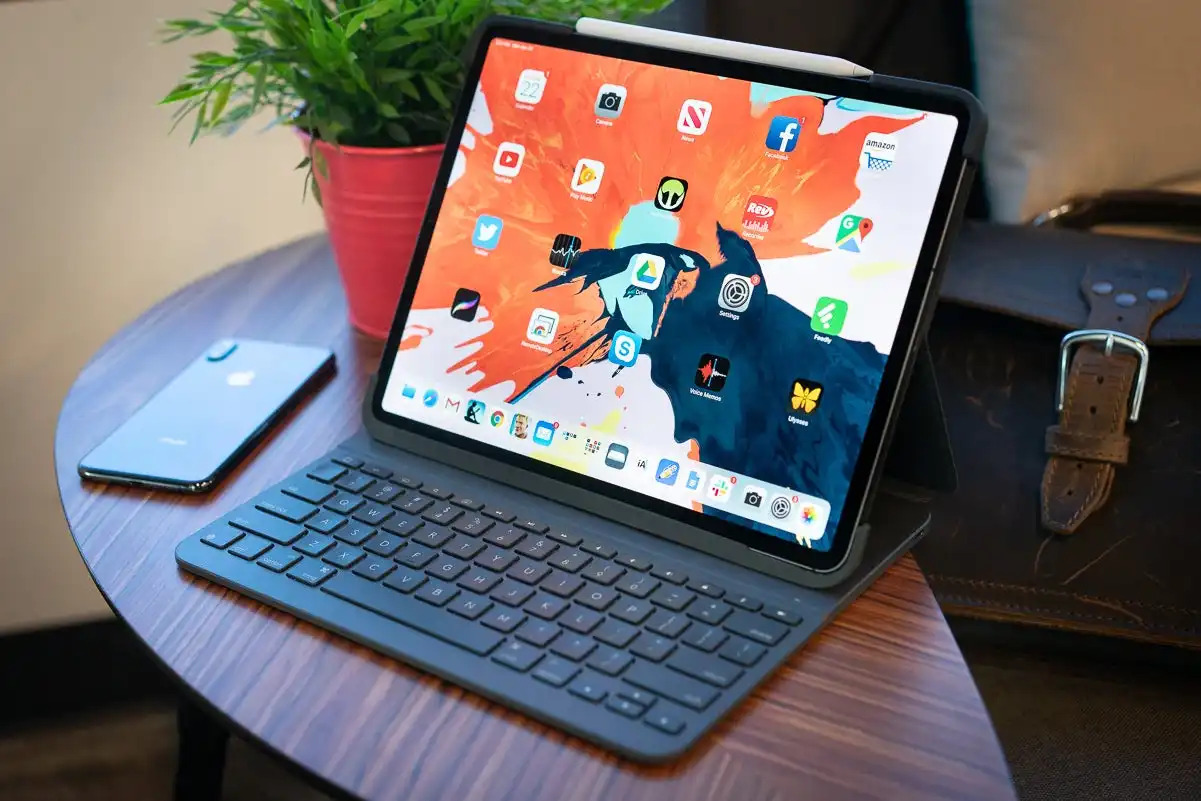
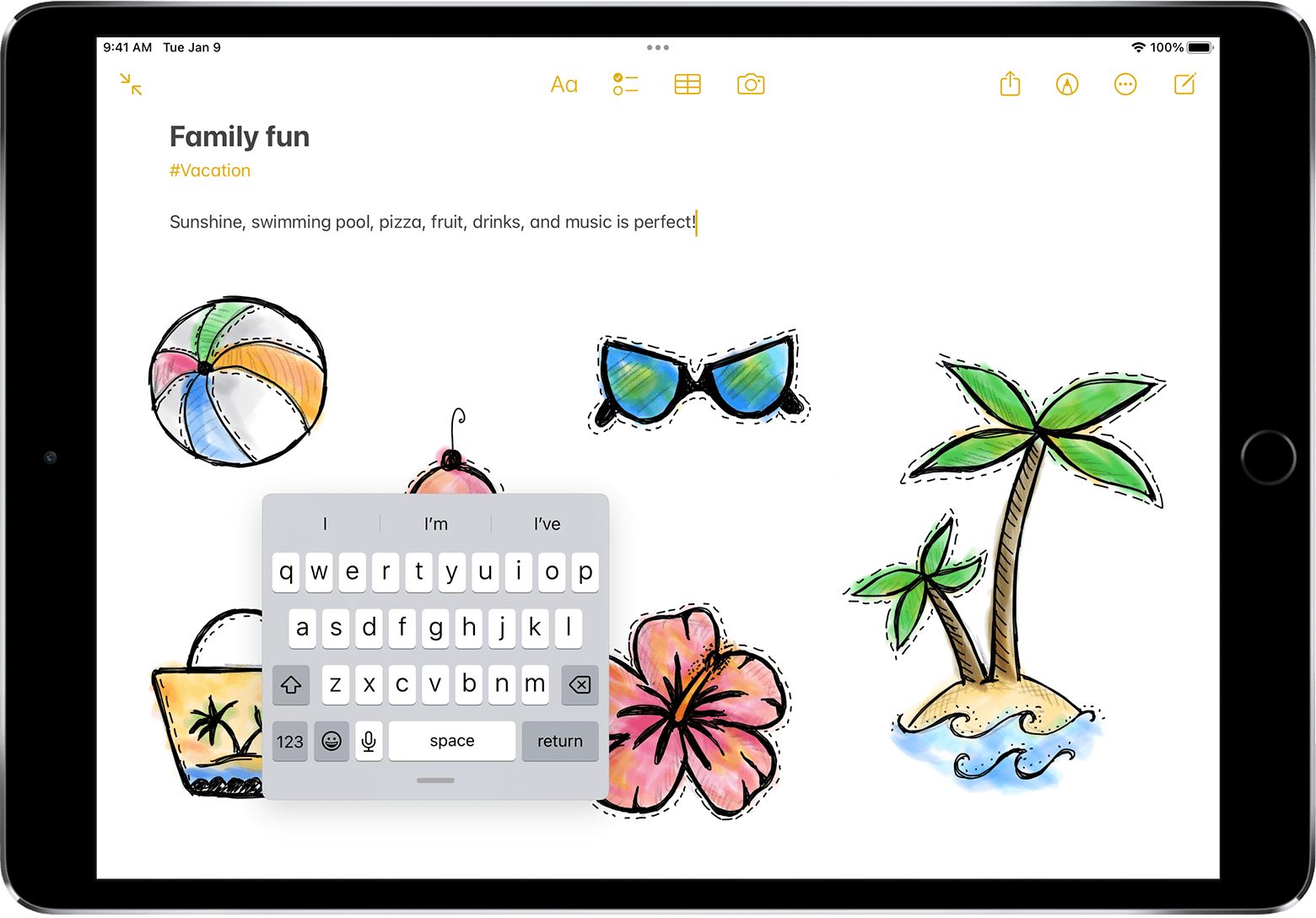
The problems covered here fall into a few clear themes. One is connection and setup, which includes articles on turning on a wireless keyboard, pairing a Logitech K270 when the receiver is missing, and making the on-screen keyboard appear on an iPad. Another theme is resetting and recovering, such as resetting a Logitech wireless keyboard or figuring out what to do if you have lost the USB receiver that came with your device. A third theme involves visual or functional glitches, like a Logitech keyboard that keeps flashing, or an AULA F75 whose custom color settings will not save.
Across these pages, readers learn how to re-establish a lost link, restore factory defaults, or locate a replacement receiver through legitimate channels. The guidance is about fixing your own hardware, not circumventing any protections. For example, the article on the lost USB receiver explains safe, legal options for getting your keyboard working again, while the piece on the AULA F75 helps you troubleshoot why your lighting profile is not being stored. In every case, the goal is to get your keyboard back to normal, quickly and without guesswork.