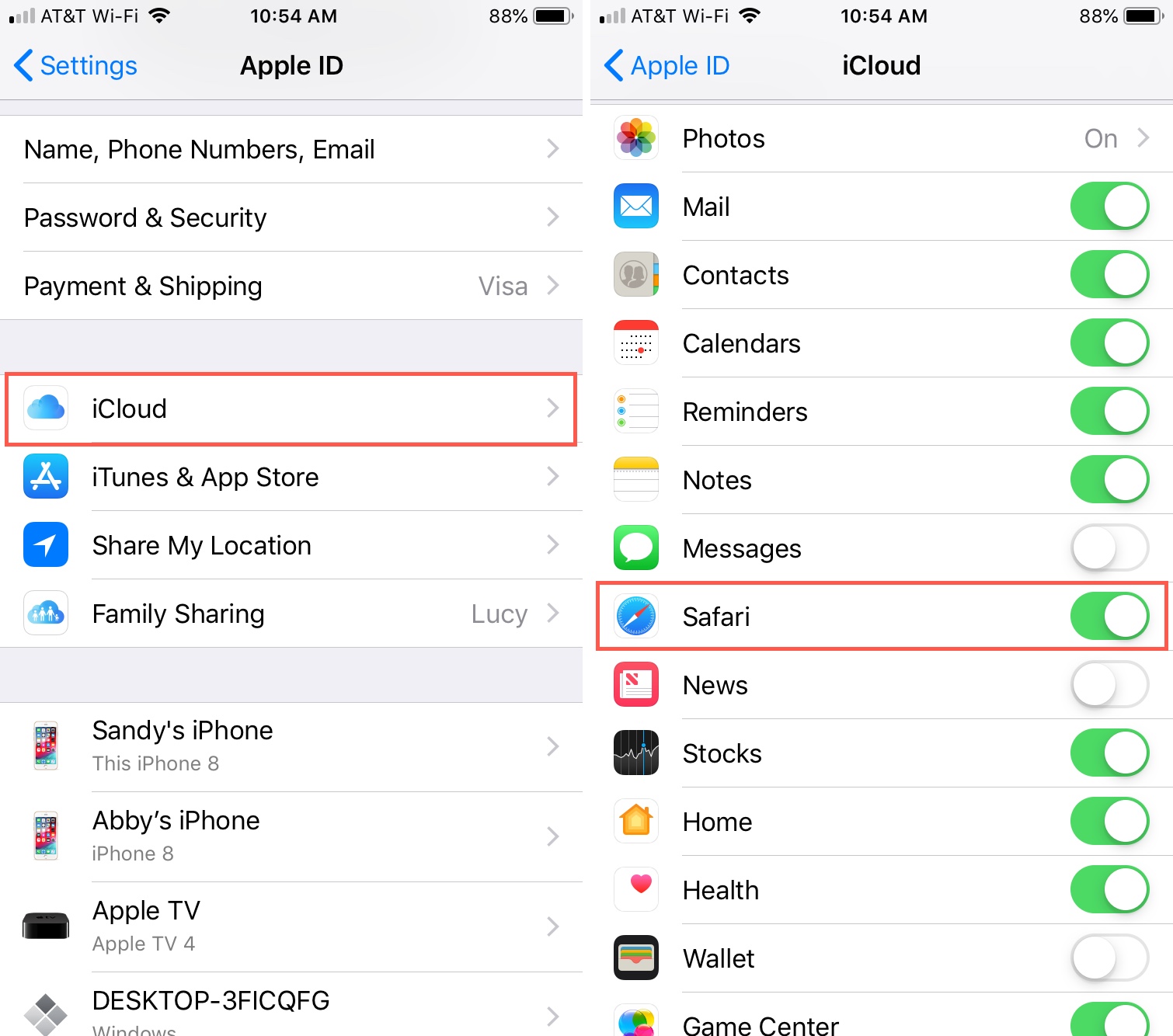
This tag collects articles that help iPhone, iPad, and Mac users manage their Apple cloud ecosystem more effectively, particularly when they are switching devices, cleaning up storage, or working outside the typical Apple-only setup. It is written for everyday consumers, not IT professionals, who want practical, step-by-step guidance for moving photos, syncing contacts, or accessing email without getting lost in technical jargon. The content is especially useful for people who own both Apple and non-Apple hardware, or who are trying to do a routine task that Apple does not make obvious at first glance.
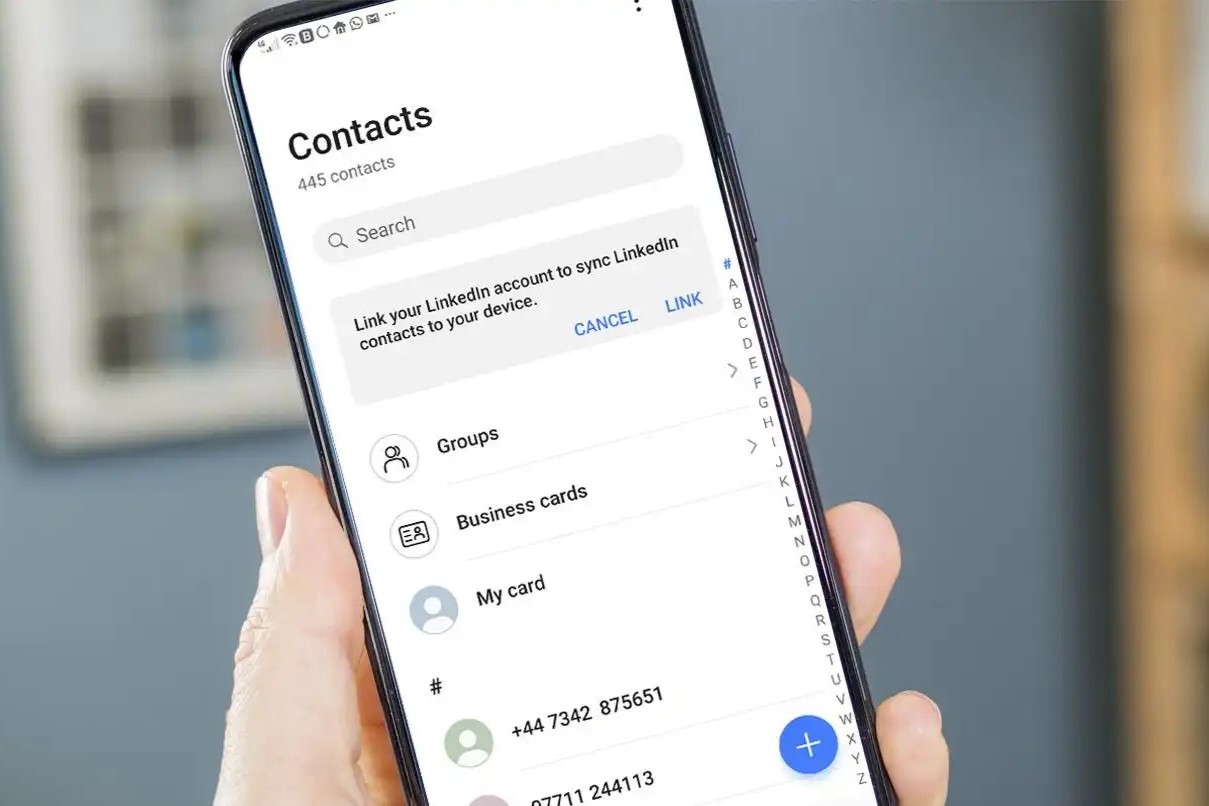
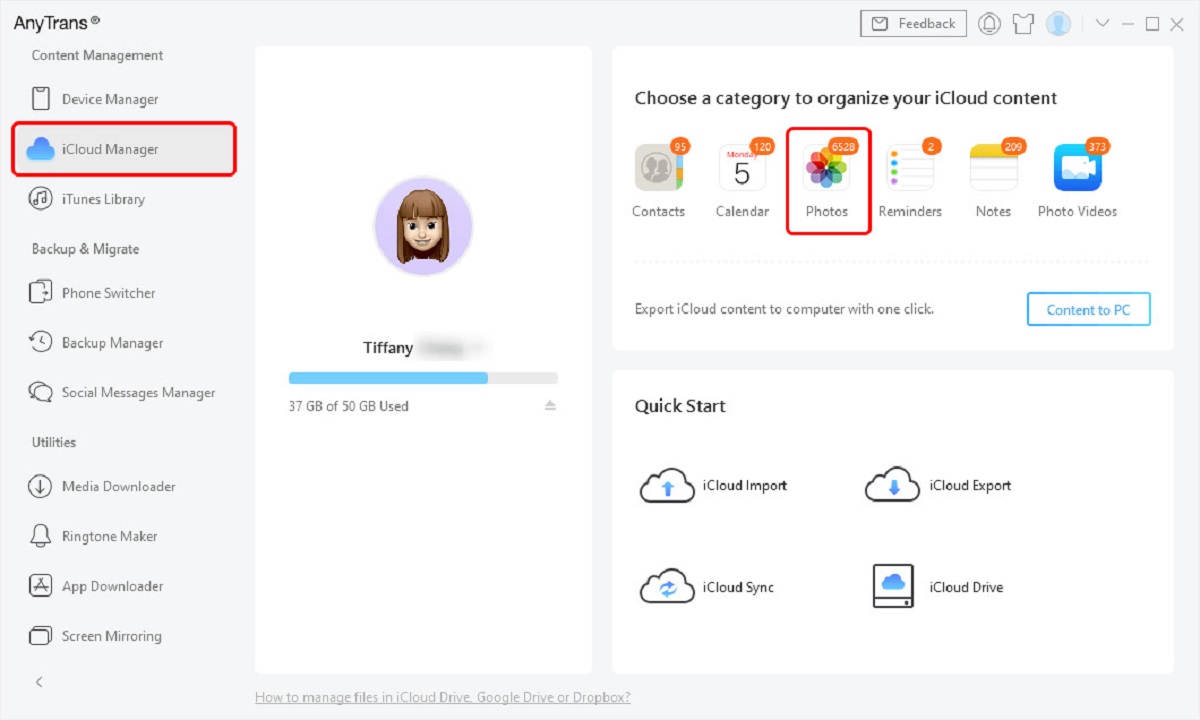
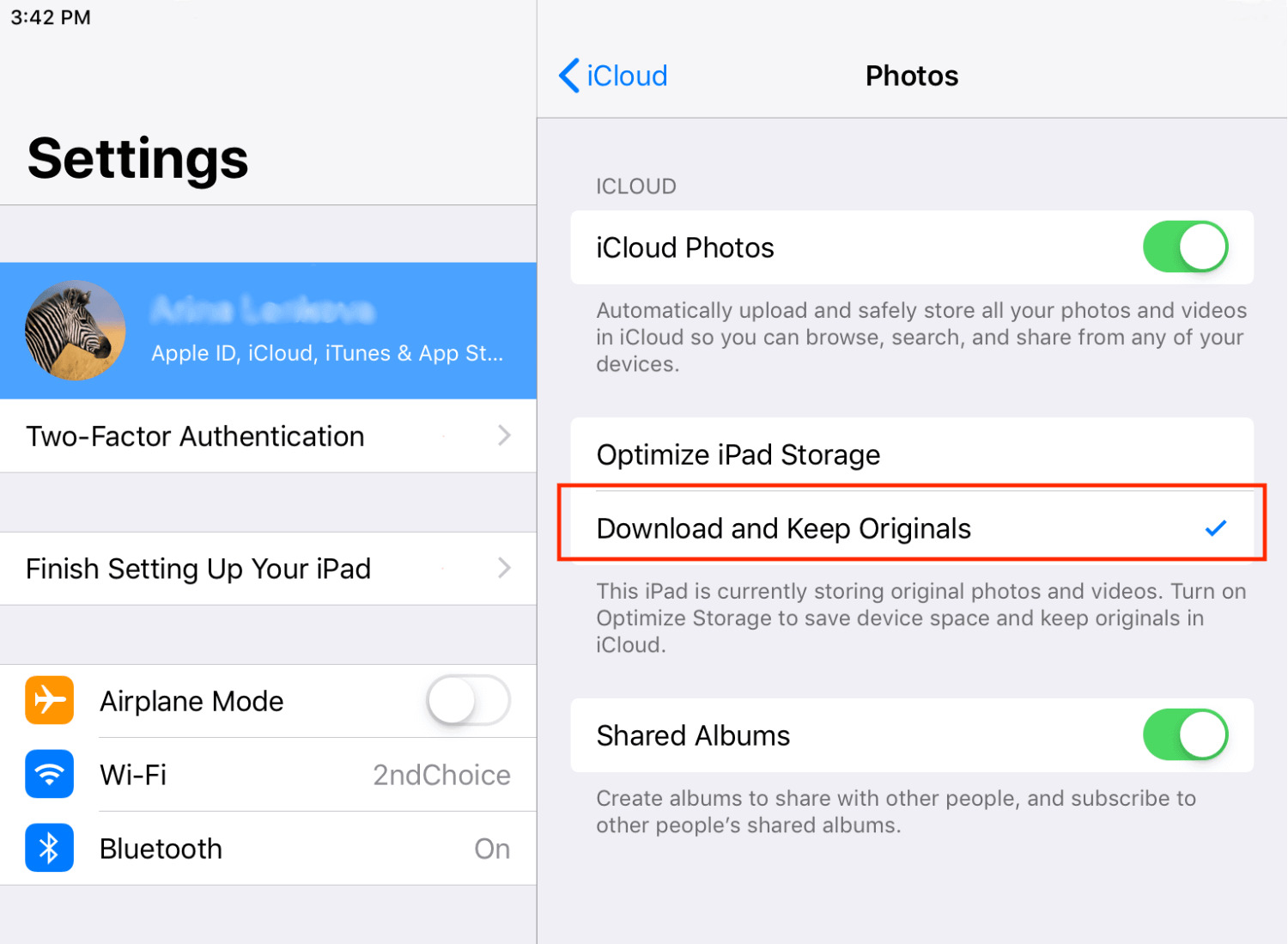
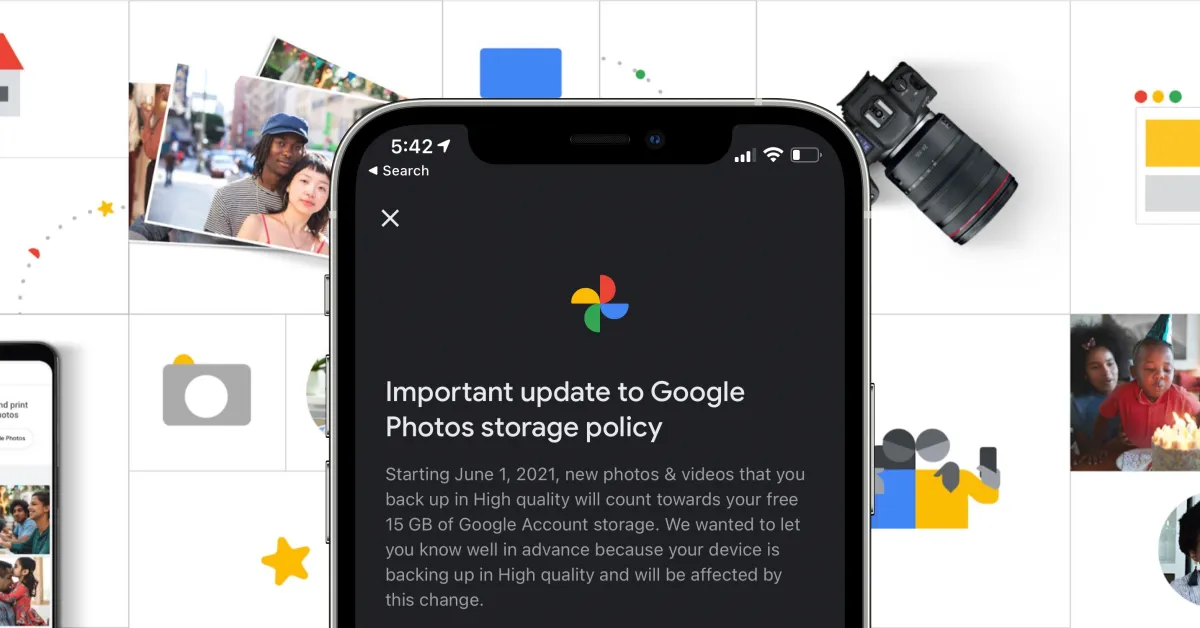
The articles in this tag solve two broad kinds of problems. The first is data mobility: moving photos from Google Photos to Apple Photos, transferring images from an iPhone to an Android tablet, or copying files from iCloud to an external hard drive for backup. The second is device setup and recovery without a SIM card, covering topics like resetting an iPhone to factory settings, transferring photos when no SIM is present, and saving contacts directly to a SIM card. These pieces are framed as safe, legitimate alternatives for users who have temporarily removed their SIM or are using an older device, not as instructions for bypassing security or accessing locked content.
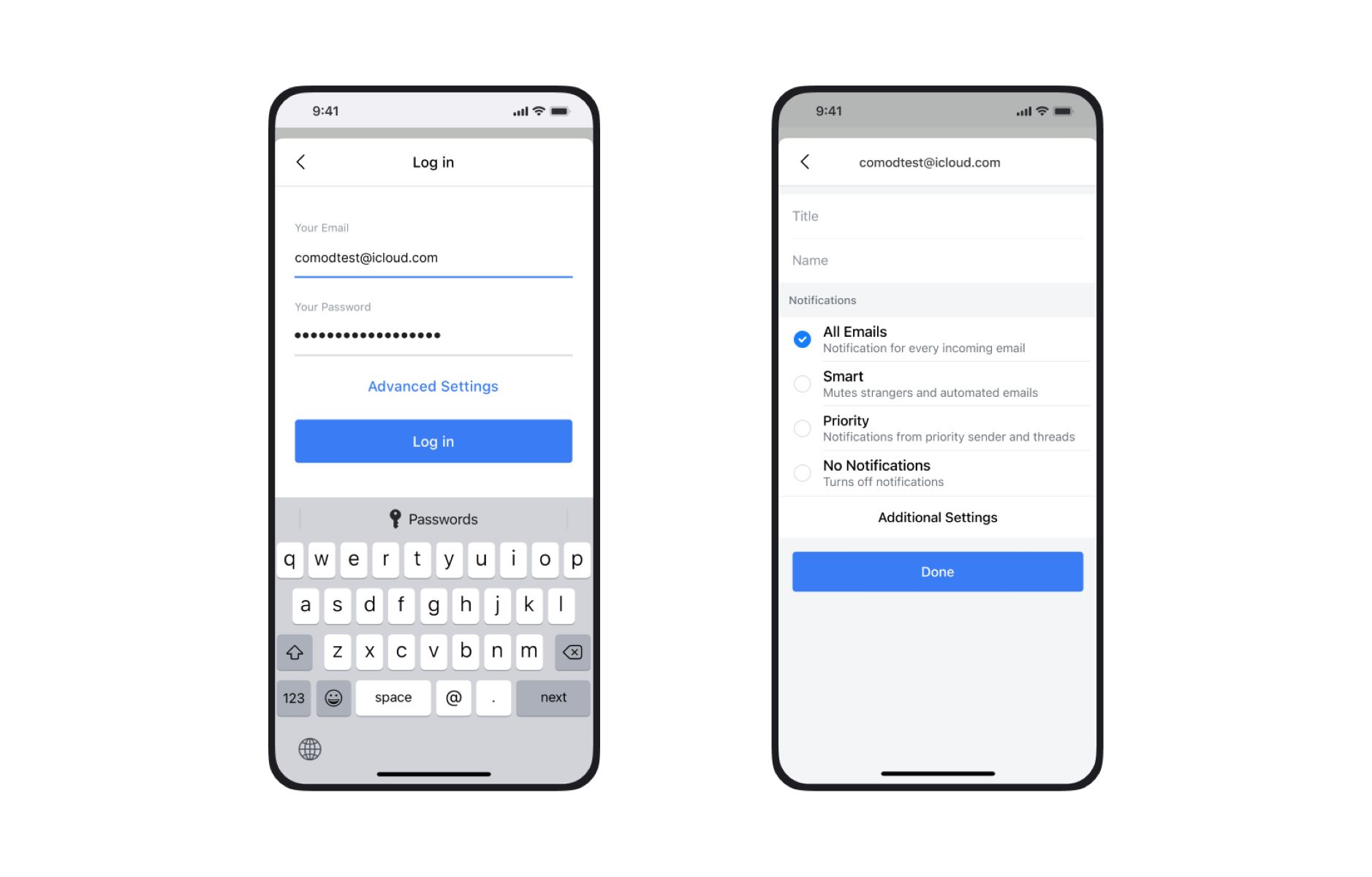
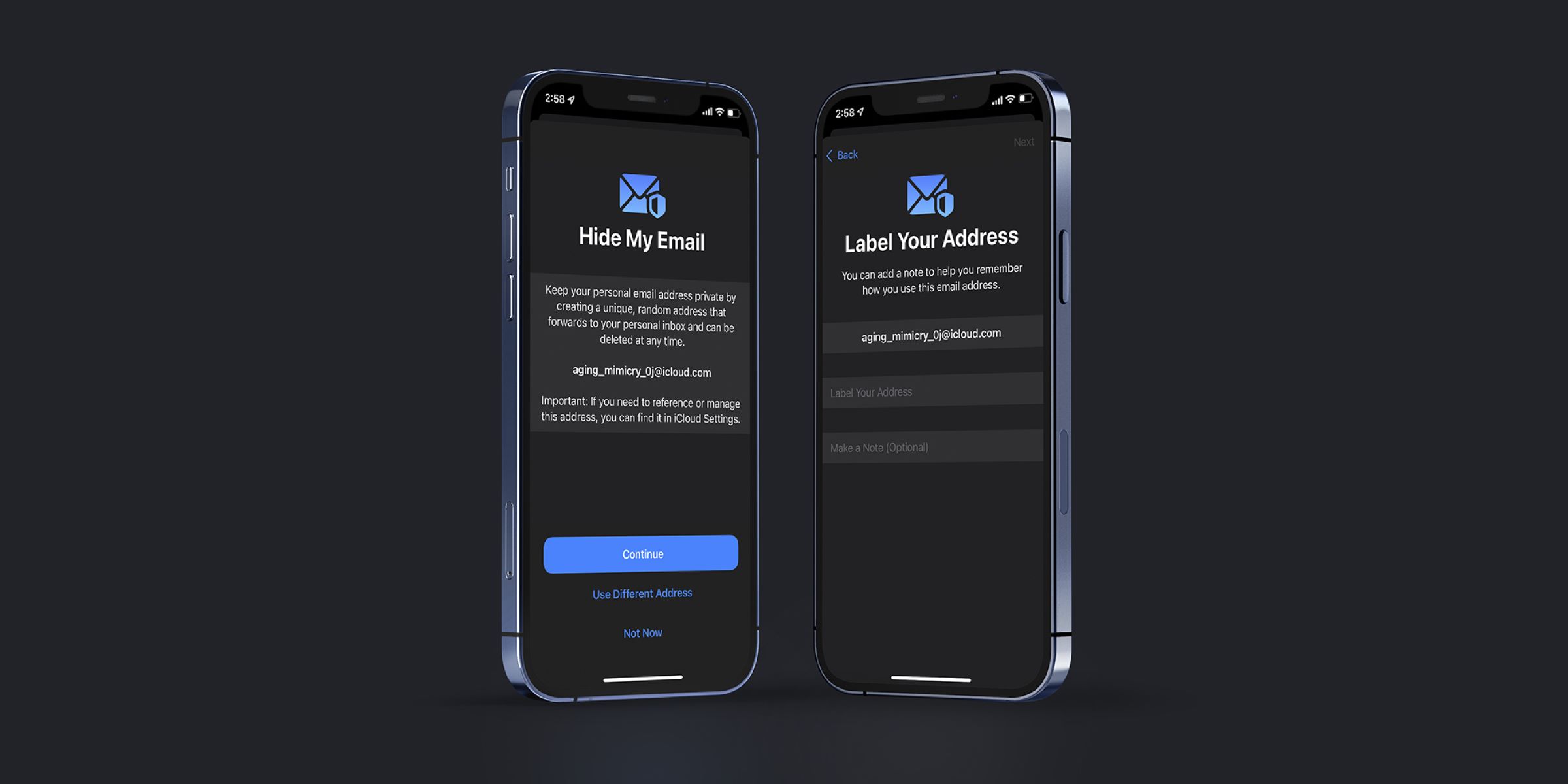
Several articles also address cross-platform connectivity, such as how to access iCloud email from a web browser, whether Safari on an iPhone works with a Windows PC, and how to sync contacts to a smartwatch. Throughout, the emphasis is on doing these tasks legally and reliably, for example, using official Apple tools or standard cloud transfers, so you can keep your data organized and accessible without risking your account or device integrity.