This tag collects practical guides for anyone who needs to open a computer or game console and deal with its storage. Whether you are upgrading to a larger drive, replacing a failed unit, or just trying to understand what the blinking light on your PC case means, these articles are written for the home user who wants clear, step-by-step instructions without jargon. The content assumes you have a screwdriver and a little patience, but no professional repair experience.
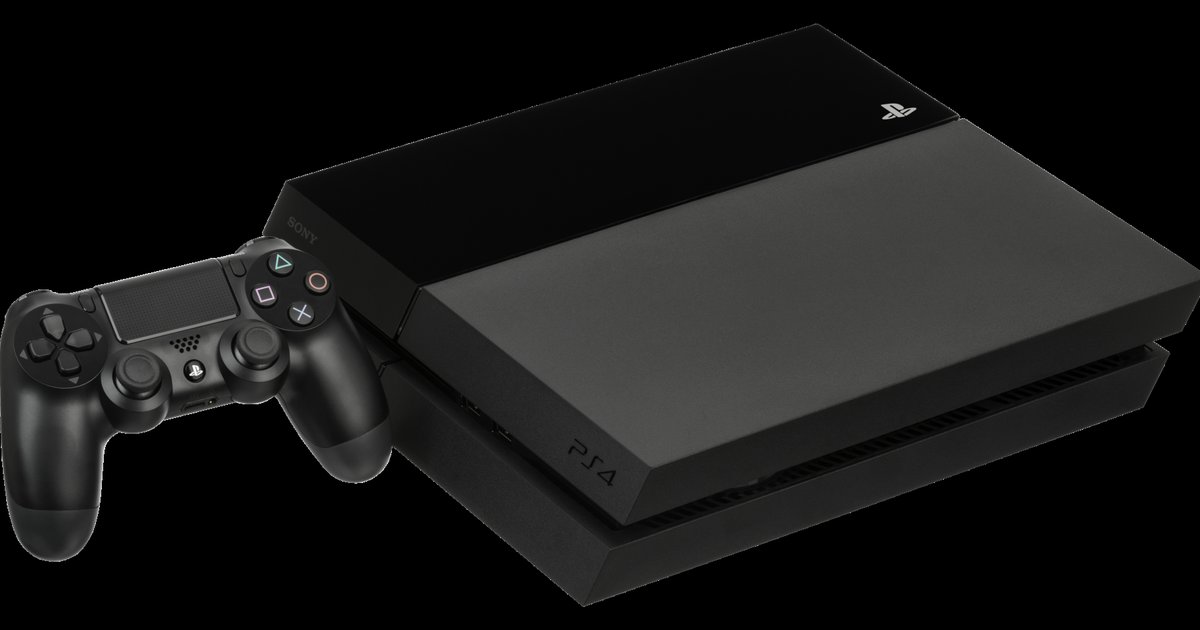
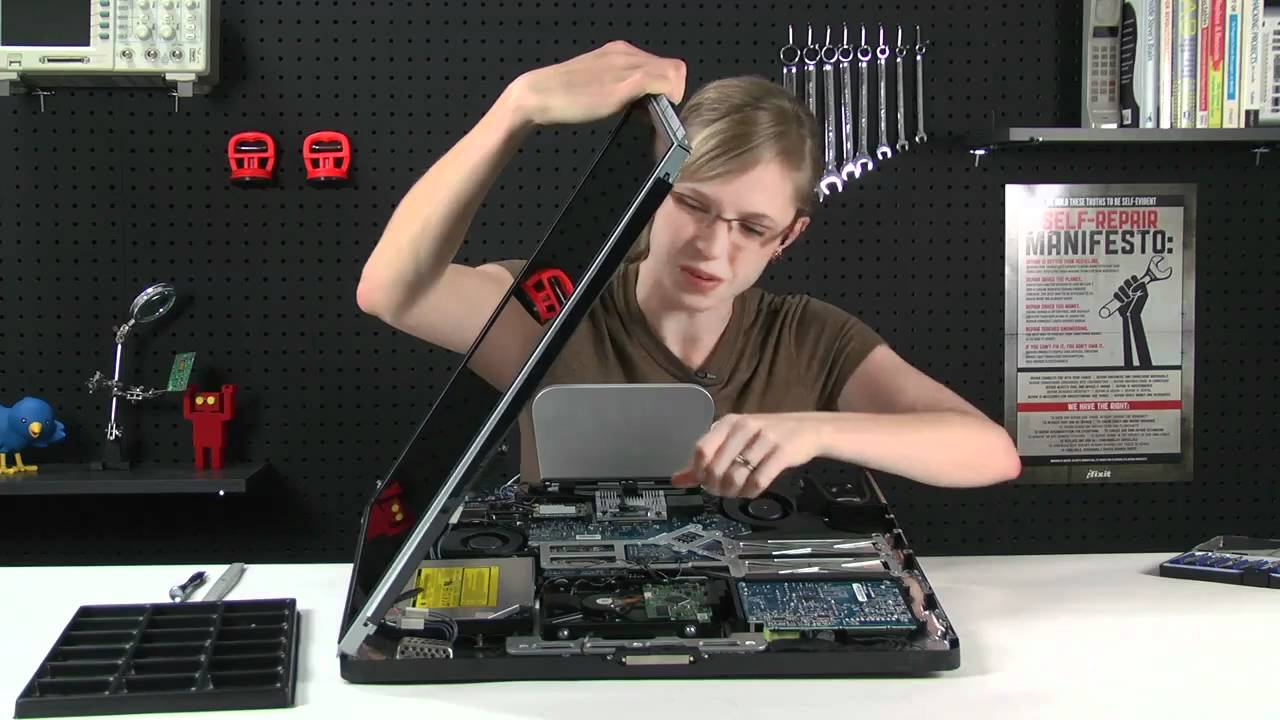
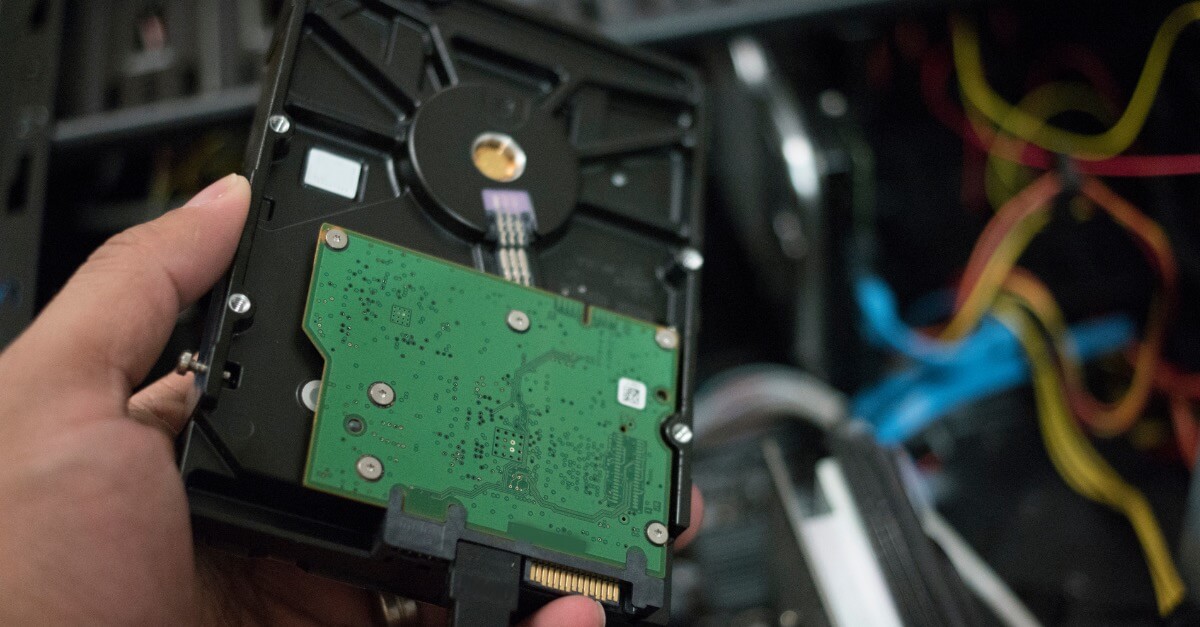
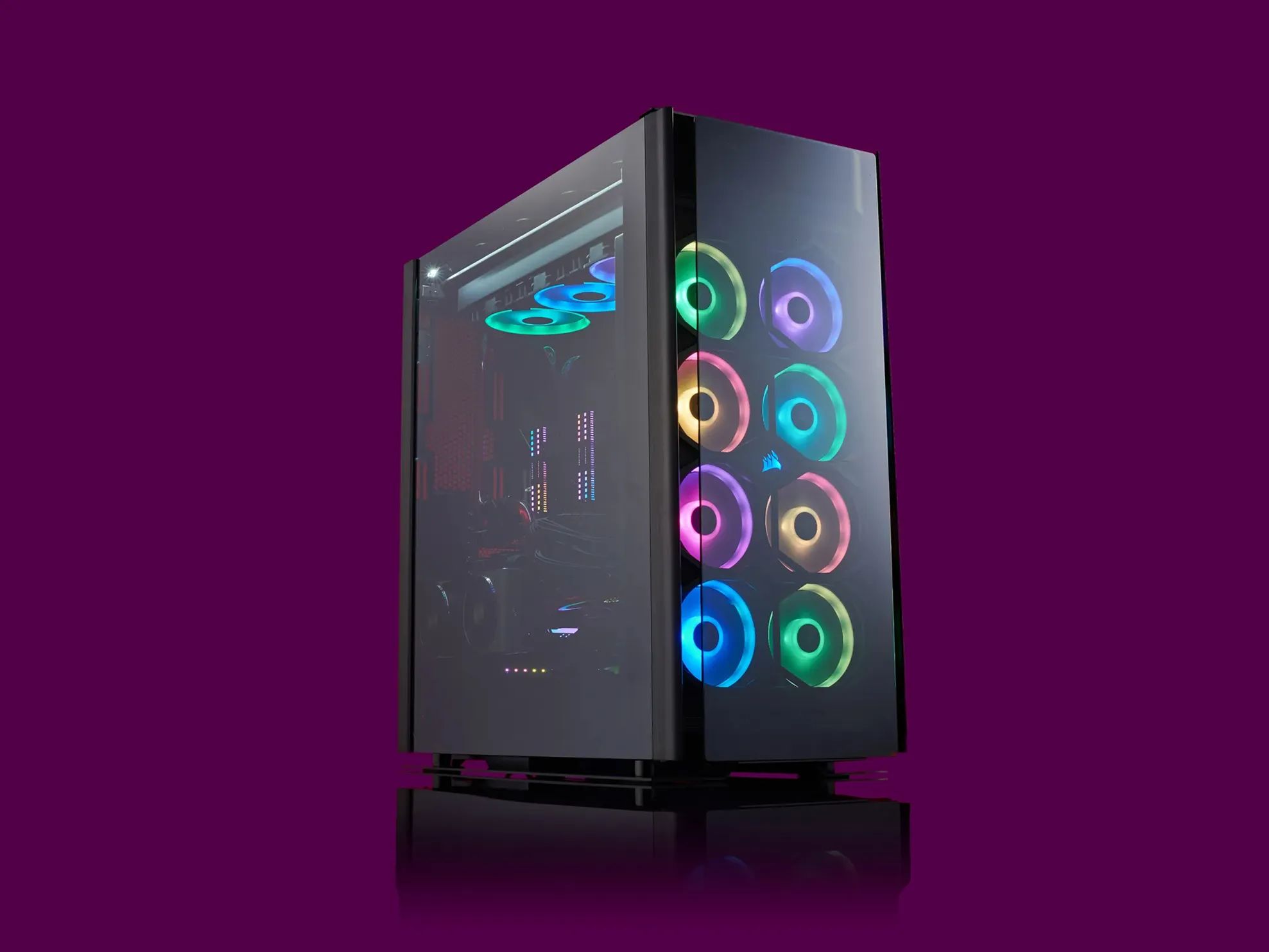
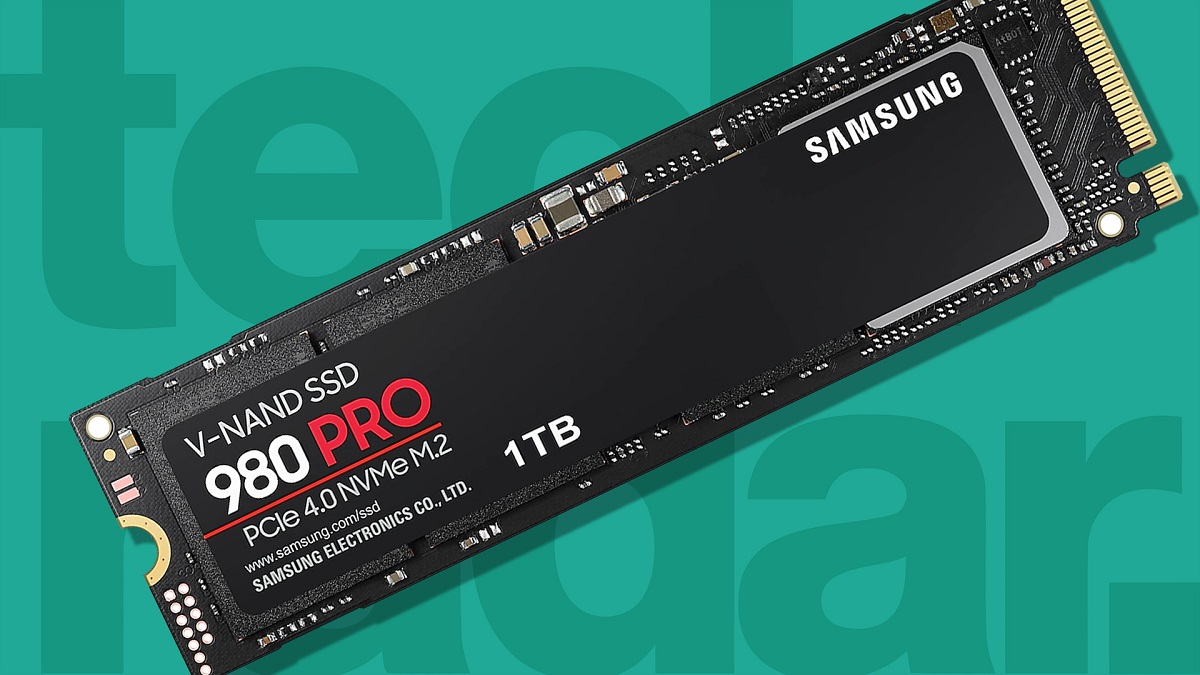
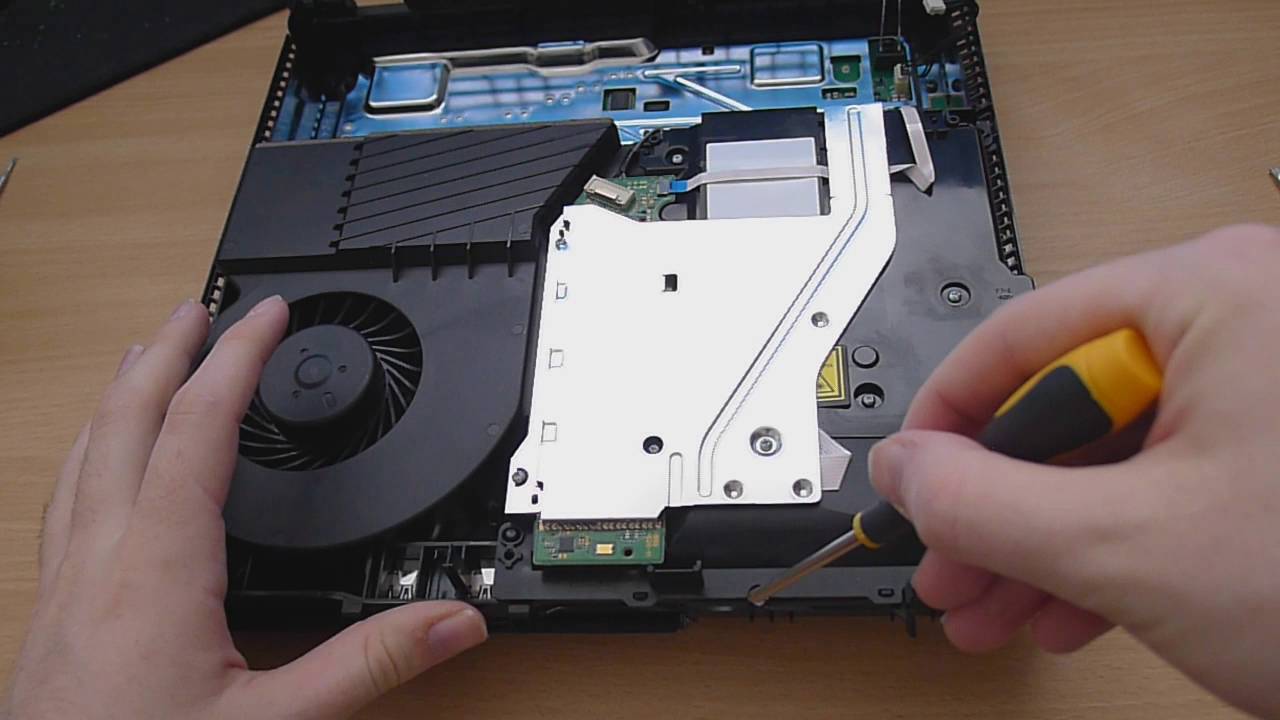
The articles fall into two broad themes. The first is physical removal and replacement: you’ll find walkthroughs for taking a hard drive out of a Dell desktop, an iMac, or a standard PC case, as well as a guide to disassembling a PlayStation 4 to access its internal disk. These pieces focus on safe handling of cables, brackets, and static-sensitive components. The second theme is understanding what your hardware is telling you, one article explains what “1TB SSD” means when you’re shopping, another decodes the flashing light on your front panel, and a third covers how long a PS4 “rebuilding database” operation takes and why it happens. None of these are about bypassing security or modifying systems to cheat; they are about legitimate maintenance, diagnosis, and user-level upgrades that keep your gear running properly.