Practical guides and news for anyone who has ever hit a wall trying to get an Android app onto a device that doesn’t make it easy. Whether you’re a parent setting up a child’s tablet, a student working with a school-issued Chromebook, or someone juggling multiple devices across different operating systems, these articles are written for the person who just wants the app to work, without jargon or guesswork.
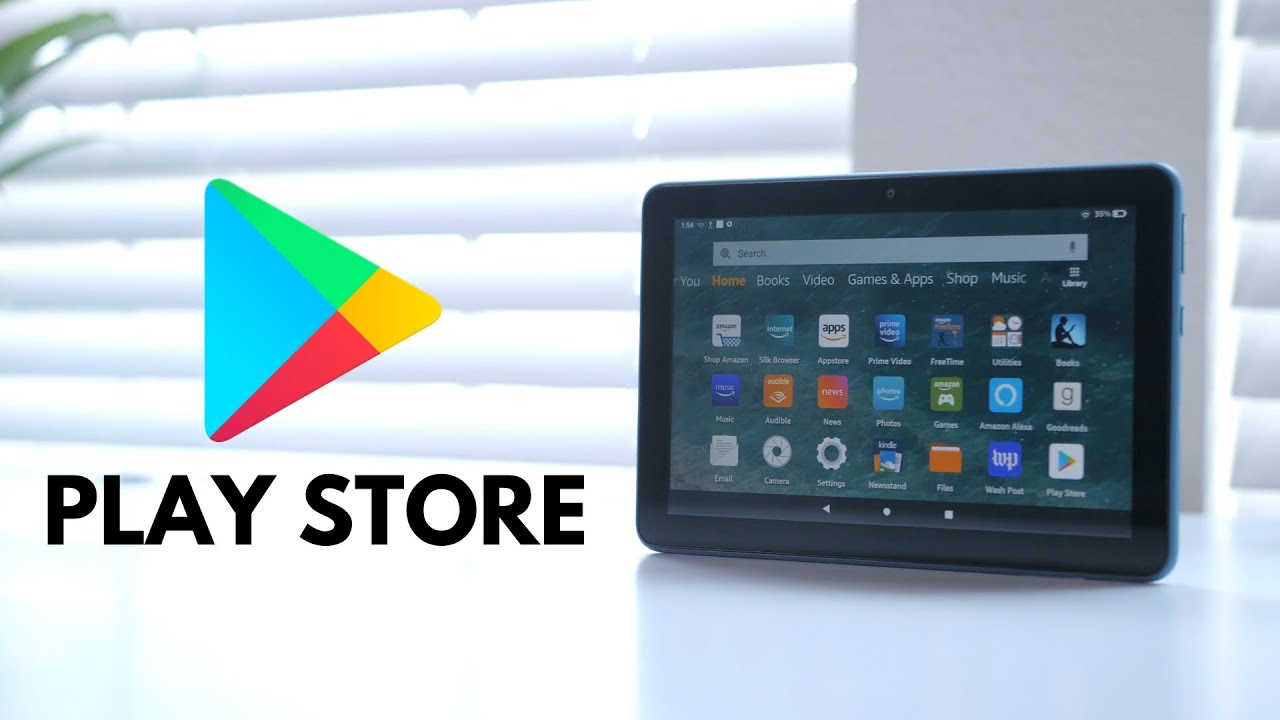
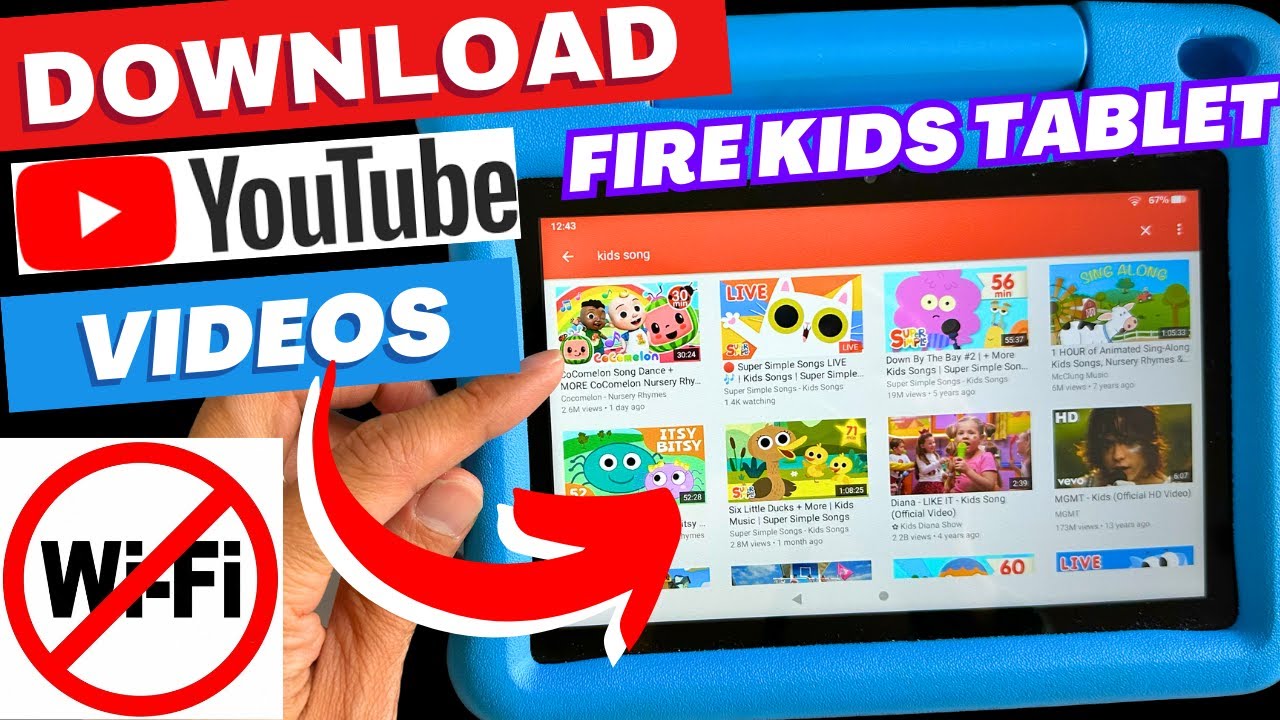
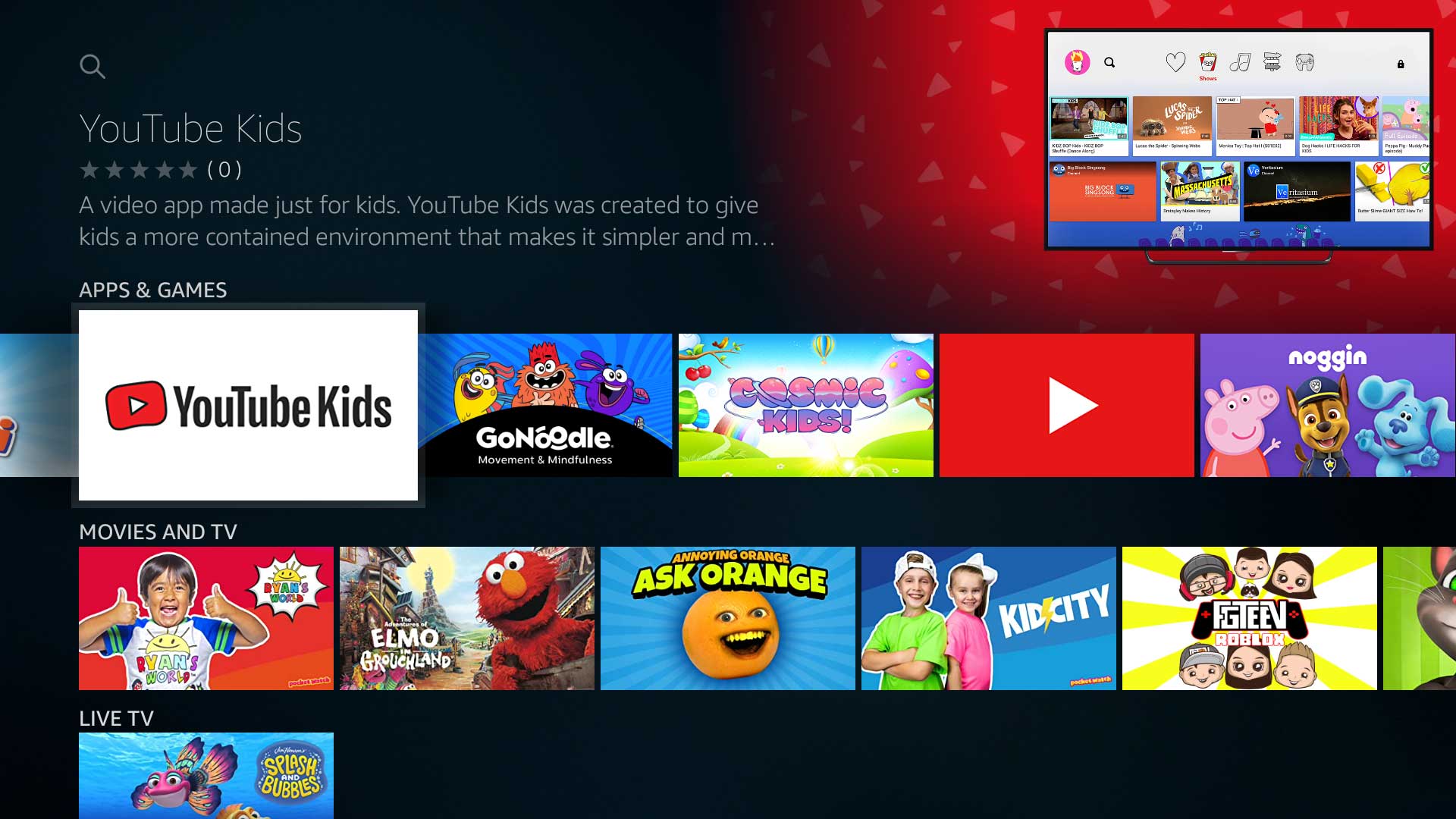
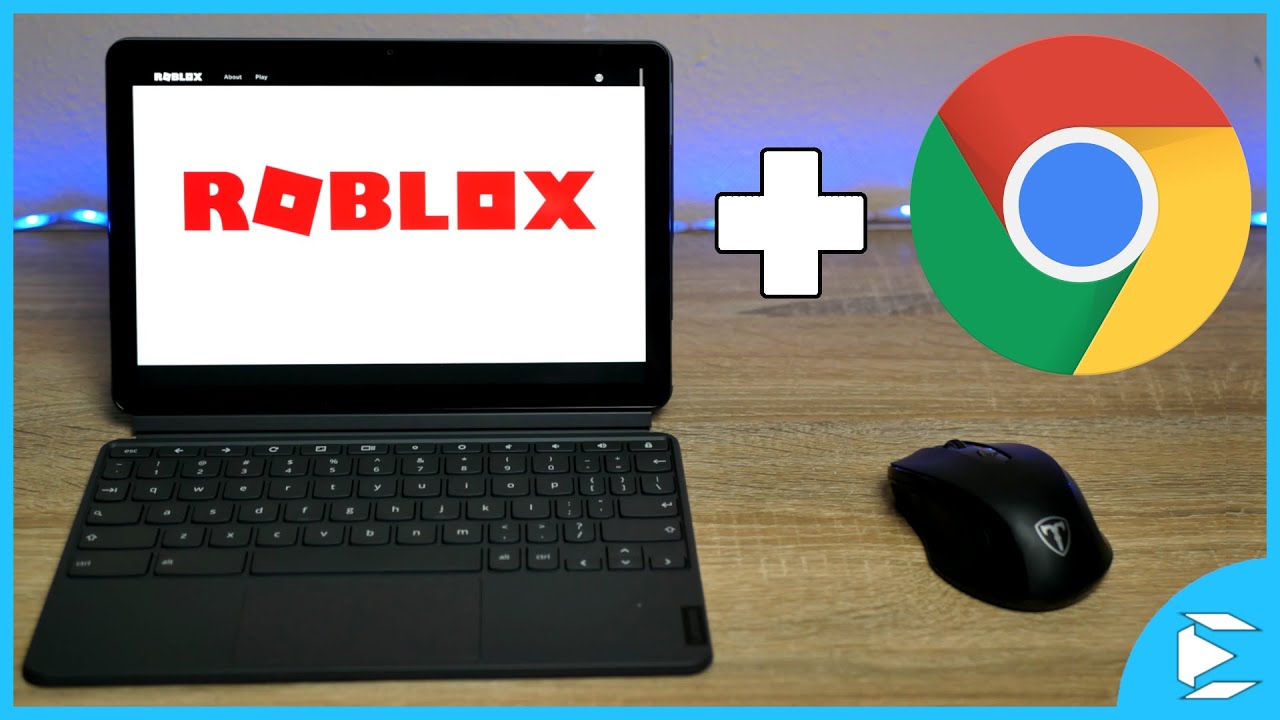
The pieces here fall into two broad themes. First, there are installation and compatibility guides that walk you through getting Google Play or specific apps onto non-standard hardware. You’ll see clear steps for adding Play Store to a Fire Tablet, a Samsung Smart TV, or even an iPhone or Mac, plus targeted downloads like Roblox on ChromeOS or YouTube Kids on Amazon Fire. Second, there’s a set of articles that address restrictions and workarounds from a safety and legal-alternatives angle. For example, the guide on downloading games on a school Chromebook focuses on what’s allowed within school policies, while the pieces on jailbreaking or rooting a Fire Tablet explain the risks and why you might instead choose an official method. The news item about Google removing the Chamet app also appears here, framed as a consumer protection story rather than a workaround.
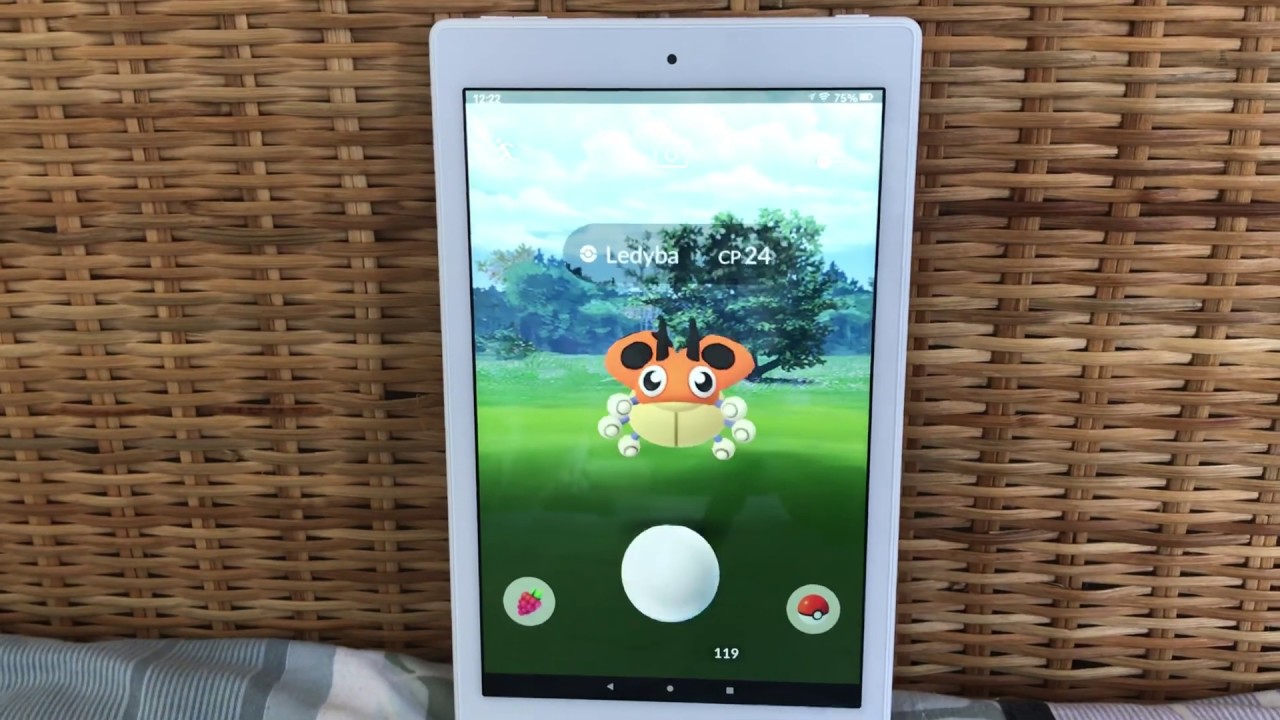
Across these 18 articles, you’ll learn how to change download settings from Wi-Fi to mobile data, install Play Store on a Fire Tablet, or get Pokémon Go onto one, always with an emphasis on doing things safely, legally, and within the device’s intended limits.