Practical, straightforward guides for anyone who owns or works with a monitor, television, laptop screen, or smartphone display. It is written for everyday users, not IT professionals, who want to set up their hardware correctly, fix a confusing connection, or understand a basic specification before making a purchase. Whether you are hooking up a new computer to a living room TV, adjusting an office monitor, or just trying to figure out what a number on a spec sheet means, these articles are meant to save you time and frustration.
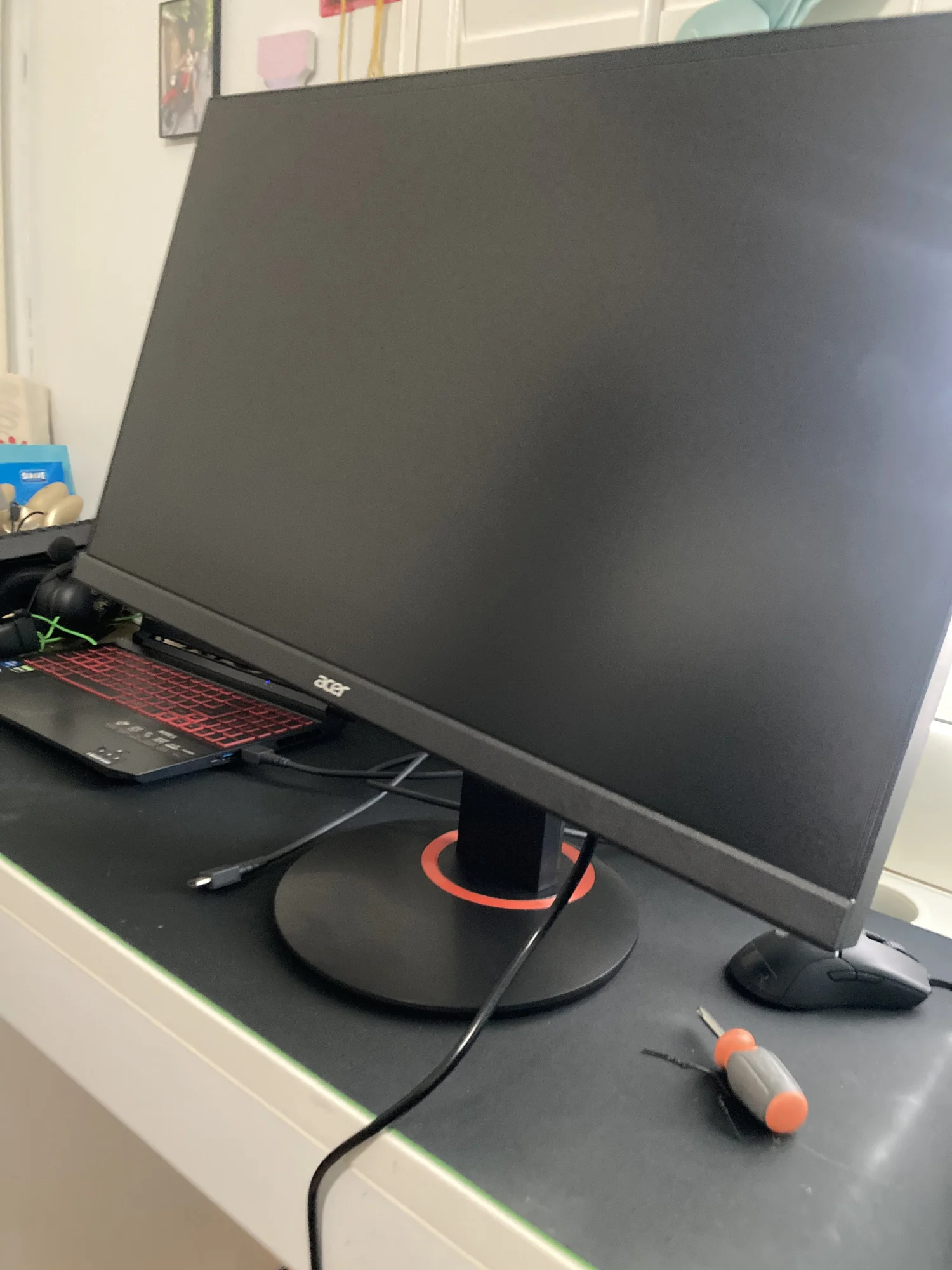
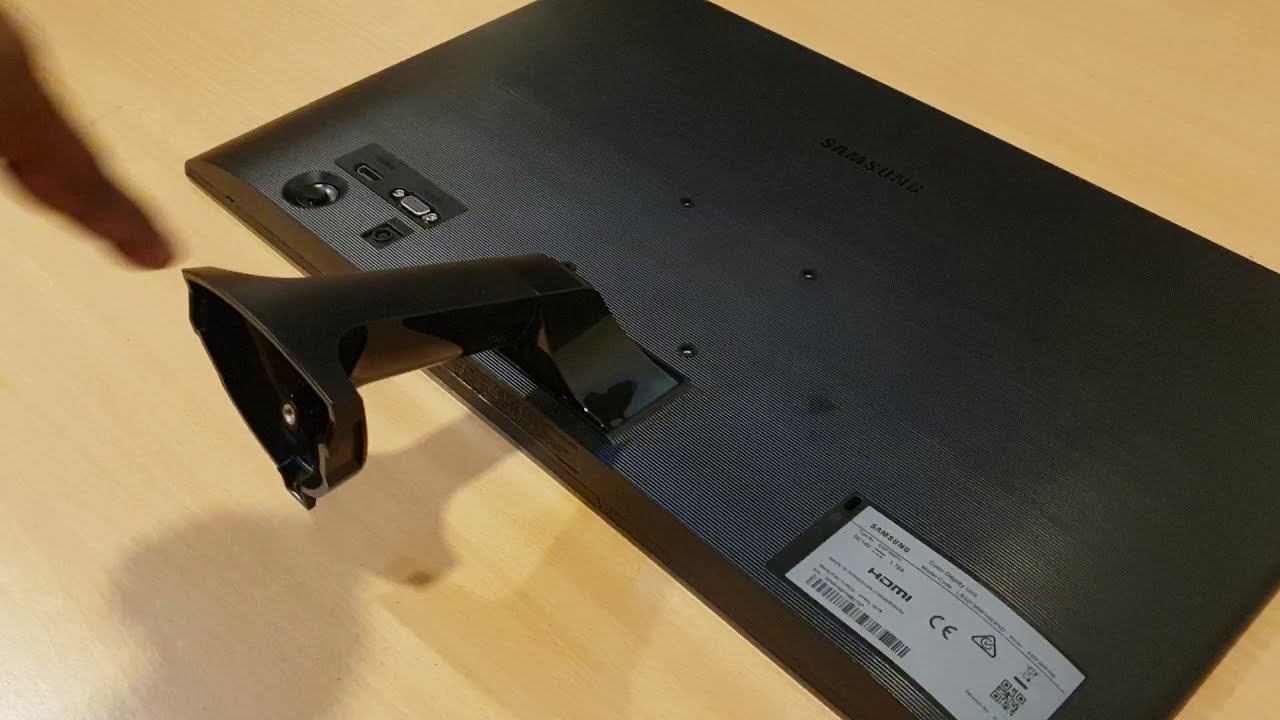
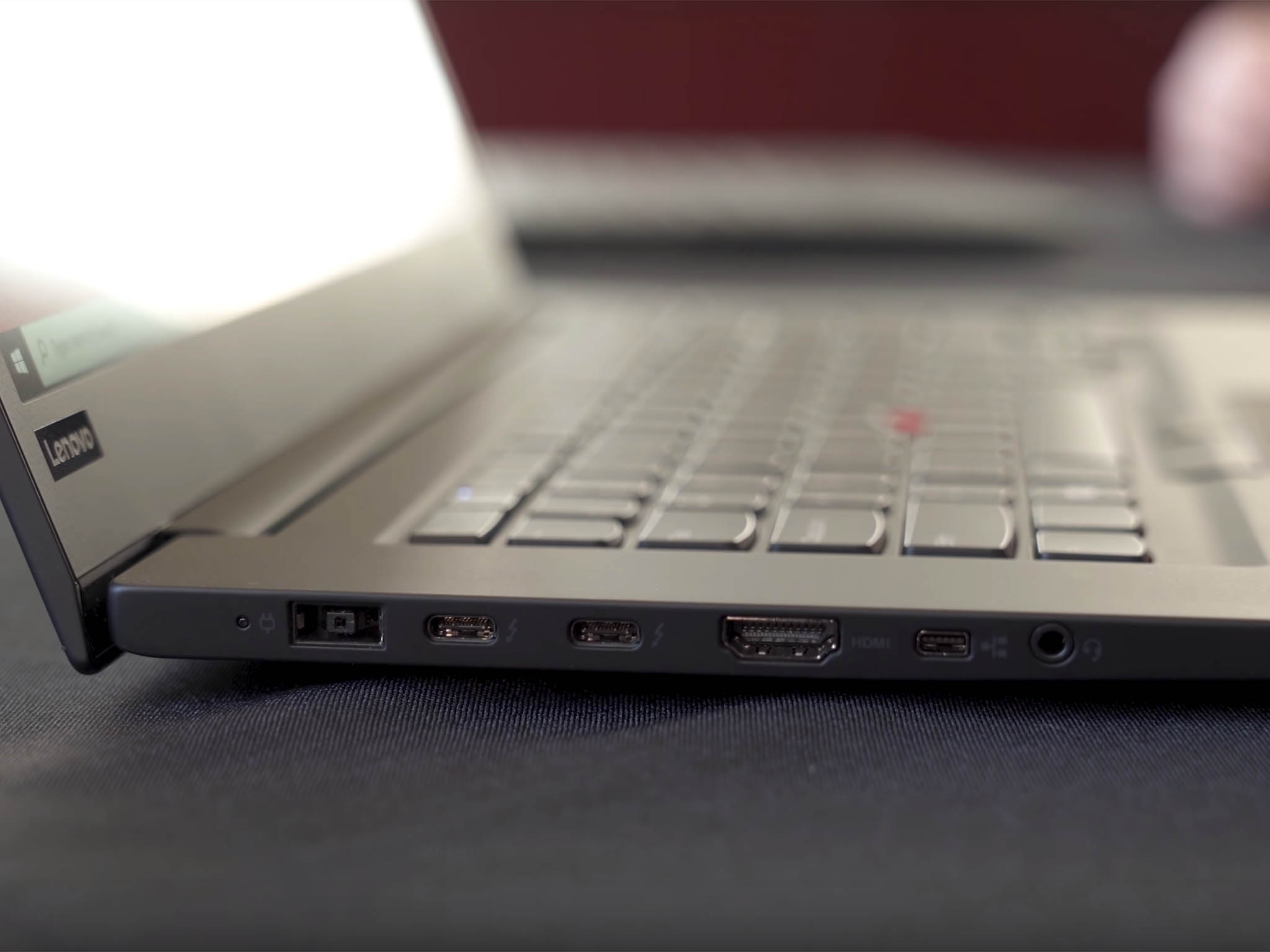
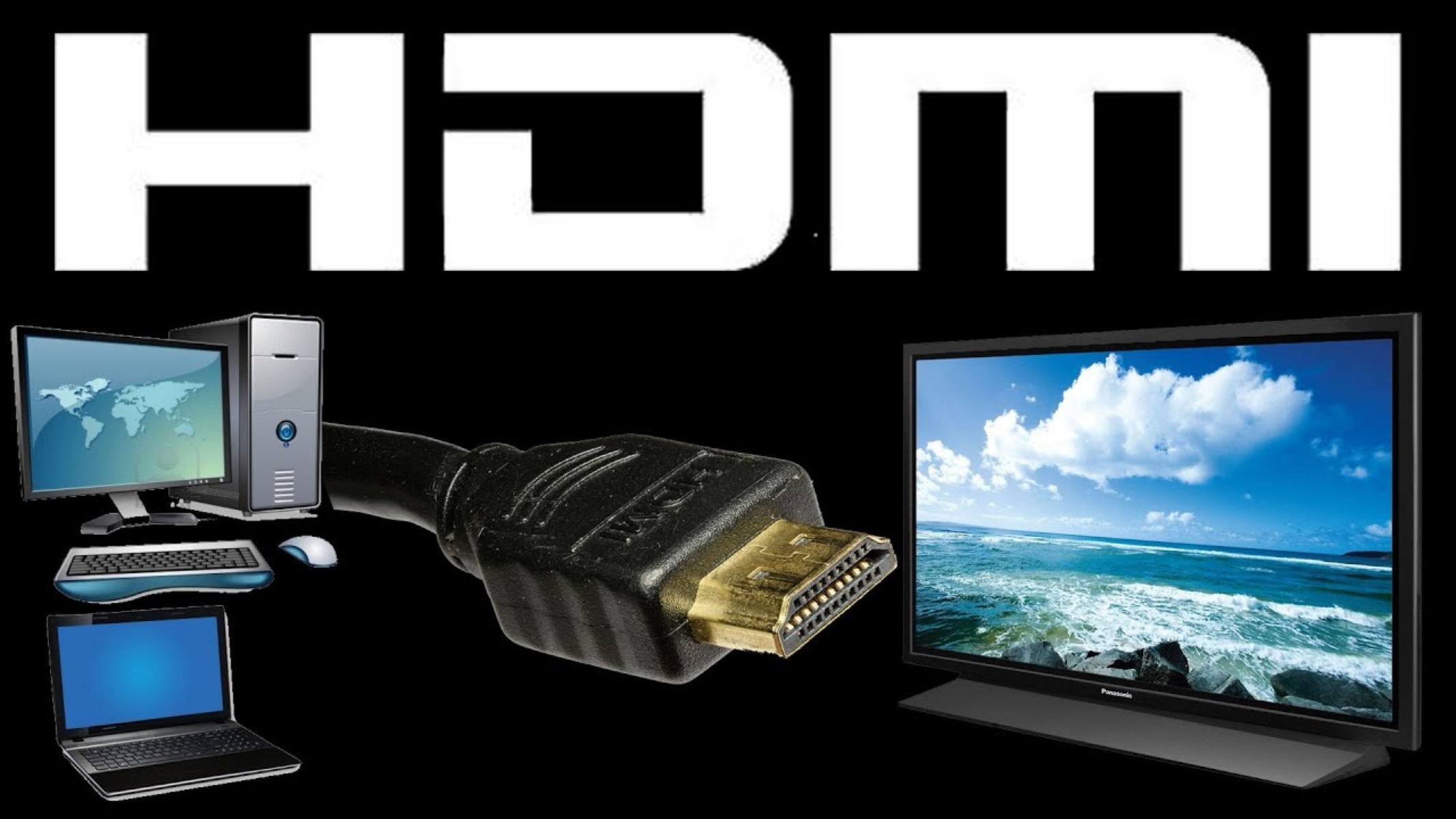
The articles fall into two clear themes. The first is connection and setup: they help you physically link devices and get them working. For example, the guide on connecting a computer to a TV via HDMI walks you through cable selection and input switching, while the Lenovo laptop article covers the same idea on a specific brand. The second theme is hardware handling and adjustment. Here, you can learn how to safely remove the stand from a Samsung monitor for wall mounting or desk reconfiguration, and how to power on an Acer monitor if the usual button location or power source is not obvious. These tasks are simple but easy to get wrong, and the instructions are written to prevent damage or frustration.
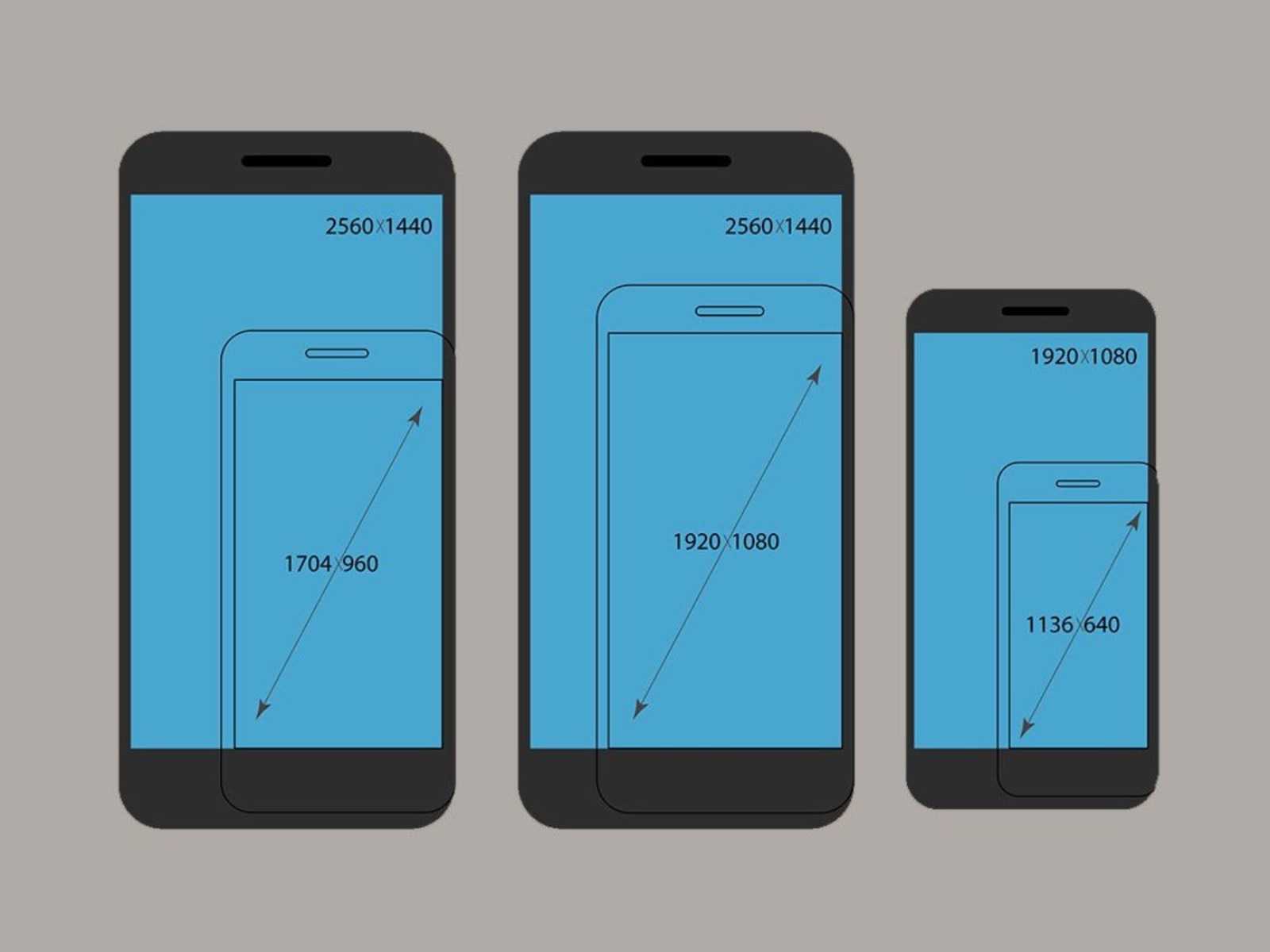
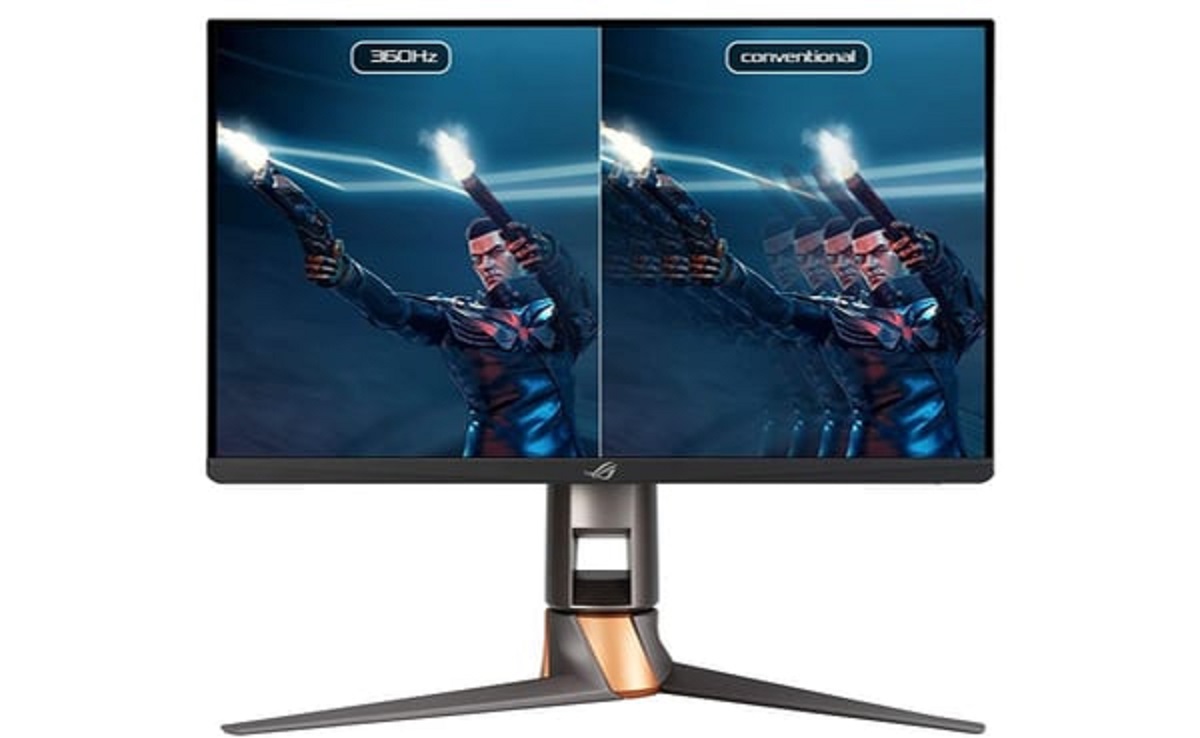
Finally, a few articles focus on understanding display basics rather than performing a physical task. The piece on what “Hz” means in a monitor explains refresh rate in plain language, helping you choose a screen that matches your needs for work or gaming. Similarly, the guide to measuring smartphone screen size clarifies the diagonal measurement standard, so you can compare devices accurately or check if a case or mount will fit. None of these articles involve bypassing security, pirating content, or hacking, they are all about legitimate, safe use of your own hardware.