This tag collects our guides to managing Google Calendar, aimed at everyday users who want to keep their schedules organized without digging through menus or guessing at settings. Whether you are juggling work, school, or family commitments, these articles focus on the practical, day-to-day tasks of adding, viewing, and adjusting calendar entries. They are written for people who use Google Calendar on a laptop or phone and need clear, step-by-step answers to common questions.
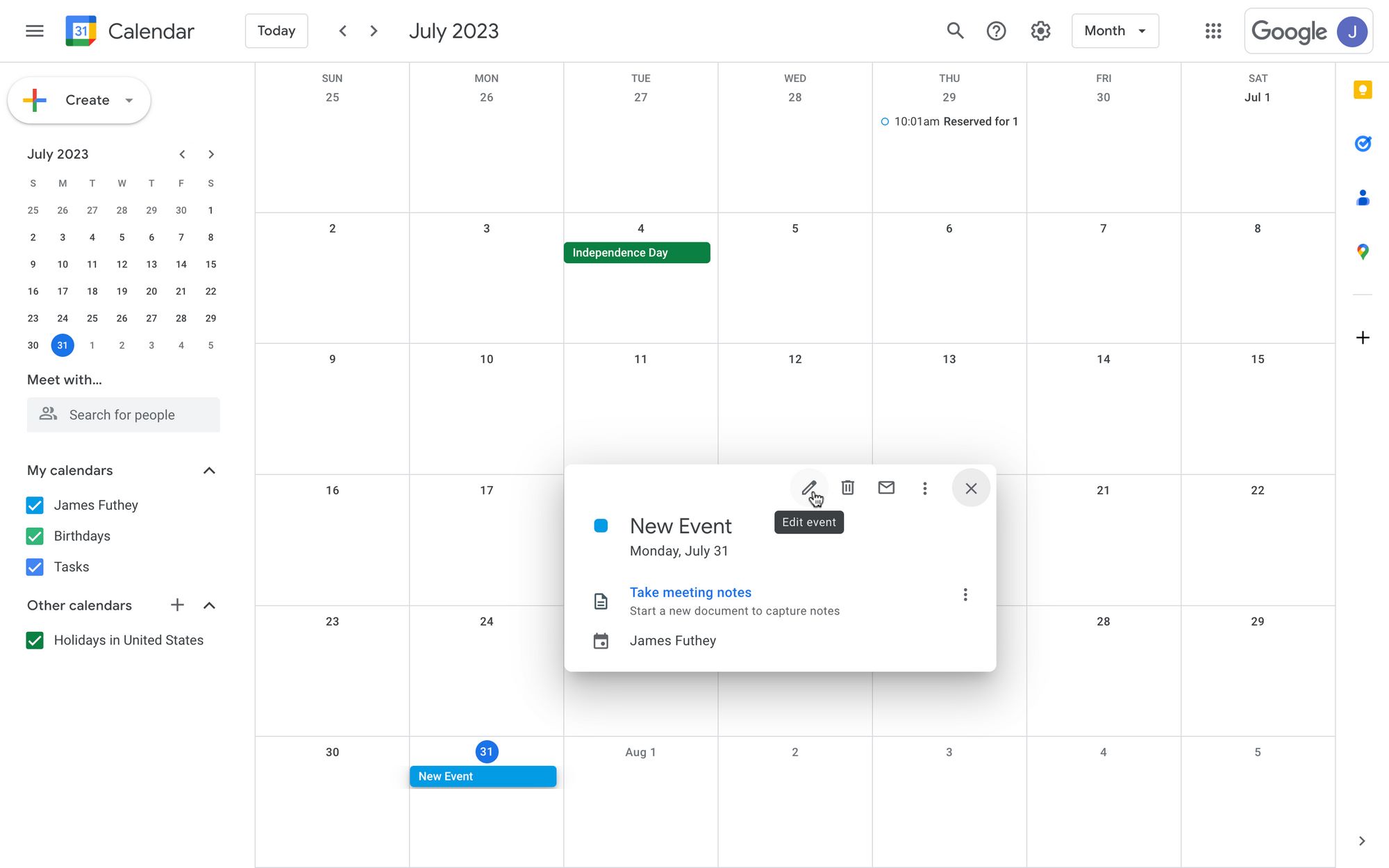
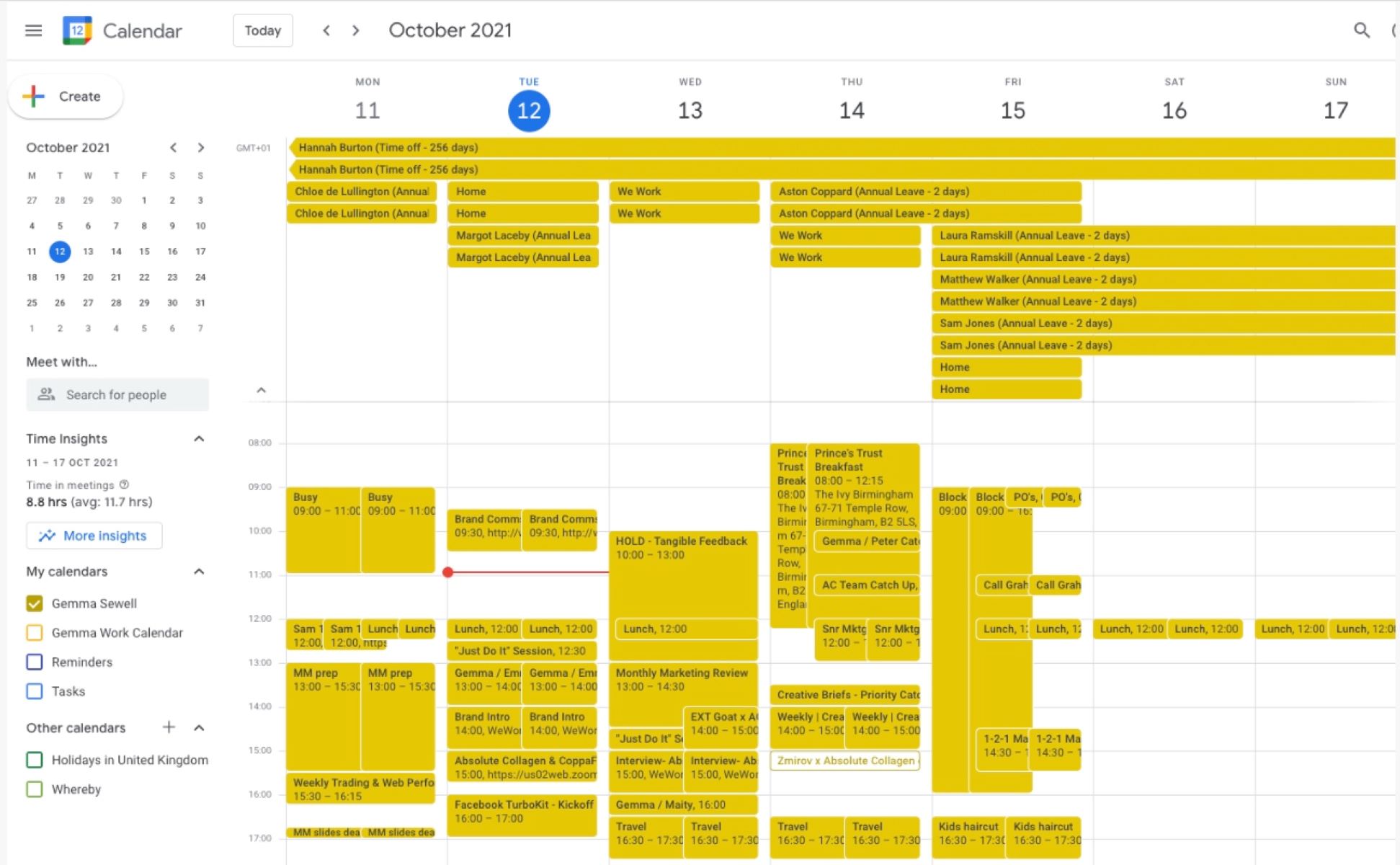
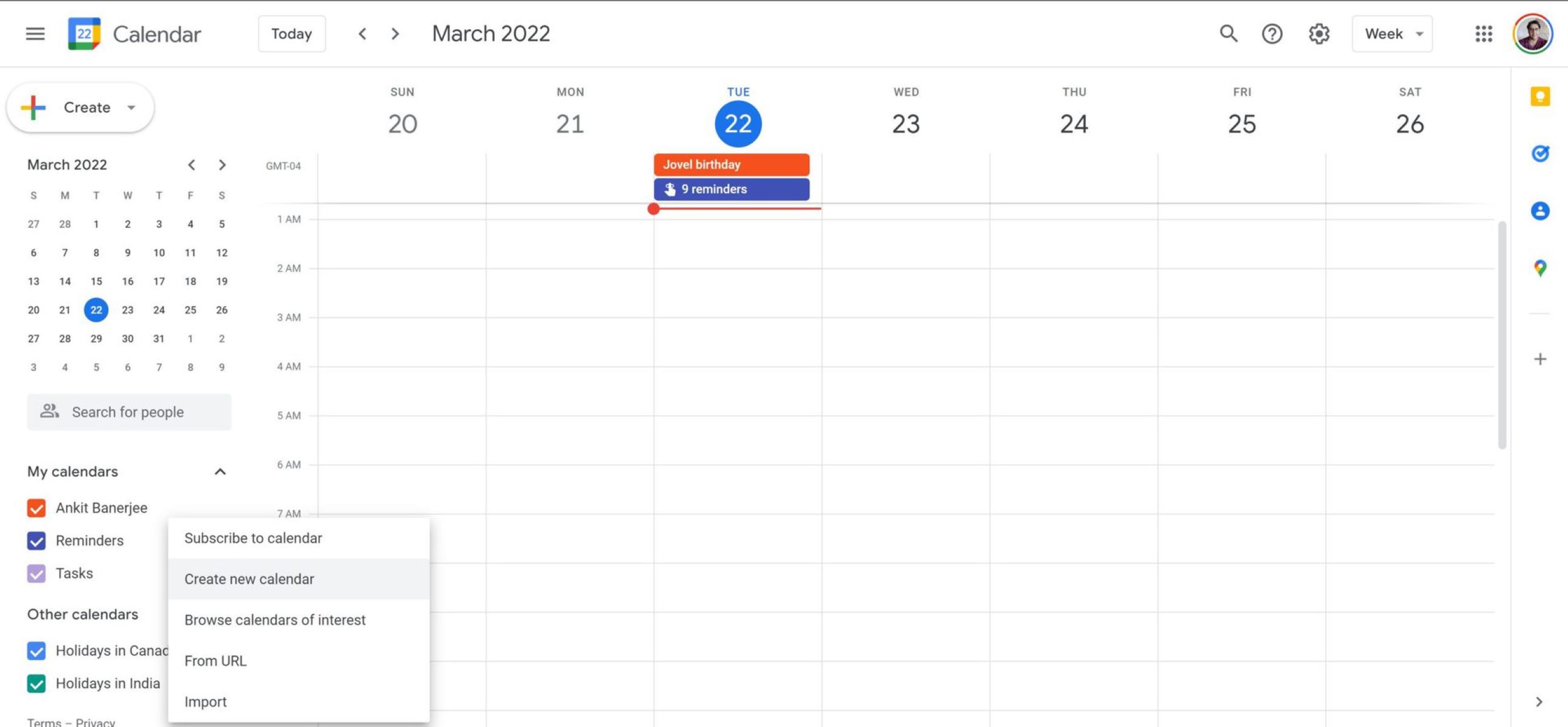
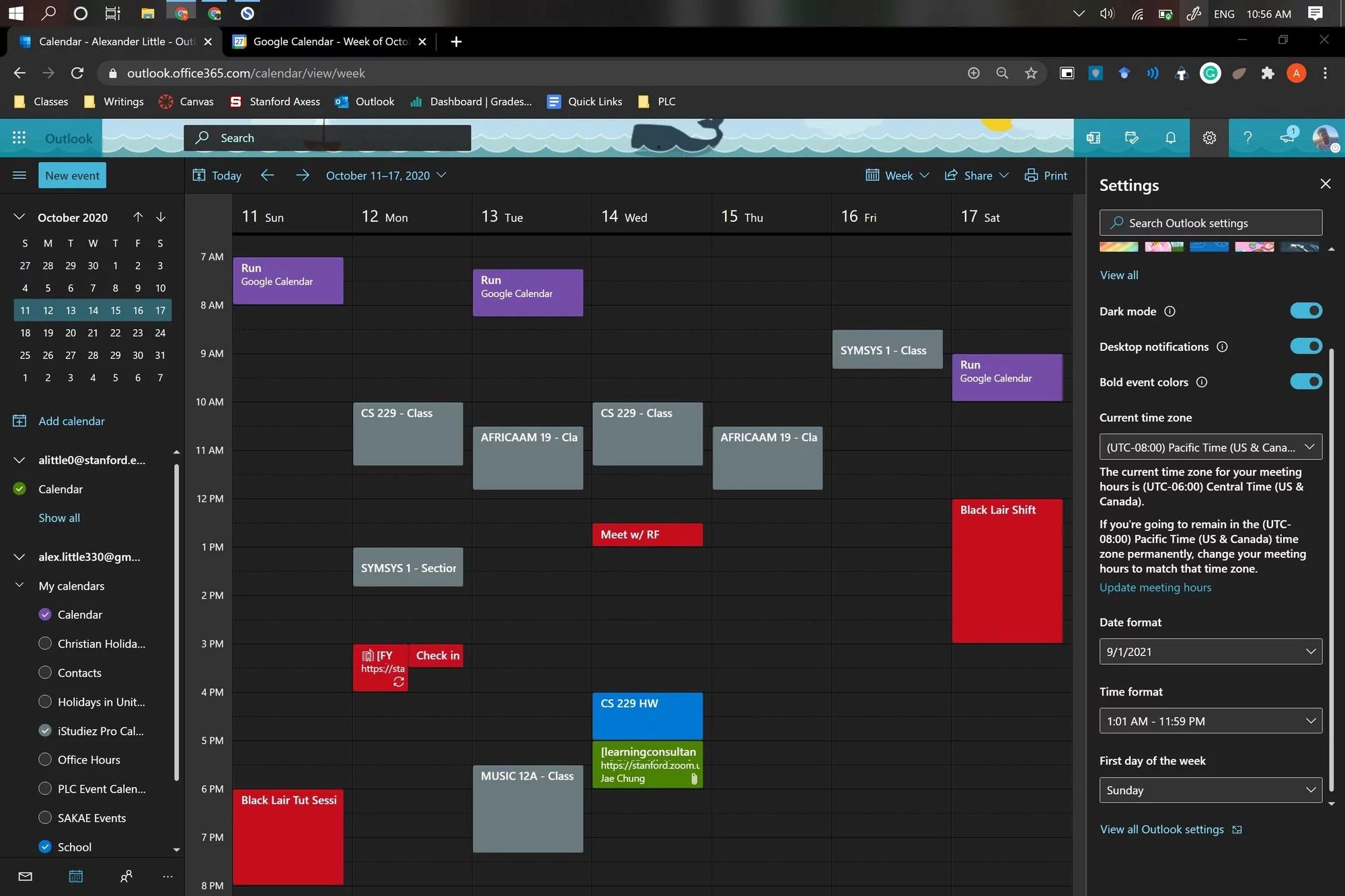
The articles break down into a few recurring themes. One theme is getting events in and out of your calendar correctly: you will find help on adding a class schedule, placing an event into a specific calendar, and forwarding an invite to someone else. Another theme is managing multiple calendars at once, which covers how to add another calendar to your main view, how to work with several calendars side by side, and how to view a calendar that someone has shared with you. A third theme deals with cleanup and recovery, for example, deleting a birthday from Google Calendar, understanding how long past events are kept, and restoring a calendar you unsubscribed from instead of deleting it.
Several articles also address the safer, more responsible side of calendar housekeeping. For instance, the guide on deleting a birthday explains how to remove an unwanted recurring event without affecting other data, and the article on restoring an unsubscribed calendar shows you how to recover your own schedule after a mistaken click, not how to access someone else’s private information. Similarly, the piece on forwarding invites clarifies the proper way to share an event with others, respecting the original organizer’s intent. These are not workarounds or shortcuts; they are straightforward, legitimate fixes for everyday calendar frustrations.