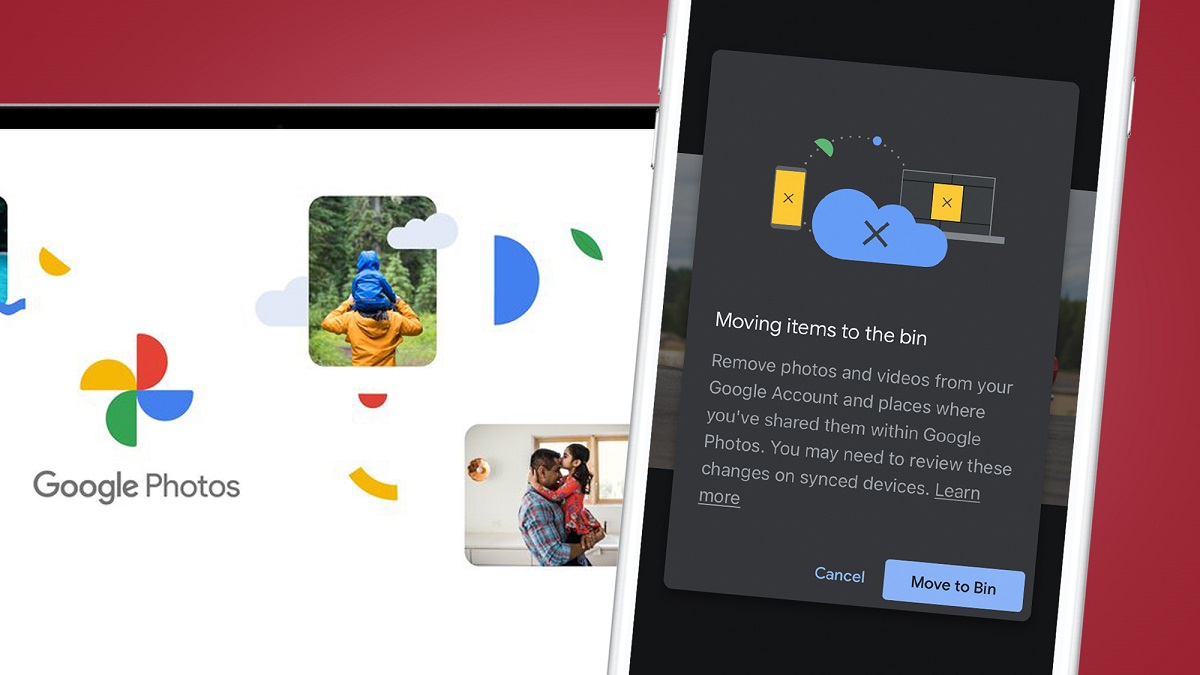
This tag collects articles that help you take control of your digital life by creating local copies of data that currently lives only in the cloud or on a single device. It is for everyday users, not IT professionals, who want to avoid losing important files when a service changes, a phone is lost, or a console is reset. The common thread is straightforward, practical backup: getting data out of a platform you do not fully control and into a place you do, such as an external drive, a SIM card, or a local folder.
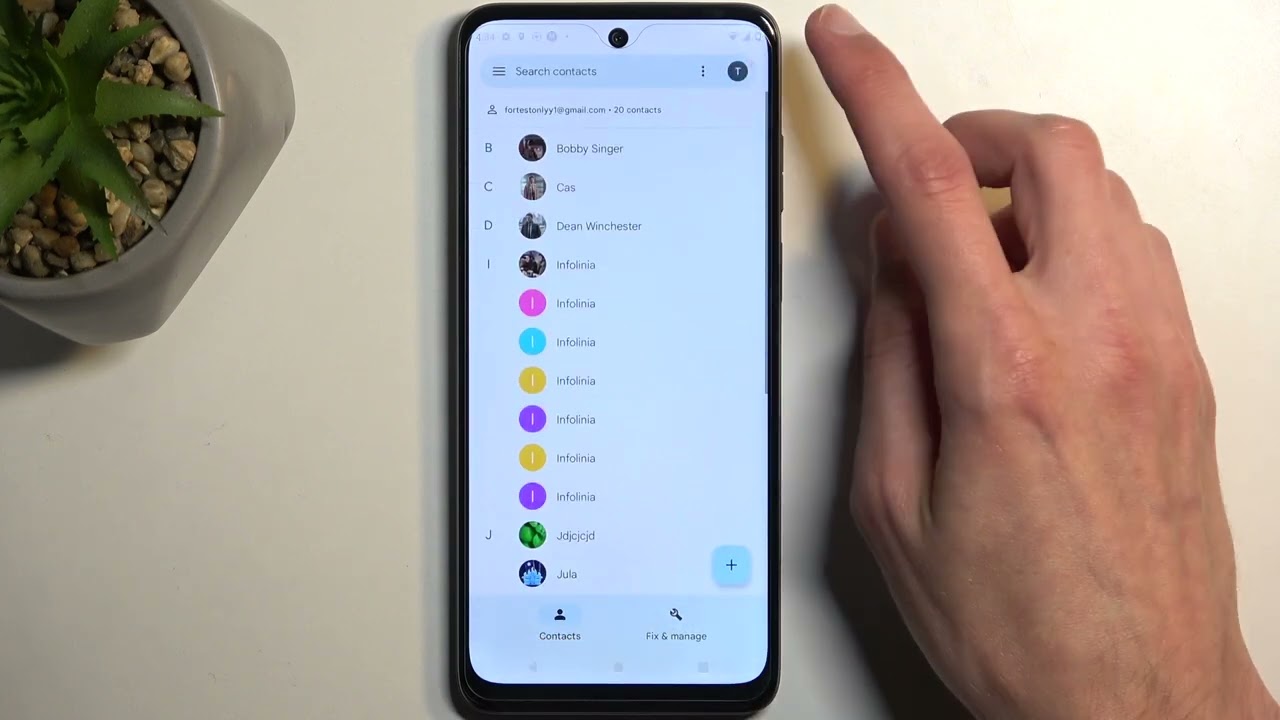
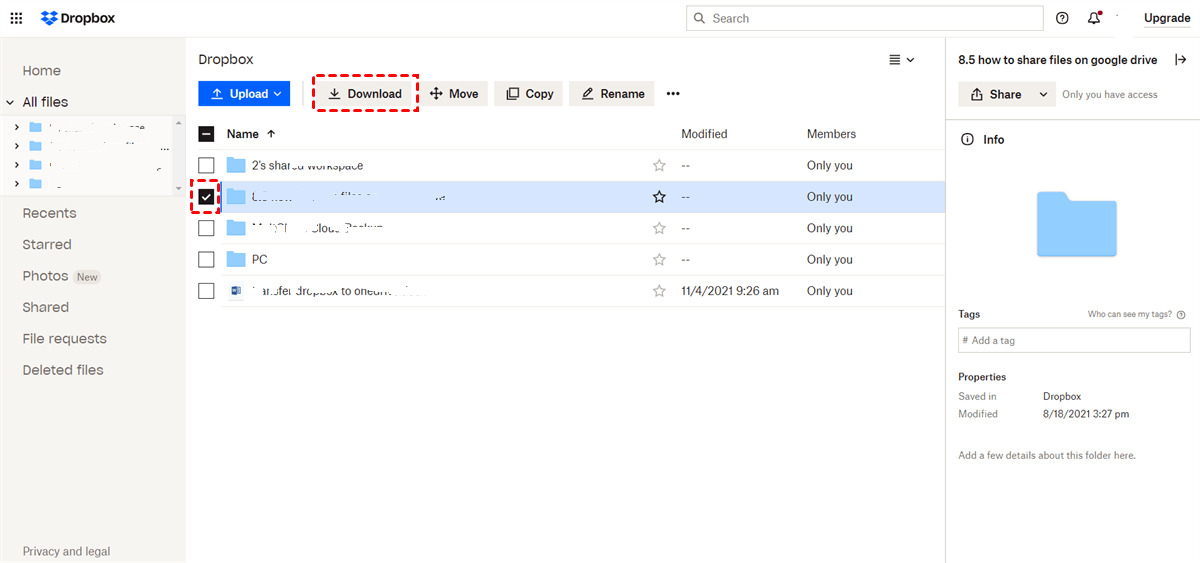
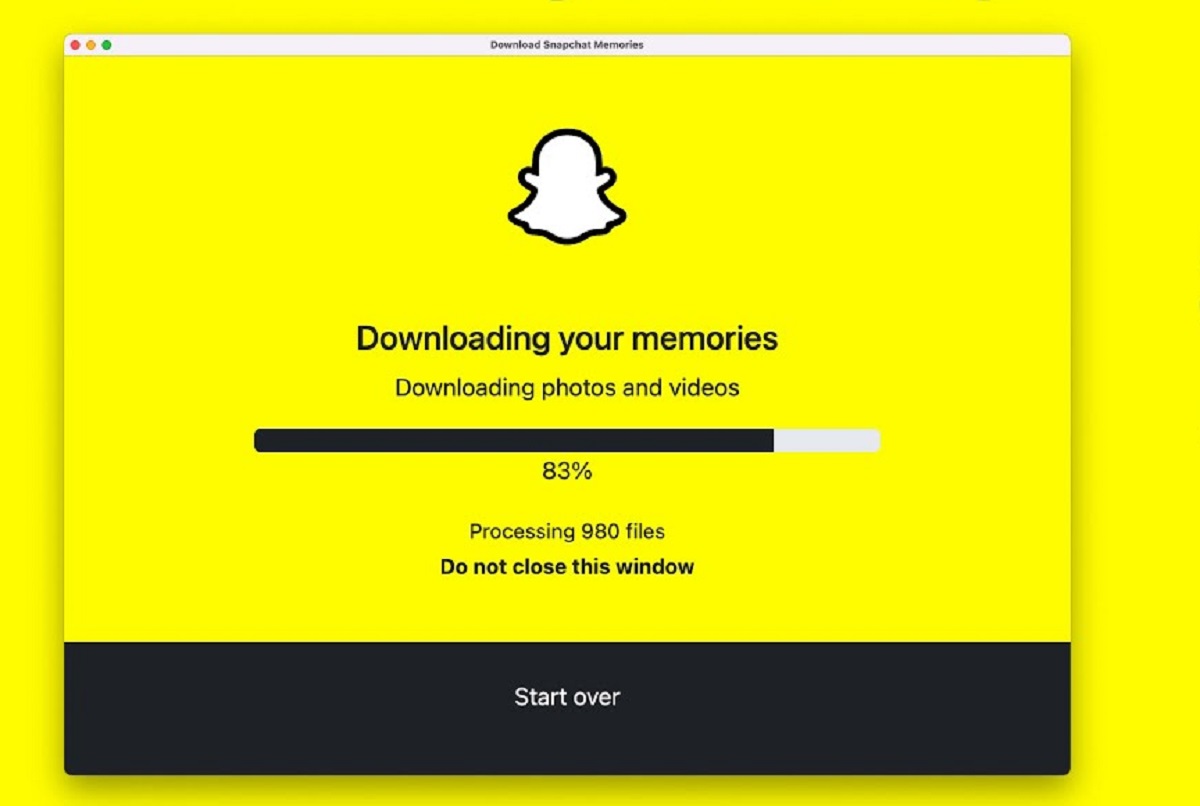
The articles here fall into two clear themes. The first is cloud-to-local migration: you will find step-by-step guidance on downloading entire Google Photos libraries, pulling Snapchat Memories down to a computer, and moving files from Dropbox to an external hard drive. The second theme is device-to-device transfer for safekeeping, including moving photos and documents from an Android phone to a portable drive, and copying contacts to a SIM card. A third, smaller theme covers pre-reset protection, such as backing up PS4 save data before performing a factory reset. These pieces are written as safety measures, for example, the Snapchat and Google Photos guides help you retain your own memories before a service change or account closure, not to circumvent any platform’s rules. Similarly, the PS4 article is about preserving your progress legitimately before wiping the console, and the Dropbox and Android guides focus on creating local copies for personal security, not on bypassing any restrictions.
Across these topics, the tag answers a simple question: “How do I keep what is mine?” Whether you are clearing out a Google account, archiving a social media history, or prepping an old phone for resale, these articles give you the direct steps to do it safely and on your own terms.