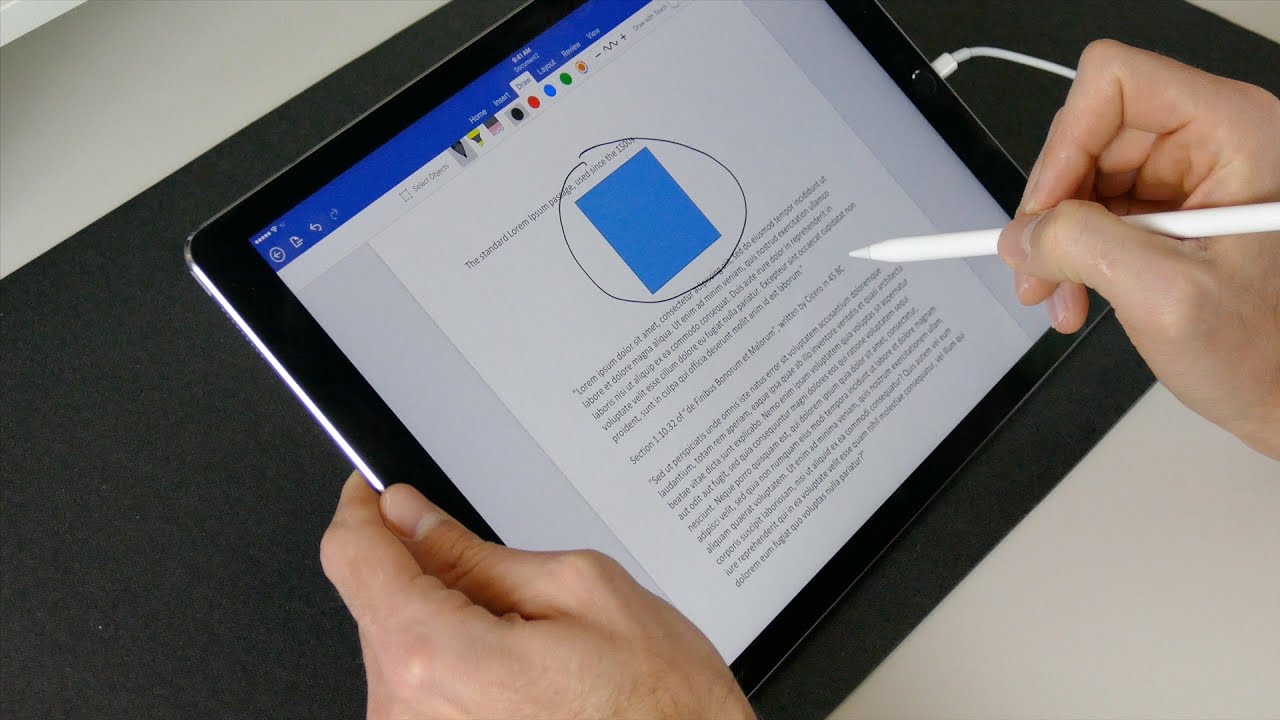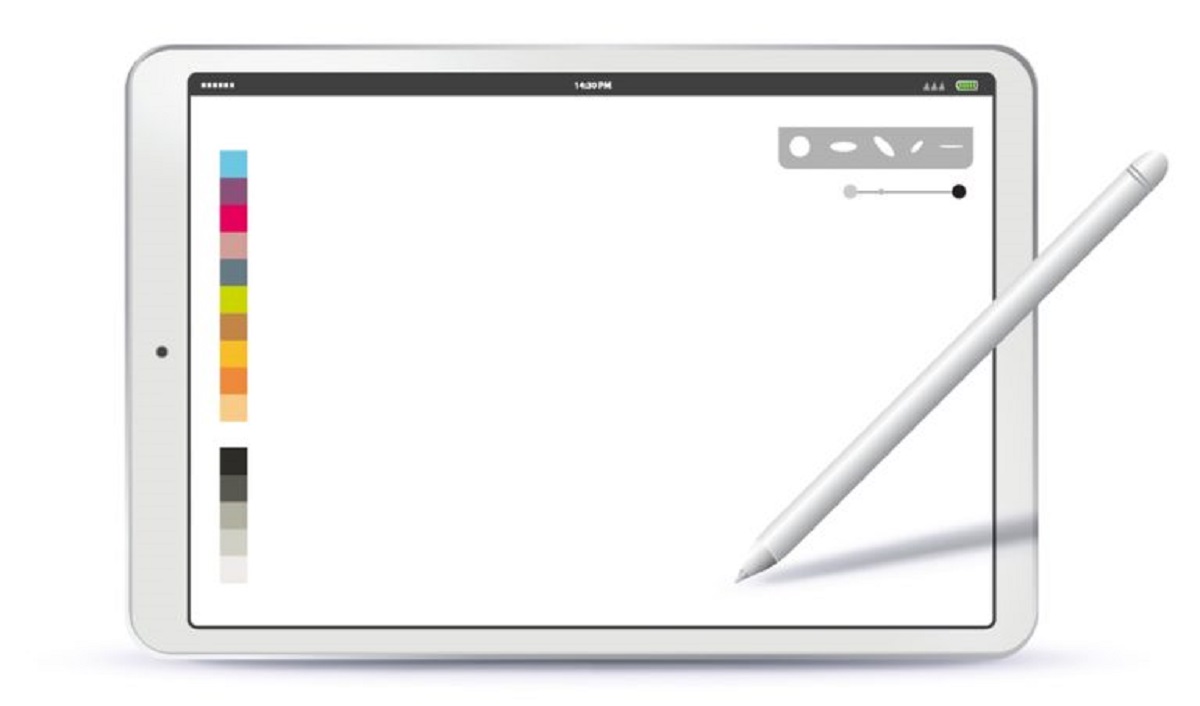
Practical, hands-on guidance for anyone who uses Apple’s stylus with an iPad and wants it to work reliably day after day. It is written for everyday owners, students, note-takers, artists, and professionals, who are more interested in fixing a small annoyance than in reading a spec sheet. The articles here assume you already own a Pencil and just need clear, step-by-step help with the common questions that come up during normal use.
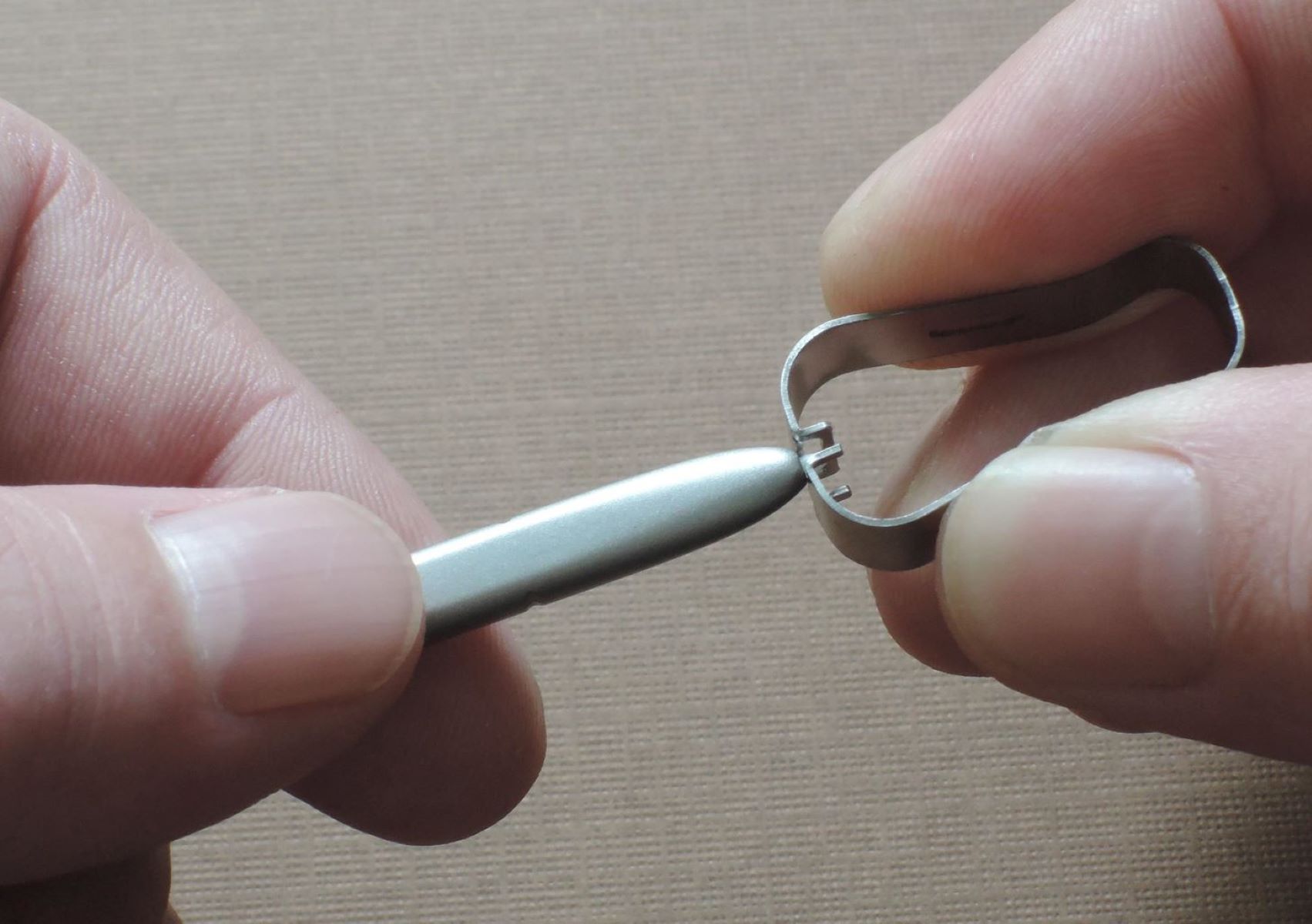
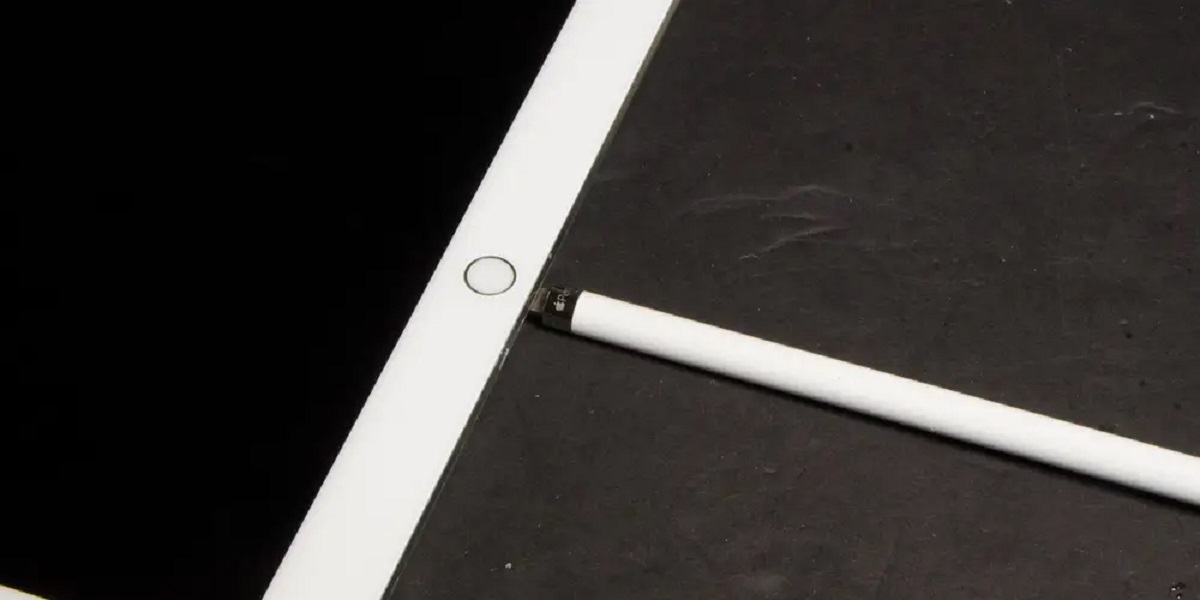
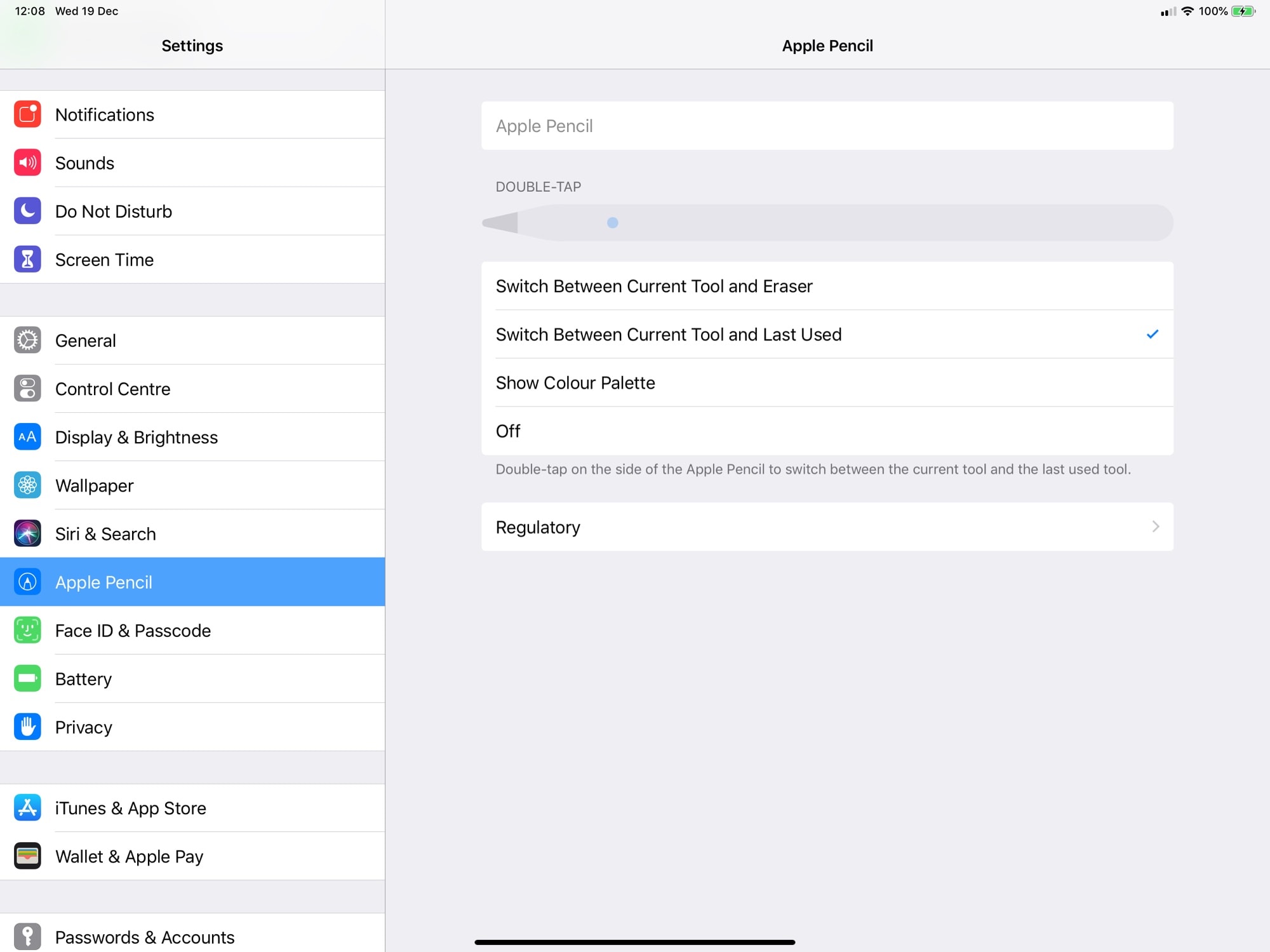
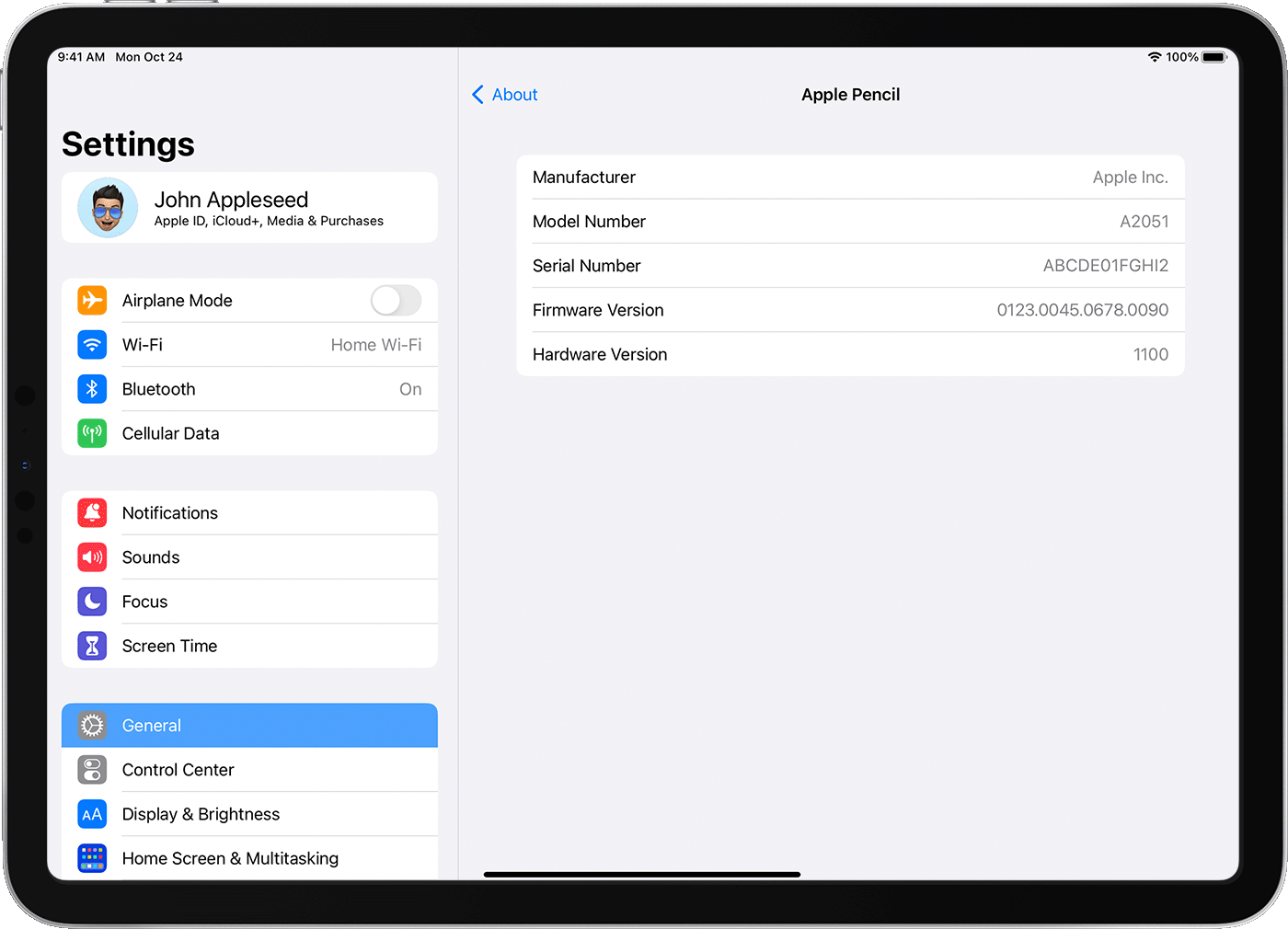
Most of the articles solve two kinds of problems. The first is identification and maintenance: figuring out which generation of Apple Pencil you own, replacing a worn tip, and checking whether the battery has actually died versus simply being unpaired. These pieces help you diagnose your hardware quickly and avoid unnecessary purchases. The second theme is adjusting how the Pencil behaves in software, such as calibrating its tracking, tuning its sensitivity to match your drawing pressure, and getting it to write smoothly inside Google Docs. These are configuration tasks, not workarounds, they help you make the tool feel natural in your own hand.
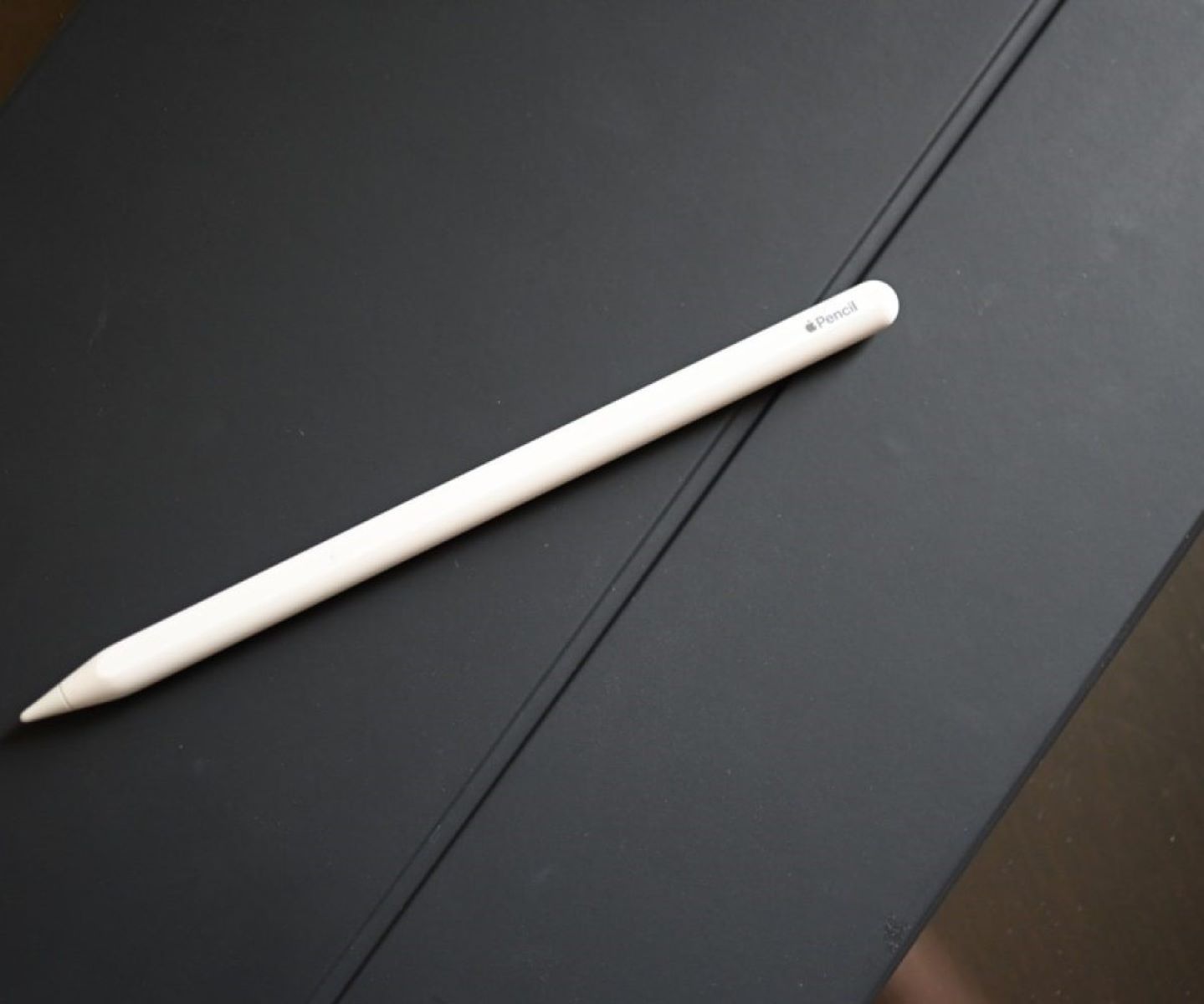
A few specific topics stand out. The article on telling which Apple Pencil you have saves you from guessing by model number alone, while the tip-replacement guide walks you through the safe, manufacturer-approved swap. The sensitivity adjustment piece helps you reduce accidental marks, and the lost-and-found article offers sensible strategies for tracking down a misplaced stylus without tearing your bag apart. None of these pieces involve bypassing, hacking, or cheating any system, they are straightforward, safe fixes for everyday frustrations.