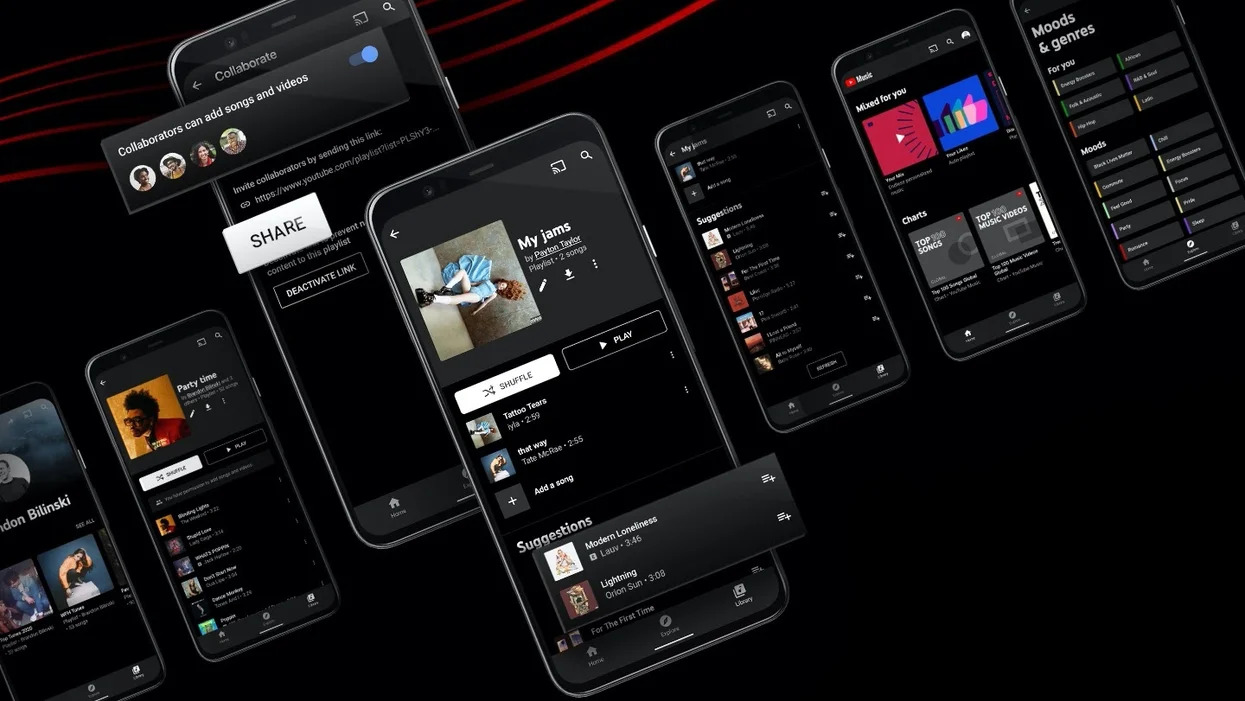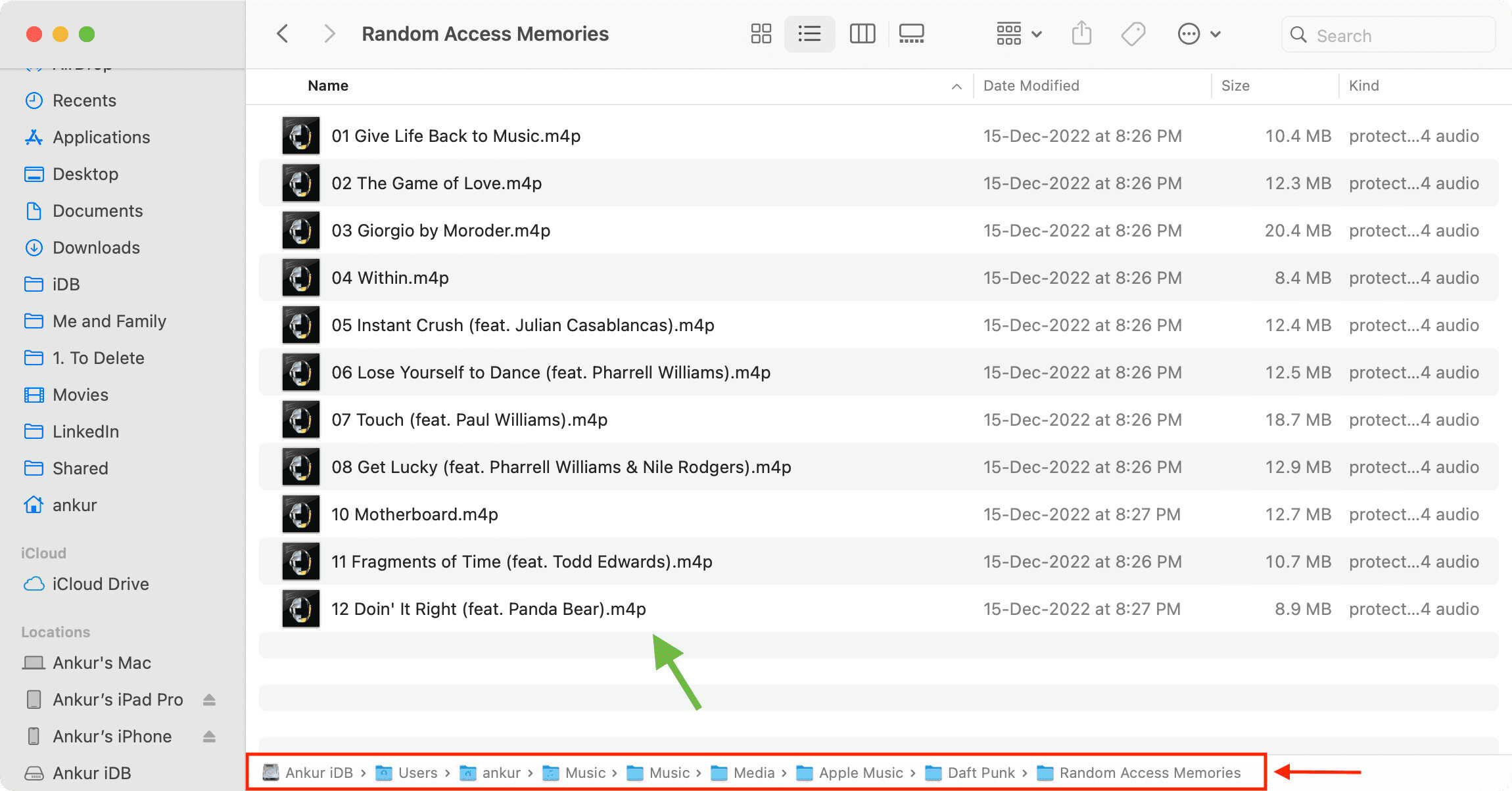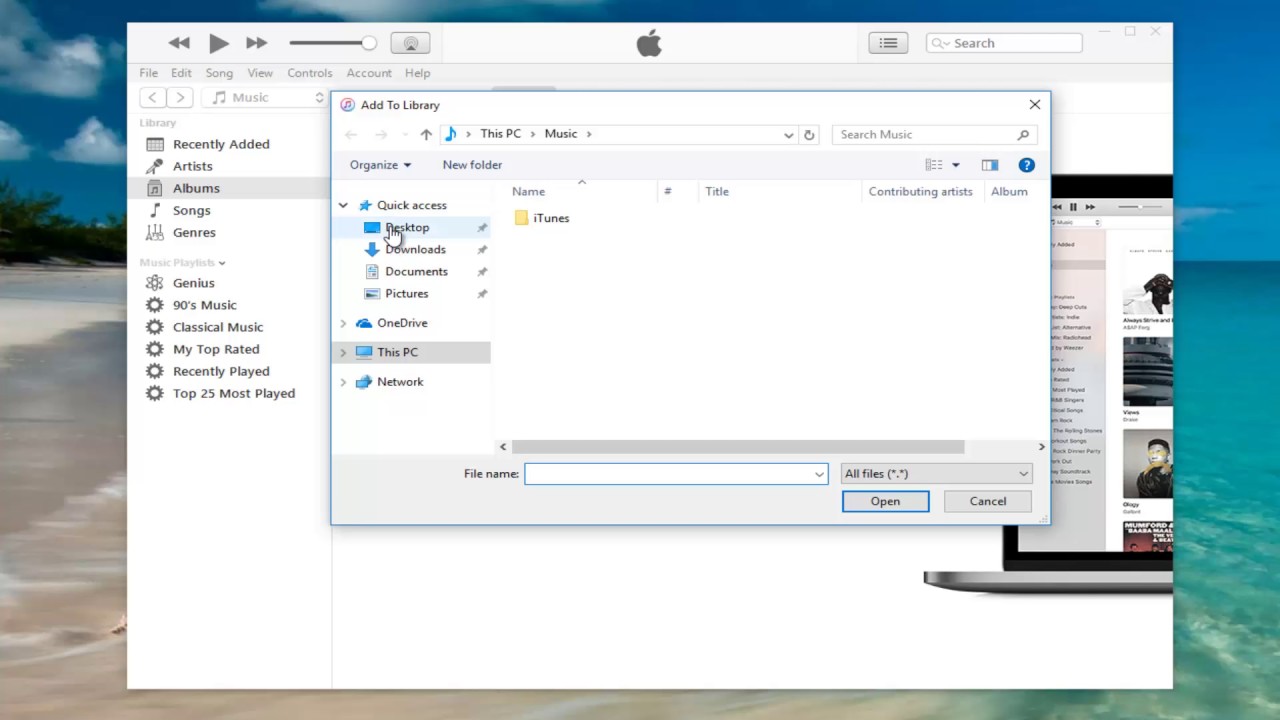
This tag collects every article on robots.net that touches Apple Music, whether the goal is getting music onto an Apple device, moving it off one, or bringing outside audio into the Apple ecosystem. It is written for everyday consumers, people who own an iPhone, a Mac, or a Windows PC, and who want to manage their music library without getting lost in proprietary formats or confusing settings. If you have ever wondered why a downloaded song won’t appear in your Files app, or how to get a CD onto your phone, these guides are aimed directly at you.
The articles fall into two practical themes. The first is transferring and converting audio across devices and formats: you’ll see straightforward help on downloading purchased iTunes music to a computer, moving an Apple Music song into the Files app, and getting MP3s from a CD onto an iPhone. The second theme is legal and safe sourcing of new music. Rather than showing risky or illegal shortcuts, these pieces explain how to download YouTube songs into Apple Music in a way that respects copyright, and how to pull MP3s from legitimate sources. They focus on the “how” of file management, not on circumventing protections.
Specific topics covered include Windows 11 download methods, MP3 file handling, iTunes purchase retrieval, direct song-to-Files transfers, CD ripping for iPhone, and the proper route for bringing YouTube audio into your Apple Music library. Each article helps you perform a concrete task, like exporting a track, syncing a folder, or converting a file, so you end up with a library that works the way you expect, without breaking any rules.