Reactivating a prepaid SIM usually means buying a new plan within a limited grace period before the number is permanently lost, while reactivating a contract SIM involves settling any outstanding balance and having the carrier simply resume service on an active account that was suspended, not terminated.
The core difference when you reactivate a prepaid SIM is account status
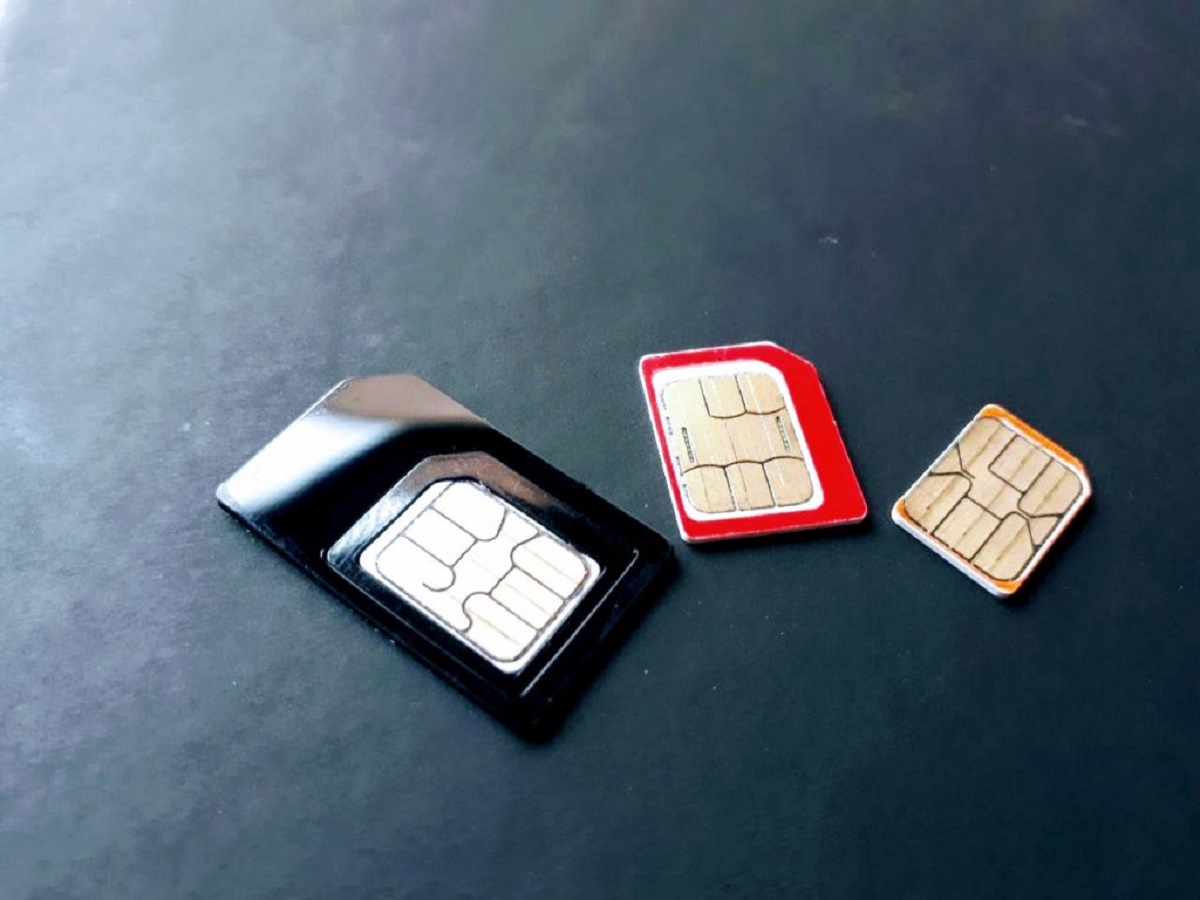
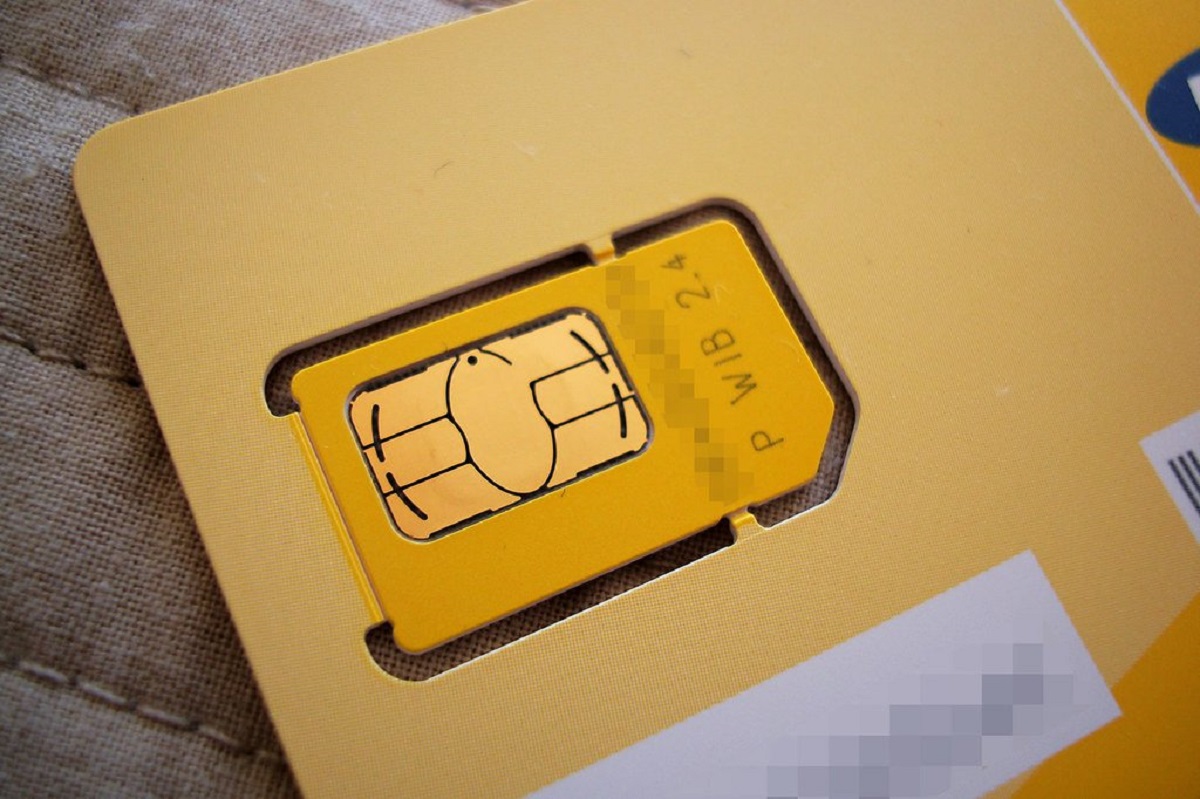
The physical SIM card itself is identical in both cases, a small chip that stores your subscriber identity. The real distinction lies in the service record on the carrier’s backend. A prepaid profile is fully terminated when its balance runs out and the grace period expires; the carrier considers that number “dead” and will recycle it to a new customer. A postpaid (contract) arrangement, by contrast, is merely suspended when you stop paying. The line remains open, the number is reserved, and the carrier expects you to return. This is why “reactivation” for a contract SIM means resuming a live subscription, while for a prepaid SIM it means starting from scratch with a new plan, or losing the number entirely.
Prepaid reactivation is a race against the recycling clock
When a prepaid plan runs out of credit or days, the carrier gives you a short grace period, typically 30 to 90 days, depending on the provider and local regulations. During this window, you can top up any amount to keep the number alive. If you miss that deadline, the number is permanently recycled and cannot be reclaimed. For example, grace periods can range from 30 to 90 days, while some smaller MVNOs cut it to 30 days. The only way to reactivate is to purchase a new plan, but you will receive a new number unless you had ported the old one out before expiry. If you are still within the grace period, following the steps for reactivating your old SIM card can help you restore service without losing your number. This is why transferring contacts to your SIM card on Android before the grace period ends is a smart backup step, though contacts stored on the SIM itself are often lost if the SIM is deactivated.
Contract sims come back to life with payment, not a new plan
For a contract SIM, the relationship is never truly terminated after a missed payment, it is suspended. The carrier reserves your number for months, sometimes up to a year, while you owe the overdue balance. To reactivate, you simply pay the past-due bill plus a small reconnection fee (often $10, $35). The SIM card itself works again instantly once the carrier processes the payment. You do not need a new plan or a new number because the subscription was never closed. For instance, Verizon postpaid lines can be suspended for non-payment for an extended period before the line is formally canceled. During that time, the same SIM will work once the bill is cleared. The key takeaway: contract reactivation is a billing fix, not a number rescue.
When the answer is no for both
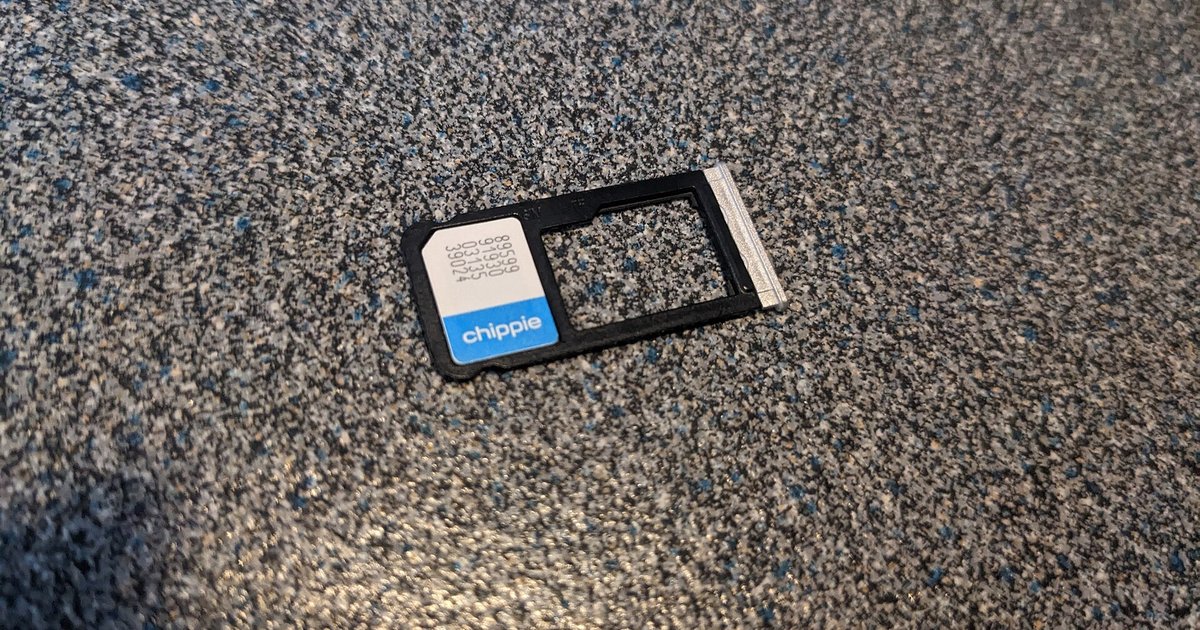
There are failure cases where neither SIM can be saved. For a prepaid number that has passed the hard recycling deadline, say, 60 days after balance expiration for AT&T prepaid, the carrier has already assigned that number to another customer. No amount of payment will bring it back. You must buy a new SIM and get a fresh number. For a contract line that has been fully closed and sent to collections, usually after 6-12 months of unpaid suspension, the carrier terminates the service and may sell the debt. At that point, the SIM is dead, and you cannot reactivate the arrangement. You would need to apply for a new credit check and sign a new contract. In both cases, while locating the SIM card on your Android phone might help you identify the card’s ICCID, that number is useless once the subscription is permanently closed. The only recourse is a fresh start with a new SIM.
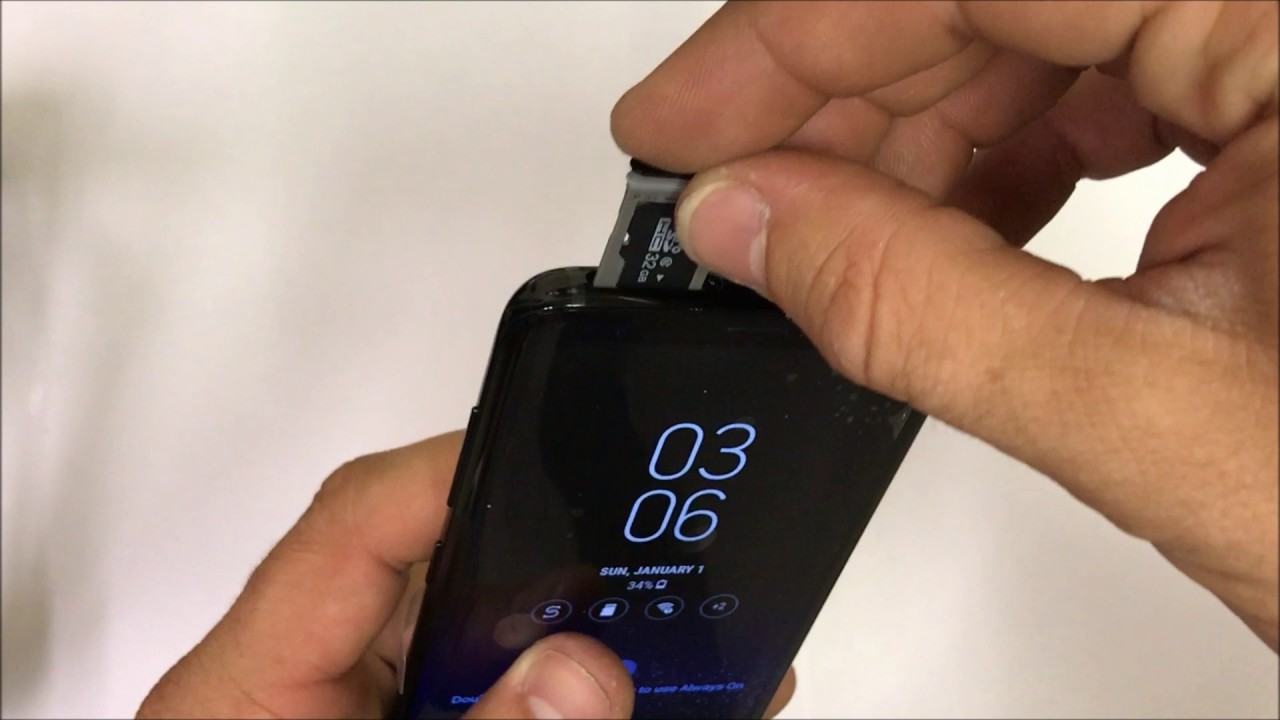
Unlike a contract where a suspended line simply waits for payment, a prepaid number that passes its grace period is permanently recycled and can never be reclaimed by the original owner. For a complete guide on handling your SIM properly, including the correct method for inserting a SIM card, refer to the broader topic of How to Insert, Move and Fix a SIM Card.