To transfer Tracfone service, you must go through an official activation process rather than simply swapping the SIM card. This ensures your phone number, plan benefits, and remaining balance move correctly to a new Verizon-compatible device.
Before you transfer your tracfone service: prerequisites
Check these items before starting to avoid delays or data loss. You will need a new device that is Verizon-compatible, unlocked, and capable of 4G LTE or 5G service. You also need a new Tracfone SIM card designed for the Verizon network. Have your new device’s IMEI, MEID, or serial number ready, along with the new SIM card’s ICCID number, this is the number on the SIM card. An active Tracfone Airtime Service Plan is required to complete activation; if you need a plan that doesn’t require a traditional monthly contract, a tracfone smartphone only plan may fit your needs.
Be aware of two critical warnings. Transferring service from a smartphone to a non-smartphone will cause you to lose any remaining minutes. Upon activating a new SIM card, your voicemail messages will be lost, and you will need to reset your voicemail. Once your current SIM card is deactivated and service is transferred, the old SIM cannot be used for Tracfone service again. Simply swapping an active Tracfone SIM card into a different phone without the official transfer process is not supported and may lead to service issues.
How to transfer tracfone service online
This is the primary method. Visit Tracfone.com and navigate to the Activate tab. You will be prompted to choose between "New Phone" if you purchased a device from Tracfone, or "Keep Your Own Phone" for unlocked devices you are bringing to Tracfone. Follow the on-screen instructions, entering your new device’s IMEI and the new SIM card’s ICCID when requested. Complete the transfer by confirming your service plan.
How to transfer tracfone service by text message
Two text-based shortcuts are available. From your old device, send the word "ONESTEP" to 611611. You will receive a reply asking for the last four digits of your new device’s serial number or new SIM card number. Reply with those digits to initiate the transfer. Alternatively, you can text "TRANSFER" to 611611 to move your mobile number to a new device.
How to transfer tracfone service to an eSIM
For eligible iPhone models, Tracfone supports eSIM activation, allowing a digital transfer without a physical card. You will need your phone’s Digital SIM IMEI, often called IMEI2 on iPhone models 12, 13, 14, 15, and SE. During the online activation process, select the eSIM option and enter this IMEI. Activating an eSIM with Tracfone does not lock your iPhone to Tracfone.
Physically inserting your new tracfone SIM card
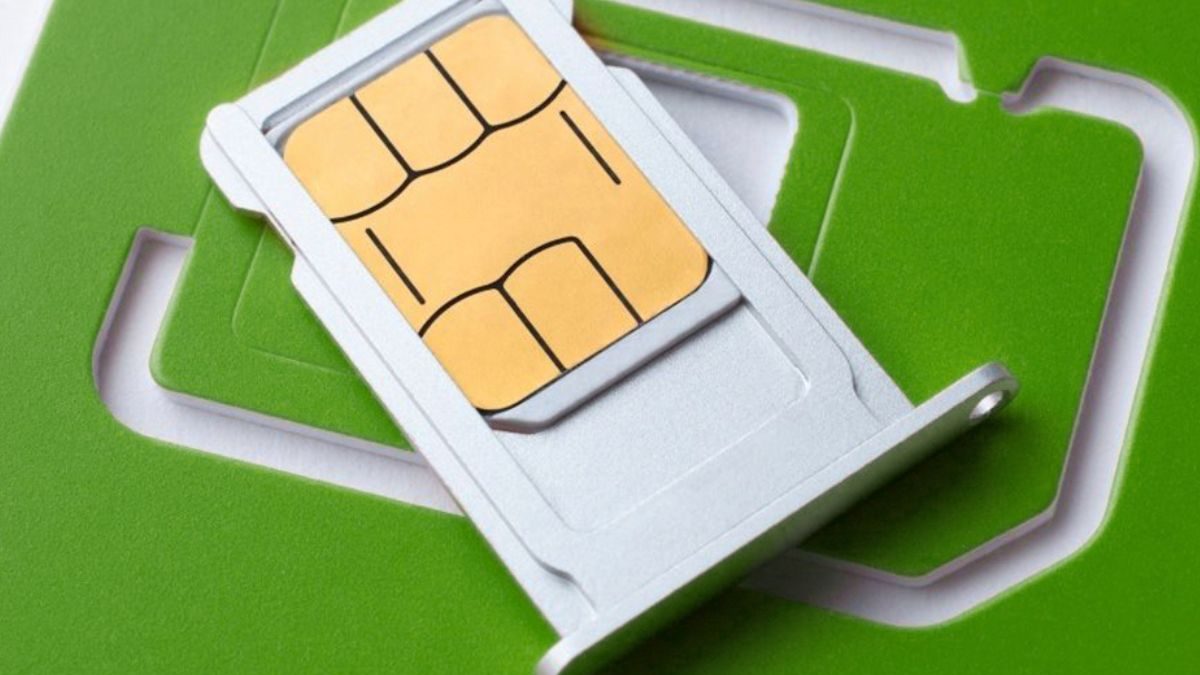
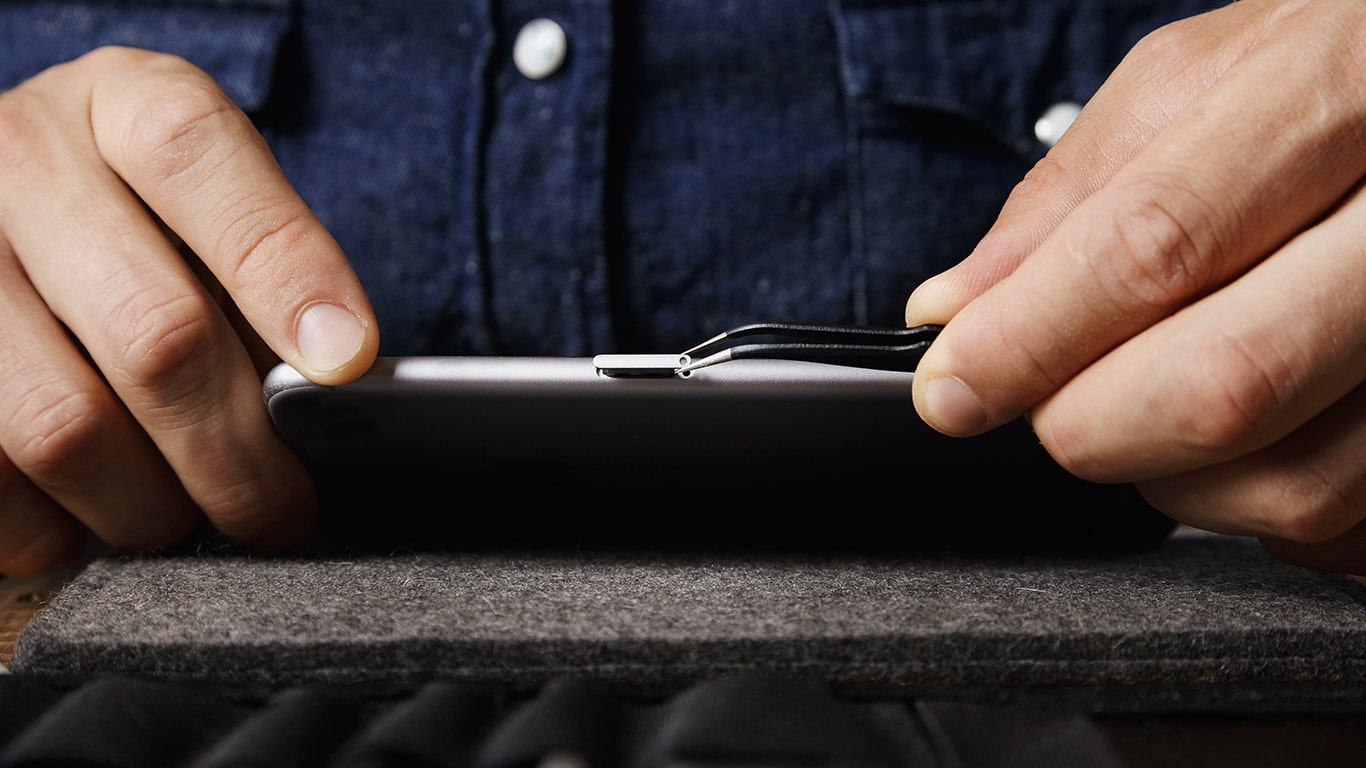
After the service transfer has been initiated, complete the physical installation. Power off your phone. Locate the SIM tray, which is typically on the side of the device. Use a SIM removal tool or a paperclip to open the tray. Remove any old SIM card. Place the new Tracfone SIM into the tray, matching its trim size (standard, micro, or nano). Gently reinsert the tray into the phone. Power on the device. The process of inserting a SIM card is straightforward, but ensure the card is seated correctly to avoid connection issues. After installation, you can verify connectivity by making a test call or sending a text message to check if your SIM card is working.
Troubleshooting a failed tracfone service transfer
No network connection
To connect to the Tracfone 4G LTE network, your device must operate on Band II, Band IV, or in certain areas, Band 12. If your device lacks these bands, it will not connect.
Invalid SIM card error
An "Invalid SIM Card" error typically means the old SIM is still active. Since your old SIM is deactivated once the transfer completes, recheck that you are using the new SIM card that came with your activation kit. If the error persists, power off the device, remove and reinsert the SIM, then power on again.
Activation delays
If your service does not activate immediately, wait several minutes for the network to provision your line. If the delay continues, contact Tracfone customer support for assistance in completing the activation.