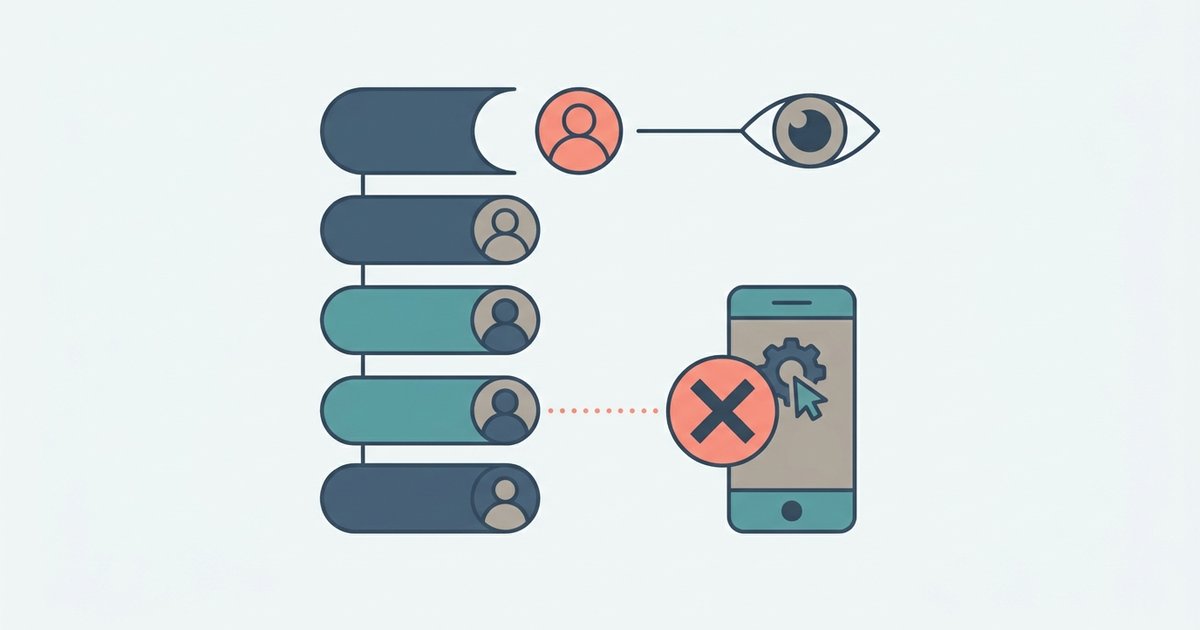
Instagram does not show a list of people who unfollowed you, and it does not send a notification when someone does. The only safe ways to find out are manual: checking your own Followers list, looking at a specific person's Following list, or comparing your follower list over time. Apps that promise an automatic unfollower report need your login, and Instagram's own guidance says that puts your account at risk.
If you only care about a handful of people, the manual checks take a minute. If you want a full report on hundreds of accounts, there is no official tool for that, and it is worth understanding why before you hand your password to one.
Why Instagram doesn't tell you
Instagram treats unfollowing as a private action. Its help page on unfollowing states plainly that people won't be notified when you unfollow them. The same applies in reverse. The app shows you new followers in your activity, but a follower leaving produces no alert, only a lower number on your profile.
A falling count also has causes other than unfollows. Instagram removes likes and followers generated by inauthentic activity, a follower may have deactivated, which hides their profile until they log back in, or an account may have been deleted. So before assuming someone left on purpose, check whether the account still exists at all.
Method 1: Search your Followers list
This is the quickest check for one person.
- Go to your profile.
- Tap your follower count to open the Followers list.
- Use the search field at the top of the list and type their name or username.
If they appear, they still follow you. If they don't, either they unfollowed, you removed them, their account is deactivated or deleted, they changed their username and you searched the old one, or one of you blocked the other. Try their display name as well as their username before drawing conclusions.
Method 2: Check their Following list
If their account is public, or private and you follow it, you can check from the other side.
- Open their profile.
- Tap their Following count.
- Search for your own username in that list.
If you are not there, they don't follow you. This works well when you want to confirm something about one account and have no way to see it from your own lists, for example if you have a large following and search results are slow.
Method 3: Compare your follower list over time
For a broader view without outside apps, you can keep your own record. Some people take periodic screenshots of their Followers list. That only works for small accounts, but it needs no tools at all.
A more complete approach is Instagram's own export. Through Accounts Center, under Your information and permissions, you can request a download of your Instagram information. Instagram offers a 'Customize information' option that lets you pick only certain categories. If you export your connections at two points in time and compare the two files, the accounts missing from the second one are the people who left, were removed or deactivated. The export can take time to arrive, so it suits a monthly check rather than a daily one.
Why unfollower apps are a risk
Most apps and websites that promise to list your unfollowers ask you to log in with your Instagram username and password, or to authorize access with your Instagram account. Instagram does not offer a public data feed of who unfollowed whom, so these services depend on getting into your account.
Instagram's help center is direct about this category of service. It warns against apps that ask for your Instagram login details in exchange for likes or followers and says none of these services are affiliated with or endorsed by Instagram. Its explanation of the risk applies to any app that asks for your password:
- Complete access. Instagram says that if you give an app your login information, whether with an access token or your username and password, it can gain complete access to your account.
- Your messages and your friends. The same page says such apps can see your personal messages, find information about your friends and potentially post spam or other harmful content on your profile.
- Account limits. Instagram says it may remove engagement generated by these apps, that accounts which keep using them may find parts of their account limited, and that accounts may be disabled or terminated.
Instagram's scam guidance adds a broader caution: be careful with browser extensions and third-party apps, particularly ones that offer functionality that sounds too good to be true or require you to log in with your social media credentials before you can use them. An unfollower tracker fits that description closely.
There is also an automation problem. To keep your list up to date, a tracker has to log in and look at your account repeatedly. Frequent automated activity from an unfamiliar location is exactly the kind of behavior security systems are built to flag, which is how a harmless-sounding tool ends in a locked account or a password reset.
If you already used an unfollower app
You can undo most of the exposure.
- Change your password. Instagram recommends this if you have shared your username and password with an outside app. Use a password you don't use anywhere else.
- Remove connected apps. Go to your profile, tap Menu, and look below Your app and media for App and website permissions. Remove any app you don't recognize or no longer use.
- Turn on two-factor authentication if it isn't on already, so a stolen password alone is not enough to log in.
- Check your recent activity. Look through your posts, stories and messages for anything you didn't send, and review which devices are logged in to your account.
If you can no longer log in, or you see posts you didn't make, follow Instagram's steps for a hacked account rather than trying to regain access through the app that caused the problem.
What an unfollow usually means
Instagram's feed is crowded, and people prune the accounts they follow for all kinds of reasons that have nothing to do with you: they are cutting back on time in the app, the account no longer matches their interests, or they are simply tidying up. For businesses and creators, individual unfollows are much less informative than the overall trend in your follower insights, which Instagram provides to professional accounts.
If one specific person matters to you, check their Following list or your own Followers list directly. If you want a broader picture, export your information every few weeks and compare the files. Either way, keep your password to yourself. A list of who left is never worth giving an unknown app the keys to your messages.