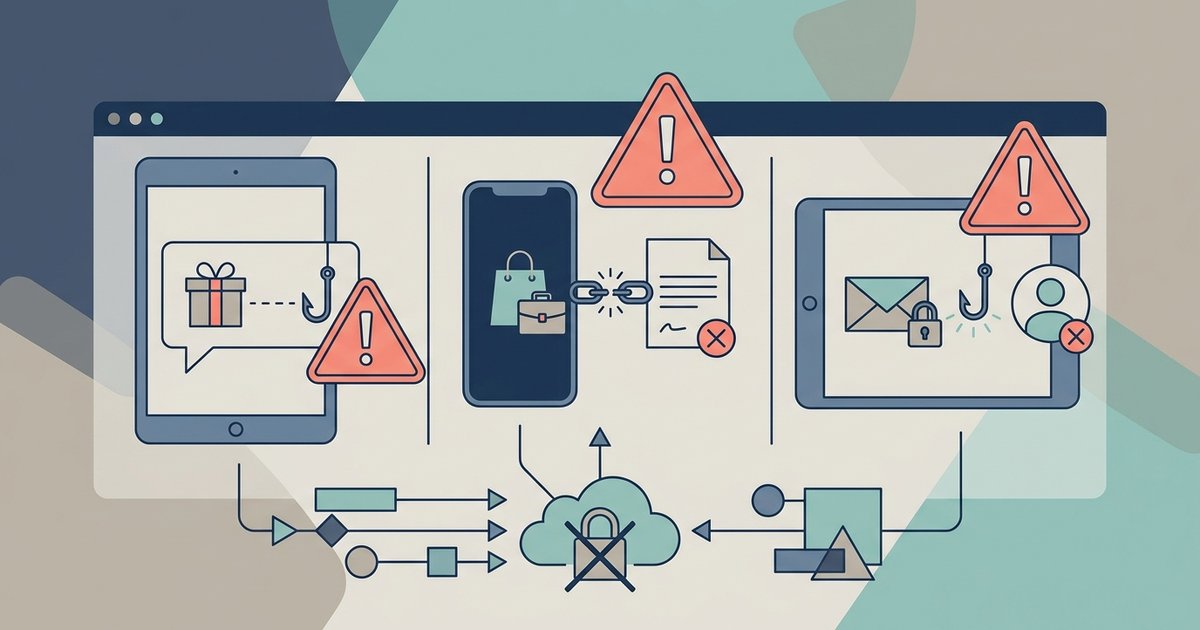
Most Instagram scams follow the same pattern: an unexpected message offers you something you want, or threatens something you fear, and then asks for money, your password or a login code. Fake giveaways, fake brand deals and fake security warnings are three versions of that one trick. The single most useful fact to remember is that Instagram says it will never send you direct messages about your account in the Instagram app.
This guide covers how each scam usually looks, what Instagram says it will and won't contact you about, and how to report a scam account or message.
What Instagram will never do
Instagram's help center gives a few clear rules that cut through most scams:
- No account DMs. Instagram says it will never send you direct messages about your account in the Instagram app, and that it will never reach out about account security through direct messaging. A DM from an account calling itself Instagram Support, Meta Security or a copyright team is not from Instagram.
- Security messages come by email, from specific addresses. Instagram says official messages about account security are only sent to your email address, from domains including @support.facebook.com, @support.instagram.com, @facebookmail.com, @mail.instagram.com and @global.metamail.com.
- No paid verification outreach. Instagram has stated that it will never request payment for notable verification or reach out to ask you to confirm your verification.
You can check whether an email really came from Instagram. Go to your profile, tap Menu, tap Settings & Privacy, tap Accounts Center, then Password and security, then Recent emails, and pick your account. Instagram lists the emails it sent in the last 14 days, split into Security and Other. If a message about your account is not in that list, treat it as fake. Instagram notes it is gradually moving people to Meta Accounts, so you may see Meta Account settings where these steps say Accounts Center.
Phishing DMs and fake security warnings
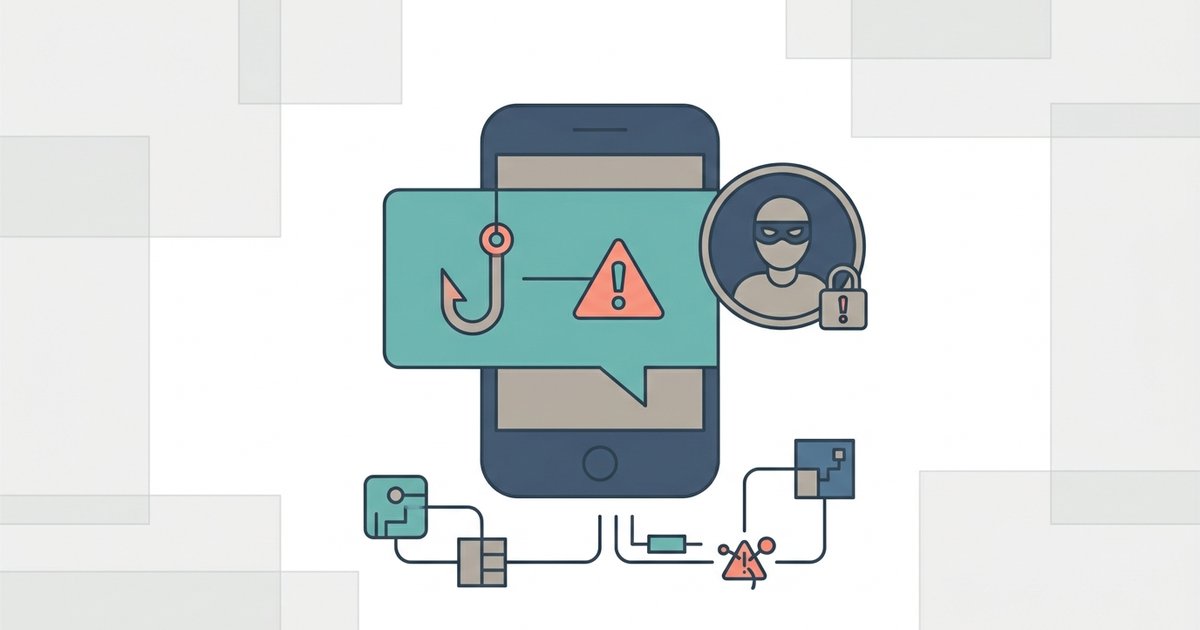
Instagram defines phishing as someone trying to get into your account by sending a suspicious message or link that asks for your personal information, and notes these messages often claim your account will be banned or deleted if you don't follow their directions. Common versions include:
- A DM saying your account violated copyright or community rules and will be removed unless you fill in an appeal form.
- An email or message asking you to log in to read an important notice about your account.
- A message offering a verified badge if you confirm your details.
- A friend's account, already taken over, asking you to send them the code you just received so they can get back in.
The link in these messages leads to a page that looks like an Instagram login screen. Anything you type there goes to the scammer. The request for a code is the same trick in a different form: the code is the scammer trying to log in to your account, and passing it on hands them access.
Instagram's advice is simple. Don't click links or attachments in suspicious messages, don't answer messages asking for your password, social security number or credit card information, and turn on two-factor authentication. You can forward phishing emails to phish@instagram.com.
Fake giveaways and prize messages
Giveaway scams often copy a real brand or creator, sometimes with a username one character off from the original. They tell you that you won, then ask for a shipping fee, a small processing payment, card details or personal information to release the prize.
Instagram's scam guidance lists this exact pattern as a warning sign: people asking you for advance fees to receive a loan, prize or other winnings. It describes lottery scams where someone impersonating a person you know or a legitimate organization claims you are among the only winners and asks for a small fee or your bank details to verify your identity. A real giveaway does not charge the winner to receive the prize.
Before you respond to a win, check the account that contacted you against the official account. Look at the username carefully, check whether the official account announced a winner publicly, and look at how old the contacting account is.
Fake brand deals and collaboration offers
Creators and small accounts are frequent targets for fake partnership offers. The message praises your content and proposes an ambassador role, then introduces a cost: buy the products first at a discount, pay for a portfolio review, or move to another app to sign a contract.
Several of Instagram's listed warning signs apply here. It flags accounts representing large companies or public figures that are not verified, people asking you to move your conversation off Instagram, and job offers that ask you to pay anything upfront before your application is considered. A brand that wants to pay you for content does not need you to pay it first.
If a deal might be real, contact the brand through the website or verified account you find yourself, not through links or numbers the sender gives you.
Other common scams
Instagram's help center describes several more patterns worth recognizing:
- Investment scams promising to turn a small amount into a much larger one, such as cash flipping or get rich quick schemes.
- Romance scams where someone builds a relationship over weeks or months before asking for money, often for travel or a visa.
- Commerce scams selling goods at prices that are too good to be true, pushing the conversation to email or chat apps, and asking for payment in cryptocurrency. Instagram notes Meta does not offer refunds for person-to-person or offsite transactions.
- Loan, donation and inheritance scams that ask for fees or bank details up front.
How to check an account
On a profile, tap the three dots in the top right and then About this account. Instagram says this shows when the account was created, the country where it is based and any former usernames. A brand account created last month in an unexpected country, with several previous usernames, is a strong signal.
Instagram also warns you on its own in some cases. It shows a notice when an account it suspects of impersonation or scams requests to follow you, a warning when such an account sends you a message, and a pop-up if you tap a link in a bio that may be suspicious. Take those warnings seriously.
How to report a scam
Instagram's advice is not to respond and to report it. Reports are anonymous, so the account won't see who reported it.
Report a message
- Open the conversation.
- Tap the three-dot menu next to the message you want to report.
- Tap Report, choose a reason and follow the on-screen instructions.
- Tap Submit Report.
To report a whole one-on-one conversation, tap the person's name at the top of the chat, tap Options, then Report. Instagram says it reviews up to 30 of the most recent messages in a reported conversation.
Report a profile or post
Open the profile, tap the three dots in the top right, tap Report and follow the prompts. For a post, tap the three-dot menu above it and choose Report. 'Scam or fraud' is one of the reasons listed. Blocking the account afterward stops further messages.
If you already clicked or paid
If you entered your password on a suspicious page, change your password straight away if you can still log in, and log out of devices you don't recognize. If you can't log in, use Instagram's account recovery steps rather than any help a stranger offers in a DM. Run Security Checkup from Accounts Center to review your password, two-factor authentication and recovery contact details. If you sent money, contact your bank or payment provider quickly, since Meta says it does not offer refunds for person-to-person or offsite transactions.
The short version is to slow down. Instagram's own three rules are slow down, spot check and don't send. Any message that rushes you toward a link, a payment or a code deserves a second look before you do anything.