Instagram Notes are short text updates, up to 60 characters, that sit at the top of your message inbox and above your profile picture on your profile. You choose whether a note goes to followers you follow back or to your Close Friends list, and it stays visible for up to 24 hours. People can like it or reply, and every reply arrives as a private message.
Notes are closer to a status line than a post. There is no feed, no comment thread and no public count of likes, which is why they feel lower stakes than a story or a reel.
Where notes appear
Instagram's help center says your note appears in two places: at the top of your inbox in Instagram messaging, and above your profile picture on your profile. You can have one active note at a time. Leaving a new note replaces whatever note you had up, including a music note.
For the people who can see it, your note shows up as a small bubble over your profile photo in the row at the top of their inbox. That placement is the whole point of the feature. It catches people at the moment they open their messages, which makes it a natural lead-in to a conversation.
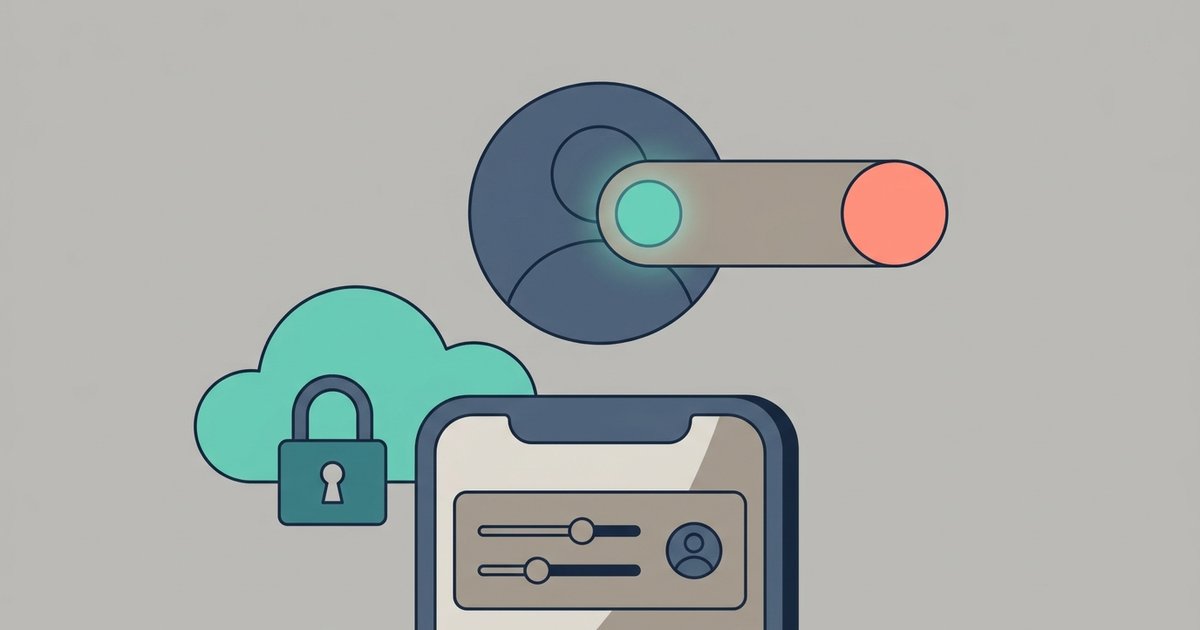
Who can see your note
When you share a note, you pick the audience. Instagram lists two options:
- Followers you follow back. In practice this is your mutual followers, not everyone who follows you. A public account with thousands of followers will only show its note to the accounts it follows in return.
- Close Friends. Only the people on your Close Friends list see it.
This is the main difference between notes and stories. A public story can reach anyone who opens your profile, while a note is limited to people you have a mutual connection with or have hand-picked. It is also why notes are rarely useful as a broadcast tool for large accounts.
How long a note lasts
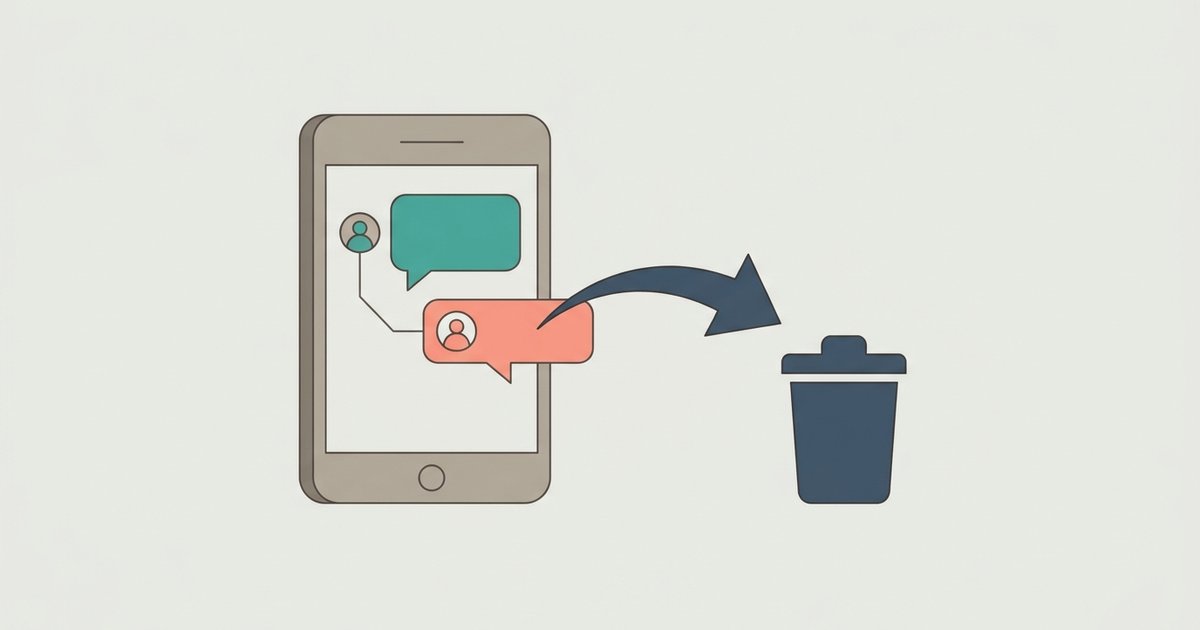
Instagram says you and others will see your note for up to 24 hours. After that it is no longer visible on Instagram. You can delete it earlier at any time by tapping the note and choosing Delete note.
One detail is easy to miss. Notes must follow Instagram's Community Standards, and Instagram states that even after 24 hours, when a note is no longer visible, it can still be subject to review if it was reported. Disappearing from view is not the same as disappearing from Instagram's systems.
How to leave a note
You can start a note from your inbox or from your profile. The steps Instagram publishes for replacing an existing note are:
- Tap your note at the top of your inbox or profile, then tap Leave a new note.
- Enter a note of up to 60 characters.
- Select the audience for your note.
- Tap Share in the top right.
If you don't have a note up, look for the option to leave a note at the top of your inbox, and tap it to start. Instagram's own tips describe notes as text and emojis, so plan on words rather than images.
What you can attach
Music from Spotify
Instagram lets you link Spotify and share what you are listening to as a note. Instagram says this feature isn't available to everyone. Where it is available, the steps are:
- Tap Messages at the bottom.
- Tap Note above your profile picture at the top of your inbox.
- Tap Music. If you haven't linked Spotify yet, tap Link Spotify.
- After linking, tap More next to Share from Spotify. If music is already playing, it appears as your note. If not, start playing something in the Spotify app.
- Add text of up to 60 characters if you want, choose Followers you follow back or Close Friends, and tap Share.
A Spotify note updates in real time to show what you are currently playing. Instagram says it keeps updating for up to 24 hours, or until 30 minutes after you stop playing music. You can tap the note and choose Stop sharing from Spotify at any time, and posting a new note replaces it. To unlink Spotify later, go to your profile, tap Menu, then App and website permissions below Your app and media, and choose Spotify.
Prompts
Instagram also supports prompts in notes, where you pose a question and people can add their own response from their inbox. It works well for recommendations and quick polls among friends. Availability varies, and the exact menu for creating a prompt was not something we could confirm from Instagram's current help pages.
How likes and replies work
When someone likes your note, only you can see that like. You can view the list of people who liked your note by tapping it, and start a conversation with any of them by tapping Messages next to their name.
Replies are always private. Instagram says a reply to a note starts a conversation between the two of you only, and it lands in your inbox like any other message. To reply to someone else's note, tap it at the top of your inbox or their profile, type in the reply field and tap Send. You can like a note by tapping Like or by double-tapping it.
If a note breaks the rules, you can report it the same way you would report other content, from the note itself.
Muting someone's notes
If a friend's notes are more than you want to see, you can mute them without unfollowing:
- Tap Messages at the bottom.
- Tap and hold their note.
- Tap Mute notes, then confirm.
They are not notified. To undo it, go to their profile, tap Following, then Mute, and switch Notes back on. Muting notes does not affect their stories or feed posts, which have their own mute settings.
Notes and the Instagram map
Where the Instagram map is available, notes with a location tagged can appear on it. Instagram says the map shows notes from people you mutually follow, available for 24 hours. The map sits at the top of your DM inbox and its availability depends on your region. Location sharing is off unless you opt in, so a note only carries a location if you add one.
Notes compared with stories
- Format. Notes are up to 60 characters of text and emojis, or a music note. Stories are full-screen photos and videos with stickers.
- Audience. Notes go to mutual followers or Close Friends only. Stories can be public, limited to followers, limited to Close Friends, or hidden from specific people.
- Feedback. Both keep likes private to you, and replies to both become direct messages.
- Location in the app. Notes live in the inbox and above your profile photo. Stories live in the tray at the top of your feed.
Notes are not available everywhere Instagram runs. Instagram says they currently aren't available on Meta Quest devices, and the help pages for interacting with notes mark some features as not available to everyone.
Use notes for what they do well: a quick question, a plan for tonight, a song you have on repeat. Keep them short enough to read in the inbox bubble, set the audience to Close Friends when the note is personal, and expect replies to arrive as ordinary messages you can answer one by one.