Practical guides for anyone who uses Zoom for work, study, or staying in touch with family. Whether you are a first-time user trying to install the app on a laptop, a teacher hosting a webinar, or a remote worker juggling multiple video platforms, these articles are written for everyday people who want clear, step-by-step help without jargon. The tag also covers closely related tools like Google Meet, Restream, StreamYard, and BeLive, so it is useful for comparing options before you commit to a platform.
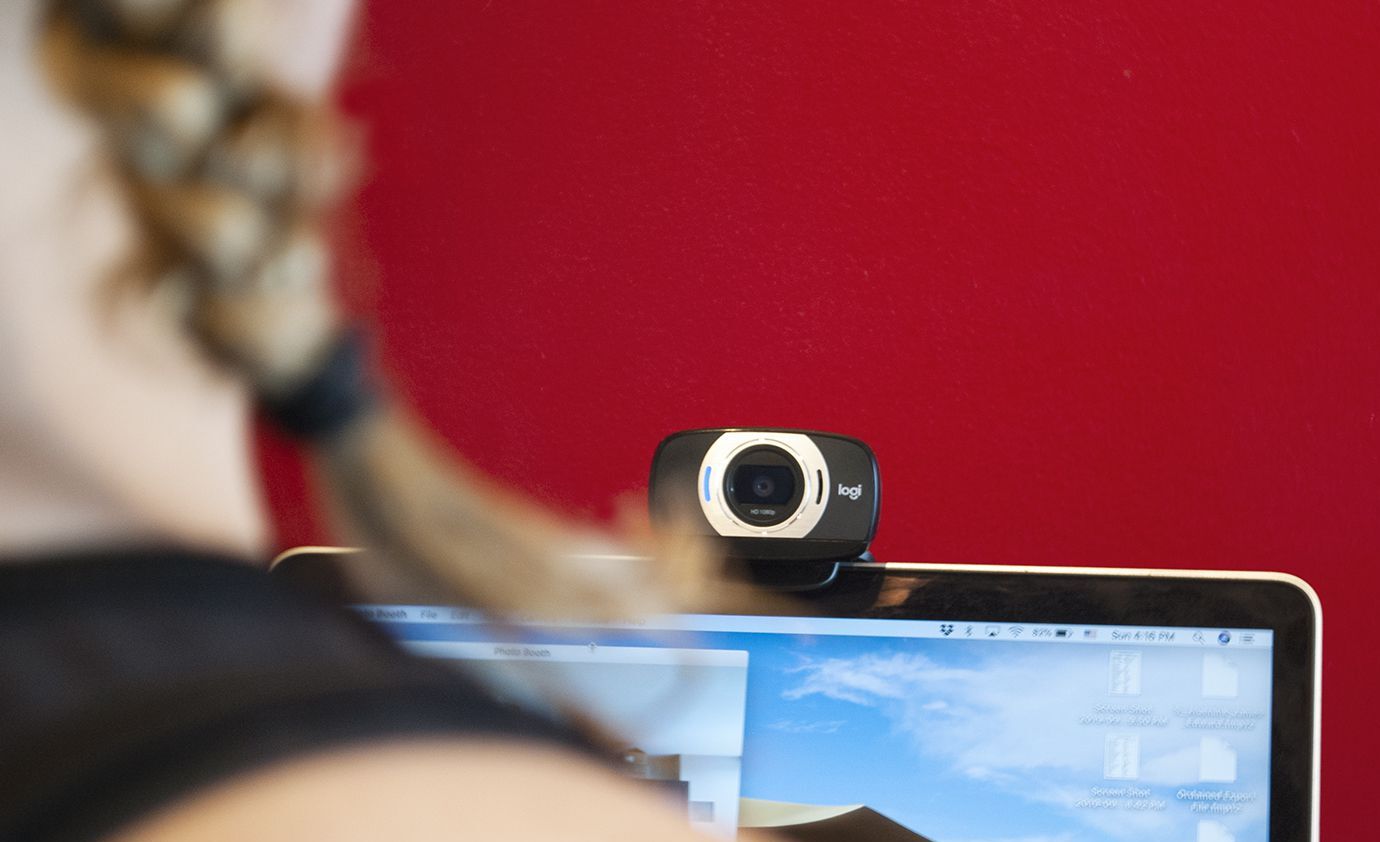
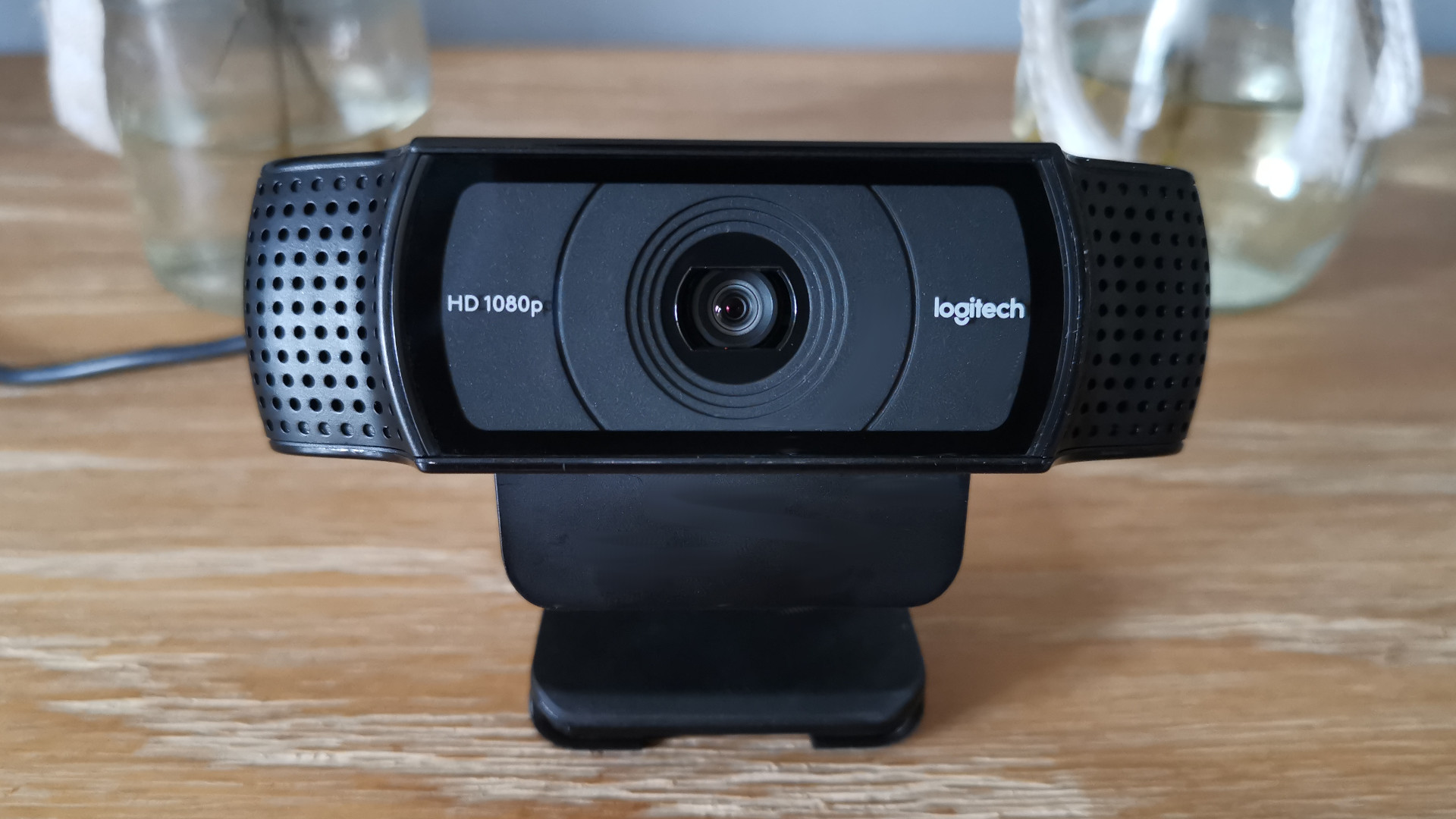
Several articles focus on getting the most out of the software itself. For example, you can learn how to blur your background for extra privacy, annotate shared screens during productive meetings, check your meeting history, or connect AirPods for clearer audio. There are also practical explanations of where Zoom recordings go, how to download them from a shared link, and what the free versus paid account limits actually mean. A few pieces address hardware, such as adjusting a Logitech webcam’s zoom level or blurring its background, which helps you look more professional without buying new equipment.
Other articles take a broader view, helping you choose the right tool or understand new features. You can read about the best Zoom alternatives for 2022, compare Zoom with Google Meet, or see how multi-streaming services like Restream and StreamYard can aid content creators. The tag also covers recent updates, like Zoom’s expanded generative AI features, and explains safety-conscious topics such as how to change your screen size on a tablet or restore a Facebook page to normal size, useful for avoiding eye strain or accidental interface changes. Throughout, the emphasis is on legitimate, straightforward guidance: showing you how to use the tools properly, not how to bypass any restrictions.