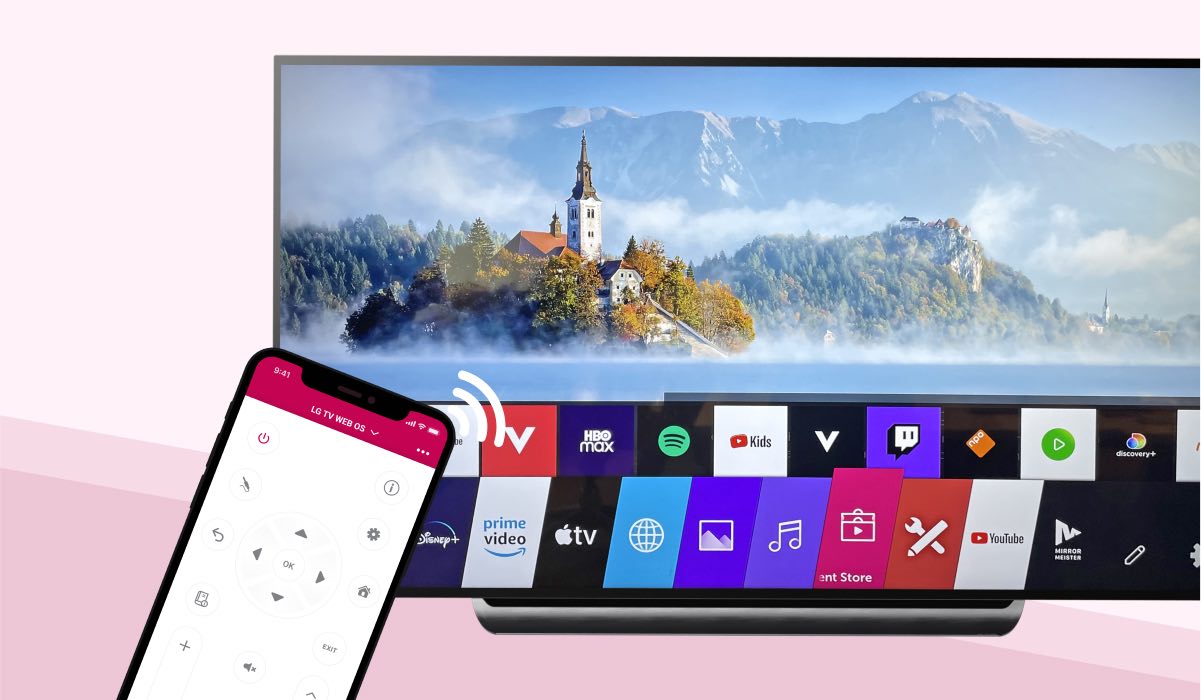
Practical, step-by-step guidance for anyone using an LG Smart TV powered by webOS. These articles are written for everyday viewers, not just tinkerers, who want to get more from their television without calling a technician or searching through confusing menus. Whether you are setting up a new TV, troubleshooting a streaming app, or trying to connect to a mobile hotspot, the tag brings together fixes and instructions in one place.
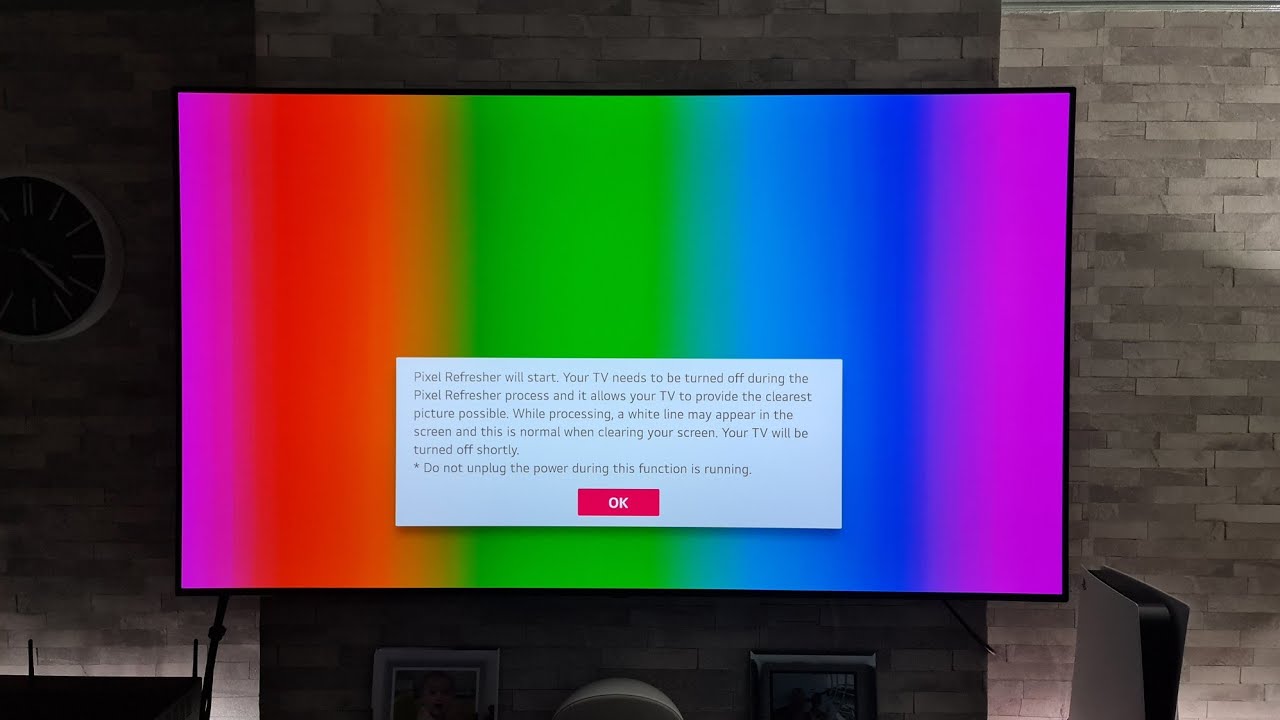
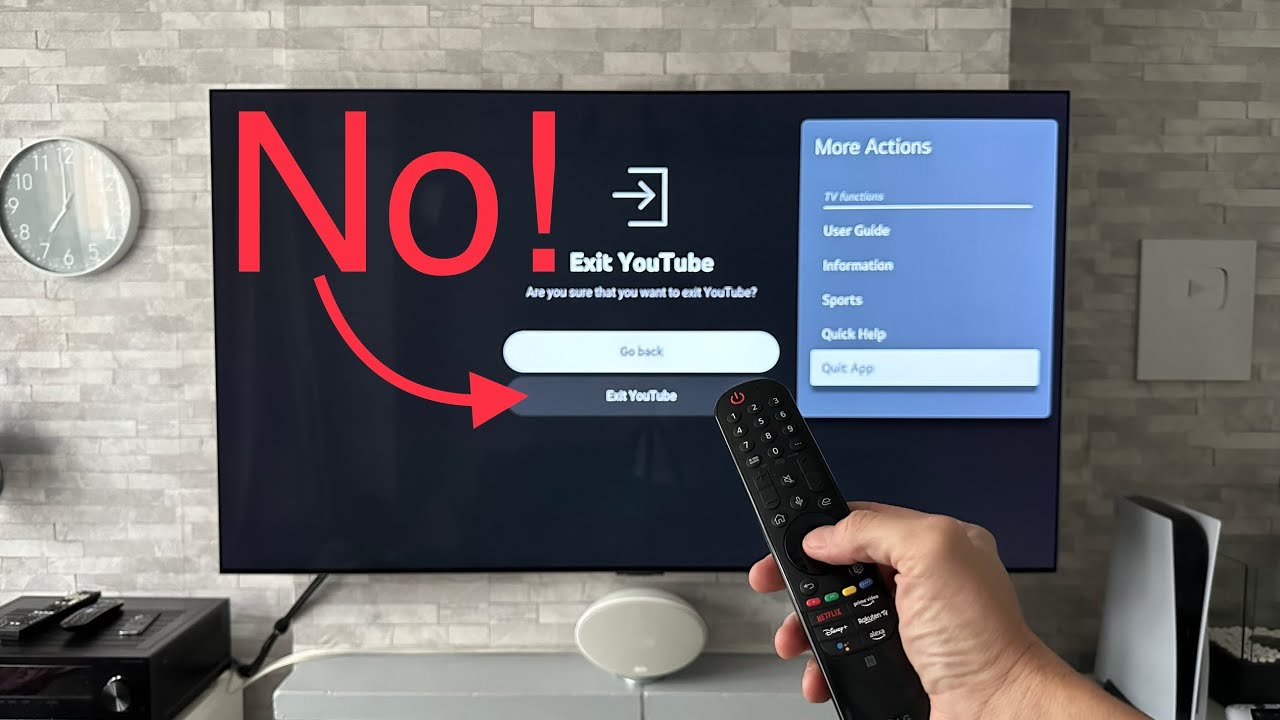
The articles solve three main types of problems. First, they help with app installation and updates, covering services like DIRECTV, Paramount Plus, MLB, Peacock, and PBS Passport. Second, they address common playback and connection issues, such as why YouTube might stop working, how to turn on subtitles, or how to scan for over-the-air channels. Third, they clarify device capabilities and maintenance tasks, for example, how to tell if your LG TV is actually a smart TV, how long a pixel refresh takes on an OLED model, and how to connect to a mobile hotspot. The tag also includes guidance on installing third-party apps and APKs, but it frames this strictly within the bounds of legal, supported methods, explaining what webOS allows and how to stay within those limits, rather than promoting workarounds for piracy or unauthorized access.
Beyond the “how-to” steps, several articles take a troubleshooting or decision-support angle. For instance, the piece on telling if your TV is smart helps you avoid unnecessary purchases, while the pixel refresh article explains a routine maintenance feature so you know what to expect. The hotspot setup guide is useful for travelers or people with poor home Wi‑Fi. Altogether, these articles help you operate your LG TV with confidence, whether that means installing a new streaming service, fixing a frozen app, or simply understanding what your television can do.