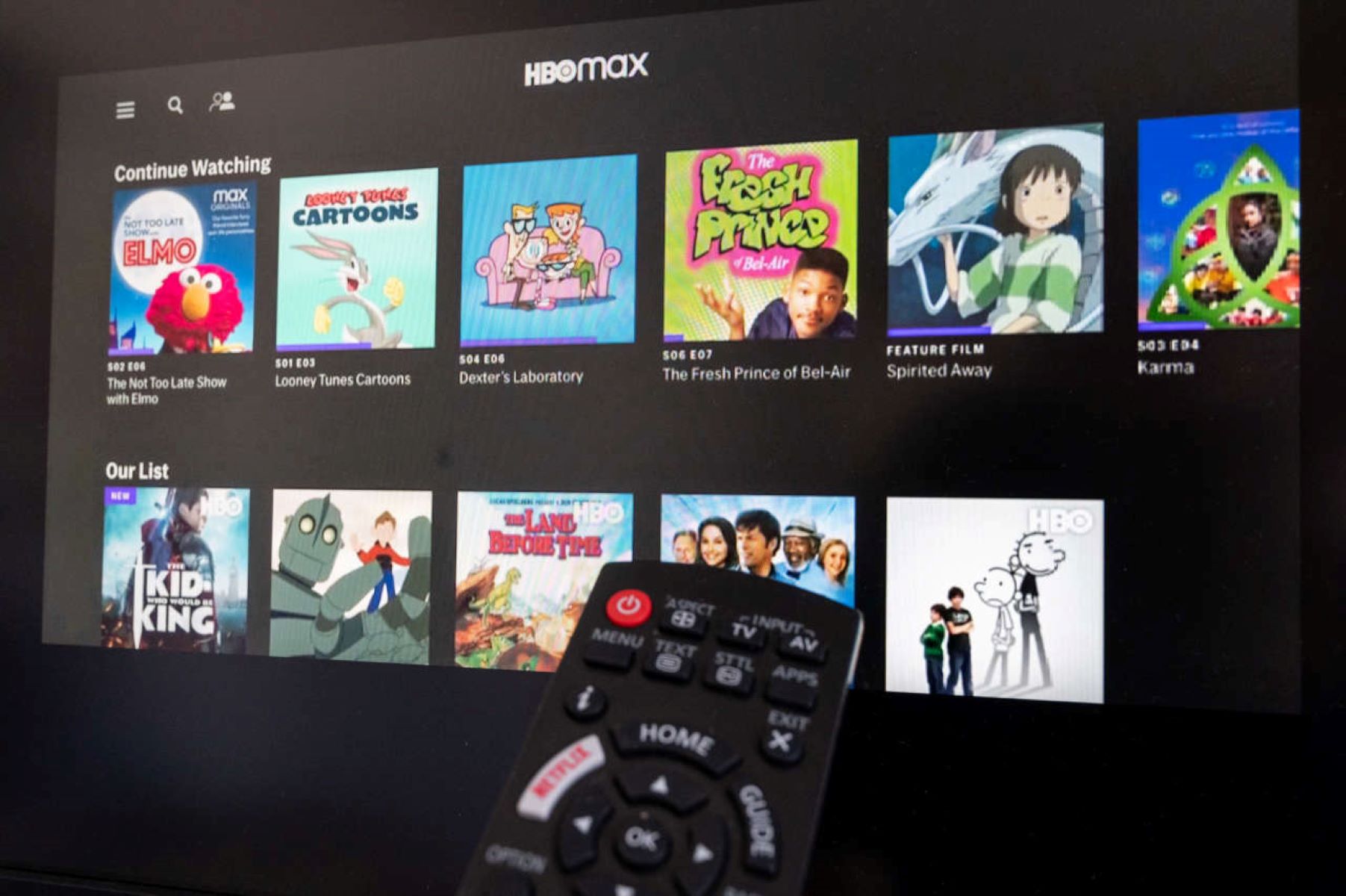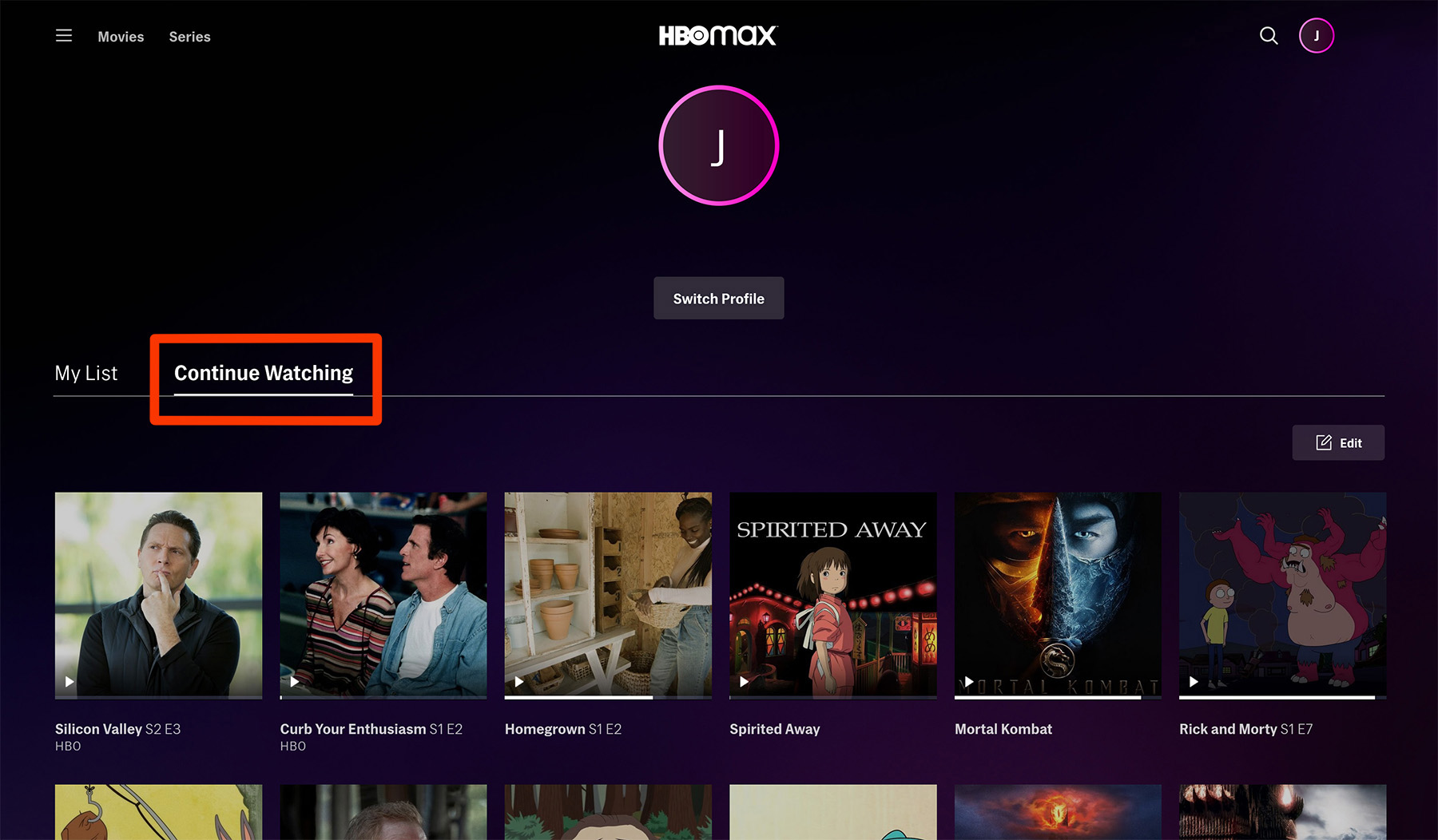
This tag collects articles about managing the viewing history and saved-show data across popular streaming services, written for everyday viewers who share devices or simply want to keep their accounts tidy. It is for anyone who has ever wondered why a show they never started appears in their “Continue Watching” row, or who wants to understand what happens to their personal data when they log out of a shared TV. The focus is on practical, legitimate account management, not on circumventing any service’s rules.
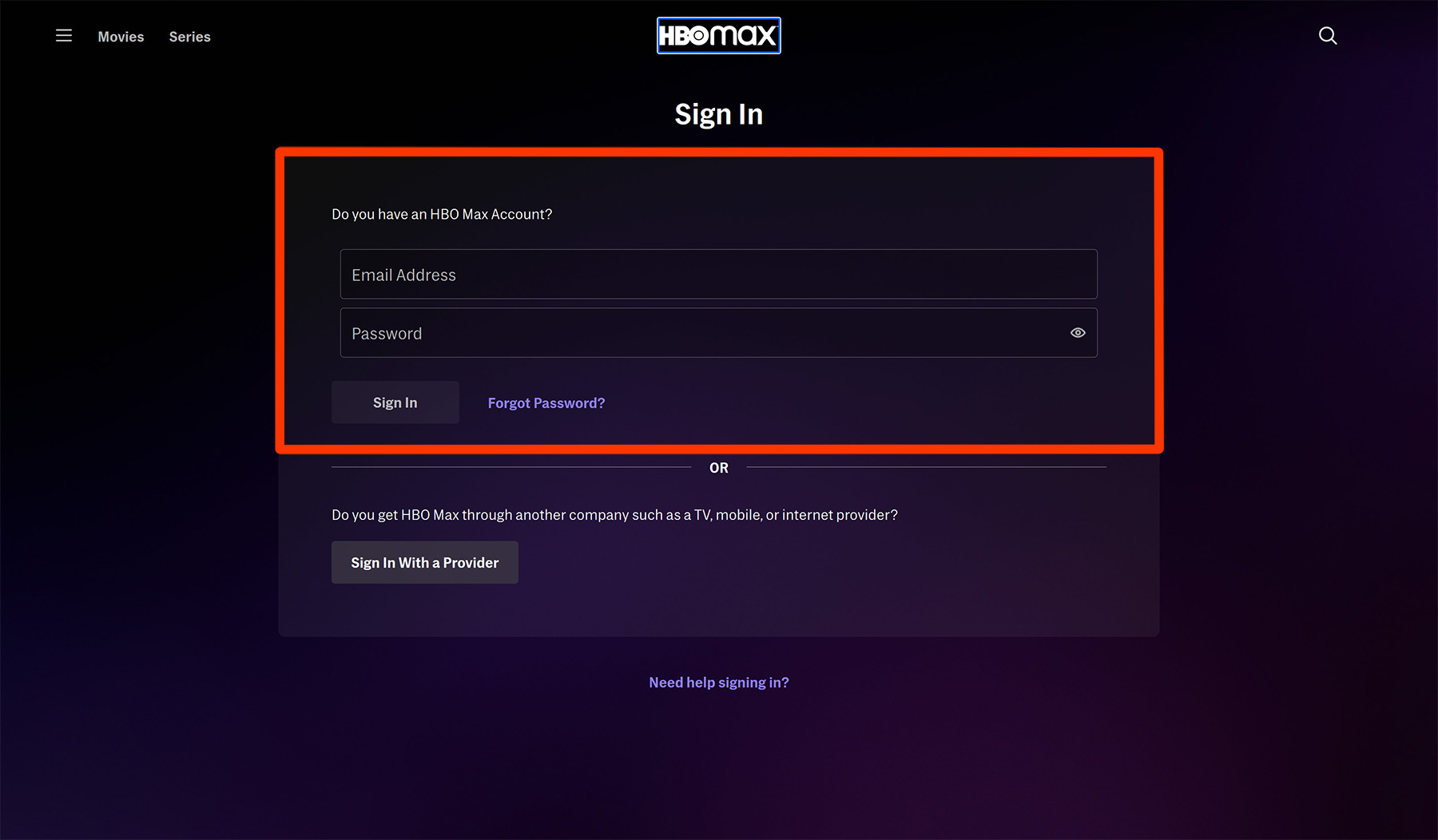
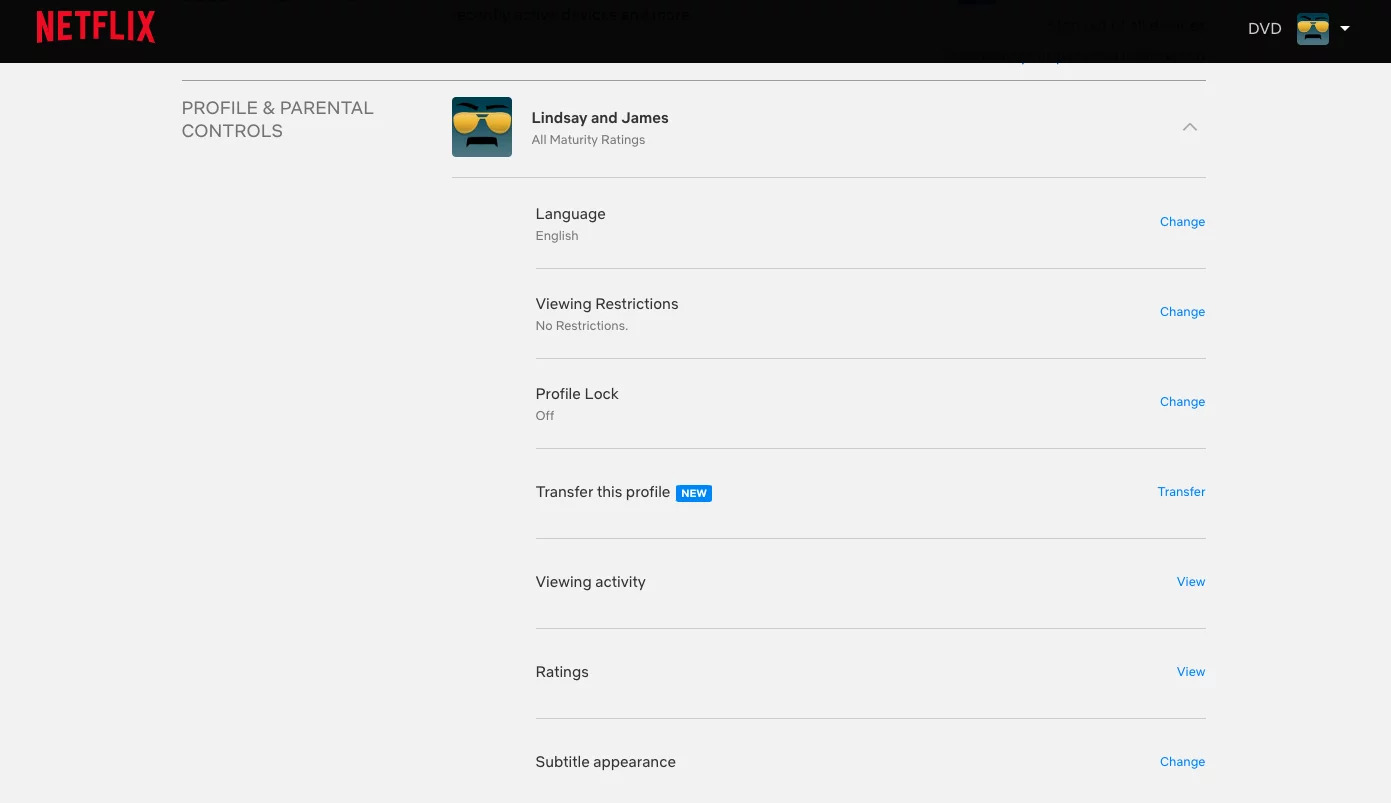
The articles here solve two main kinds of problems. First, they help you clear or reset your own watch history on specific platforms, such as deleting your Netflix history, removing individual shows from HBO Max, or resetting a series so it no longer shows as partially watched. Second, they address the confusion that comes with shared accounts, for example, what actually happens to your saved shows and history when you sign out of an app on a family television. Several pieces cover the same core task on different services, so you can find the exact steps for the app you use, whether that is HBO Max or a general streaming app.
Beyond simple deletion, the articles also explain the side effects of these actions, like what “Remove from history” does versus “Reset series,” and why you might want to clear history for privacy reasons on a shared device. They help you decide which option fits your situation, without any risky workarounds, just straightforward, safe account settings.