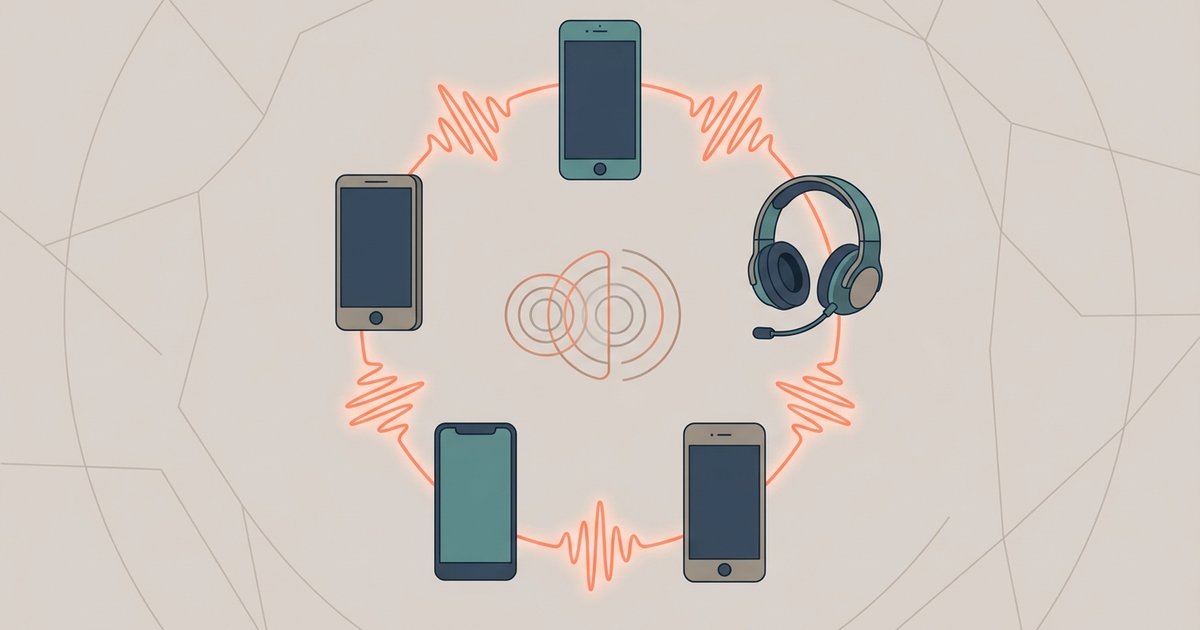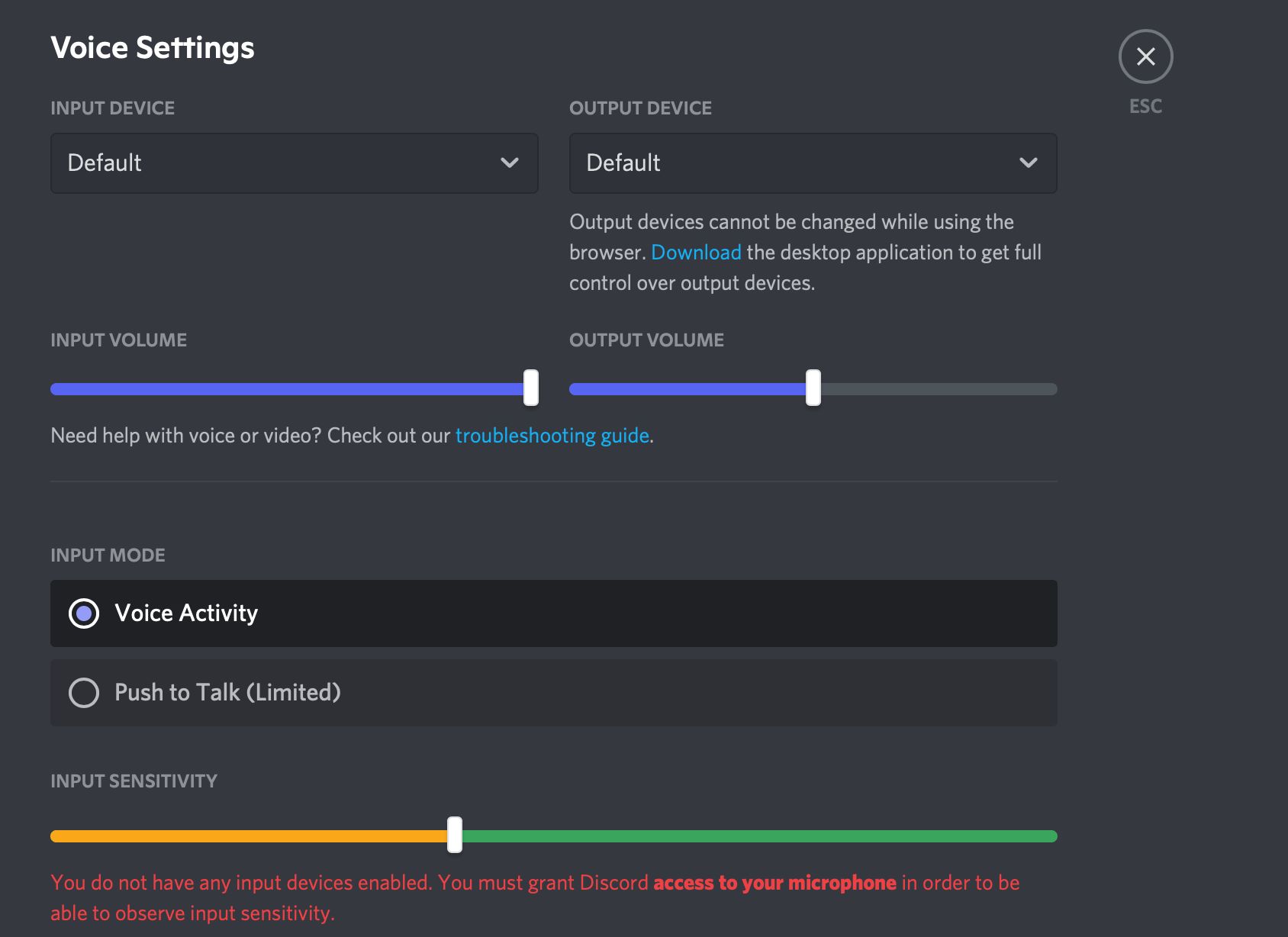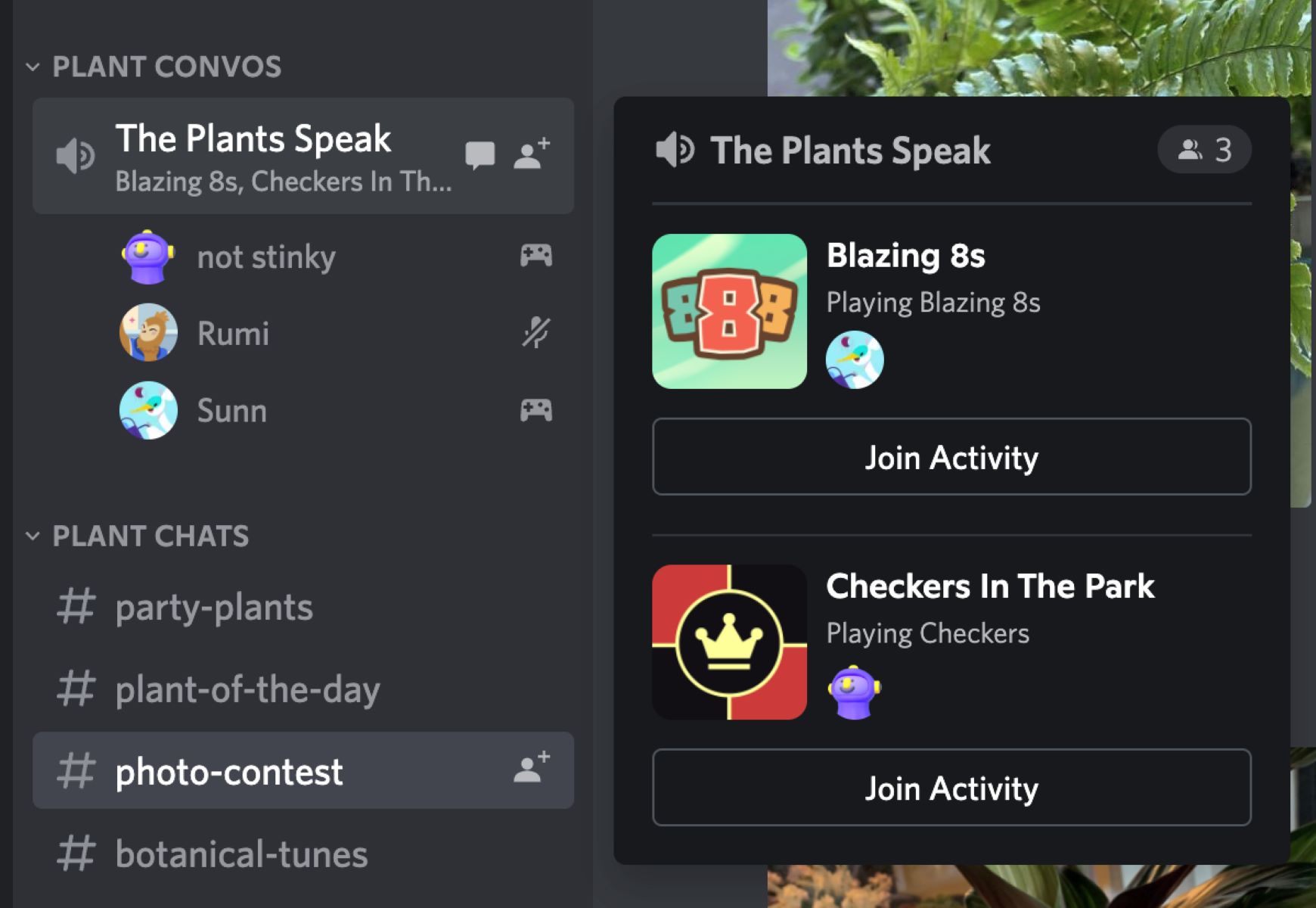
This tag collects practical guides for getting voice chat working smoothly across the many devices and apps where you already spend time, whether that’s a PlayStation console, a Discord server, or a cross-platform game like Among Us. It’s written for everyday users who want clear, step-by-step instructions without jargon, and who may be troubleshooting audio issues or setting up a new way to talk with friends for the first time. The focus is on making the technology behave, not on exploring advanced or risky workarounds.
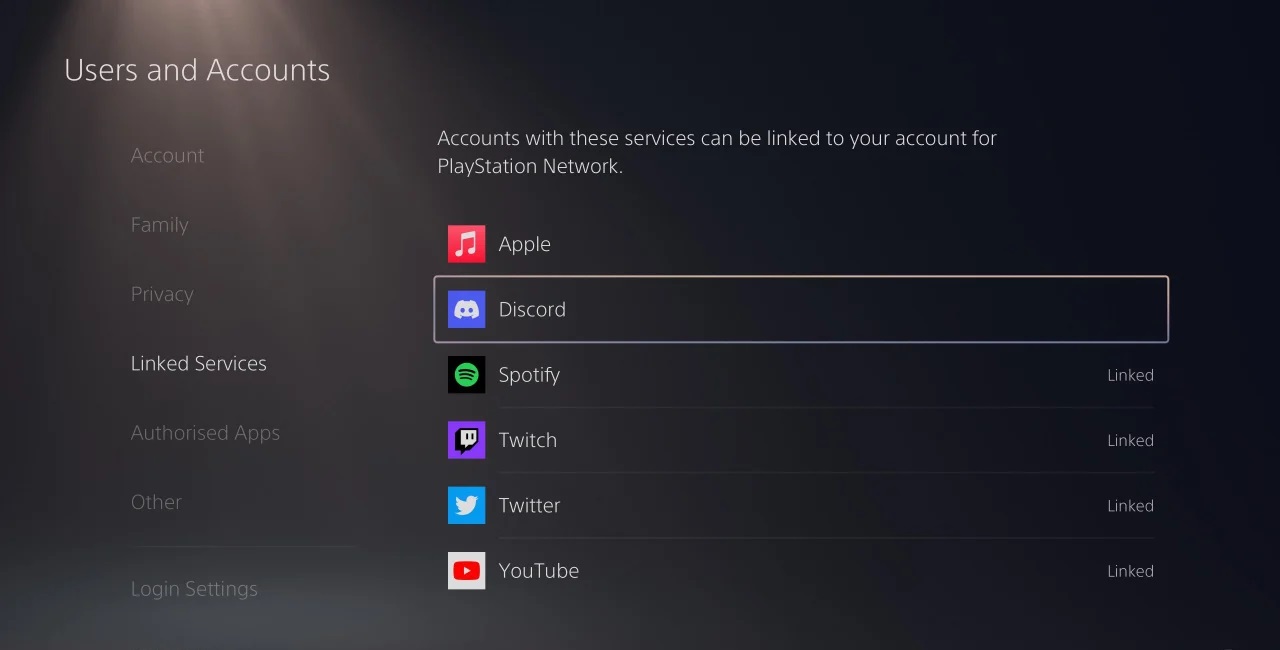
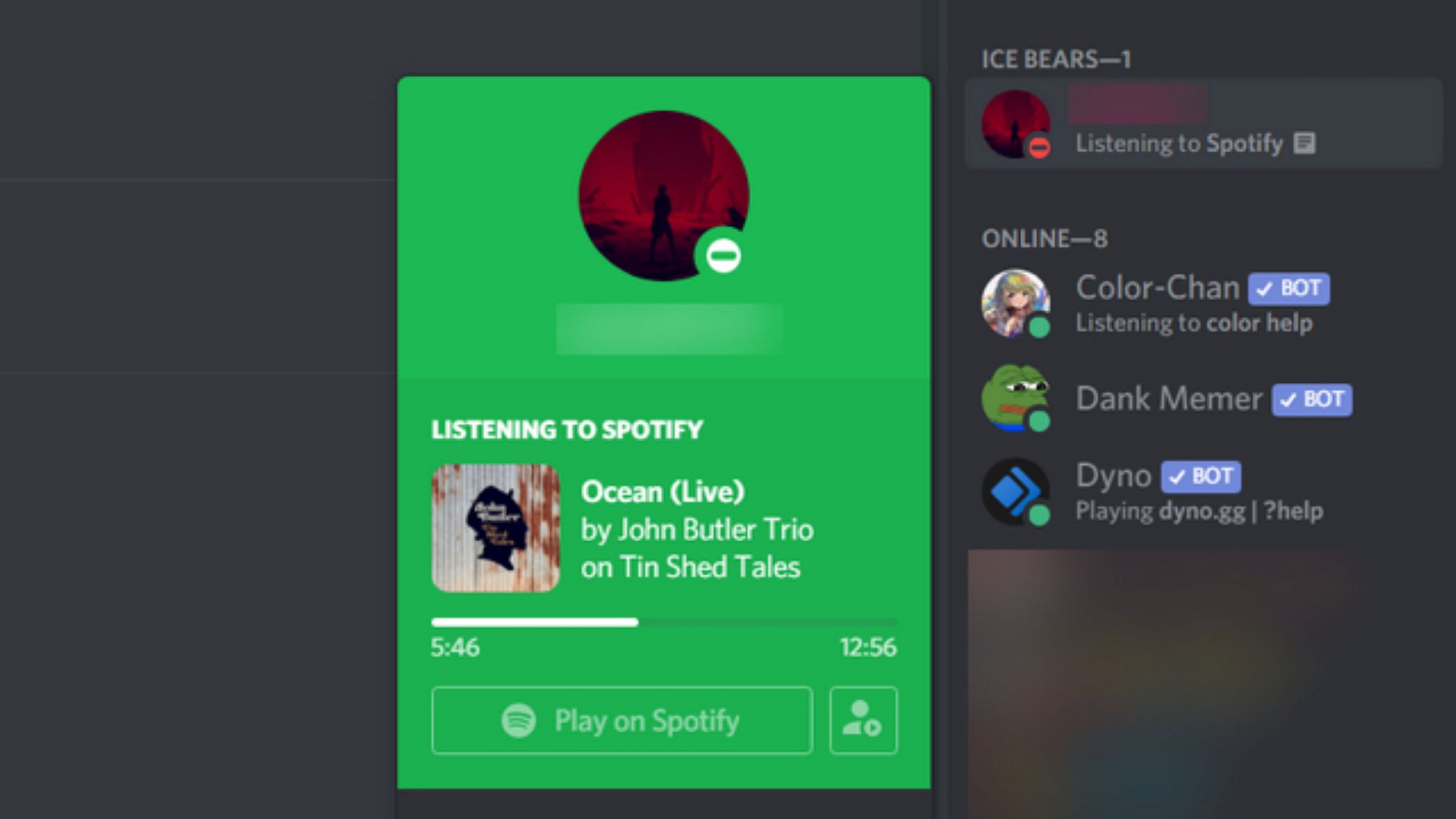
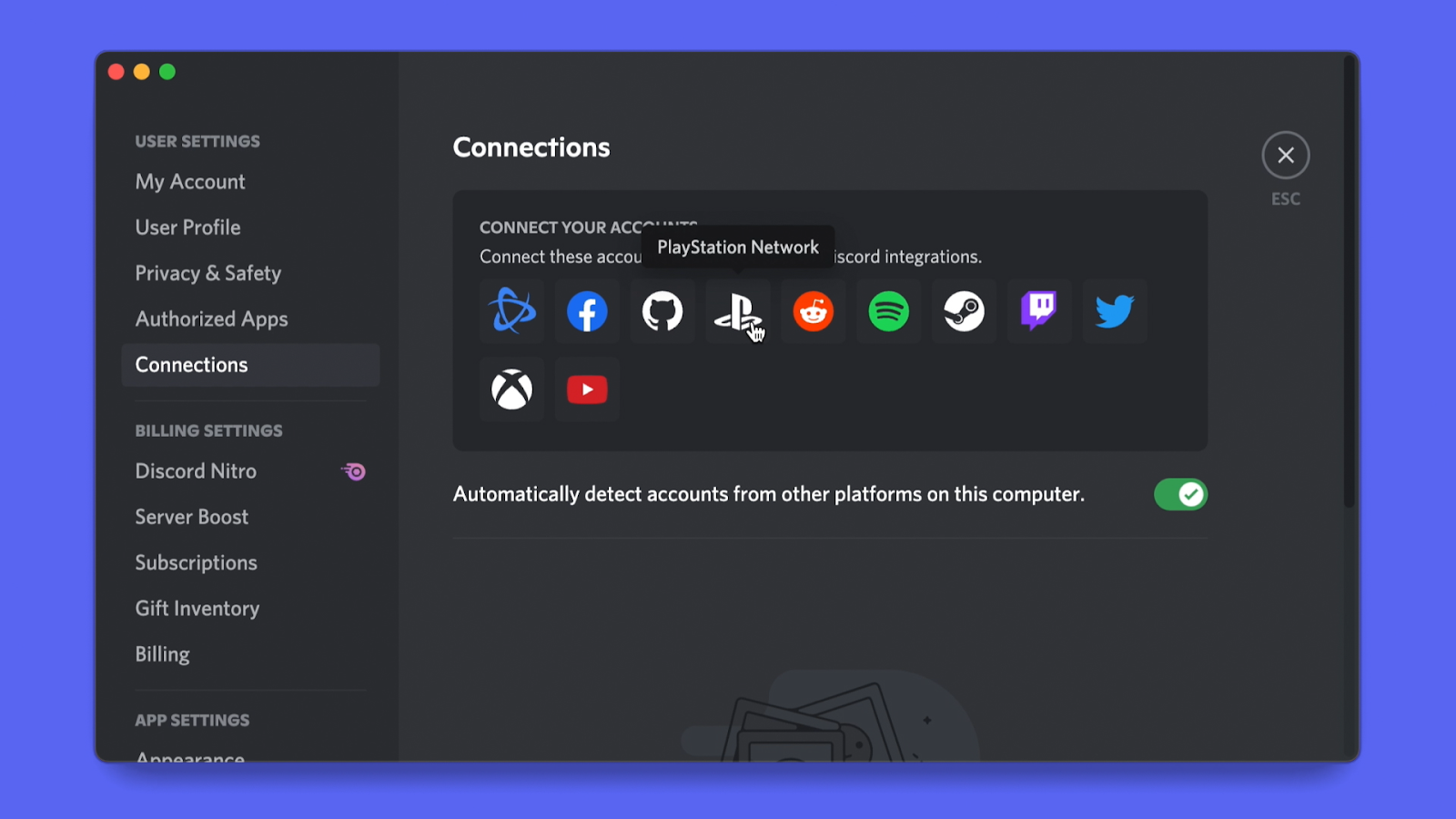
The articles here fall into a few clear themes. One is fixing audio conflicts between apps, such as the common problem of Discord pausing your music on Spotify, or figuring out why you’re suddenly muted and how to unmute yourself. Another theme is connecting platforms, with guides that walk you through linking your Discord account to a PlayStation, or getting Discord running directly on the console in the first place. A third theme covers in-game voice solutions, specifically for Among Us, including how to set up proximity chat that respects the game’s design, and how to achieve crossplay voice chat without relying on Discord at all. These last two are presented as legitimate setup options, not as ways to bypass rules or exploit the game.
Throughout, the emphasis is on safe, supported methods: linking accounts properly, using official app features, and configuring settings so that everyone can hear you clearly. Whether you’re a parent setting up a headset for a child or a group of friends coordinating a game night, these guides help you get talking without the guesswork.