This tag collects practical, step-by-step guidance for anyone using a Vizio smart TV in their home. It is written for everyday owners, not IT specialists, who want to manage their television’s basic functions, connect it to other devices, or troubleshoot common annoyances without calling a technician. The articles are short, direct, and focused on what you can do from your couch with the remote in hand.
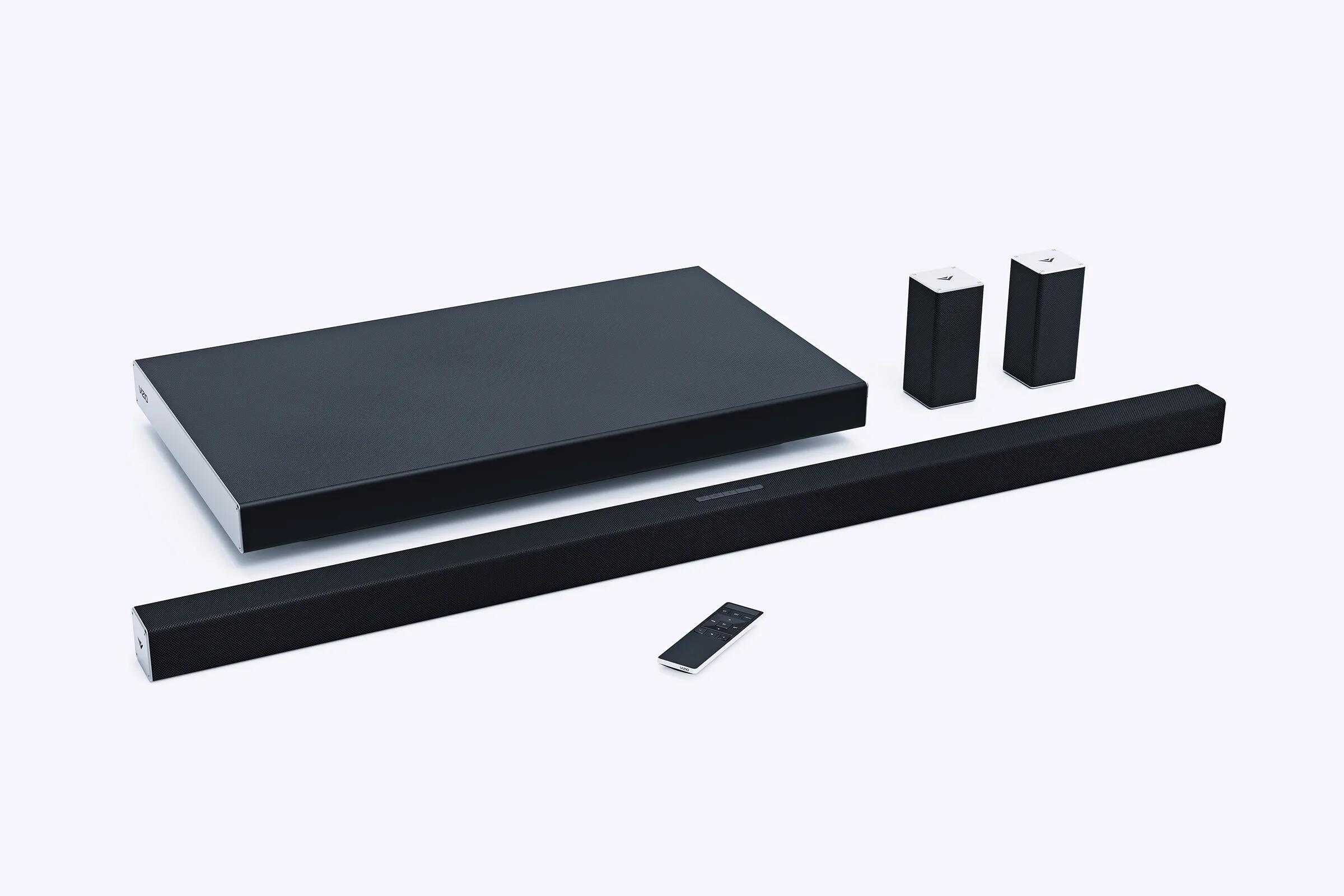
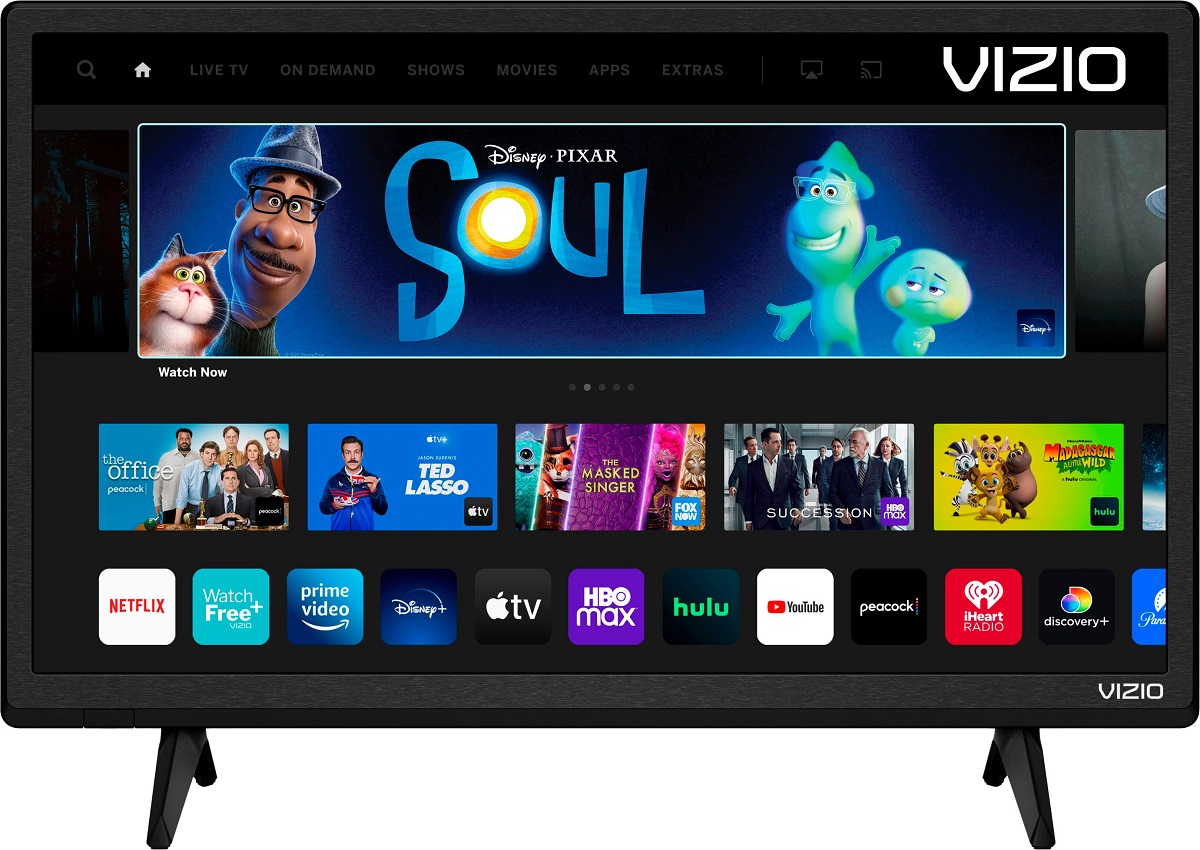
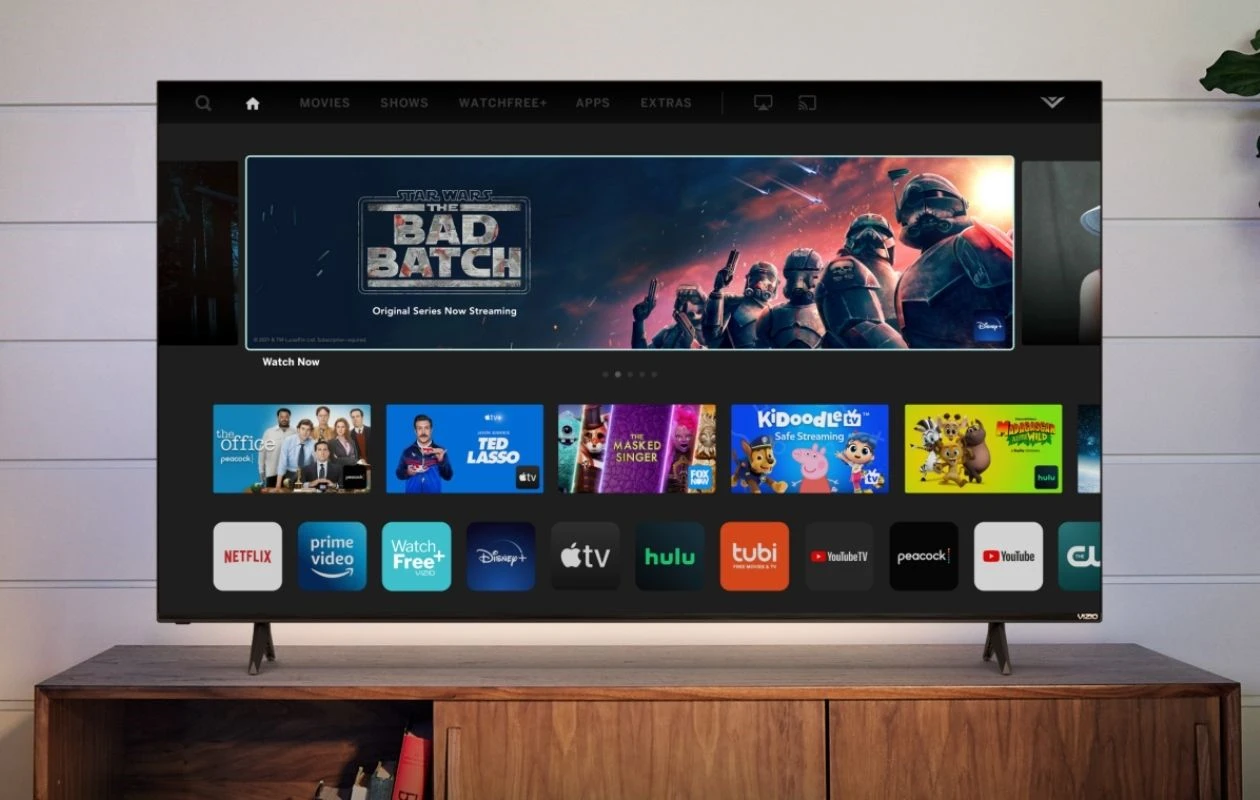
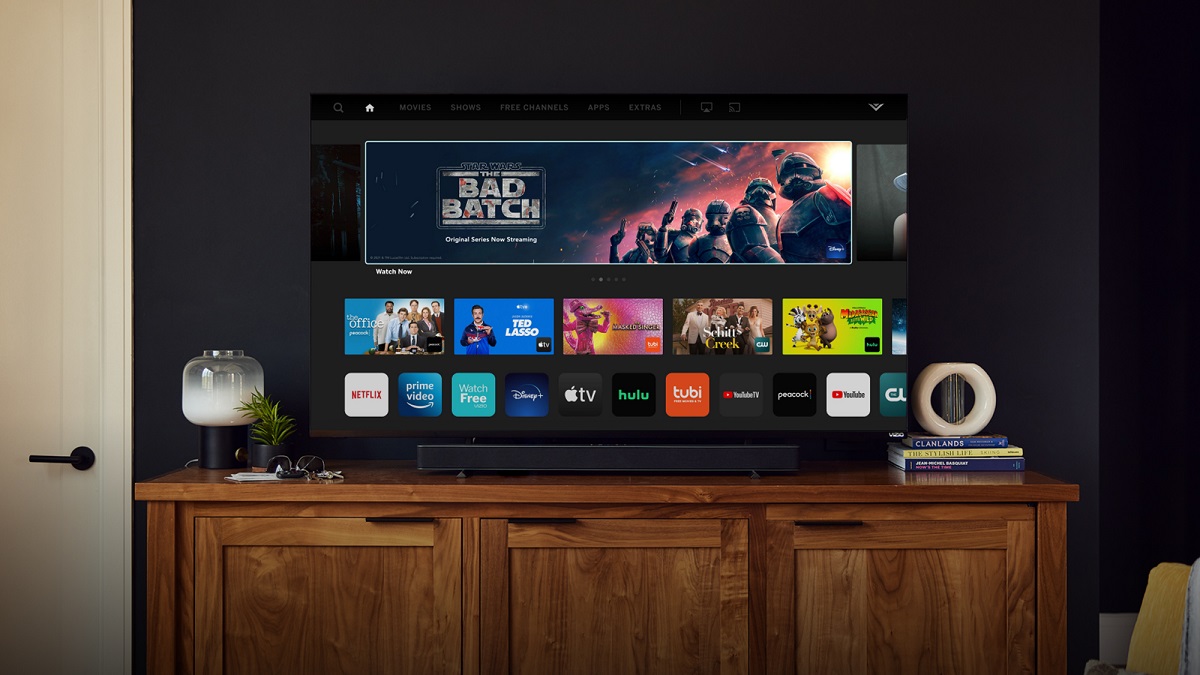
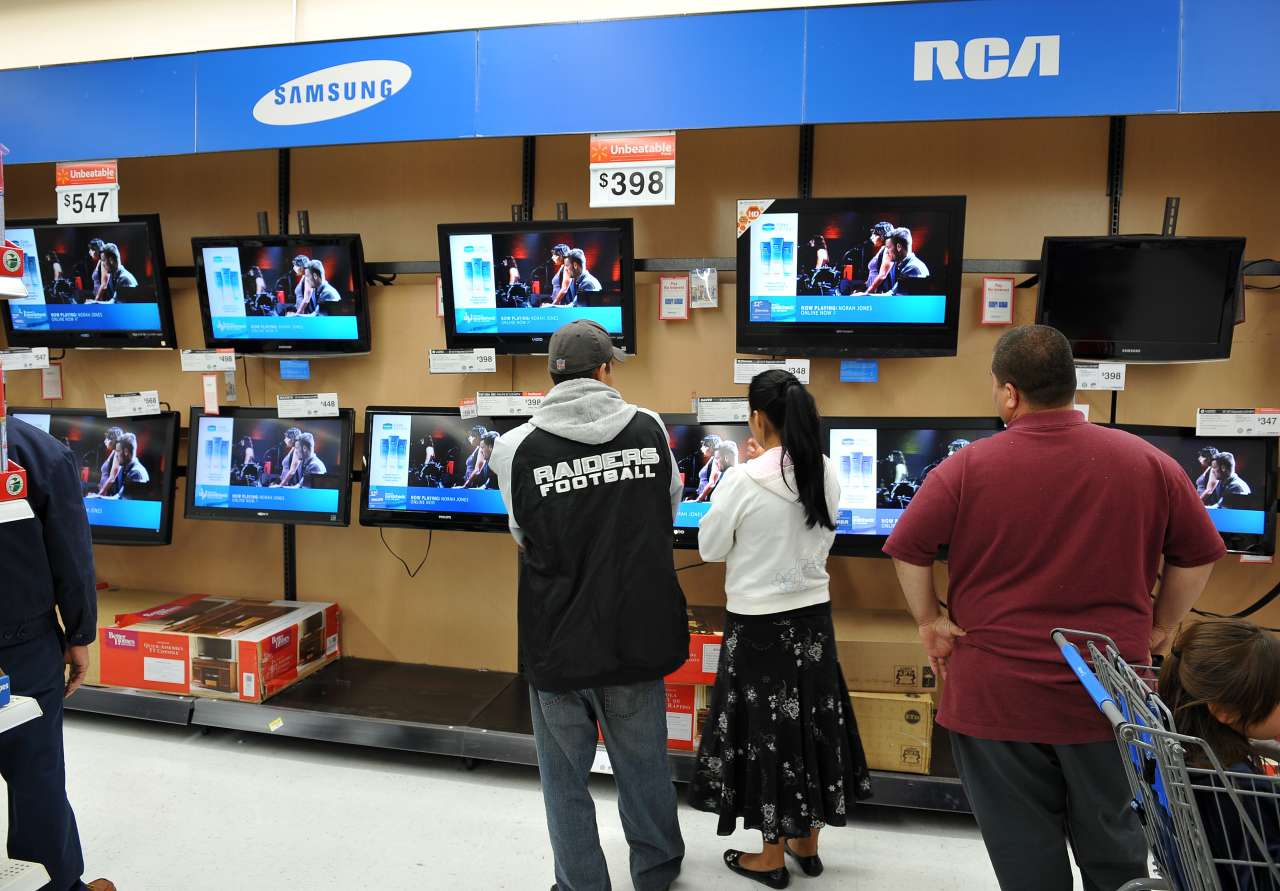
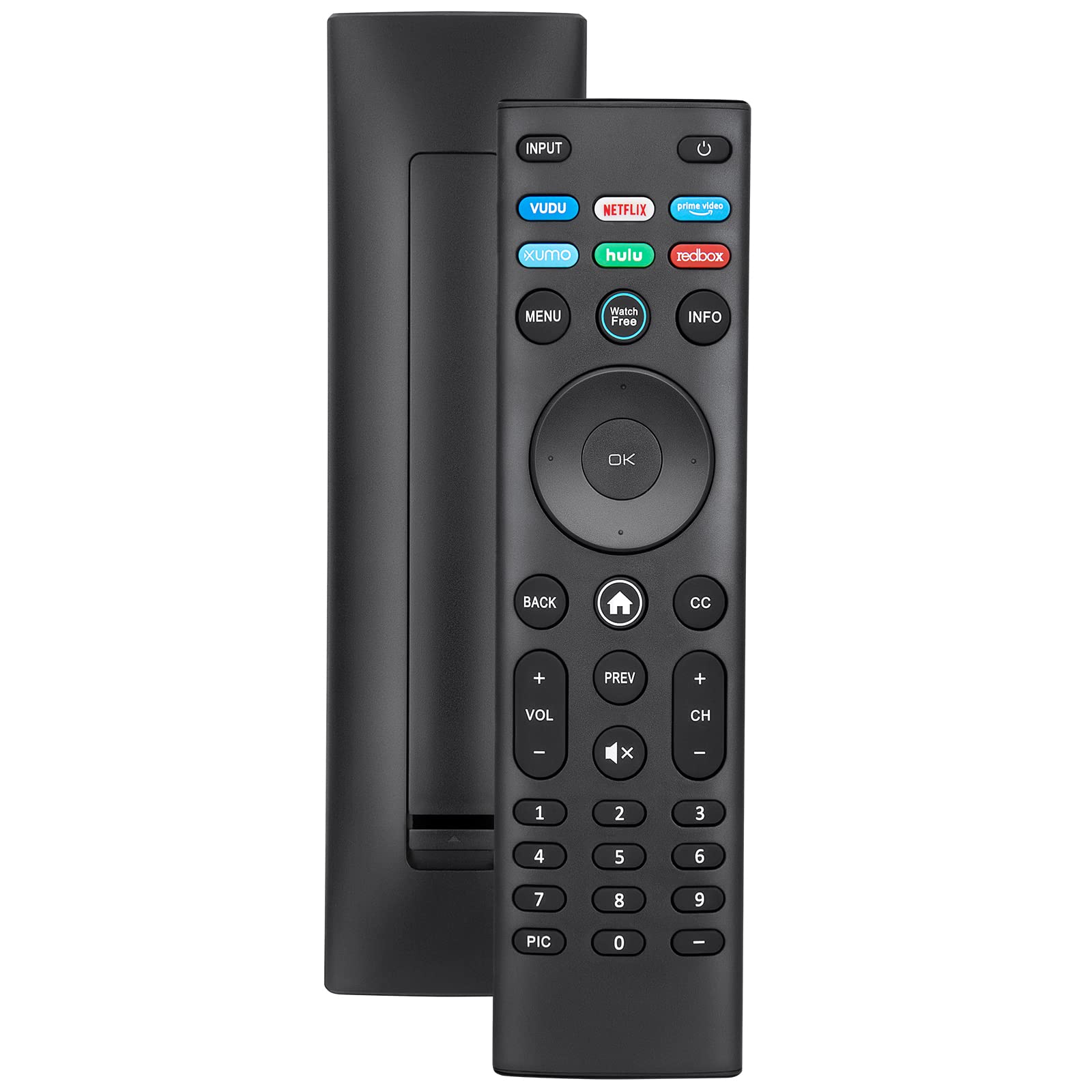
Several pieces help you get your TV set up the way you want, covering tasks like resetting the network connection, adjusting the picture size, and pairing a Vizio remote to a soundbar. Others are about identifying your TV’s capabilities, such as checking whether your model is actually a “smart” TV or figuring out what a basic smart TV costs at a retailer like Walmart. A third group addresses accessibility and convenience features, for example, turning off the voice guide when it becomes intrusive, or understanding how to access internet-based apps and browsing features on the set itself.
Notably, the tag also includes articles that clarify legitimate, built-in options rather than workarounds. For instance, one piece explains how to get Roku on a Vizio TV by using supported apps or streaming devices, and another walks through accessing a web browser via the TV’s own interface. These are framed as safe, manufacturer-supported paths, not hacks. If you are trying to reach a specific service like Internet Explorer or simply need to confirm whether your model supports a given feature, the tag points you to the proper menus and settings, so you stay within the device’s intended use.