This tag collects articles that help you take control of the video and subtitle settings across popular streaming and recording platforms. It is written for everyday viewers, cord-cutters, and casual streamers who want to adjust their on-screen experience without hunting through confusing menus or digging through support forums. Whether you are watching on a TV, laptop, or phone, these guides focus on practical, step-by-step adjustments you can make in a few clicks.
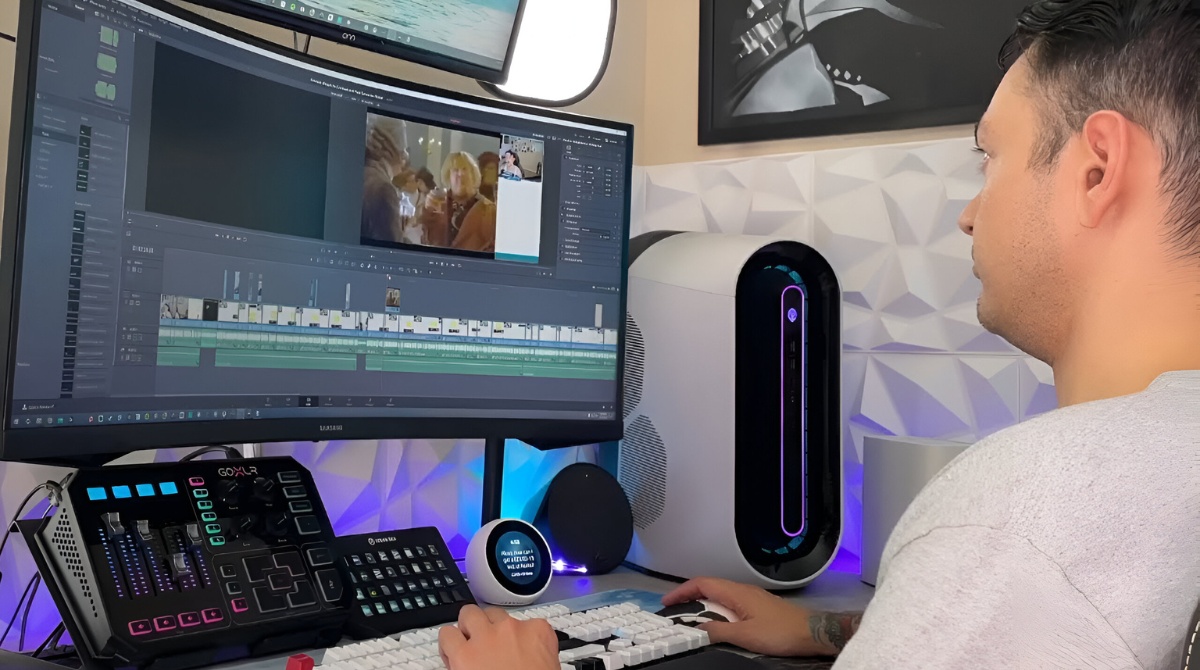
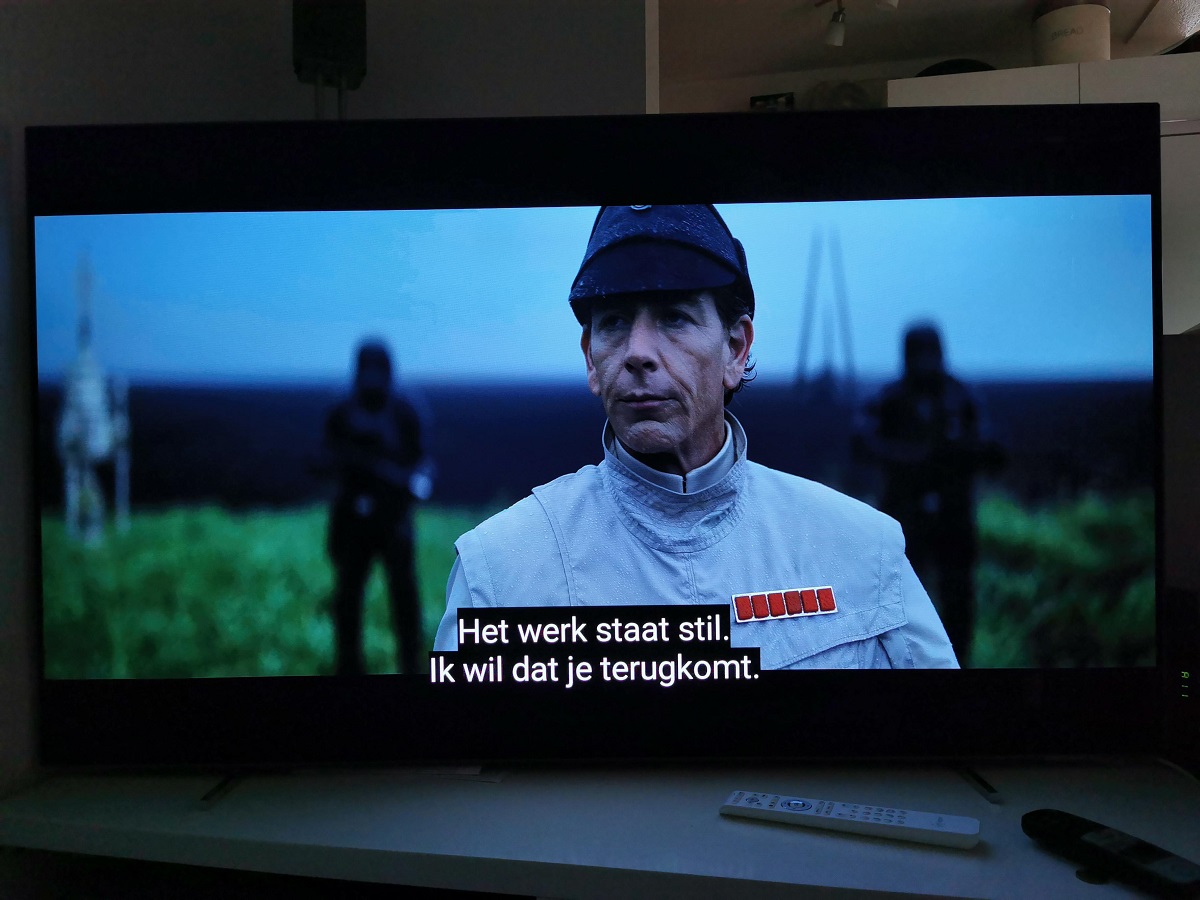
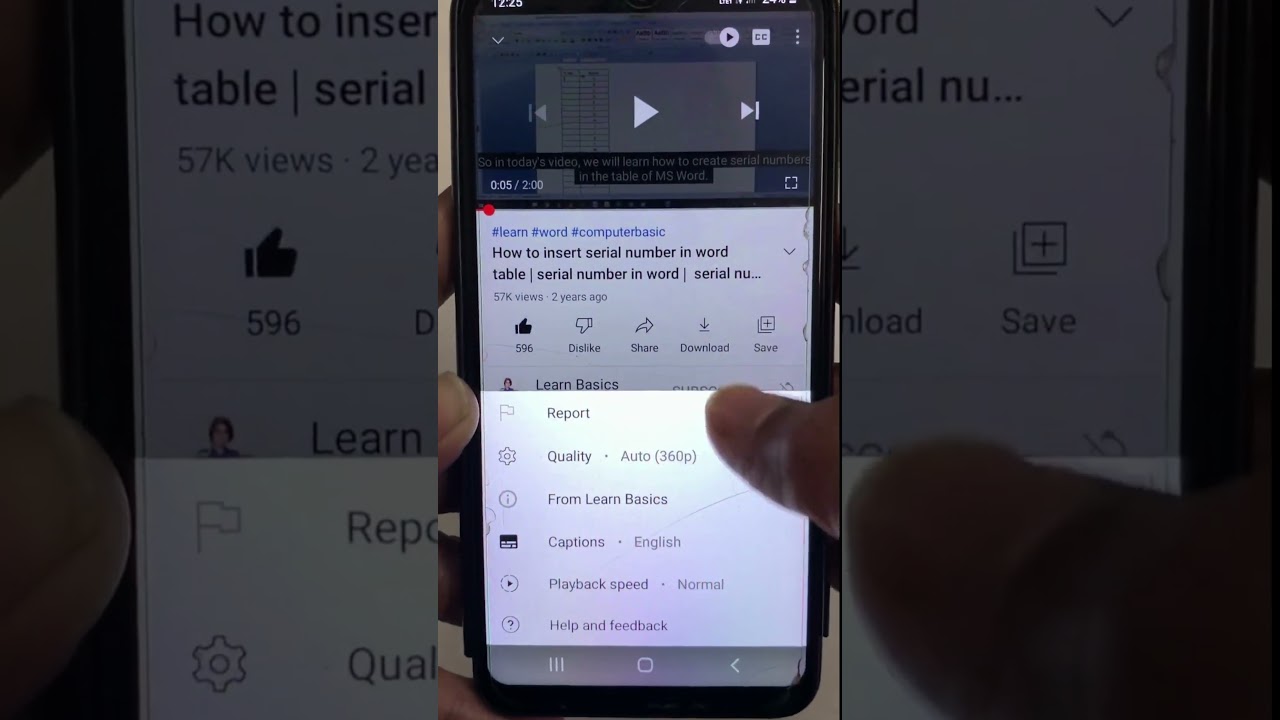
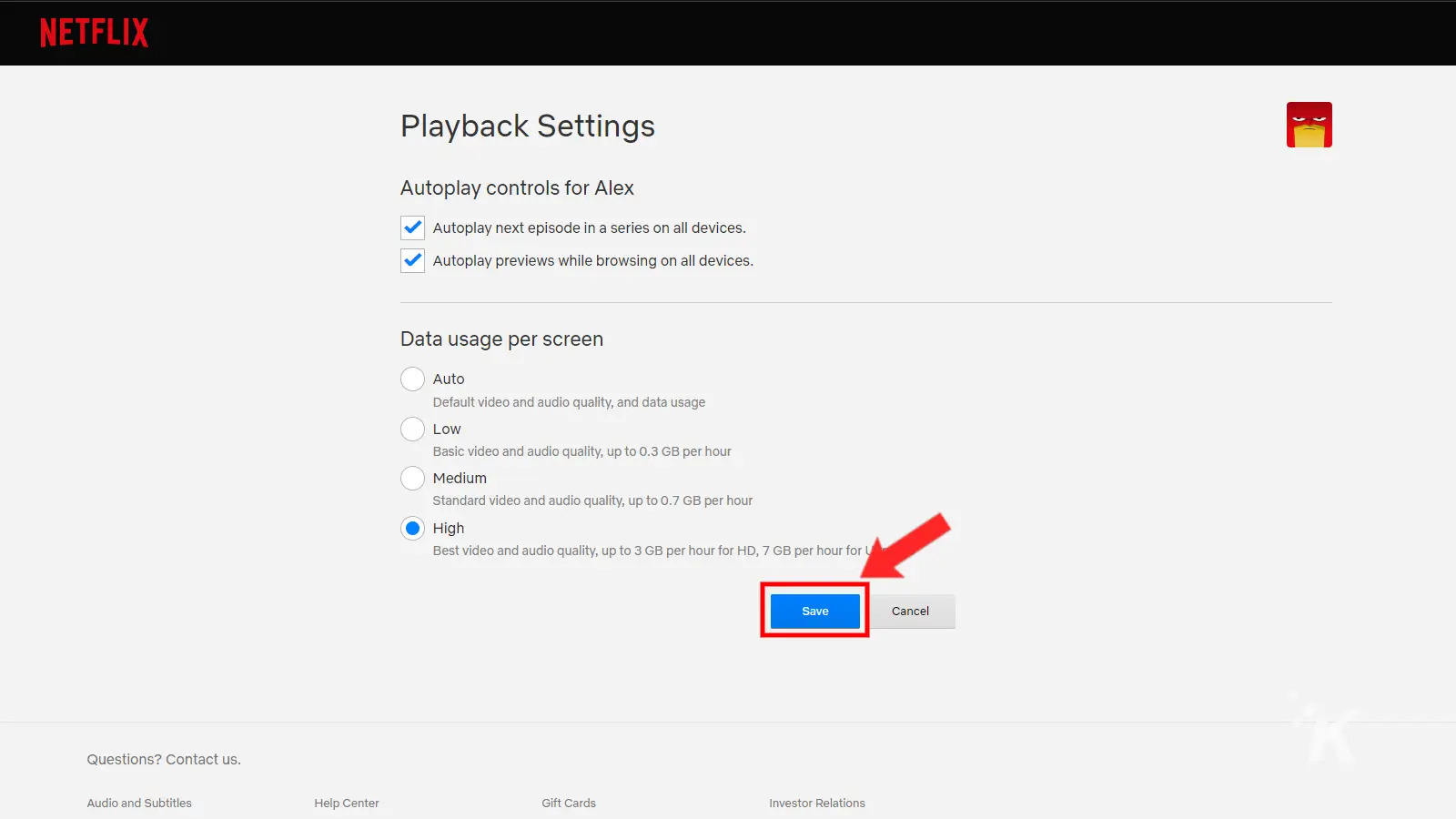
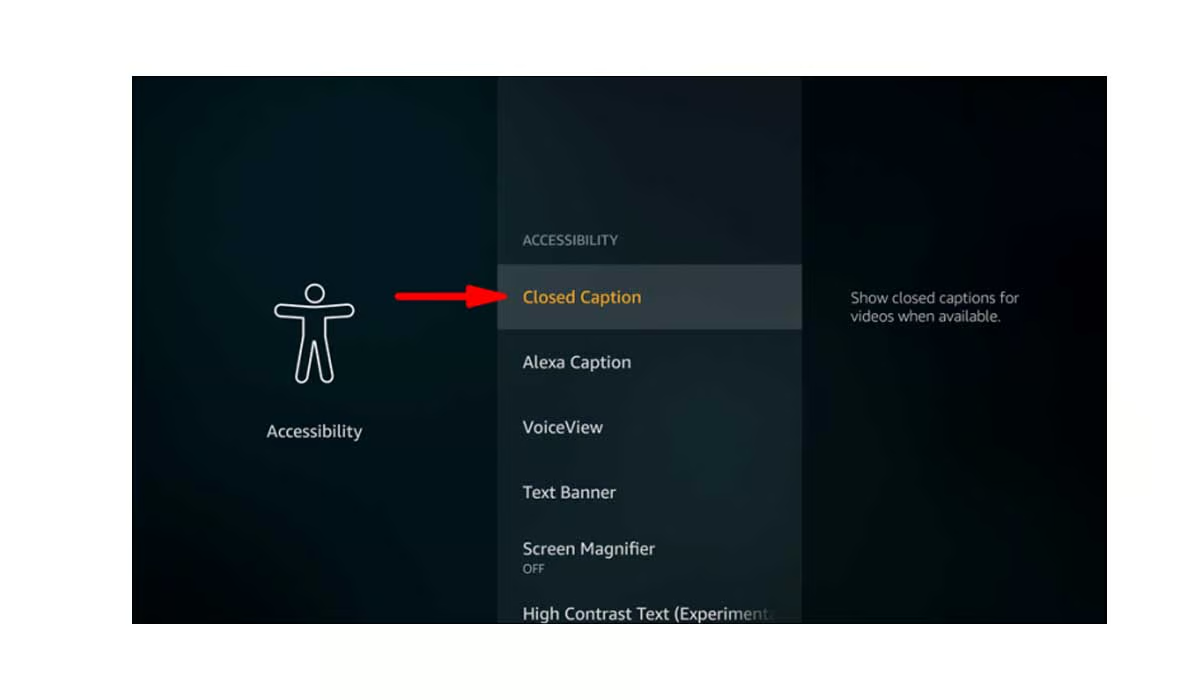
The articles solve two main types of problems. The first is display and accessibility: you will find clear instructions for turning off subtitles on Disney Plus and ESPN Plus, switching YouTube subtitles to English, or enabling them on Disney Plus when you need them. The second is playback and quality control: you can learn how to change the video quality on Netflix to save data or improve clarity, and how to turn off video entirely on Spotify if you only want audio. For more advanced users, there is also a guide to setting up OBS with an ultrawide monitor, which helps you manage capture and streaming layouts correctly for that specific display shape.
These pieces are written from a legitimate configuration and troubleshooting angle. For example, the OBS ultrawide guide helps you align your scene and source settings properly, not bypass any restrictions. Similarly, the subtitle and quality changes are all official menu options provided by each service. The articles do not cover hacking, pirating, or any unauthorized access, they simply show you where the correct settings live and how to apply them safely, so you can enjoy your content the way you prefer without guesswork.